
I grew up with the internet before social media, so I still avoid it mostly.
I would much rather be more deliberate in searching out the content I want to consume (not a fan of that term).
I do that through actually visiting websites, which seems like such a novel concept to some.
So what websites do I visit every day?
I will try to help you today, as I try to do in all my writing.
1. Capacities — My Daily Plan
Capacities is where I start every day.
I lay out my day using templates I built depending on the day of the week or month, and go from there.
If you don't know, Capacities is where I keep my notes and ideas organised in a way that feels less rigid than a traditional note-taking app.
I like that I can connect things and treat my notes more like a network than a folder system.
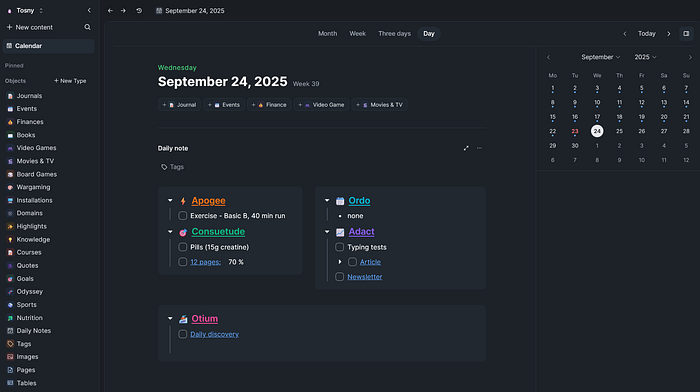
The daily planner only makes it sweeter as I can link to other things through that, so for example, if you have a database (object) for books, you can link to this on your daily planner, and I make a note tracking my progress both within the database and on my daily planner.
I also add in outside links, such as to Storygraph, which is my book tracker of choice.
Capacities is where I start and end my day. While I am sure that I don't use it exactly as the developers have intended, it still works so well for me.
2. Inoreader — Perfect for RSS Feeds / News
I use Inoreader to follow RSS feeds so I don't have to rely on algorithms to decide what I see. It helps me keep track of blogs, news, and niche sites all in one place.
The AI summary features help me get the gist of an article without having to wade through ads.
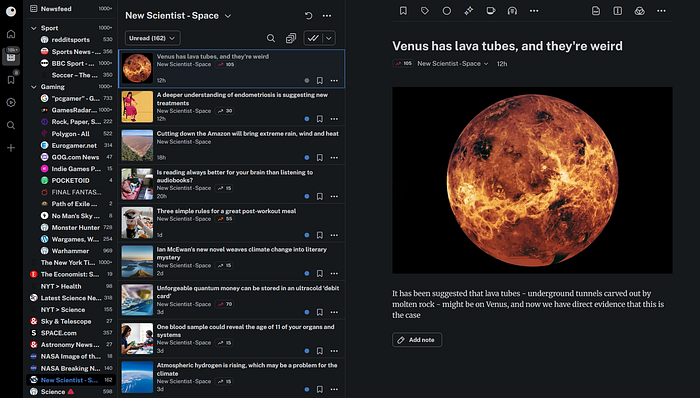
It is also a great source for me for my newsletter content, which I publish multiple times per week.
But most importantly, it saves me from getting lost in article after article or amongst too much bad news. Inoreader helps me get to what I want and move on.
3. Keybr — Touch Typing
This is just the best website I have found to learn to touch type.
This year, I committed to actually learn touch typing correctly, and while far from perfect, it has helped.
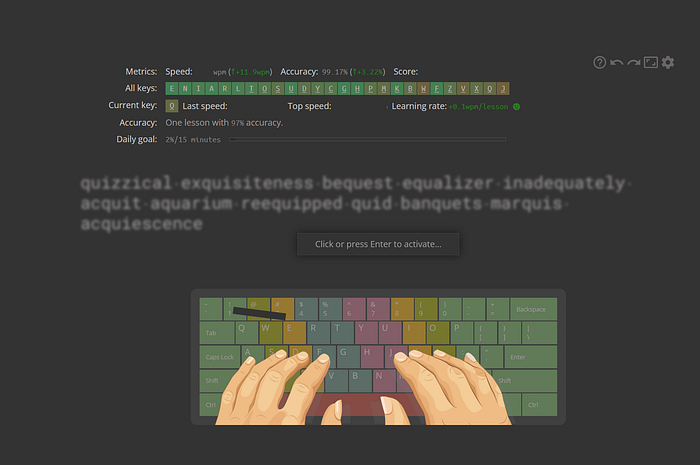
I use it multiple times throughout the day just to keep my eye in and fingers sharp, and I think it is worth everyone trying if they want to improve their typing.
4. Instapaper — Distraction Free Reading
Whenever I find a long article I don't have time to read, I save it here. Later, I can read it in a cleaner, distraction-free format, even offline.
It also integrates with Inoreader, so I can send things from Inoreader into Instapaper.
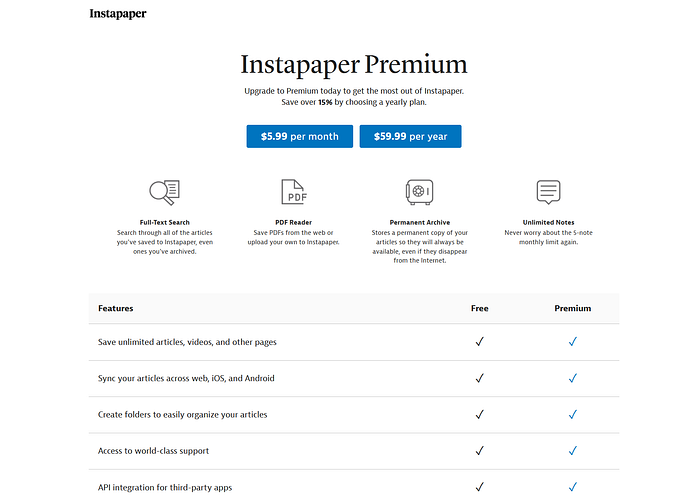
Finally, I have also linked my Kobo reader to Instapaper so I can read articles or books via Instapaper on my favourite e-reader.
5. Raindrop — Bookmarks, Permanent and Temporary
This is basically my bookmarking hub.
I save links, organise them with tags or collections, and it's much easier to manage than relying on browser bookmarks.
Every day, I just go into my unsorted section and go through the content and links I've dumped in there.
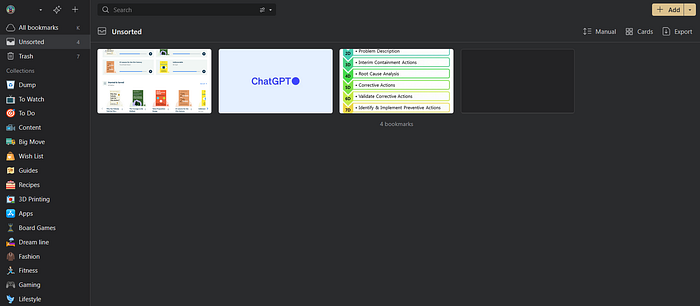
90% can be looked at and discarded, but around 10% make it into long-term storage.
It is probably the best bookmarking or content-dump tool I have used, and I've used all the major contenders.
6. Medium — The Social Media Alternative
I mean it. Forget traditional social media. It's stealing your life.
I would rather spend time going through articles people have written on Medium, be they long or short, than wade through the slop on social media.
I read posts here when I want to dive into personal essays or commentary that's a bit more thoughtful than quick social media takes.
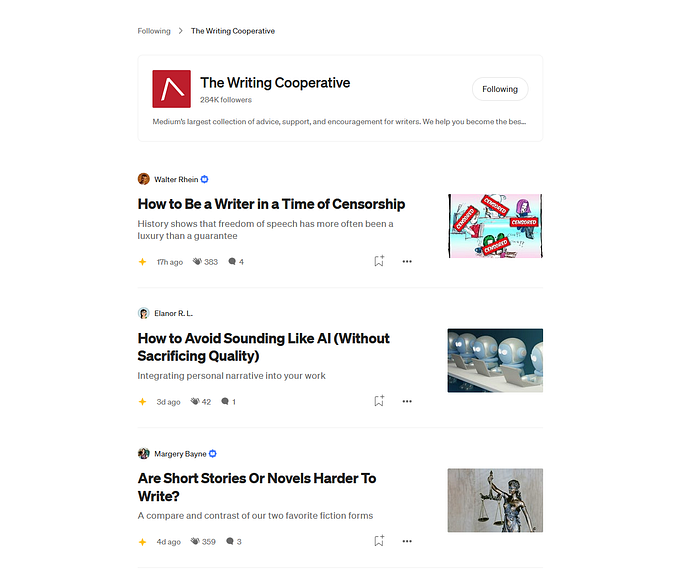
It's a mix of writers sharing experiences, ideas, and perspectives.
I keep coming back to Medium because there is always something of value to get from it. That is what I want from my time, value.
7. NewsNow — A Million News Sources
Not quite, but more than enough.
If I actually do want news, I either read the Economist, look at Inoreader or browse NewsNow.

I have used it for years and still find myself using it multiple times a day because it just really brings together so much in such a small space.
Keep doing your thing NewsNow.
So, there we have it.
If you would consider subscribing to my newsletter for more ramblings, that would be so kind, or visit my website for further information; both are linked below.
Links to some items are my affiliate links, meaning I will get a tiny percentage of the price if you were to purchase them through the link.