
In this post, I walk through the LetsDefend SOC168 alert "Whoami Command Detected in Request Body" (Event ID 118). Using the built‑in playbook, I investigate a web command‑injection attack against an internal web server, decide whether the traffic is malicious, and show how I contain the host and escalate the incident
Alert Details
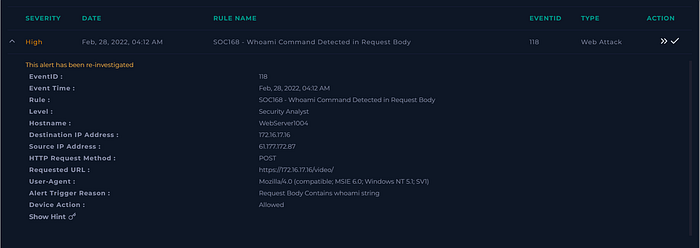
The alert fires as SOC168 — Whoami Command Detected in Request Body with Event ID 118. The target is
WebServer1004(172.16.17.16) and the source IP is61.177.172.87, sending HTTP POST requests tohttps://172.16.17.16/video/. The rule is triggered because the stringwhoamiappears in the POST body, which is a strong sign of a command‑injection attempt against the web server.
Starting the SOC Playbook
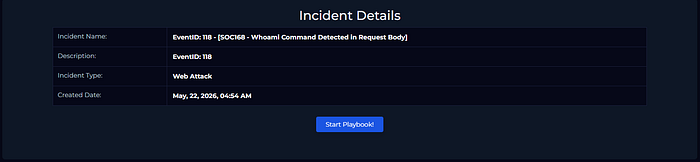
From the incident details page I start the playbook for Event ID 118. This opens a guided flow that forces me to first understand why the rule triggered, then collect data, review HTTP traffic, and finally answer questions about maliciousness, attack type, success, and escalation.
Understanding Why the Alert Triggered
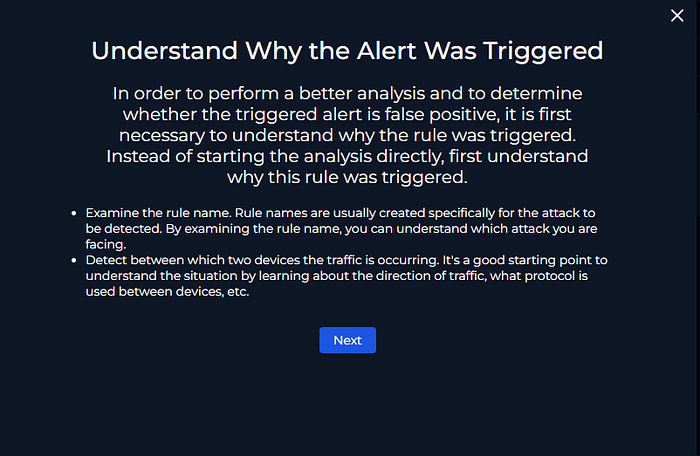
Before touching the logs, I review why this rule exists and what it is trying to catch. The rule name clearly points to a whoami command in the HTTP request body, which is typical for command‑injection or remote command‑execution tests against web applications. By combining this with the source and destination information, I already know I am dealing with Internet‑originated traffic hitting an internal web server, not normal user browsing.
Collecting Context on the Traffic
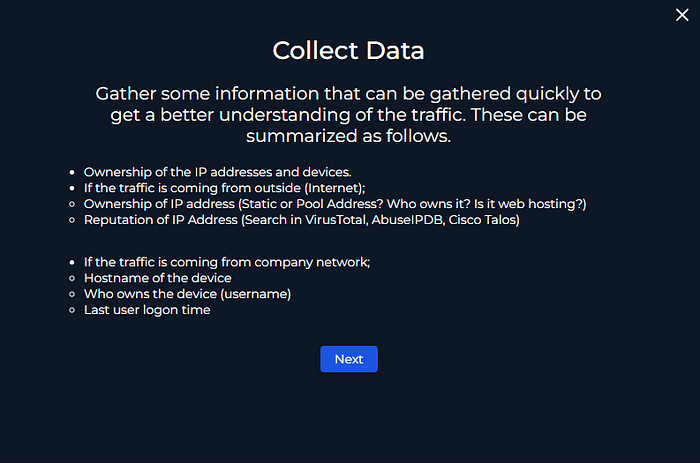
Before jumping into payload analysis, I gather basic context about the devices and IP addresses involved. I confirm that the source IP belongs to the Internet, while WebServer1004 is an internal Ubuntu server in the letsdefend.local domain. This quickly tells me I am looking at untrusted external traffic reaching a critical internal web service, which raises the risk level even before I look at the payload
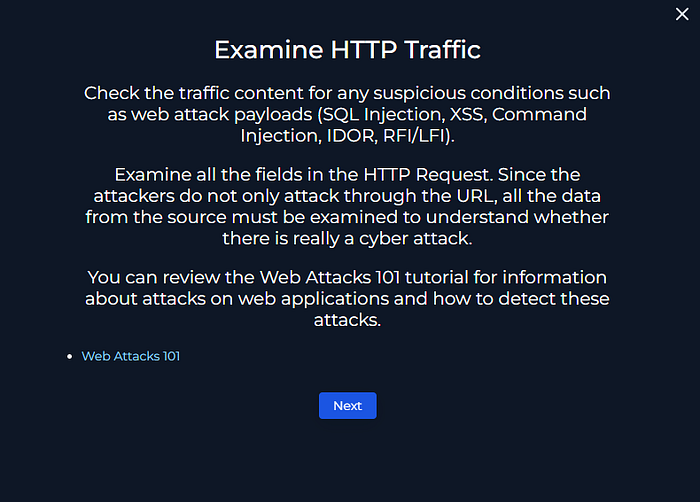
Examining HTTP Traffic and Logs
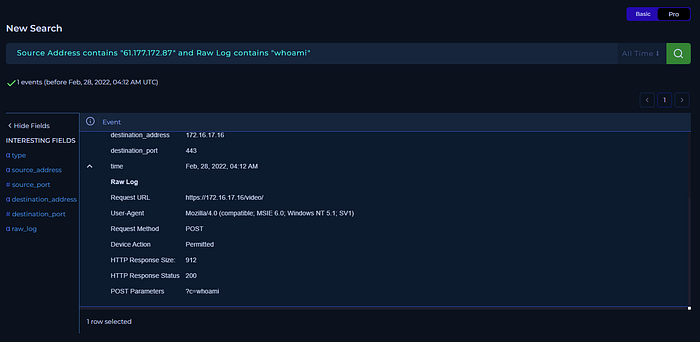
Using the log search, I filter for traffic where the source address is
61.177.172.87and the raw log contains the stringwhoami. The HTTP request shows a POST to/video/with the parameterc=whoami, a user agent that does not match a normal browser, and an HTTP 200 response with a non‑zero response size. This confirms that the attacker is passing OS commands through the web application and that the server is successfully executing them.
Deciding If the Traffic Is Malicious
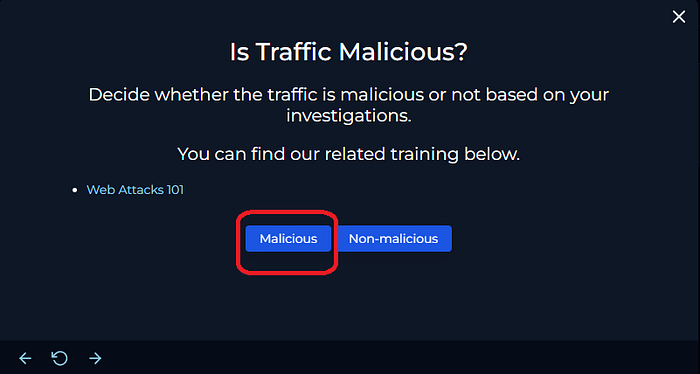
After reviewing the HTTP traffic, I classify this activity as malicious. Legitimate clients should not send OS commands like
whoami,ls, orcat /etc/passwdinside the request body, and the consistent HTTP 200 responses indicate the web server is executing these commands. Together with the Internet‑sourced IP and the internal server as the target, this matches a confirmed command‑injection attack rather than normal user behavior.
Ruling Out a Planned Test
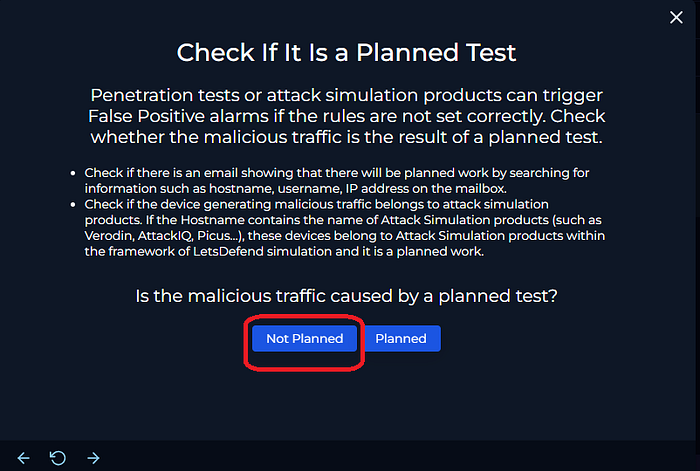
Before escalating, I verify whether this activity could be part of a planned assessment. There is no communication indicating scheduled testing for this host or IP, and the hostname
WebServer1004does not match any attack‑simulation or red‑team tooling. With no evidence of an approved exercise, I treat the activity as an unsanctioned attack rather than a planned test.
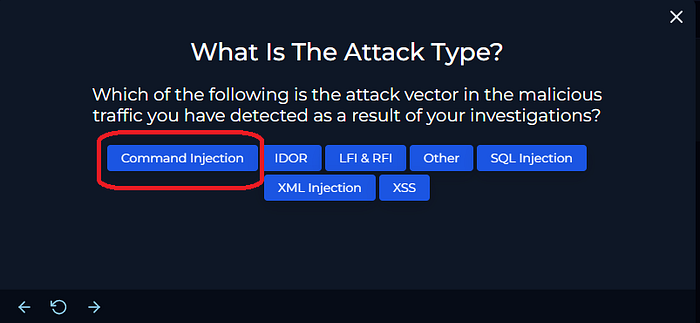
Identifying the Attack Type
Based on the evidence, I classify the attack as Command Injection. The attacker is sending operating‑system commands through an HTTP parameter and having them executed on the web server, which is different from SQL injection or XSS that target the database or browser. The combination of c=whoami and similar commands in the request body is a direct indicator of remote command execution through the web application.
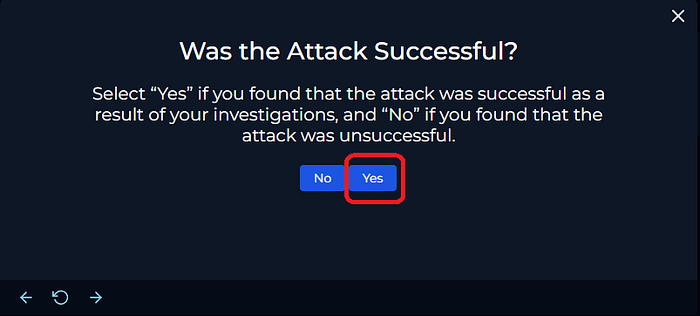
Confirming Whether the Attack Succeeded
To determine if the attack succeeded, I focus on the HTTP responses for the injected commands. The requests from 61.177.172.87 to /video/ return HTTP 200 status codes with non‑zero response sizes, which means the server processed the input without error and likely returned command output. In the context of command injection, this is enough to treat the attack as successful remote command execution on WebServer1004
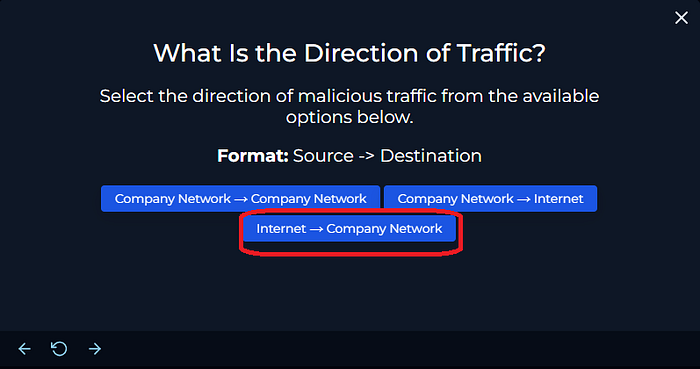
Determining the Direction of Traffic
The traffic direction for this incident is Internet → Company Network. The source IP 61.177.172.87 is external, while the destination IP 172.16.17.16 belongs to the internal network segment that hosts WebServer1004. This confirms that an external actor is reaching into the corporate environment and attacking an internal web server over HTTPS.
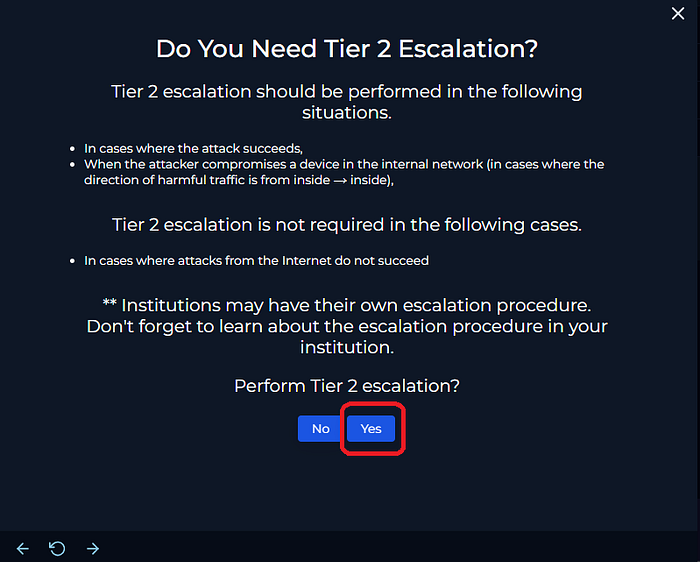
Escalating to Tier 2
Because the attacker achieved remote command execution on an internal web server, I escalate the case to Tier 2. Successful command injection against a production‑like host has potential impact beyond a single machine, so it requires deeper investigation, scoping for lateral movement, and coordination with the application and infrastructure teams
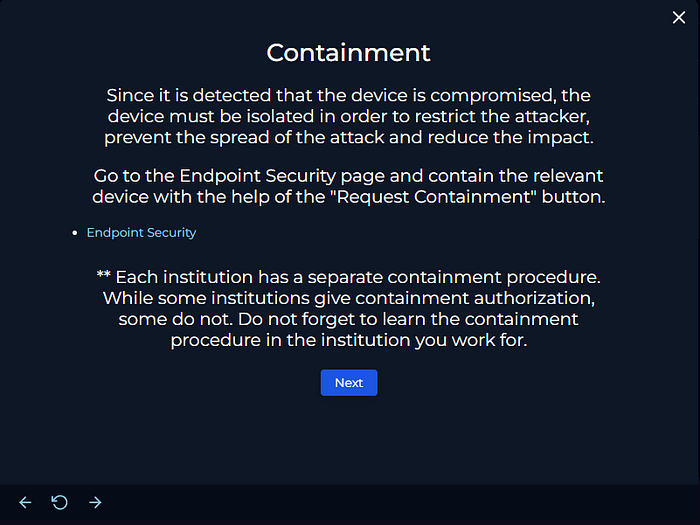
Containing WebServer1004
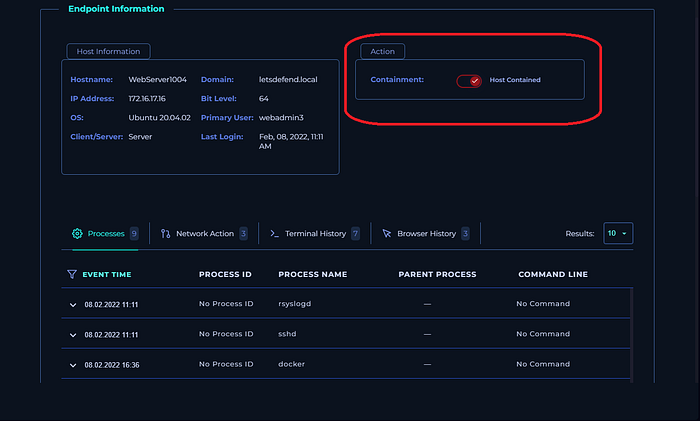
After confirming compromise, I place
WebServer1004into containment to reduce risk. In the endpoint view, the host is marked as contained, which limits further inbound and outbound communication while Tier 2 analyzes the system and prepares remediation steps. This action helps prevent the attacker from continuing to run commands or pivot deeper into the environment.
Saving Artifacts and Analyst Note
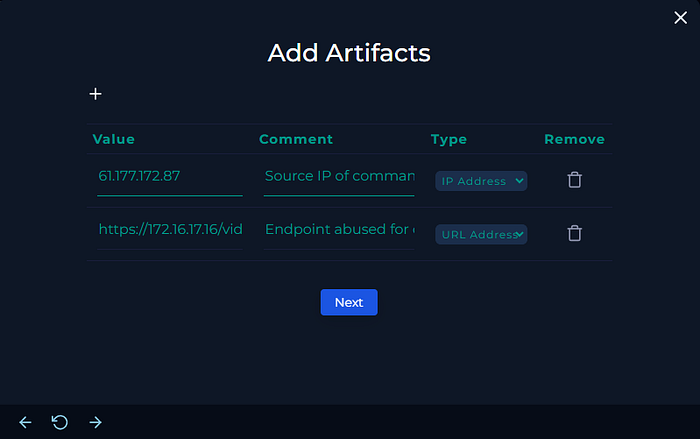
Before closing the playbook, I save key artifacts such as the attacker IP address and the targeted URL so they can be reused for future hunting, detections, or blocking. I also add an analyst note summarizing the attack path, why it is a true positive command injection case, and the actions taken: classification, escalation to Tier 2, and host containment. With the artifacts and note in place, I finish the playbook and close the case in LetsDefend
In this case I added two artifacts: the attacker IP 61.177.172.87 as an IP Address, and the /video/ endpoint on 172.16.17.16 as a URL Address so they can be reused for hunting and blocking later.
Final analyst note used in the case:
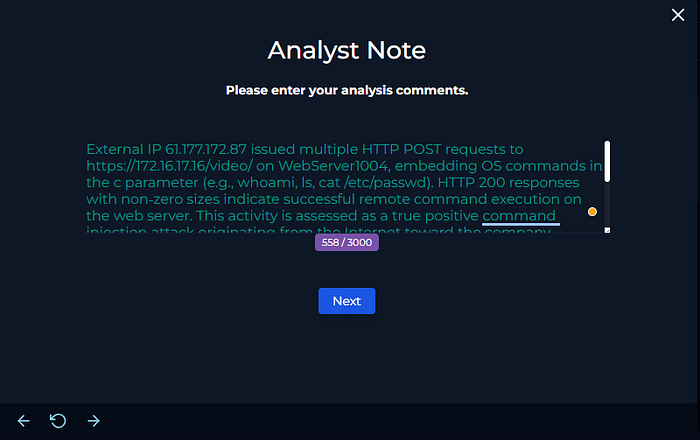
External IP 61.177.172.87 issued multiple HTTP POST requests to https://172.16.17.16/video/ on WebServer1004, embedding OS commands in the c parameter (e.g., whoami, ls, cat /etc/passwd). HTTP 200 responses with non‑zero sizes indicate successful remote command execution on the web server. This activity is assessed as a true positive command-injection attack originating from the Internet against the company network. The host is treated as compromised, has been contained, and the incident is escalated to Tier 2 for deeper investigation and remediation.
Closing Thoughts
This lab is a good example of how a single web alert can quickly lead to confirmed remote command execution if you follow a structured process. By using the playbook to guide the investigation, focusing on HTTP payloads and response codes, and then escalating and containing once RCE is confirmed, a SOC analyst can handle command‑injection cases in a consistent way. If you are practicing on LetsDefend, I recommend re‑creating the steps in this post and then trying to detect similar patterns in other web traffic scenarios.