
💡 Ever found a bug that lets you make a server visit a URL? It might seem small, but you could be sitting on the keys to the entire cloud kingdom. This is the story of Server-Side Request Forgery (SSRF).
🚀 TL;DR: The 30-Second Lowdown
- What is SSRF? It's when you trick a web server into making HTTP requests to an arbitrary domain of your choosing. It's the server making the request, not you!
- Why is it so dangerous? 💀 You can force the server to talk to internal, non-public services, scan the local network, and — the holy grail — steal cloud provider credentials.
- The Big Prize: We're talking about hitting the AWS metadata endpoint (
169.254.169.254) to snatch temporary IAM credentials. - The Impact: Full access to S3 buckets, databases, and other sensitive cloud resources. Game over.
🕵️ What The Heck is SSRF, Anyway?
Let's break it down. SSRF stands for Server-Side Request Forgery. In simple terms, you find a feature where the application takes a URL from you and does something with it on the backend.
Imagine you tell a company's receptionist, "Hey, can you call this number for me and tell me what they say?" You can't make the call yourself, but the receptionist (the server) can. Now, what if you give them an *internal* extension number? Boom. You've just accessed a part of the company you shouldn't have.
That's SSRF in a nutshell. You're abusing the server's trust to make requests on your behalf to places it can reach, but you can't. This is huge.
🎯 Hunting for SSRF in the Wild
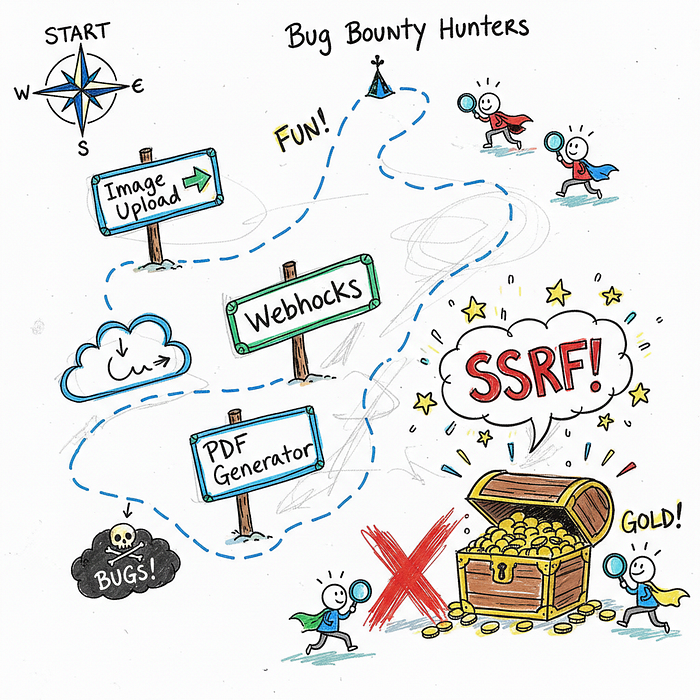
So, where do these sneaky bugs hide? They pop up anywhere a developer lazily trusts a user-supplied URL. You need to train your eyes to spot these patterns.
🖼️ Image & File Processors
This is a classic. A feature that lets you "Upload from URL" is a goldmine. The server has to fetch whatever is at that URL to process it, opening a door for us.
Think profile picture importers, document converters, or anything that creates a thumbnail from a web link. The server makes the request, not your browser.
📄 PDF & Report Generators
Many web apps can generate a PDF from a webpage. You give it a URL, and it spits out a beautiful PDF. Behind the scenes, a server-side component is visiting that URL to render its content.
If there's no validation on that URL input, you can point it straight at internal services. Easy peasy.
🔌 Webhooks & API Integrations
Webhooks are all about servers talking to other servers. When you configure a webhook, you're telling an application, "When event X happens, send a POST request to *this URL*."
If you can control that URL without proper checks, you can make the application send its precious internal data anywhere you want. It's like redirecting the company mail to your own PO box. 📮
🔓 Level 1: Proving The Vulnerability
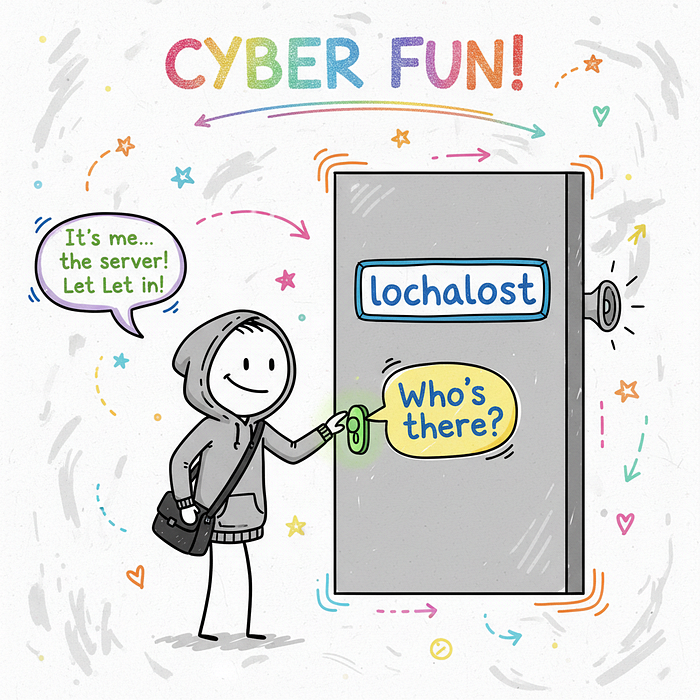
Okay, you think you've found an SSRF. How do you prove it? The first step is to see if you can get the server to talk to itself. The magic address is 127.0.0.1, also known as localhost.
Try pointing the vulnerable parameter to a common local port, like http://127.0.0.1:8080 or http://localhost/server-status. If you get a specific error message, a different response time, or even a full-blown admin panel, you've confirmed it!
💡 Pro Tip: Use a tool like Burp Collaborator or Interactsh. These services give you a unique URL. If the server makes a request to it, you get a notification. This is perfect for finding "blind" SSRF vulnerabilities where you don't see the response directly.
🔥 The Cloud Pwnage: SSRF to AWS Creds
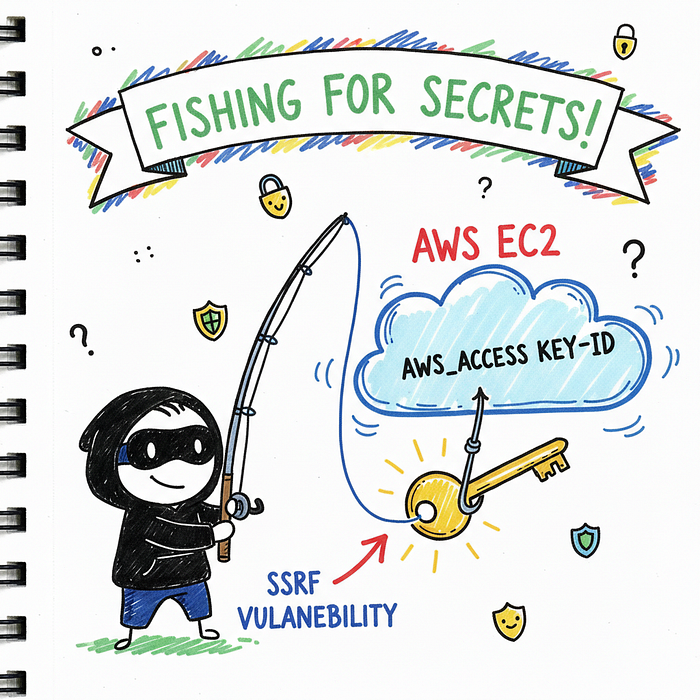
Confirming SSRF is cool, but stealing cloud credentials is where the real money is. 💰 Most major cloud providers have an internal "metadata service" that virtual machines can query to get information about themselves.
For AWS, this service lives at a special, non-routable IP address: 169.254.169.254. If you can force the server to make a request to this IP, you can potentially steal the keys to the kingdom.
🧠 IMDSv1 vs. IMDSv2: The Old Guard vs. The New
AWS has two versions of its Instance Metadata Service (IMDS). Understanding the difference is critical.
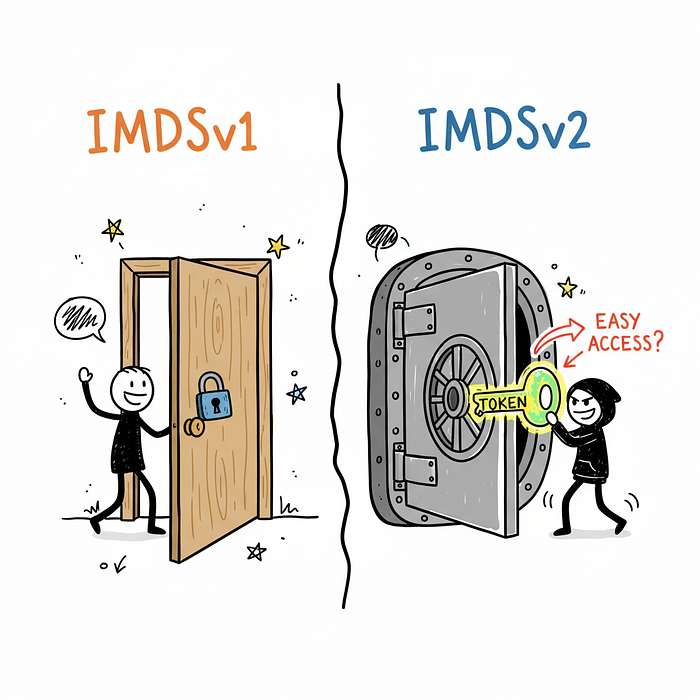
IMDSv1 is the old, insecure version. You can get credentials with a single, simple GET request. It's notoriously easy to exploit via SSRF.
IMDSv2 is the new, more secure version. It requires a session token that you first have to fetch with a PUT request. This makes exploitation much harder, but not impossible!
⚡ The IMDSv1 Exploit Chain
If the server is running on an EC2 instance using IMDSv1, you've hit the jackpot. It's a two-step process.
First, find the IAM Role name attached to the instance. The server knows its own role. You just have to ask it nicely.
http://169.254.169.254/latest/meta-data/iam/security-credentials/The server will respond with the name of the role, something like my-cool-app-role.
Second, use that role name to request the actual credentials. Just append the role name to the previous URL.
http://169.254.169.254/latest/meta-data/iam/security-credentials/my-cool-app-roleAnd just like that, the server will hand over a JSON object with the AccessKeyId, SecretAccessKey, and Token. Let that sink in. You now have temporary administrative keys to their AWS environment.
🛡️ Hacking IMDSv2 ("Hard Mode")
So what if the target is using the more secure IMDSv2? It's tougher, for sure. You need to make two requests.
First, you need to get a token. This requires sending a PUT request with a special header.
# Step 1: Get the session token
TOKEN=`curl -X PUT "http://169.254.169.254/latest/api/token" -H "X-aws-ec2-metadata-token-ttl-seconds: 21600"`
Second, you use that token in a header for all subsequent requests to the metadata service.
# Step 2: Use the token to get the credentials
curl -H "X-aws-ec2-metadata-token: $TOKEN" http://169.254.169.254/latest/meta-data/iam/security-credentials/
This is only possible if the SSRF vulnerability allows you to control the request method (to use PUT) and add custom headers. Many simple SSRFs don't, but some complex ones do!
💰 Now What? Post-Exploitation Fun
You have the keys! 🔑 The hard part is over. Now it's time to demonstrate impact. The first thing you should do is configure the AWS Command Line Interface (CLI) with the stolen credentials.
Then, run a simple command to verify your access:
aws sts get-caller-identityThis command tells you exactly who you are authenticated as. From there, the sky's the limit. The classic next step is to list their S3 buckets, which often contain sensitive data.
aws s3 lsYou can poke around for secrets in AWS Secrets Manager, access databases in RDS, or even spin up your own crypto-mining instances (just kidding… mostly 😉).
🛠️ Tools of the Trade
Every hacker needs their toolkit. For SSRF hunting and exploitation, these are my go-to's:
- Burp Suite Professional: The undisputed king. Its intercepting proxy is essential for manipulating requests, and its Collaborator client is perfect for finding blind SSRF.
- Interactsh: A fantastic open-source alternative to Burp Collaborator for out-of-band application security testing (OAST).
- AWS CLI: Once you have credentials, this is your primary tool for interacting with the target's AWS environment. It's a must-have.
🔚 Conclusion: The Ripple Effect of One Small Bug
SSRF is a powerful reminder that even the smallest, most innocent-looking feature can be a gateway to total system compromise, especially in a cloud-native world.
For developers, the lesson is clear: NEVER trust user-supplied URLs. Always use a strict allow-list of domains and protocols the server is permitted to contact. Deny everything else by default.
For bug bounty hunters, the hunt is on. Every time you see a URL as a parameter, your Spidey-senses should be tingling. You might be one request away from an AWS jackpot. Happy hunting! 🚀