June 3, 2026
How to Create an APISEC University Account: A Complete Step-by-Step Guide
Introduction

Neion Chowdhury
2 min read
Introduction
API security has become a critical skill for developers, security researchers, penetration testers, and cybersecurity enthusiasts. APISEC University provides learning resources and training opportunities focused on API security, helping learners understand modern API vulnerabilities, testing methodologies, and security best practices.
In this guide, I will walk through the process of creating an APISEC University account, from registration to accessing the learning platform. Whether you're a beginner or an experienced security professional, this tutorial will help you get started quickly.
Why Join APISEC University?
Before creating an account, it's worth understanding why APISEC University is valuable:
- Learn API security fundamentals
- Access hands-on learning resources
- Explore real-world API security concepts
- Improve penetration testing skills
- Build knowledge aligned with industry standards
Prerequisites
Before starting, make sure you have:
- A valid email address
- Internet access
- A web browser
- A few minutes to complete registration
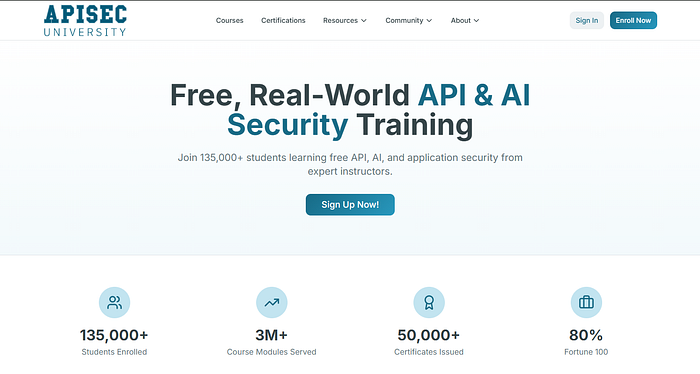
Step 1: Visit APISEC University
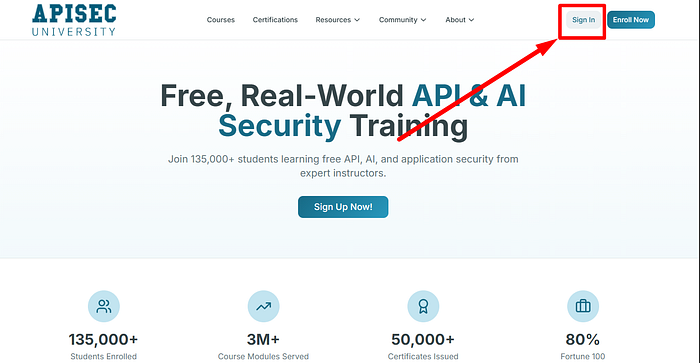
Navigate to the APISEC University website and locate the registration page.
URL: https://www.apisecuniversity.com/
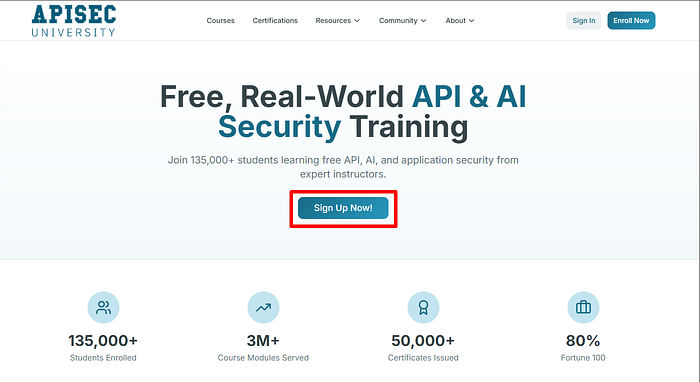
Step 2: Click on "Sign Up" or "Create Account"
Step 3: Enter Your Information
Fill in the required registration details, such as:
- First Name
- Last Name
- Email Address
- Company Name (If have any)
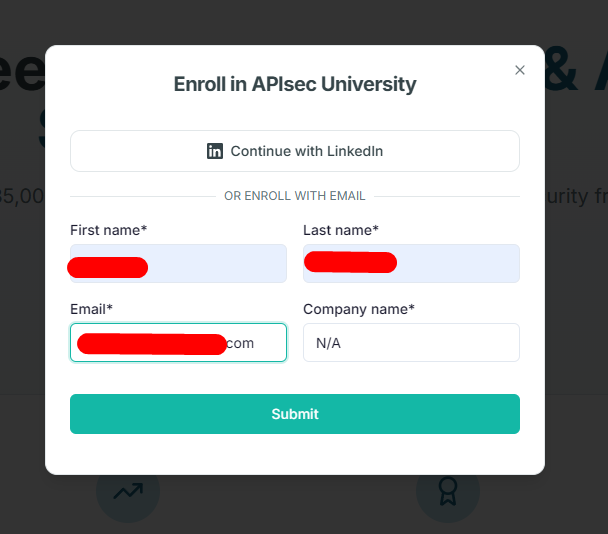
Step 4: Submit the Registration Form
After reviewing your information, submit the form to create your account.
If all information is entered correctly, you should receive a confirmation message.
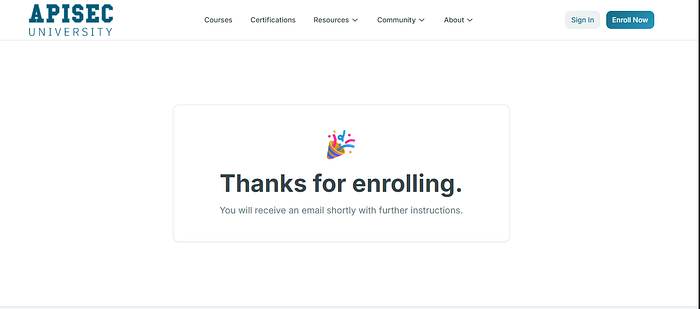
Step 5: Verify Your Email Address
Check your inbox for a verification email from APISEC University.
Open the email and click the verification link to activate your account.
If you don't see the email:
- Check your spam folder
- Wait a few minutes and refresh your inbox
Step 6: Log In to Your New Account
Once verification is complete, return to the login page and sign in using your credentials.
Step 7: Explore the Dashboard
After logging in successfully, you'll gain access to the APISEC University dashboard.
Here you can:
- Browse available courses
- Track learning progress
- Access educational resources
- Start your API security learning journey
Common Issues and Fixes
Verification Email Not Received
- Check the spam folder.
- Ensure the email address was entered correctly.
- Request a new verification email if available.
Login Problems
- Verify your credentials.
- Reset your password if necessary.
Registration Errors
- Ensure all required fields are completed.
- Check password requirements.
Conclusion
Creating an APISEC University account is a straightforward process that only takes a few minutes. Once registered, you can access valuable API security learning resources and begin developing skills that are increasingly important in today's cybersecurity landscape.
If you're interested in API testing, application security, or penetration testing, APISEC University is an excellent platform to explore and learn from.
Thank you for reading!