
Introduction
Business logic vulnerabilities occur when an application incorrectly enforces the rules that define how users should interact with the system. These flaws often appear when developers implement security controls inconsistently across different parts of the application.
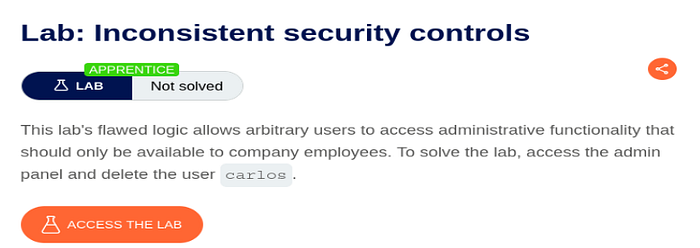
This write-up covers the PortSwigger Web Security Academy lab titled "Inconsistent security controls."
The goal of the lab is to gain access to the administrator panel by abusing weak email domain validation and then delete the user carlos.
Objective of the Lab
The objective is to register an account that is incorrectly treated as an internal employee account in order to gain administrative access.
The vulnerability exists because the application performs weak validation on email domains and inconsistently applies security checks.
Understanding the Vulnerability
Applications commonly restrict administrative functionality to trusted internal users. One common method is allowing only users with company email addresses to access privileged features.
For example:
employee@company.comIn secure applications, the server should strictly validate the exact domain of the email address.
However, in this lab, the application only checks whether the trusted domain appears somewhere inside the email string instead of validating the actual domain properly.
This creates a business logic vulnerability because attackers can manipulate the email format to bypass the restriction.
Tools Used
- Burp Suite Community Edition
- Browser with Burp proxy enabled
- PortSwigger Web Security Academy Lab
Steps to Exploit the Vulnerability
1. Register a Normal Account
After opening the lab, register a normal user account and log in to the application.
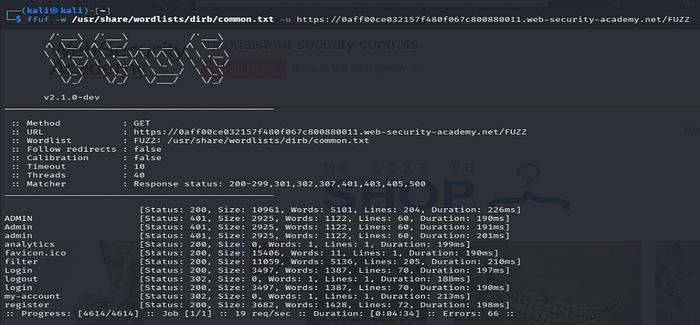
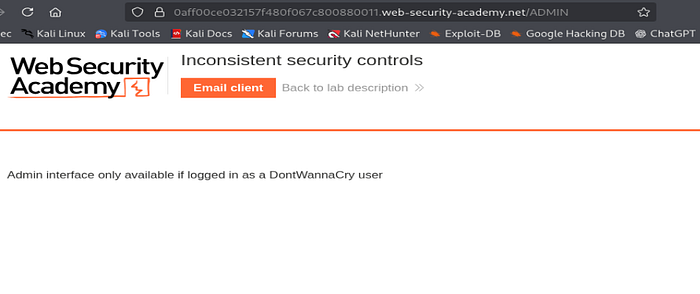
While exploring the website, observe references to internal employee email addresses using the domain:
@dontwannacry.comThis suggests that accounts using this domain may receive elevated privileges.
2. Attempt to Register Using the Internal Domain
Next, try creating an account using the company email domain directly.
Example:
attacker@dontwannacry.comThe application rejects the registration attempt because external users are not supposed to create internal employee accounts.
This confirms that some form of validation exists on the email field.
3. Bypass the Email Validation
To test the validation logic further, modify the email address by appending another domain after the trusted one.
Example:
attacker@exploit-0af1008b03355735807a66080123002e.exploit-server.netThe application accepts the registration successfully.
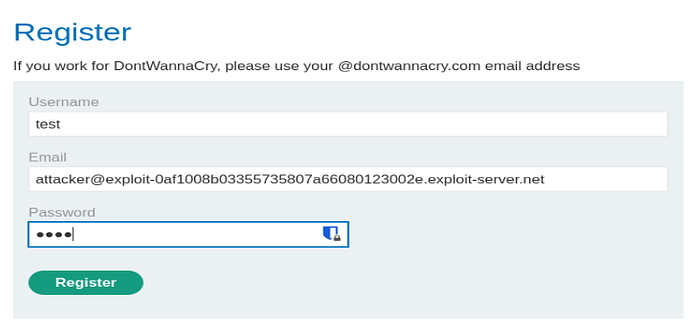
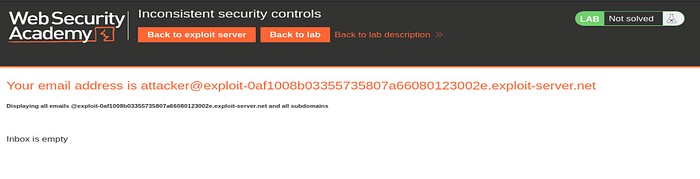
This happens because the server only checks whether:
@dontwannacry.comexists anywhere inside the email address instead of validating the exact domain.
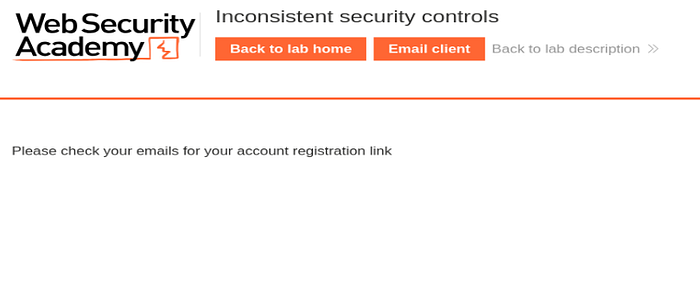
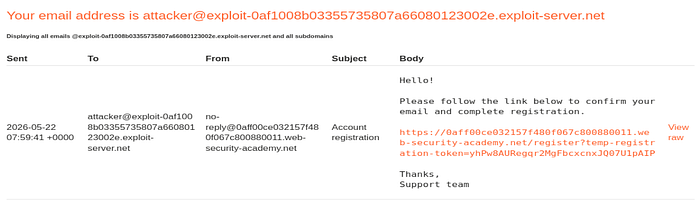
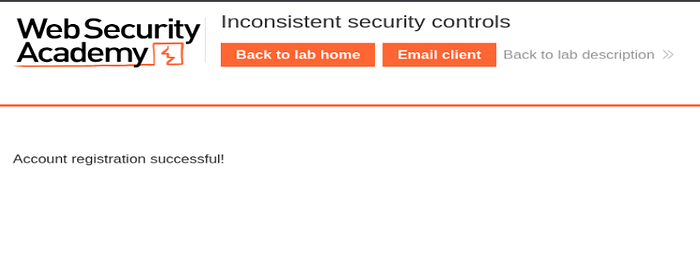
As a result, the application incorrectly treats the account as an internal employee account.
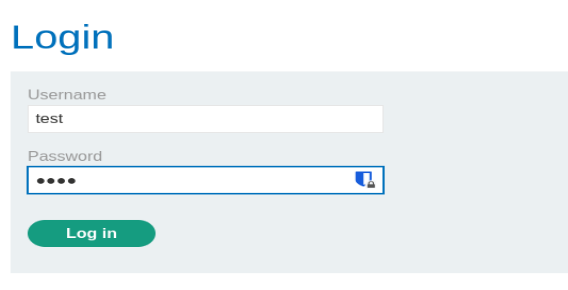
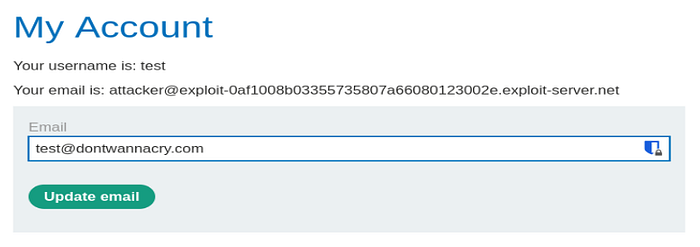
As you can see, we are now able to log in successfully, but access to the admin panel is still restricted because the account does not yet use the trusted @dontwannacry.com email domain.
To bypass this restriction, I navigated to the account settings and changed the email address to one containing the trusted domain. Interestingly, the application does not require email verification before applying the change, which makes the privilege escalation possible.
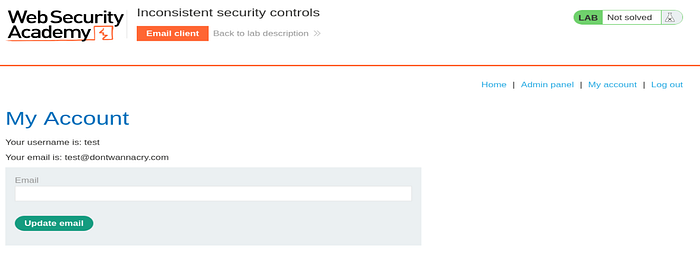
4. Log Into the Malicious Account
Log into the newly created account using the crafted email address.
After authentication, additional functionality becomes available, including access to the administrator panel.
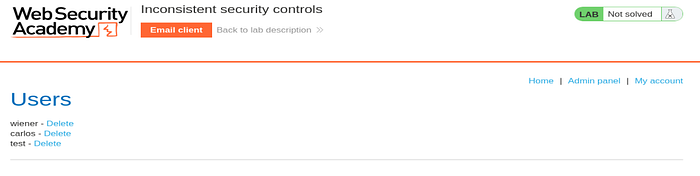
This confirms that the privilege escalation was successful.
5. Access the Admin Panel and Delete Carlos
Navigate to the admin panel and locate the user:
carlosDelete the user account to complete the lab objective.
And just like that, the lab is solved !!!

Why the Vulnerability Exists
The vulnerability exists because the application performs weak substring matching instead of strict domain validation.
Example of vulnerable logic:
if "@dontwannacry.com" in email:
    grant_admin_access()
Because the application trusts this insecure validation logic, attackers can craft malicious email addresses that still contain the trusted domain string.
This allows privilege escalation and unauthorized access to sensitive functionality.
Impact of the Vulnerability
If exploited in a real-world application, this vulnerability could lead to:
- Unauthorized administrative access
- Privilege escalation
- Sensitive data exposure
- Account takeover opportunities
- Full application compromise
Business logic vulnerabilities are dangerous because they abuse legitimate application functionality instead of relying on traditional injection attacks.
How to Prevent This Vulnerability
Developers can prevent inconsistent security control vulnerabilities by:
Strict Domain Validation
The server should validate the exact email domain instead of performing substring checks.
Server-Side Authorization
Administrative privileges should always be enforced securely on the server side.
Normalize User Input
Applications should sanitize and normalize email input before validation.
Use Trusted Identity Verification
Do not rely solely on email naming conventions for authorization decisions.
Conclusion
This lab demonstrates how inconsistent security controls can introduce serious business logic vulnerabilities. Although the application attempted to restrict administrative access to internal users, weak email validation allowed attackers to bypass the restriction and gain elevated privileges.
The exercise highlights an important security principle:
Security controls must be implemented consistently and validated properly on the server side.
Even small validation mistakes can lead to complete privilege escalation and compromise of sensitive functionality.