
Memory was normal.
Disk usage wasn't even close to full.
Nothing in the usual places suggested a problem.
Still, something felt off.
Not enough to trigger an alert.
Just enough to pause.
So I checked something most people skip.
ss -tunapAt first glance, it looked normal.
A few established connections. Some local services.
Then one entry stood out.
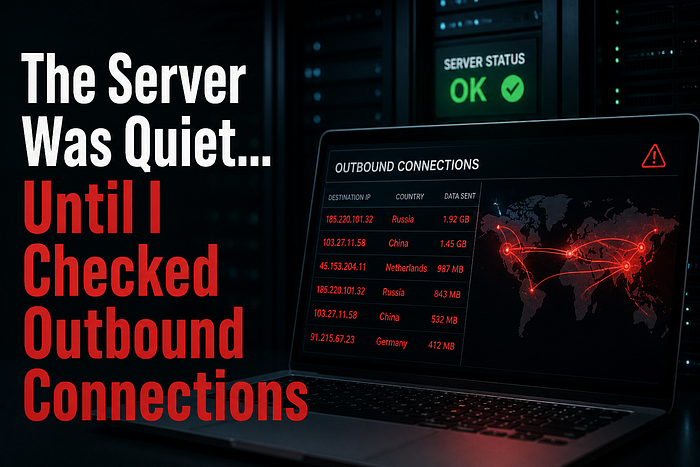
An outbound connection to an IP I didn't recognize.
It wasn't constant.
It showed up briefly… then disappeared.
Came back again a few minutes later.
That pattern didn't match normal application behavior.
So I filtered it down.
ss -tunap | grep ESTABThere it was again.
Same IP. Same process.
I checked which process owned it.
ps aux | grep <PID>The name looked harmless.
Something generic. Easy to ignore.
That's what made it dangerous.
No alerts fired.
Because nothing technically failed.
No service crashed. No resource spike. No login anomaly.
Just a process making outbound calls… quietly.
I watched it for a bit.
The connection would open, send something small, and close.
No large data transfers.
No obvious spikes.
Just steady, low-volume traffic.
That's how it stays hidden.
Next step:
lsof -i -nP | grep <IP>Now I could see exactly what was talking.
Same process. Same pattern.
This wasn't normal system behavior.
Even if it looked clean.
I blocked the IP temporarily.
Then monitored again.
The connection attempts kept coming.
That confirmed it.
Something on the system was trying to reach out.
At this point, the focus shifted.
Not "is this bad?"
But:
what put it there?
I started digging:
- checked recent file changes
- reviewed cron jobs
- looked at user activity
Because outbound traffic doesn't create itself.
This is where most checks stop too early.
Everything looks fine locally… so it's assumed safe.
But outbound connections tell a different story.
They show behavior.
Not just state.
This changed how I check systems.
Now I always include:
- active outbound connections
- repeated external IPs
- short-lived connections
Because a system can look perfectly healthy…
and still be doing something it shouldn't.
Next time you're checking a server, don't stop at CPU and logs.
Run:
ss -tunapThen ask:
Do I recognize where this server is talking to?
If something feels off but you can't explain why, start there.
That's usually where the story begins.
If you want a quick way to baseline what your server is doing (without digging through everything manually), I usually start with a simple snapshot and compare behavior over time.
- Linux Blindspot Report (quick system snapshot): https://ko-fi.com/s/288adc543e
- Or if you want to tighten SSH exposure early: Free SSH Hardening Checklist (Email Required): https://subscribepage.io/6lso1l
👏 Before you go
If this helped, clap and follow for more real-world Linux security stories.
If you're into subtle signals most people miss, follow NextGenThreat — I'm building a full collection there: https://medium.com/nextgenthreat
📲 Connect with me: 🔗 LinkedIn: https://www.linkedin.com/in/bornaly/ 🐦 X: https://x.com/cyberwebpen 💬 Discord: https://discord.gg/FkjR2WFs 📘 Facebook: https://www.facebook.com/nextgenthreat