Sometimes the bug isn't big… it's just one tiny keyword.
Recently while working on an Android UI feature, I needed to show a progress text like: 10/20 questions completed today
But with a small UI requirement 👇 Only the completed count (numerator) should appear in bold sans-serif while the rest remains normal.
Example:
10/20 questions completed today Simple right? That's what I thought too 🙂
🎯 My Plan
I had two values:
completedQuestions totalQuestions
So i build a string like this:
val text = "$completed/$total questions completed today"Then the idea was: 1️⃣ Find where the completed number appears in the string 2️⃣ Get the start and end index 3️⃣ Apply Spannable styling only to that part
💡 My Initial Logic
I used find() and wrapped it inside a **while loop**.
while (text.find(completed) != null) {
    startIdx = text.indexOf(completed)
    endIdx = startIdx + completed.length
}
Then I applied the style.
spannable.setSpan(
    StyleSpan(Typeface.BOLD),
    startIdx,
    endIdx,
    Spanned.SPAN_EXCLUSIVE_EXCLUSIVE
)
Everything looked perfect. And it worked. Until it suddenly didn't.
🐞 The Strange Bug
When the numbers became the same:
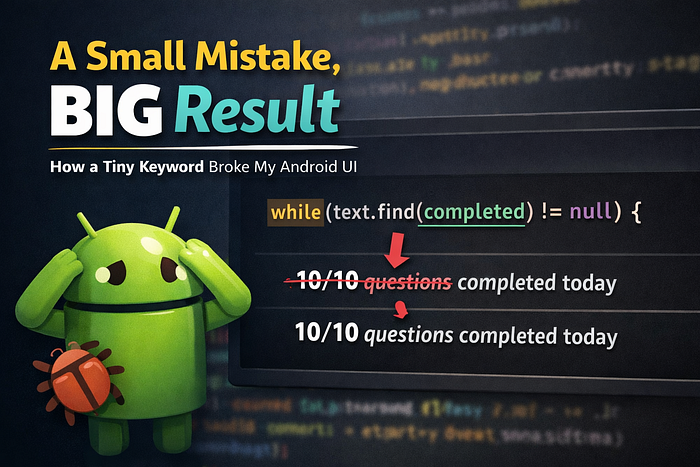
10/10 questions completed todayInstead of styling the first 10, it styled the second 10 😶
Even worse:
2/222 questions completed todayIt styled the last occurrence of 2. Completely wrong result.
🔍 The Real Problem
The culprit was this tiny thing:
while(...)The find() kept searching until the **last occurrence**,
so every loop iteration **overwrote the index**.
Meaning the final index pointed to the denominator instead of the numerator.
A very small mistake…
But it completely changed the output.
✅ The Simple Fix:
Instead of searching repeatedly, we just need the first occurrence.
val startIdx = text.indexOf(completed)
val endIdx = startIdx + completed.length
Now apply the style.
🎨 Final Working Code
val completed = "10"
val total = "20"
val text = "$completed/$total questions completed today"
val spannable = SpannableString(text)
val start = text.indexOf(completed)
val end = start + completed.length
spannable.setSpan(
    StyleSpan(Typeface.BOLD),
    start,
    end,
    Spanned.SPAN_EXCLUSIVE_EXCLUSIVE
)
textView.text = spannable
Output:
10/10 questions completed today ✅
📌 Lesson Learned Some bugs don't crash your app. They quietly produce the **wrong result**. And sometimes the entire issue comes down to one small keyword.
while → styled last occurrence ❌
indexOf → styled first occurrence ✅
#AndroidDevelopment #Kotlin #AndroidDev #Programming #SoftwareEngineering #MobileDevelopment