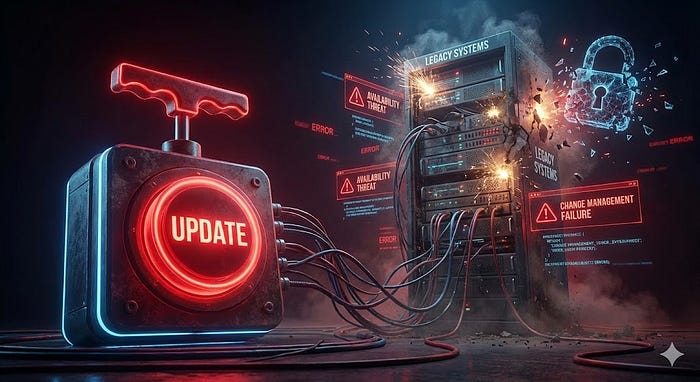

People see these applications as their child who wants McDonald's for breakfast.
Yes! It's not a big deal when using a personal computer, but it's an absolute nightmare for organizations to still have applications that we call "Legacy Applications" in their process. (Threat for Availability)
Updating is important, but don't think of it as a button that we click, and it's done. No, it's not that easy!
We deal with these problems with "Technical Change management"
Note: Change management is critical for an organization. Because of this importance, the process must be well documented in a living document called "SOP"(Standard Operating Procedure).
Impact analysis:
Sometimes fixing something can break something else. Change management must compare "Risks of making change" to "Risks of NOT making change".
The First Line of Defense: Allow Lists vs. Deny Lists
Security policies can determine which applications are allowed to execute and which are not.
- Allow List (Whitelisting): This is the Zero Trust approach. Nothing runs unless it is explicitly approved. While this is "very restrictive", it is significantly secure because it prevents unknown threats (Zero-Day attacks).
- Deny List (Blacklisting): This approach assumes everything is safe unless it's on the "bad list". For example, Anti-Virus software blocks known malware signatures but allows everything else.
The "Fear of the Unknown": Managing Legacy Applications/Systems
These are old systems that are often no longer supported by the developer. It means that they don't receive security patches.
These applications/systems are absolute bugbears. No one wants to deal with these systems.
So "We" have to manually update them.
However, updating these old systems can potentially break critical business functions. But leaving them unpatched creates a massive vulnerability. We don't want that!
So how can we do it in the safest way possible? The rest of the article is about that!
Sandbox Testing Environments:
Updating a system can cause other malfunctions! So we can do it in an isolated "technological safe space" that has no connection to the real world or production system.
Backout Plan:
It's "Ctrl+Z"
If the update fails or corrupts data, we need an immediate way to revert changes. This could be restoring from a Backup or using a snapshot to roll back the OS.
Always have backups!
Maintenance Window:
The hard part is finding time to implement the change.
To preserve Availability, we never push major changes during peak hours. We schedule a Maintenance Window during non-production hours. This minimizes the impact of potential Downtime. If a security patch requires a Service Restart or a reboot of the OS, doing it at 3 AM ensures business continuity.
Conclusion:
Providing security is impossible without making changes. Network security and change management are two inseparable brothers!

Thanks for reading!