


🚀 Why Every Hacker, Researcher & Privacy Lover Needs a VPN
✍️ By Ghostyjoe
🌍 Introduction
In today's digital world, your IP address is your identity.
Whether you're:
- 🐞 Hunting bugs
- 🔎 Running recon scans
- 🌐 Browsing
- 📡 Testing APIs
👉 You are constantly exposing your location and activity.
That's why a VPN is no longer optional — it's essential OpSec.
🖥️ Real IP Exposure
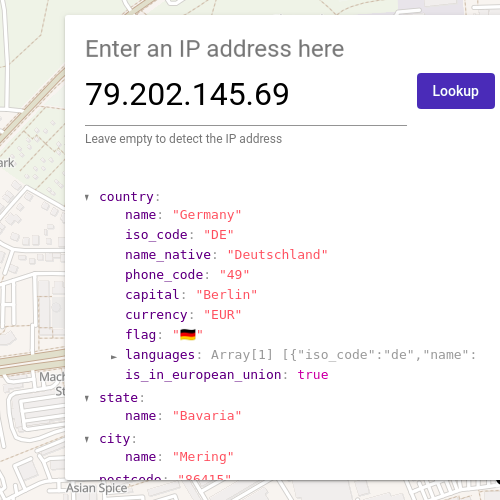
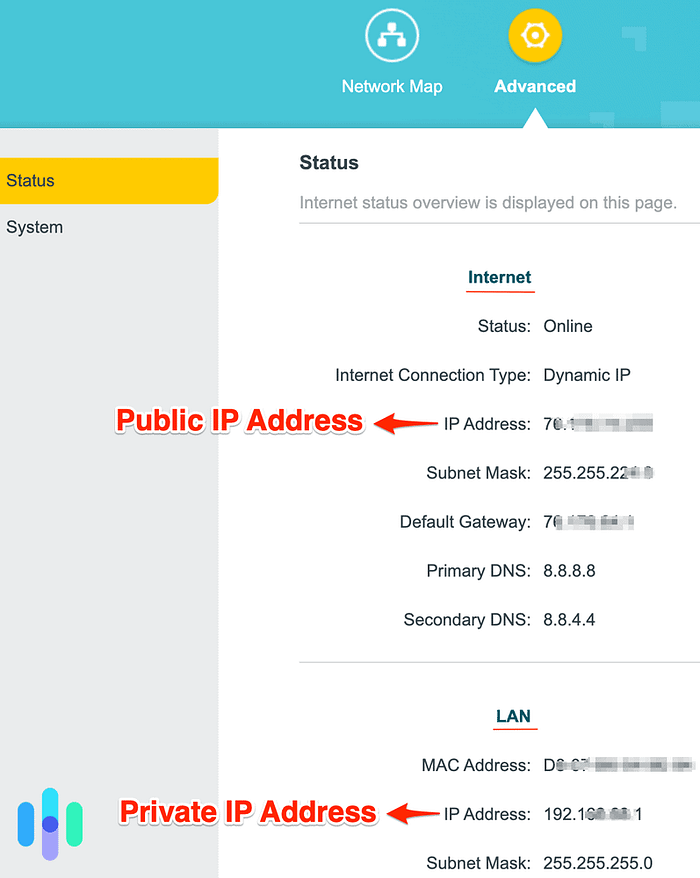
Before using a VPN, your real IP and location are visible to any target.
⚡ What is a VPN?
A VPN creates a secure encrypted tunnel between you and the internet.
Without VPN:
YOU → ISP → TARGETWith VPN:
YOU → 🔐 VPN → TARGET✔ Your IP is hidden ✔ Traffic is encrypted ✔ Harder to track
🖥️ VPN Connected (Proton Example)
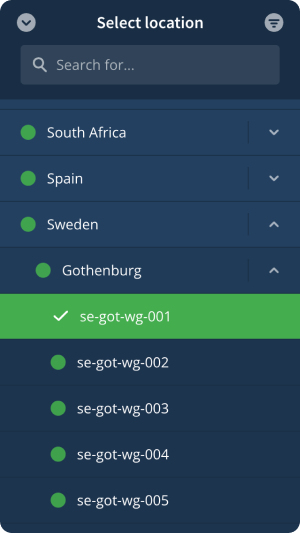
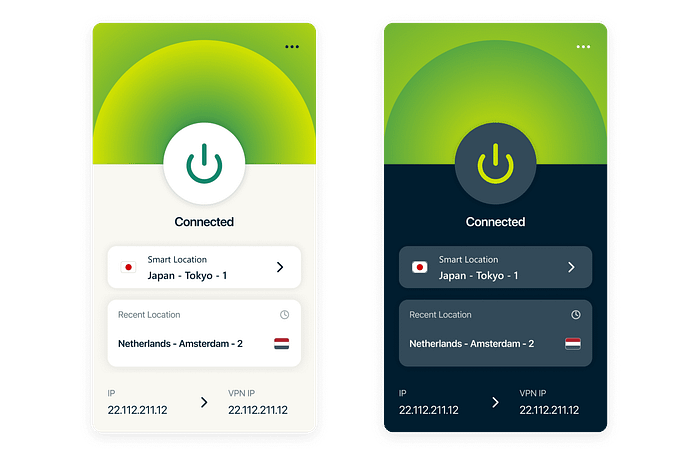
Once connected, your traffic is routed through a secure server.
🧠 Why Bug Bounty Hunters NEED a VPN
🔥 Key reasons:
- 🕵️♂️ Stay anonymous during recon
- 🚫 Avoid bans & rate limiting
- 🌍 Test geo-based vulnerabilities
- 🔐 Secure public Wi-Fi usage
- ⚔️ Reduce detection footprint
💡 Why I Use Proton VPN
- 🇨🇭 Swiss privacy laws
- 🔐 No logs
- ⚡ Fast servers (great for recon)
- 🧪 Open-source
- 🛡️ WireGuard support
👉 Try it here: 🔗 https://pr.tn/ref/TVHRY4W8
⚙️ Advanced Setup — VPN on Router (Pro Move)
Running a VPN on your router = FULL network protection
📌 Benefits:
- Protect ALL devices
- No manual setup per device
- Covers IoT devices
- Always-on security
🖥️ Router VPN Configuration
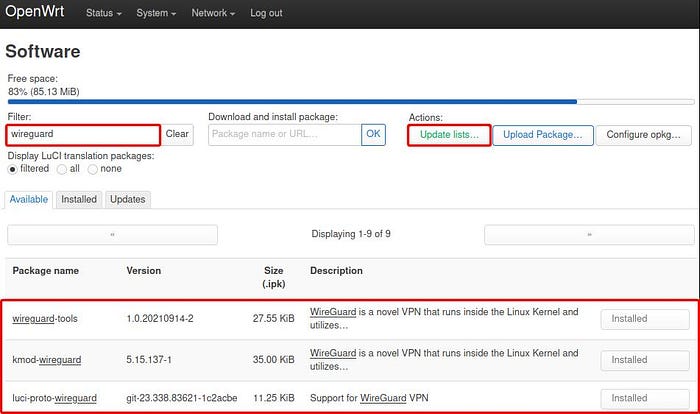
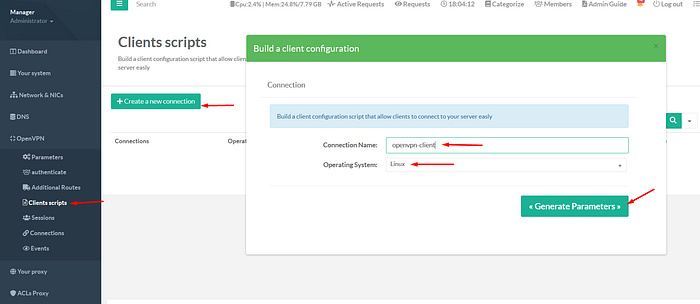
This setup secures your entire home network — not just one device.
💻 Setup on Kali / Parrot OS
Install Proton VPN
sudo apt update
sudo apt install protonvpn-cli
🖥️ Installation in Terminal
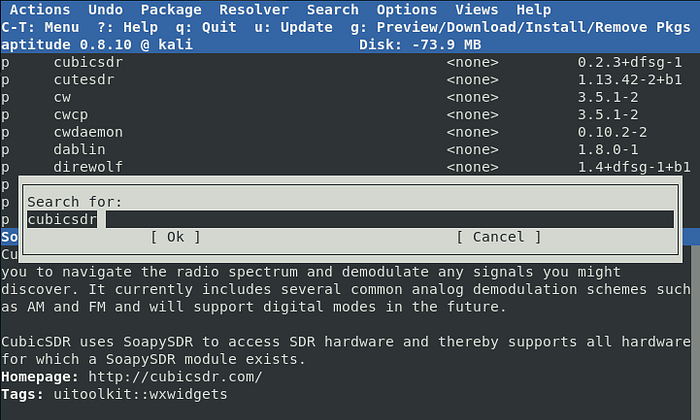
Login
protonvpn-cli login YOUR_USERNAME🖥️ Login Prompt
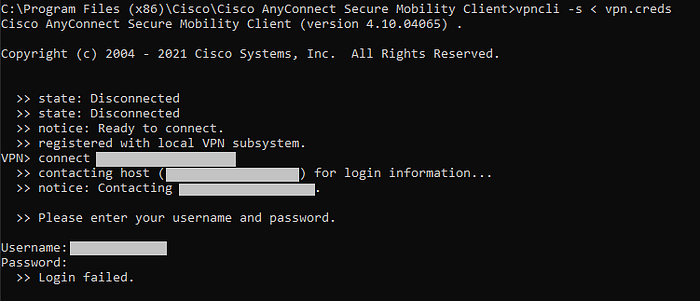

Connect
protonvpn-cli connect🖥️ VPN Connected (CLI)
Verify Your IP
curl ifconfig.me🖥️ IP Changed Confirmation
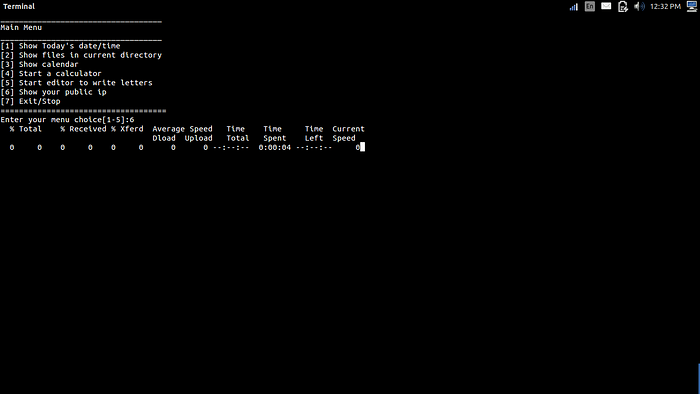
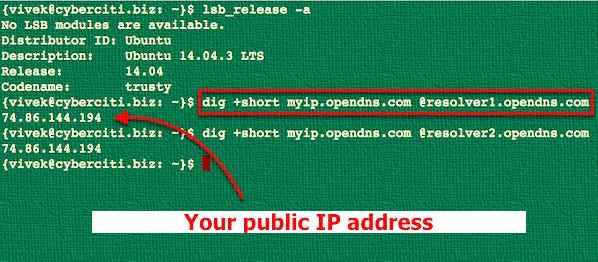
👉 Your IP should now be completely different from the first screenshot.
🧪 Pro Tips (Ghostyjoe Style)
🔥 Rotate VPN servers during recon 🔥 Use different IP per target 🔥 Combine with VPS for heavy scans 🔥 Always verify IP before scanning 🔥 Use kill-switch if available
🚨 Common Mistakes
❌ Scanning without VPN ❌ Using free shady VPNs ❌ Forgetting to check IP leaks ❌ Using same IP for all targets
💸 Get Started
👉 Proton VPN: 🔗 https://pr.tn/ref/TVHRY4W8
💙 Support My Work
If you found this article useful:
☕ https://buymeacoffee.com/ghostyjoe
Your support helps me keep creating high-quality content 🙏
👏 Enjoyed This Article?
👏 Give it a clap 🔔 Follow me on Medium 💬 Drop a comment
It really helps more people discover this content 🔥
⚠️ Ethical Use & Disclaimer
This content is for educational and ethical purposes only. Always ensure you have proper authorization before testing any systems.