
This lab demonstrates a DOM-based XSS vulnerability on the home page. The application uses jQuery's selector function $() to automatically scroll to a blog post whose title is taken from location.hash.
The goal is to exploit this behavior and make the victim's browser call the print() function.
Step 1 — Understanding How the Site Works
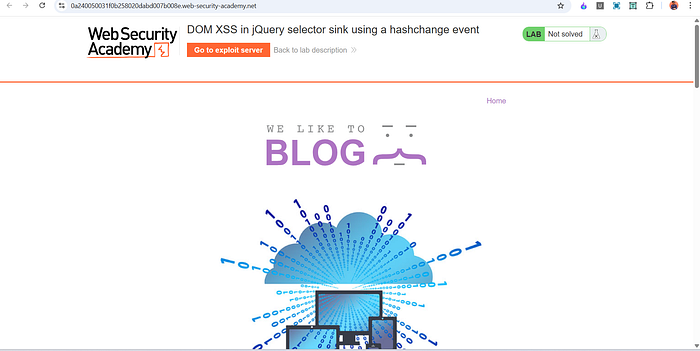
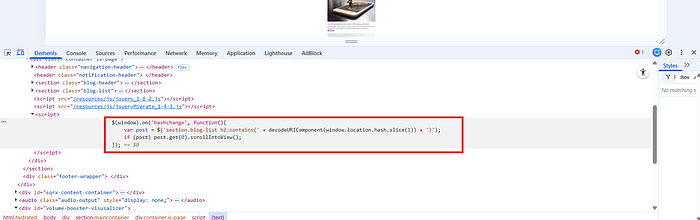
After opening the lab, I observed the blog page and inspected the source code. Inside the JavaScript, I found this code:
$(window).on('hashchange', function(){
    var post = $('section.blog-list h2:contains(' +
        decodeURIComponent(window.location.hash.slice(1)) + ')');
    if (post) post.get(0).scrollIntoView();
});
This was the key part of the vulnerability.
What Is a Fragment Identifier?
The # symbol in a URL is called a fragment identifier.
Example:
https://example.com/#testEverything after # is stored in:
window.location.hashImportant:
- It is never sent to the server
- It is handled entirely in the browser
- It is commonly used for navigation or scrolling
Step 2 — Confirming the Vulnerability
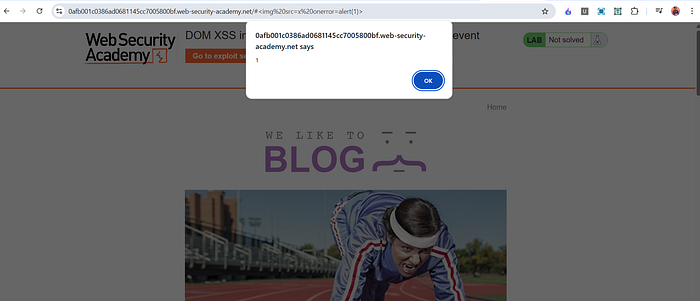
To test it, I modified the URL and added:
#<img src=x onerror=alert(1)>When the page loaded, the alert popup appeared.
This confirmed that the application is vulnerable to DOM-based XSS due to the unsafe use of window.location.hash inside a jQuery selector during a hashchange event.
tep 3 — Delivering the Exploit to the Victim
The lab requires calling:
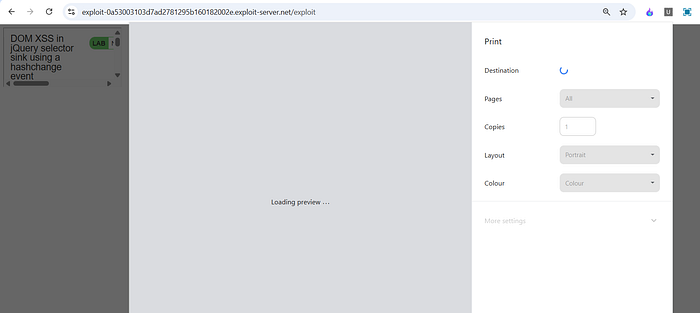
print()But just triggering alert() is not enough.
We must deliver an exploit that works automatically in the victim's browser
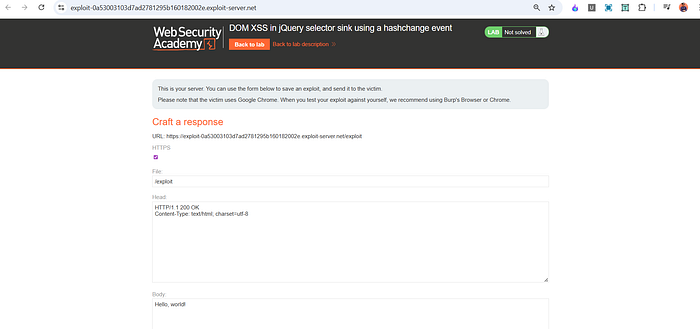
We can see that there is an exploit server available. Let's deliver the payload through it.
What Is an iframe?
An iframe (Inline Frame) is an HTML element that allows you to embed another webpage inside your page.
Example:
<iframe src="https://example.com"></iframe>It loads another site inside the current page.
Attackers often use iframes to deliver client-side exploits
Final Exploit Payload
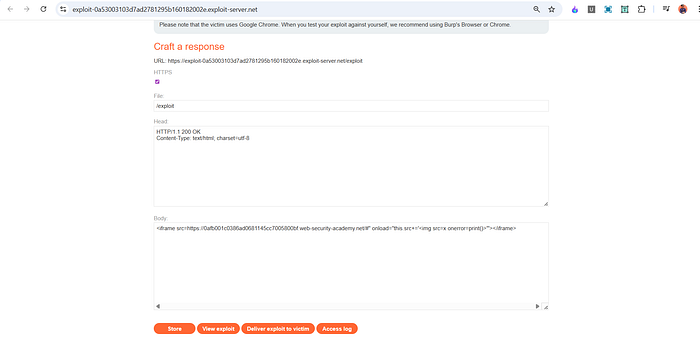
I created the following exploit:
<iframe src="https://LAB-ID.web-security-academy.net/#"
onload="this.src+='<img src=x onerror=print()>'">
</iframe>
(Replace LAB-ID with your lab URL.)
How This Payload Works
Let's break it down:
1️⃣ Initial iframe load
The iframe loads:
https://lab-url/#This means the page loads with an empty fragment.
2 onload Event
When the iframe finishes loading, the onload event runs:
this.src += '<img src=x onerror=print()>'This modifies the iframe's URL by appending:
#<img src=x onerror=print()>3️ Hash Change Triggered
Changing the fragment (#...) triggers the hashchange event.
That event runs the vulnerable jQuery code.
4️ jQuery Selector Injection
The malicious fragment gets inserted into:
:contains(USER_INPUT)This breaks out and injects:
<img src=x onerror=print()>5️ Code Execution
src=xfailsonerrortriggersprint()executes in the victim's browser
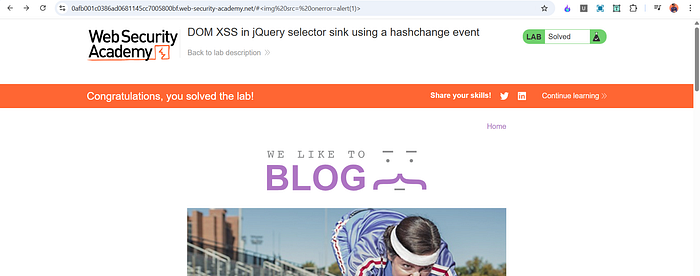
Lab solved.
📬 Stay Connected
If you found this helpful and want to learn more about web security, XSS, and hands-on labs, feel free to follow me for upcoming posts.
Follow me for more cybersecurity write-ups 🔗 LinkedIn — codermayank 📸 Instagram — @mayhack_