
TL;DR: Your Quick & Dirty Guide
💀 A missing rate limit on a password reset PIN form is a one-way ticket to account takeover. It's a critical, high-impact vulnerability hiding in plain sight.
🕵️ Attackers can abuse server-side sessions to keep their reset attempt "alive" while they brute-force every possible PIN combination without the token expiring.
🤖 We used Burp Suite's Intruder to automate this, turning a million guesses into a 15-minute coffee break. It's shockingly easy.
🛡️ The fix is simple but crucial: Implement strict rate limiting, use CAPTCHA after failed attempts, and make your reset tokens expire quickly. Don't be the low-hanging fruit!
You know that "Forgot Password" link? The one you've clicked a thousand times? It's often the weakest link in an application's entire security chain.
We're about to dive deep into a devastatingly simple attack that turns this helpful feature into a wide-open backdoor. This isn't theoretical; this is happening right now, and your application could be next. 🤯
Let's break down how a simple 6-digit PIN becomes the key to the kingdom.
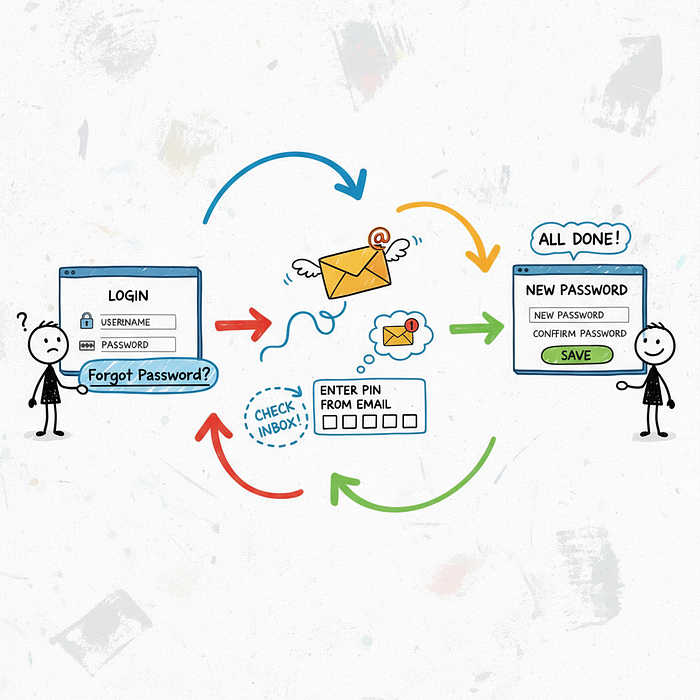
🎯 The Setup: A Deceptively Simple Password Reset
Most password reset flows look something like this. You enter your email, the app sends you a code, you enter the code, and boom — you can set a new password. Simple, right?
The flow we're targeting involves a 6-digit numeric PIN. The user enters their email, gets the PIN, and is taken to a page like /reset-password?email=user@example.com where they must enter the PIN to proceed.
On the surface, this seems secure enough. A 6-digit PIN means there are one million possible combinations (000000 to 999999). Guessing that manually is impossible. But what if we don't do it manually? 👇
🔍 Finding the Cracks in the Armor
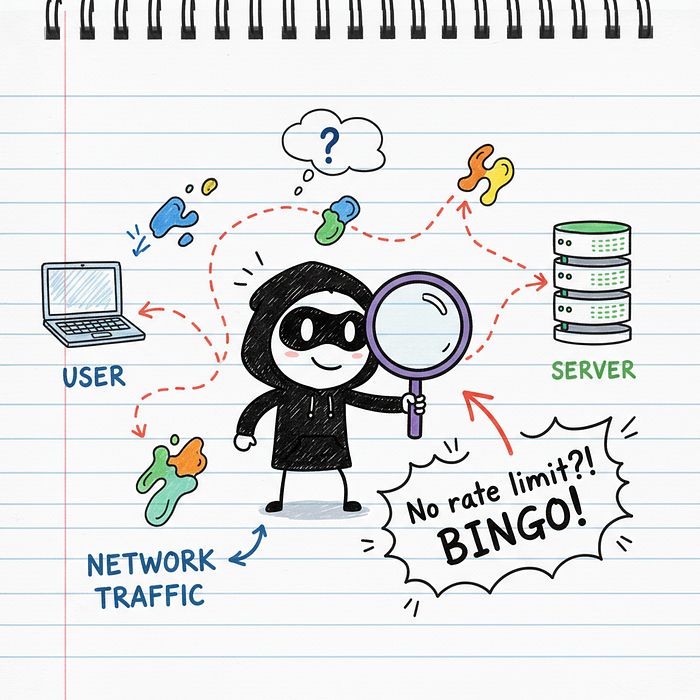
The first thing a hacker does is test the limits. What happens if I enter the wrong PIN? Okay, I get an "Invalid PIN" error. What if I do it again? And again? And a hundred more times?
This is where the vulnerability reveals itself. If the application doesn't stop you — if it doesn't lock you out, slow you down, or present a CAPTCHA — you've just found a critical flaw: no rate limiting.
This means the server is perfectly happy to let you guess all one million combinations. It's like a bank vault that lets you try every key on your keychain without ever sounding an alarm. Game on. 🔥
⚡ The Attack: Unleashing the Brute-Force Beast
Okay, we've found our target. Now it's time to weaponize this knowledge. For this, we turn to the bug hunter's best friend: Burp Suite.
Our goal is to automate the process of sending every single PIN from 000000 to 999999 to the server until we find the one that works.
🕵️ Step 1: Capturing the Verification Request
First, we need to capture a legitimate request. We use the target application's "Forgot Password" feature and enter a random PIN, like "123456". We intercept this request in Burp Proxy.
The request might look something like this:
POST /api/v1/verify-pin HTTP/1.1
Host: vulnerable-app.com
Content-Type: application/json
Cookie: session=xyzabc123...

{
  "email": "victim@example.com",
  "pin": "123456"
}
The most important part here is the session cookie. The server is using this cookie to remember who we are and that we're in the middle of a password reset. This is key to our attack's success.
🎯 Step 2: Sending to Intruder & Setting Payloads
We right-click this request in Burp and send it to Intruder. Intruder is Burp's tool for automated, customized attacks. It's our brute-force machine gun.
In the Intruder "Positions" tab, we clear all default payload markers and add one around the PIN value. We want to replace "123456" with our attack payloads.
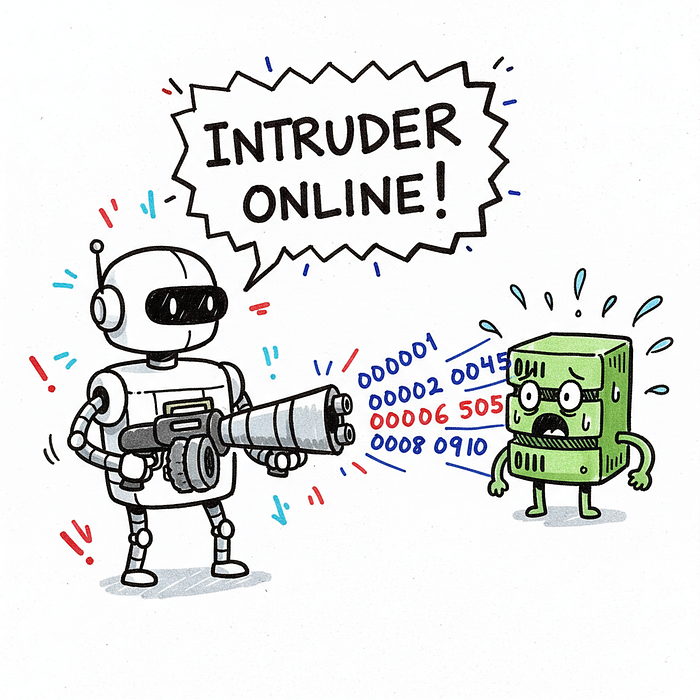
Next, we go to the "Payloads" tab and configure our attack:
- Payload type: Numbers
- From: 0
- To: 999999
- Step: 1
- Number format — Min integer digits: 6
- Number format — Max integer digits: 6
This tells Intruder to generate every number from 000000 to 999999, padding with leading zeros to ensure it's always 6 digits long. That's our complete list of guesses.
💰 Step 3: Launching the Attack & Finding the Golden Ticket
Now for the fun part. We click "Start Attack" and watch the magic happen. Intruder will fire off requests one by one, each with a different PIN.
But how do we know which one is correct? We look for a difference in the server's response. Most of the requests will fail, probably giving us a 400 Bad Request or 401 Unauthorized status with a response length of, say, 50 bytes ("Invalid PIN").
The correct PIN will trigger a different response! It might be a 200 OK or a 302 Redirect to the "set new password" page. Crucially, the response length will be different. We just sort the results by length or status code, and the odd one out is our winner. ✅
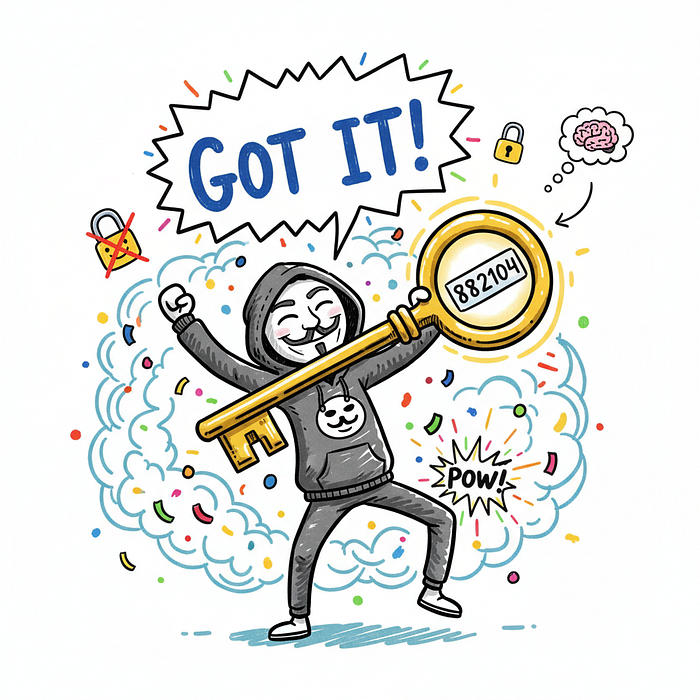
💡 Pro Tip: Don't just look at the status code. A change in response length is often the most reliable indicator of success. A successful login or PIN verification almost always returns a different amount of data than an error message.
🧠 Why Did This Work? The Root Cause Analysis
It's easy to blame the missing rate limit, but the problem is often deeper. This attack was successful because of a perfect storm of three failures.
1. No Rate Limiting (The Obvious One): The server didn't track the number of failed attempts from our IP address or against the victim's account. This is the cardinal sin of authentication security.
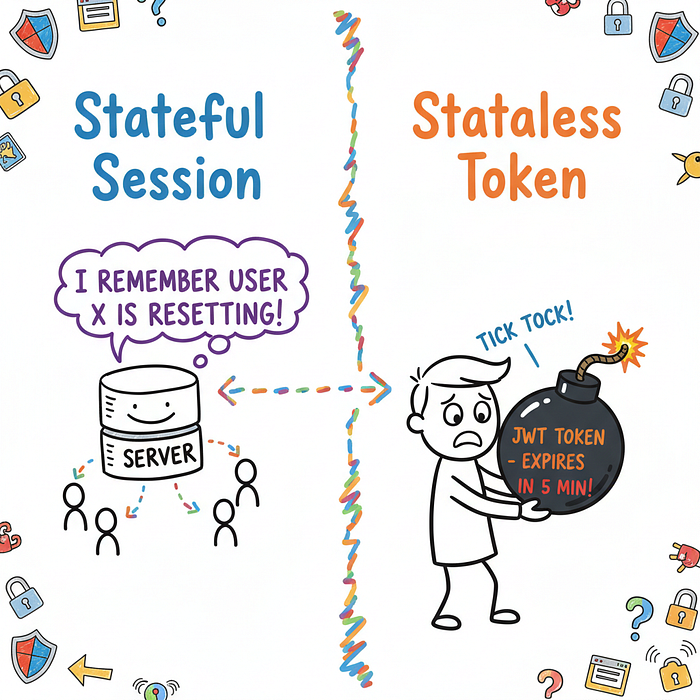
2. Persistent Server-Side Session: The application kept our password reset session alive based on our cookie. This meant we could keep hammering the same verification endpoint. A better design might use a short-lived, single-use token (like a JWT) that expires after 10 minutes or 3 failed attempts.
3. Insufficient Logging and Alerting: In a production environment, an attack generating thousands of failed login attempts from a single IP in minutes should set off every alarm bell. The fact that it didn't means the security monitoring was likely non-existent.
🛡️ The Fix: Building a Fortress
So how do we prevent this catastrophic failure? Thankfully, the fixes are well-understood and straightforward to implement. You need to build layers of defense.
Let's give developers an actionable checklist.
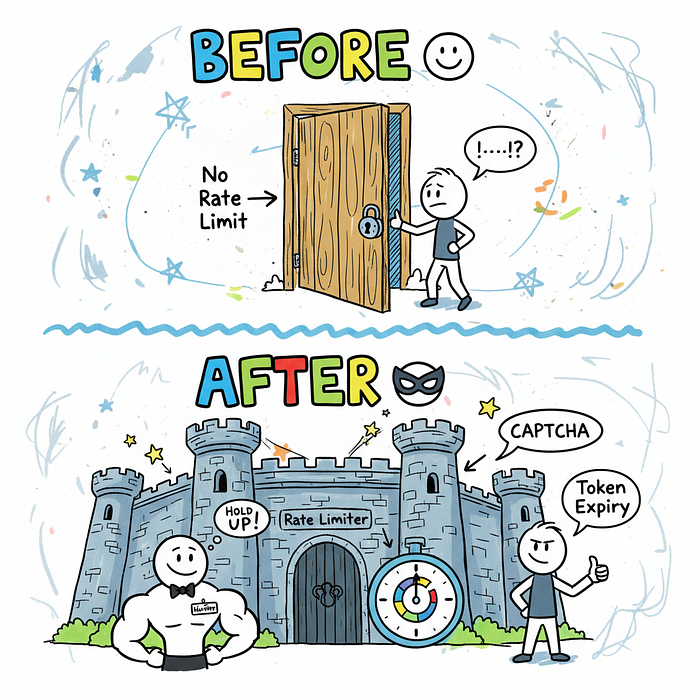
- Implement Strict Rate Limiting: This is non-negotiable. Lock an account after 5–10 failed PIN attempts. Also, temporarily block an IP address that generates hundreds of failed attempts across different accounts.
- Introduce CAPTCHA: After 3 failed attempts, force the user to solve a CAPTCHA. This immediately stops simple automated tools like Burp Intruder in their tracks.
- Enforce Short Expiration Times: The password reset PIN or link should be valid for a very short period, like 10–15 minutes. This drastically reduces the window of opportunity for an attacker.
- Alert on Suspicious Activity: Your security team needs to know when something weird is happening. Thousands of failed `verify-pin` requests from one IP? That's an alert. A single account getting 10 failed attempts in 30 seconds? That's another alert.
⚠️ Warning for Developers: Don't just rate limit the login page! Rate limiting must be applied to every sensitive, unauthenticated endpoint, especially password reset, account recovery, and registration forms.
🚀 Conclusion: Small Flaw, Massive Impact
The beauty and terror of this vulnerability lie in its simplicity. No complex cryptography to break, no zero-day exploit needed. Just a simple, logical flaw and a free tool.
For bug bounty hunters, this is a classic finding that often pays well due to its high impact. Always test for rate limiting on every function, especially authentication-related ones.
For developers, this is a wake-up call. Security isn't just about the big, scary stuff; it's about getting the fundamentals right. Rate limiting is a fundamental. Don't let your application's front door be a revolving one for hackers.
Go check your "Forgot Password" flow. Right now. You might be surprised what you find.