| Limitation Dimension | Shodan API | Browser Search | | — — — — — — — — — — — | — — — — — — — — — — — — — — — — — — — — — — — — — — — — — — — — — — — — — — — — — — — — — — — — — — — — — — — — — — — — — — — — — — — — — | — — — — — — — — — — — — — — — — — — — — — — — — — — — — — — — — — — — — — — — — — — — — — — — — — — — — — — — — — — — — — — — — — — — — — — — — — — — — — — — — — — — — — — — | | Query Rate Limit | Clear quota mechanism (Query Credits). Free Membership includes 100 query credits per month; different API plans provide different quotas. | No publicly defined numeric limit. High-frequency access may trigger CAPTCHA, human verification, or temporary IP bans. | | Result Quantity Limit | Each query credit allows downloading 100 results; a single API page typically returns up to 100 results. | Limited number of results per page (usually 10–50). Pagination is limited, and it is not possible to retrieve the full dataset. | | Data Field Limit | Free API provides only basic fields; advanced fields such as screenshots and bulk data access require higher-tier plans. | The browser can view all fields displayed on the frontend, such as screenshots, banners, and geolocation, but structured bulk export is not supported. | | Ban Risk | Exceeding the quota results in API errors or temporary API suspension, without directly banning the IP. | High-frequency automated access may trigger IP bans or account restrictions. | | Query Complexity | Supports advanced filtering syntax such as port:, org:, has_screenshot:true, suitable for automation parsing. | Supports the same query syntax, but page rendering depends on frontend loading. Scraping requires DOM parsing, which is less efficient and more likely to trigger protections. | | Automation Capability | Officially supports API automation, scripting, and JSON output. | No official bulk interface is provided; automation scraping carries policy risks. |
This program adopts the "browser search" approach to maximize obtainable results.
Install
$ git clone https://github.com/MartinxMax/shodancat.git
$ cd shodancat
$ python3 -m venv shodancat
$ source shodancat/bin/activate
(shodancat)$ pip install selenium
Usage
(shodancat)$ python3 shodancat.py
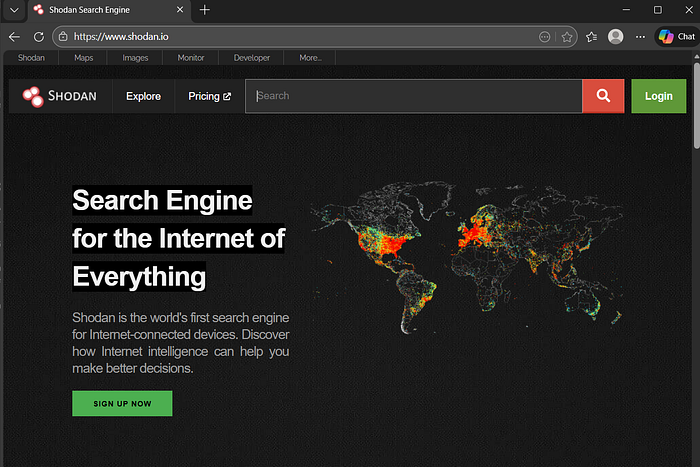
Manual Login
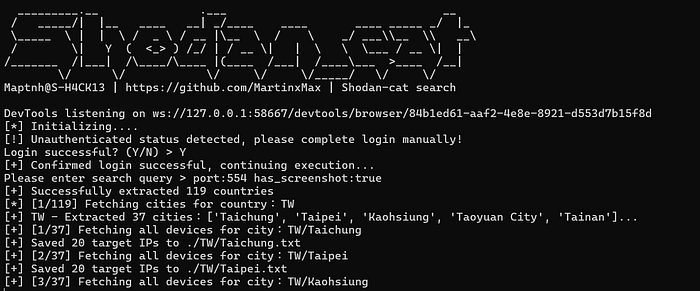
[*] Initializing….
[!] Unauthenticated status detected, please complete login manually!
Login successful? (Y/N) > y
Enter your search query:
[+] Confirmed login successful, continuing execution…
Please enter search query > XXXXX