- CTF Name: picoCTF
- Challenge Name: Forbidden Paths
- Challenge link: https://play.picoctf.org/practice/challenge/270?category=1&originalEvent=70&page=1
- Category: Web Exploitation
- Difficulty: Medium
- Author : Vishvambhar Ranoshe
Summary
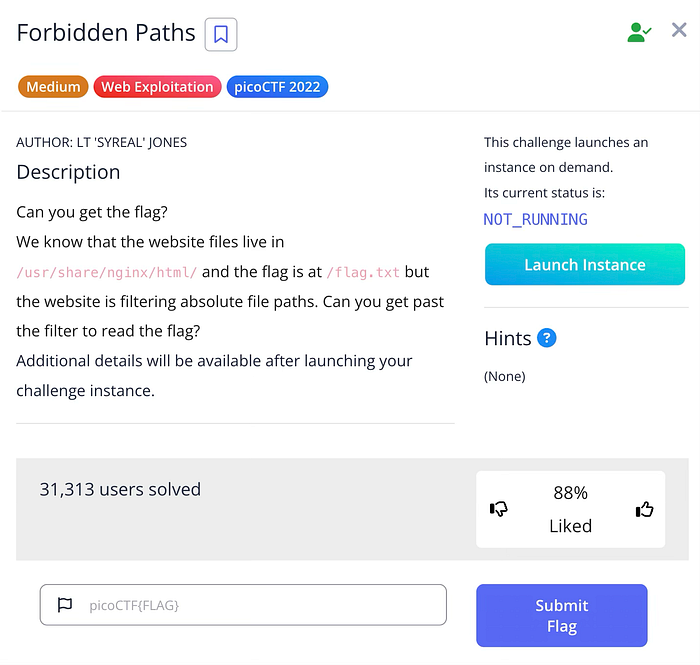
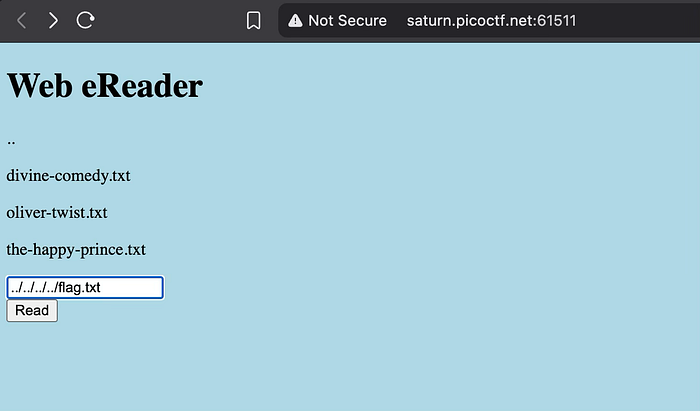
The challenge provides a "Web eReader" site that allows users to read text files like divine-comedy.txt. The server-side files are stored in /usr/share/nginx/html/, and the target flag is located at /flag.txt. Because the website blocks absolute paths (paths starting with /), must use Relative Path Traversal to "climb" out of the current directory and reach the root folder. By entering ../../../../flag.txt, move up four levels from the web root to the system root, bypassing the filter to read the flag.
Setup / Tools
Tools: -
Challenge Description
Exploitation Steps
Step 1
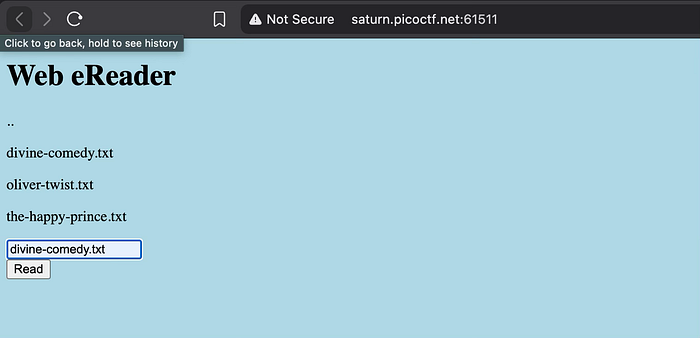
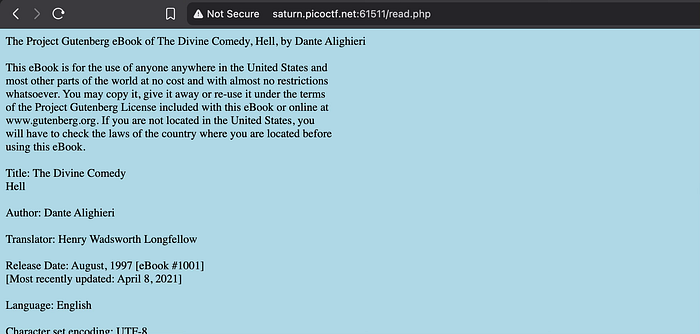
Identify the File Path and Filter Upon launching the instance, the description reveals the website's directory is /usr/share/nginx/html/ and the flag is at /flag.txt. Opening the website shows a simple interface where can enter a filename to read. If try to access the flag using the absolute path /flag.txt, the application returns an "unauthorized" or filtered error because it specifically looks for and blocks leading slashes. This is a common security misconfiguration where developers only block one method of access (absolute) while forgetting about relative methods.
Step 2
Execute Relative Path Traversal To bypass the filter, must use the .. (dot-dot-slash) notation, which instructs the operating system to move up one level to the parent directory. Since the web files are four levels deep (html -> nginx -> share -> usr -> root), input ../../../../flag.txt into the eReader text box. This relative path effectively points to the same location as /flag.txt but does not trigger the absolute path filter. Clicking "Read" successfully displays the flag.
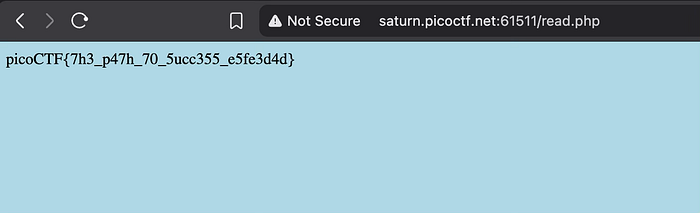
Flag
picoCTF{7h3_p47h_70_5ucc355_e5fe3d4d}