
Information Disclosure on Debug Page & Source Code Disclosure via Backup Files
Most people think hacking is complicated. Big brains. Advanced tools. Years of experience.
But this week, I solved two labs that flipped that belief completely. Some websites don't need to be hacked. They are already giving everything away.
And nobody — not the developer, not the company — even knows it's happening. That is Information Disclosure.
I studied it. I understood it. And then I exploited it. Let me tell you exactly how it went down.
Lab 1 — Information Disclosure on Debug Page
Lab Link: Exploiting Information Disclosure on a Debug Page
When I opened this lab, it looked like a normal shopping website. Products. Filters. Categories. Nothing unusual.
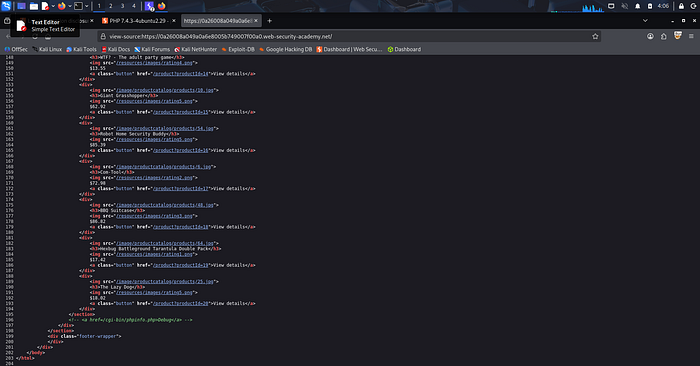
At first, I tried using Burp Suite, but I didn't get any clear lead. So I went back to basics. I did something simple. I right-clicked and selected: View Page Source.
At the very bottom of the HTML, in the last section, I found this: ``
The Mindset Shift
The developer "hid" the link from users by commenting it out, but hiding is not security. If an endpoint exists on the server, it's public.
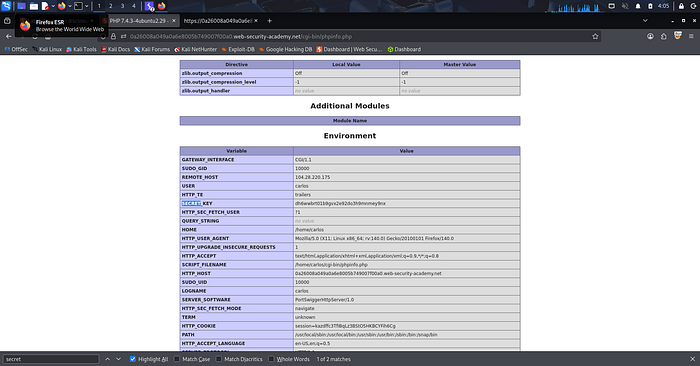
I copied that path, pasted it into my browser bar, and hit enter. The Debug Page opened instantly.
No authentication. No restrictions. It loaded the full PHP configuration, revealing:
- PHP version
- Server environment
- Internal system details
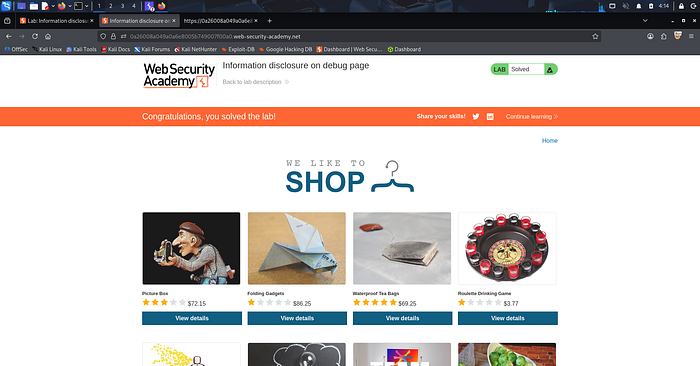
Inside that mess of data, I found the Secret Key. Lab solved.
Lab 2 — Source Code Disclosure via Backup Files
Lab Link: Source Code Disclosure via Backup Files
For the second lab, I stopped thinking like a hacker and started thinking like a developer in a rush.
During development, people create backup files like:
index.php.bakconfig.php.oldbackup.zip
The problem? They forget to delete them before going live.
I didn't use fancy exploits. I just asked: "What if the developer left their homework on the desk?" I tested common backup file patterns directly in the URL.
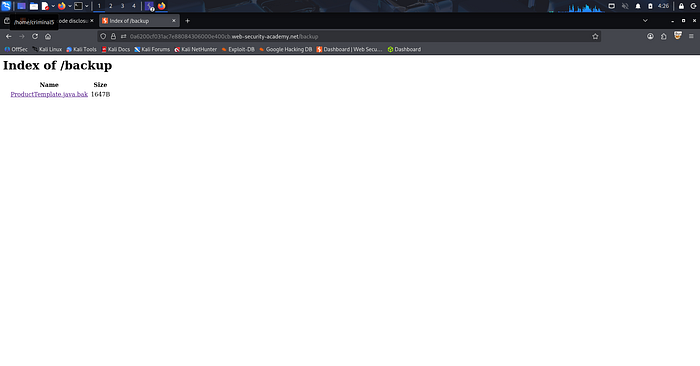
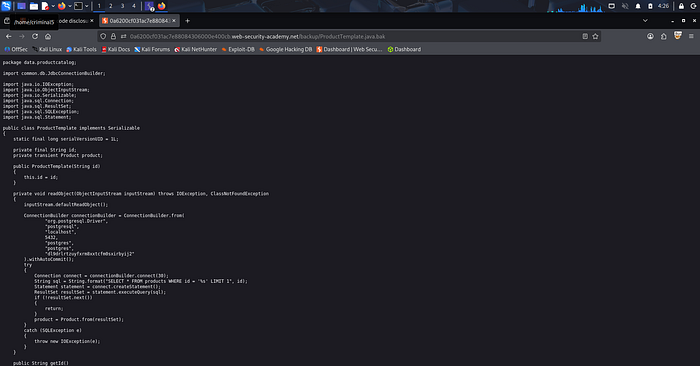
It worked. A backup file was publicly accessible in the /backup directory. When I opened it, the entire source code was visible. Inside, I found:
- Hard-coded credentials
- Database connection details
- Sensitive configuration data
No brute force. No complex automation. Just accessing a file that should have been deleted months ago.
The Hard Truth About Security
Both labs failed for the same reason: Information Disclosure.
The application didn't fail because of a "pro" attack. It failed because it was talking too much.
As the saying goes — consequences happen when you don't take the small things seriously. Once an attacker understands your internal structure, they stop guessing. They begin targeting.
Key Lessons:
- Stop Hiding, Start Removing: A hidden link is still an entry point.
- Clean Up Your Trash: Leftover backups are just liabilities waiting to explode.
- Curiosity Wins: I didn't use a $5,000 tool. I used a right-click and my brain.
The biggest risk is thinking you have no risk. The door is open. All you have to do is notice.
Lab Proof & Screenshots
Lab 1: Finding the Secret in Debug
Lab 2: Exposing Source Code
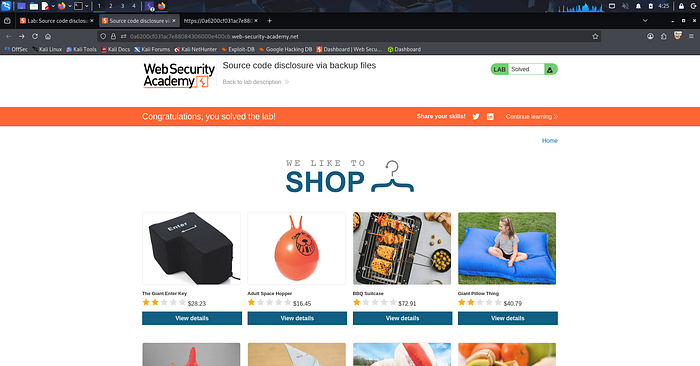
About This Blog
I write all my blogs based on my actual lab-solving experience. I document my thought process, my mistakes, and my learning journey in my own words first. Then I use AI tools to help organize and structure my writing better — but the content, experience, and learning are 100% mine.
Tejas Breaking things to build them better.