
Introduction
A few weeks ago I decided it was time to stop just watching YouTube tutorials and actually build something real.
I wanted to understand how web attacks work and how to stop them. So I created a complete home lab: I deployed Damn Vulnerable Web Application (DVWA), attacked it from Kali Linux, then put SafeLine WAF in front of it to see how it actually detects and blocks attacks.
The result? I went from "SQL injection works" to seeing it blocked instantly— with full logs showing exactly what happened.
Here's the full story of the lab, what I learned, and why this kind of project is perfect for anyone preparing for a SOC analyst role.
1. Setting Up the Vulnerable Target (DVWA)
I started by spinning up an Ubuntu VM and installing the LAMP stack (Apache + MariaDB + PHP). Then I cloned DVWA from GitHub.
This part was harder than expected. I hit multiple MariaDB errors — "Access denied" and "Unknown database". After fixing user permissions and resetting the database via setup.php, DVWA finally came alive.
I set the security level to Low so I could easily trigger vulnerabilities for testing.
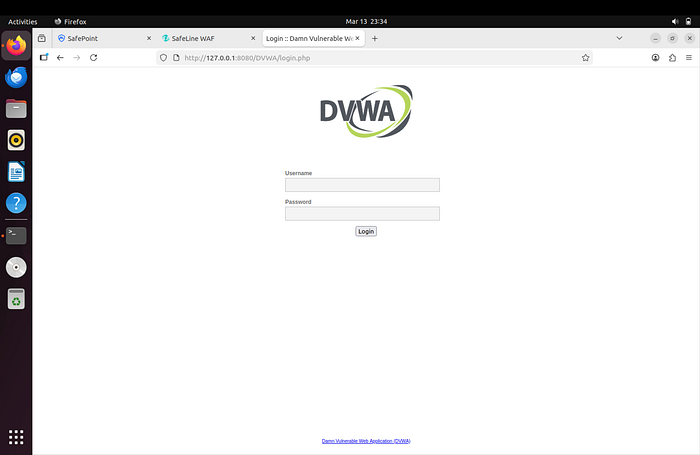
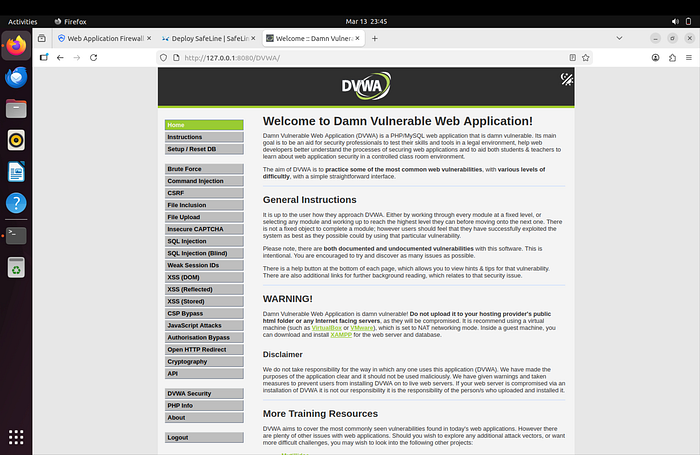
Lesson learned: Real-world setup is never as clean as the documentation says. Troubleshooting database connection issues taught me more about Linux services than any course ever did.
2. Installing SafeLine WAF
Next came the star of the show — SafeLine.
I ran the official one-liner on Ubuntu:
sudo bash -c "$(curl -fsSLk https://waf.chaitin.com/release/latest/manager.sh)" -- --enIt pulled Docker containers and set everything up automatically. A few minutes later, the management dashboard was live at https://10.0.0.61:9443/sites
I logged in, changed the password, and activated the 7-day Pro trial.
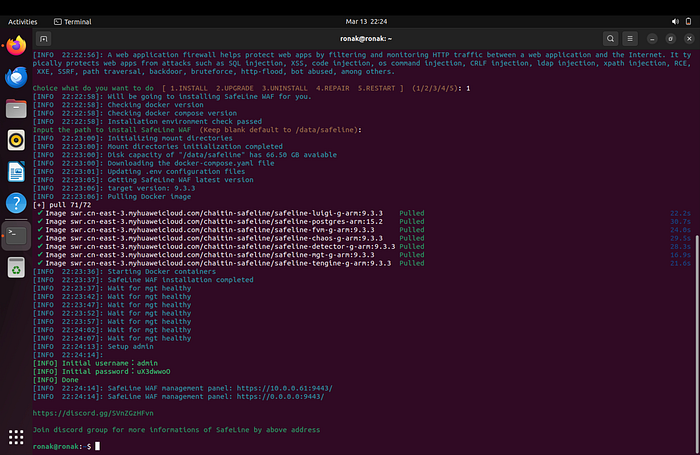
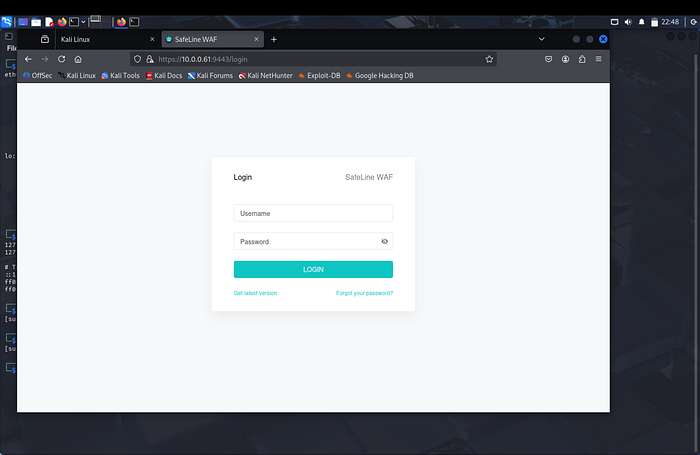
Lesson learned: Modern security tools are surprisingly easy to deploy if you follow the official script. The real skill comes in configuring them properly.
3. Adding HTTPS with Self-Signed Certificate
To make the setup realistic, I generated a self-signed SSL certificate using OpenSSL:
openssl genrsa -out priv.key 4096
openssl req -new -key priv.key -out priv.csr
openssl x509 -req -days 365 -in priv.csr -signkey priv.key -out priv.crt
Then I uploaded the .crt and .key files in SafeLine and assigned them to the DVWA application.
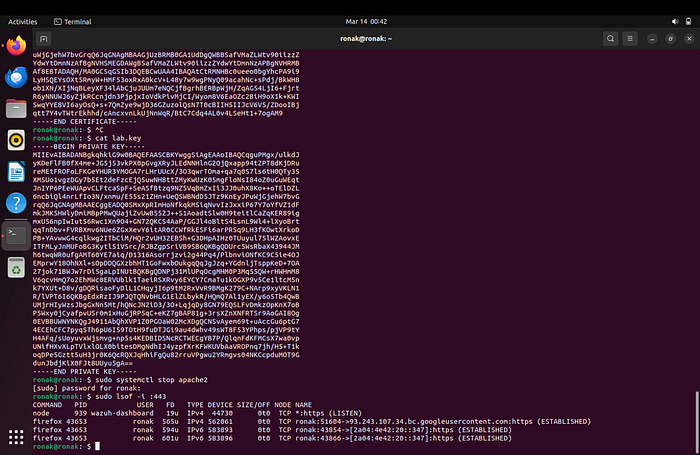
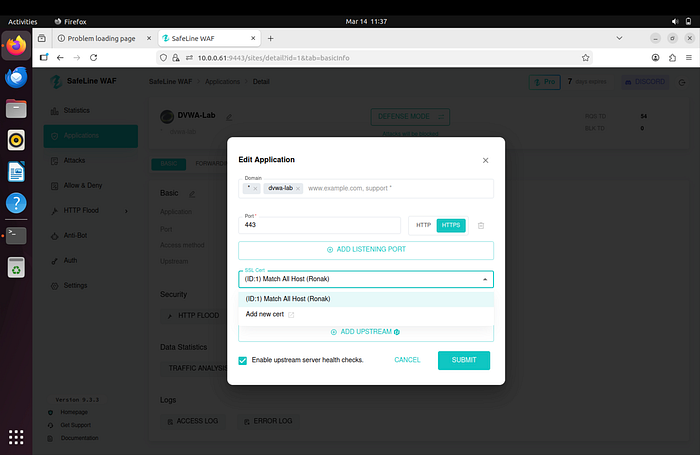
Lesson learned: Even in a lab, proper HTTPS configuration matters. It taught me how reverse proxies handle certificates in real environments.
4. Configuring the Protected Application & Security Rules
I added DVWA as an application in SafeLine with:
- Domain: dvwa-lab
- Backend: http://127.0.0.1:8080
- Frontend: HTTPS
Then I enabled and tuned these rules:
- HTTP Flood Defense (block after 3 requests in 10 seconds)
- Custom Authentication (forced login for the attacker IP)
- Custom Deny Rule (instant block of Kali's IP)
- SQL Injection & XSS Protection in Balance mode

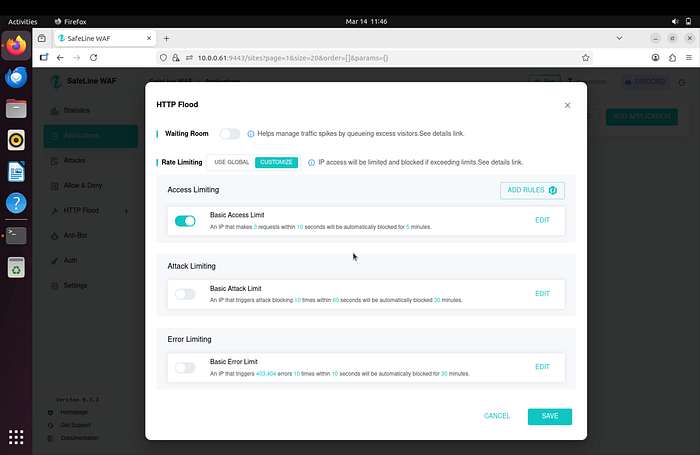
Lesson learned: A WAF is only as good as its rules. Tuning them gave me real insight into how security teams balance protection vs. false positives.
5. Attack Simulation & Blocking (The Fun Part)
From Kali I targeted https://dvwa-lab
Without protection:
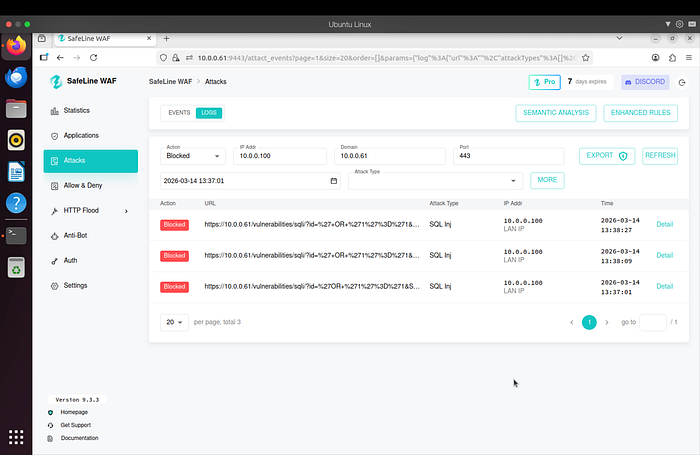
- SQL Injection payload ' OR Ƈ'=Ƈ → successfully dumped all users
With SafeLine enabled:
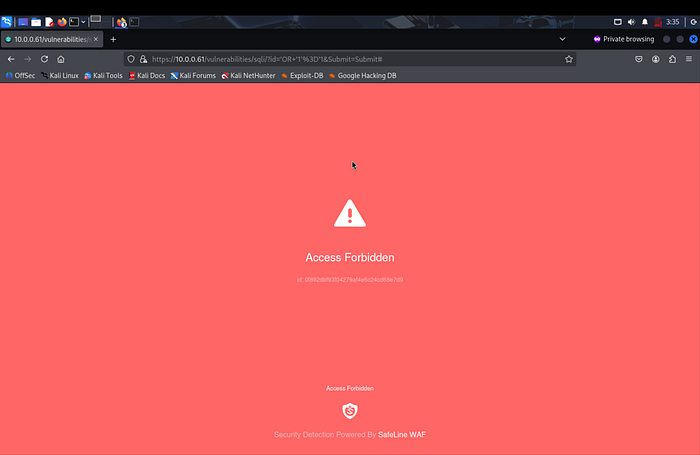
- Same payload → instantly blocked (403 Forbidden)
- Reflected XSS → blocked
- HTTP Flood → IP temporarily blocked
- Custom deny rule → immediate block
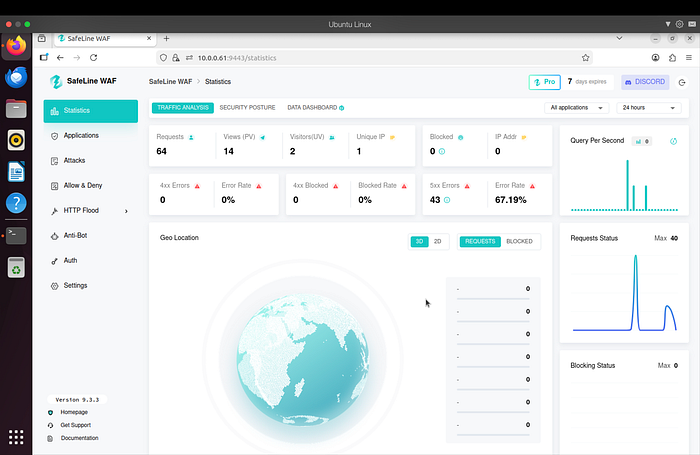
Every block showed up in the SafeLine dashboard with full details.
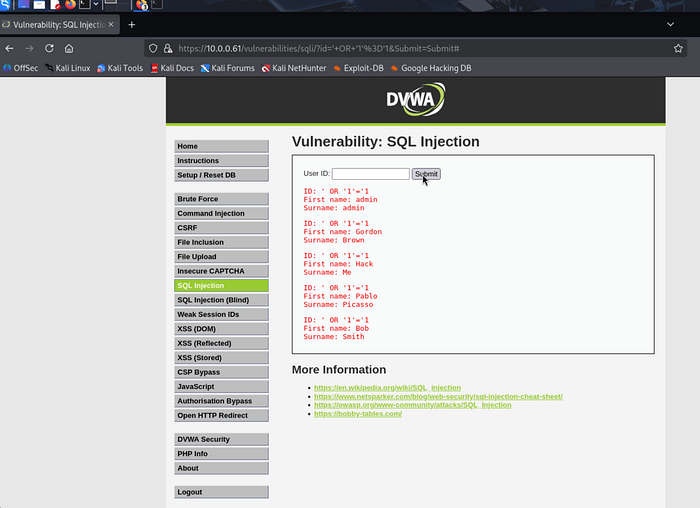
Lesson learned: Seeing an attack go from "success" to "blocked in real time" was incredibly satisfying. This is exactly the kind of visibility SOC analysts need.
What I Learned (The Most Valuable Part)
This lab taught me way more than I expected:
- How real web vulnerabilities actually work and look in traffic
- How a WAF acts as a reverse proxy and inspects every request
- The importance of proper configuration (certificates, hosts file, rule tuning)
- How to read and interpret security logs (very useful for SOC work)
- Troubleshooting skills under pressure (MariaDB issues, service restarts, networking)
Most importantly, I now understand the attacker → defender cycle that happens every day in security operations.
Future plan: Forward SafeLine logs into my Splunk lab to build correlation searches.
Resources I Used
- "EASY CYBERSECURITY Home Lab — SafeLine WAF" by The Social Dork
- SafeLine official documentation
- DVWA GitHub repository
- Full project & documentation: https://github.com/ronakmishra28/waf-dvwa-detection-lab
Final Thoughts
This was my first complete cybersecurity home lab, and it changed how I think about web security.
Instead of just reading about attacks, I was able to see them happen and understand how they are detected and stopped.
This lab was the first time I felt like I wasn't just learning security — I was actually doing it.
If you're preparing for a SOC role, I'd highly recommend building something like this.