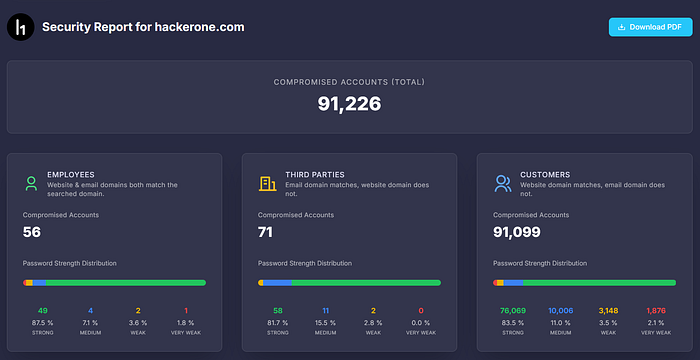
Not every leaked credential is worth reporting. Here are seven things to look for that separate noise from P1 findings.
1. VPN and remote access URLs
Look for vpn, remote, gateway, or ras in the URL. A working VPN credential is direct internal network access. Triage teams take that seriously.
2. Admin panels
Search for admin, backend, dashboard, or manage. Admin credentials with weak or reused passwords are easy wins with clear impact.
3. Cloud console logins
Check for aws, azure, gcp, or console.cloud. Cloud credentials in stealer logs often remain valid. One login can expose production infrastructure.
4. Internal tools
Look for jira, confluence, gitlab, slack, or internal. These systems hold sensitive data and rarely have brute-force protection.
5. Recent timestamps
Focus on credentials from the last six months. A leak from last month is urgent. A leak from 2019 was probably rotated already.
6. Password patterns
Check if the leaked password looks like a corporate default or follows a predictable pattern. Company2024! or Welcome123 suggests weak password policies worth mentioning.
7. Multiple credentials for the same user
If the same employee appears across several leaks with the same password, that is evidence of password reuse. Stronger finding than a single exposure.
What to skip
- Customer credentials for third-party services outside the scope
- Old breaches with hashed passwords only
- Generic SaaS logins with no clear path to impact
- Credentials for services the target does not operate
The report angle
For each finding, show the path: leaked credential → specific system → what an attacker can access. That turns raw data into impact that gets paid.
Run your next target through LeakRadar.io and use this checklist to find what actually matters.