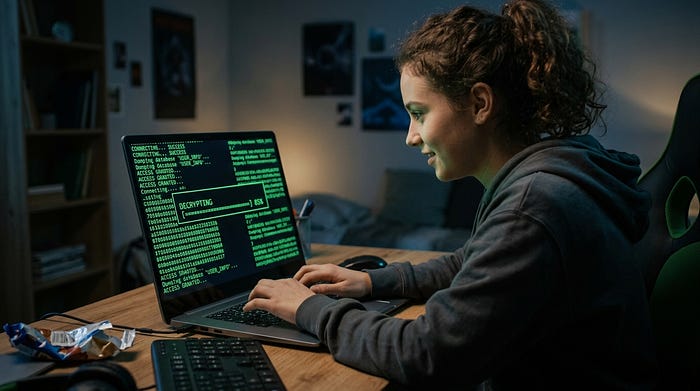

Hacker Typer
A realistic fake hacking screen you can use in your browser
Hacker Typer is a free online hacking simulator that lets you type on your keyboard and instantly fill a terminal with realistic code. It is designed to look like scenes from movies where someone types quickly and code scrolls across a dark screen. Each key press generates real looking source code so the effect feels authentic even to people who understand programming.
There is no setup required. Open the page and start typing. The terminal responds immediately with flowing code that creates the illusion of a live hacking session. It is simple, fast, and works on any modern browser.
What makes this hacker typer different
This tool uses actual snippets from programming languages such as C, TypeScript, and SQL. Instead of random characters, the output is structured code that looks believable. The text cycles automatically so you never run out of content.
The interface is minimal and focused. A blinking cursor, a dark background, and green text combine to create a classic hacker screen. Small details like typing speed and continuous scrolling make the experience feel natural.
How to use Hacker Typer
Getting started takes a few seconds:
- Open the hacker typer page
- Press any key on your keyboard
- Watch the terminal fill with code in real time
You can type slowly or very fast depending on the effect you want. Faster typing creates a more dramatic scene.
There are also a few simple controls:
- Press Shift three times quickly to trigger an ACCESS GRANTED screen
- Use fullscreen mode for a more immersive effect
- Clear the screen anytime to restart
- Copy the code if you want to use it elsewhere
Ideas for using a hacker typer
This tool is popular for fun and creative use cases:
Pranks Open the screen in fullscreen and start typing in front of friends or coworkers. The visual effect is convincing enough to get real reactions.
Presentations Use it as a visual aid when talking about cybersecurity or programming. It helps demonstrate how movies portray hacking compared to real work.
Content creation Many creators use hacker screens for thumbnails, videos, or background visuals. The green terminal look grabs attention quickly.
Why hacker screens are green
The green text on a black background comes from early computer terminals. Older monitors used green phosphor displays which produced that glow. Over time, this look became associated with programming and technical work.
Movies adopted this visual style to represent hacking. As a result, people now recognize green text as a symbol of code and digital activity. Even though modern systems use full color displays, the green terminal remains iconic.
Is this real hacking
No. Hacker Typer is only a visual simulation. It does not connect to systems, run attacks, or perform any real hacking tasks. It is designed purely for entertainment, education, and creative use.
Final thoughts
Hacker Typer is a simple but effective tool that recreates the feeling of movie style hacking. It combines real code, smooth interaction, and a classic terminal design to produce a convincing illusion.
If you want something fun, interactive, and instantly recognizable, this is one of the easiest tools to use. Open it, start typing, and watch the screen come alive.