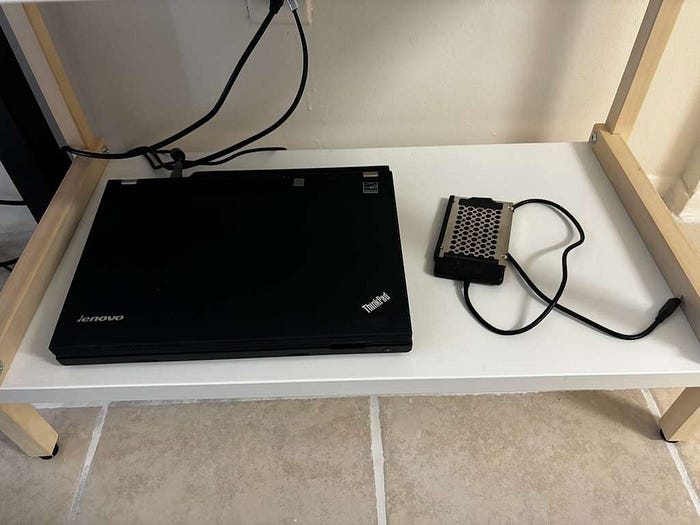
I have an old Lenovo ThinkPad, and one way to make it useful for my projects and my life is by formatting it and installing Linux Mint. This gives me the option to work on many projects and also makes my computer faster.
First, for this project we need a flash drive or some kind of storage unit, and of course two computers: one where we will install the OS (Linux Mint), and another one where we will set up the storage unit with the OS.
For this, I am using Balena Etcher, which is an app that allows you to upload the OS to the storage unit. Using this app is really simple. First, look for the OS you are looking for, in this case Linux Mint.
Download Linux Mint 22.3 — Linux Mint
Next, we need to format our HDD or flash drive to continue. In Windows, we can do this by going to This PC, right-clicking on the drive, and selecting Format
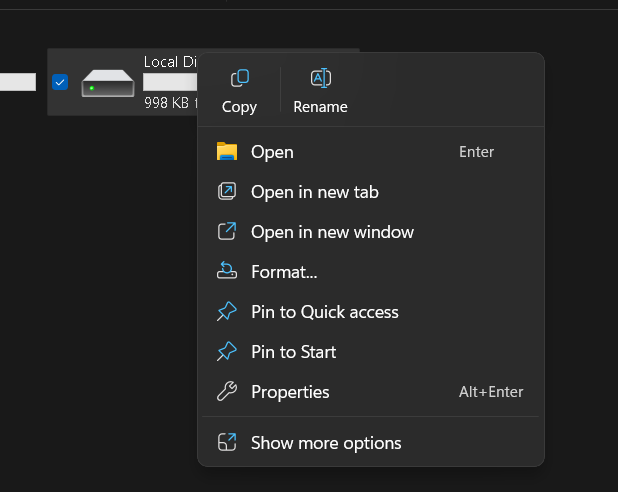
After that, we go to Balena Etcher and load the OS onto the storage unit.
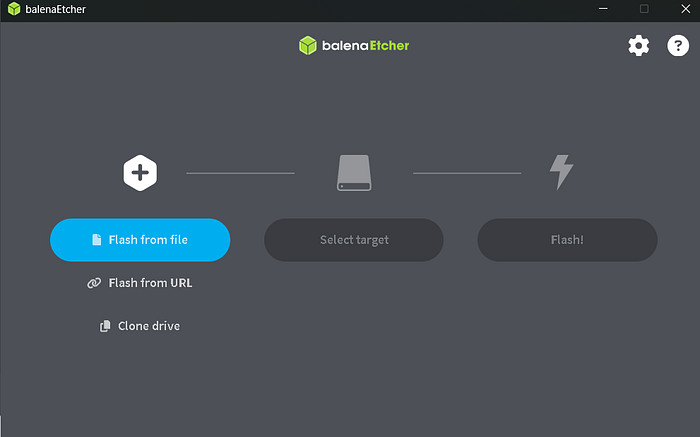
After the process finishes, we go to the old computer and connect the flash drive. We turn on the computer and enter the BIOS using F2, F12, or Delete, depending on the computer. In the BIOS, we look for the Boot Order and select our flash drive.
To continue, we restart the computer. This time, it will start with the OS setup. During the installation, we will be asked to create a partition, which should be placed on the computer's storage. Once this is done, the installation is complete.