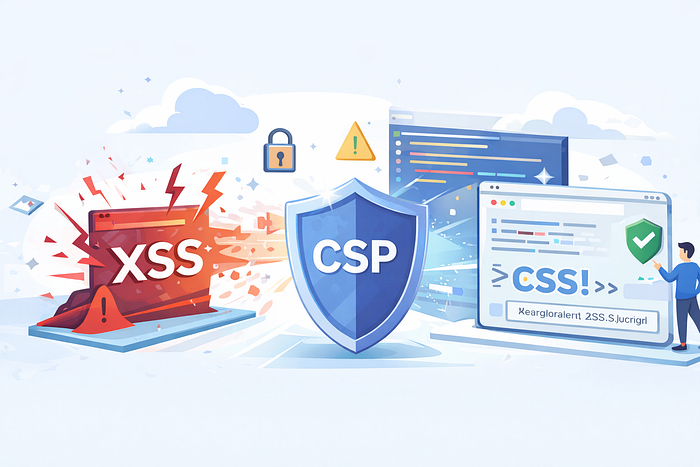
Cross-Site Scripting (XSS) remains one of the most dangerous frontend vulnerabilities. Even with input validation and sanitization, a single missed edge case can lead to account takeover, data theft, or phishing. Content Security Policy (CSP) acts as the final and most powerful defense often called the XSS Kill Switch.
This article explains CSP in a practical, frontend-focused way, covering:
- Allowed Sources
- Script Nonces
- Report-Only Mode
- CSP Reporting (report-uri / report-to)
What is CSP?
Content Security Policy is an HTTP response header that tells the browser what resources are allowed to load and execute on a page.
CSP does not remove XSS bugs. It prevents malicious scripts from executing even if XSS exists.
Why CSP is Needed
Without CSP, the browser executes any script coming from the page:
<script>alert('XSS')</script>With CSP enabled, the browser blocks this script unless it explicitly matches allowed rules.
This makes CSP the last line of defense when all other protections fail.
Allowed Sources (Whitelist Model)
What it means
CSP works on a deny-by-default model. You explicitly whitelist trusted sources; everything else is blocked.
Example
Content-Security-Policy: default-src 'self'
Explanation:
'self'allows resources only from the same origin- External scripts are blocked
Script Source Example
Content-Security-Policy: script-src 'self' https://cdn.example.com;Allowed:
<script src="/app.js"></script>
<script src="https://cdn.example.com/lib.js"></script>
Blocked:
<script src="https://evil.com/xss.js"></script>This prevents attackers from loading malicious JavaScript from external domains. Script Nonces (The Strongest XSS Defense)
What is a Nonce?
A nonce is a cryptographically random, single-use value generated per HTTP response. Only scripts with the correct nonce are allowed to execute.
CSP Header with Nonce
Content-Security-Policy: script-src 'self' 'nonce-abc123'
Allowed Script
<script nonce="abc123">
console.log('This script is allowed');
</script>
Blocked XSS Script
<script>alert('XSS')</script>The attacker cannot guess the nonce, so injected scripts never execute even stored XSS is neutralized.
Report-Only Mode
What is Report-Only Mode?
CSP can run in monitoring mode where it does not block scripts but reports violations.
Example
Content-Security-Policy-Report-Only: script-src 'self';Why it's Important
- Safely test CSP in production
- Identify scripts that would be blocked
- Prevent accidental site breakage
Once confident, you can switch to enforcing CSP.
CSP Reporting (report-uri / report-to)
Purpose
When CSP blocks a resource, the browser sends a violation report to a specified endpoint.
report-uri (Legacy)
Content-Security-Policy:
script-src 'self';
report-uri /csp-report;
report-to (Modern)
Content-Security-Policy: script-src 'self'; report-to default;

Report-To: {
"group": "default",
"max_age": 10886400,
"endpoints": [{ "url": "https://example.com/csp-report" }]
}
Sample Report
{
"violated-directive": "script-src",
"blocked-uri": "https://evil.com/xss.js"
}
These reports help detect attacks and improve security posture.
Dangerous CSP Configuration (Avoid This)
script-src 'self' 'unsafe-inline' 'unsafe-eval';This configuration allows inline scripts and eval, defeating CSP's purpose.
Strong Production CSP Example
Content-Security-Policy:
  default-src 'self';
  script-src 'self' 'nonce-abc123';
  style-src 'self';
  img-src 'self' data:;
  connect-src 'self' https://api.example.com;
  object-src 'none';
  frame-ancestors 'none';
CSP vs XSS (Interview Summary)
CSP restricts where scripts can come from and which scripts can run. Even if XSS exists, CSP blocks execution, making it one of the strongest frontend security controls.
Final Thoughts
CSP should never replace input validation or sanitization but when combined with them, it dramatically reduces XSS risk. For modern frontend applications, especially SPAs and fintech apps, a strong CSP is non-negotiable.
If you care about frontend security, CSP is not optional it is essential.