

Google Dorking is one of the most powerful reconnaissance techniques in bug bounty hunting. It helps security researchers find exposed files, sensitive data, admin panels, and misconfigurations indexed by search engines.
If you're starting your bug bounty journey, learning Google Dorks can help you find low-hanging vulnerabilities quickly.
What is Google Dorking?
Google Dorking (also called Google Hacking) is the process of using advanced search operators to find sensitive information exposed on public websites.
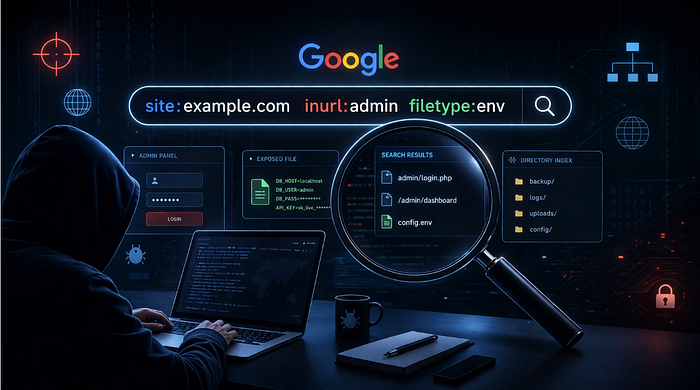
Bug bounty hunters use Google dorks to discover:
- Exposed login pages
- Sensitive documents
- Backup files
- API keys
- Admin panels
- Debug pages
- Test environments
- Misconfigured servers
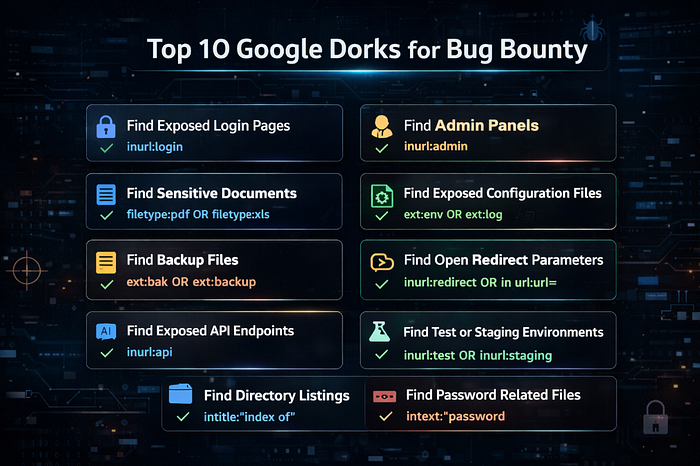
Top 10 Google Dorks for Bug Bounty 🔍
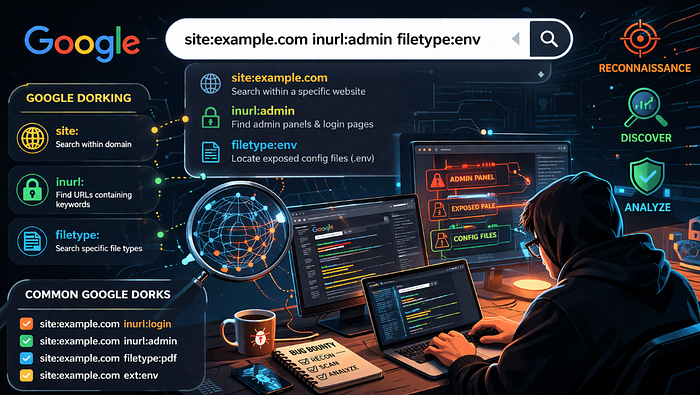
1. Find Exposed Login Pages
site:example.com inurl:loginUse this to discover admin login panels or authentication portals.
2. Find Admin Panels
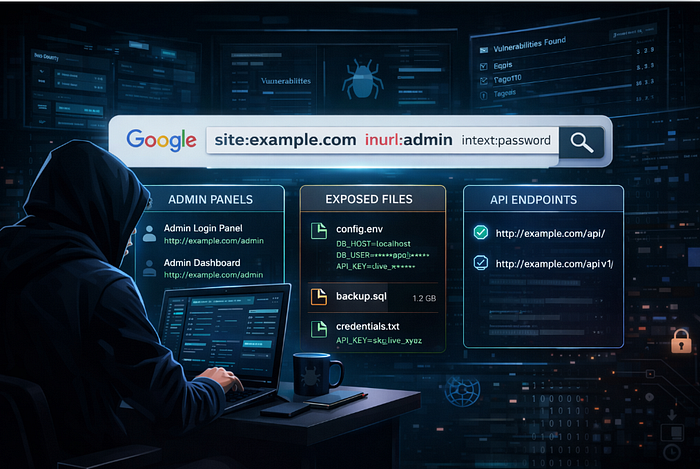
site:example.com inurl:adminHelps identify admin dashboards that may be poorly secured.
3. Find Sensitive Documents
site:example.com filetype:pdf OR filetype:xls OR filetype:docThis can reveal internal documents, reports, or data leaks.
4. Find Exposed Configuration Files
site:example.com ext:env OR ext:log OR ext:confThese files may contain:
- API keys
- database credentials
- tokens
5. Find Backup Files
site:example.com ext:bak OR ext:old OR ext:backupBackup files often contain source code or database dumps.
6. Find Open Redirect Parameters
site:example.com inurl:redirect OR inurl:url=Useful for finding open redirect vulnerabilities.
7. Find Exposed API Endpoints
site:example.com inurl:apiThis helps locate API endpoints for further testing.
8. Find Test or Staging Environments
site:example.com inurl:test OR inurl:staging OR inurl:devThese environments often have weak security controls.
9. Find Directory Listings
site:example.com intitle:"index of"May reveal:
- file directories
- backups
- private uploads
10. Find Password Related Files
site:example.com intext:"password"Sometimes developers accidentally expose credentials in files.
Important Tips for Bug Bounty Hunters
- Always follow program scope
- Never test outside allowed domains
- Do not access sensitive data unnecessarily
- Report responsibly
- Use Google dorks for recon only
Pro Tips 🔥
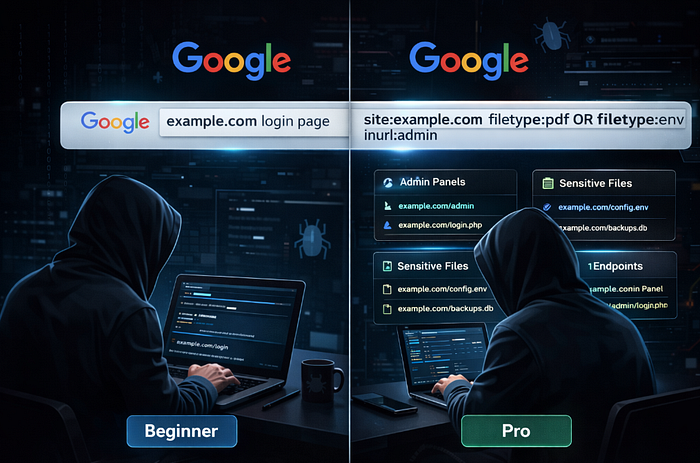
Combine operators for better results:
Example:
site:example.com inurl:admin intitle:loginOr:
site:example.com filetype:env "DB_PASSWORD"These advanced combinations improve bug hunting results.
Why Google Dorking is Powerful for Bug Bounty
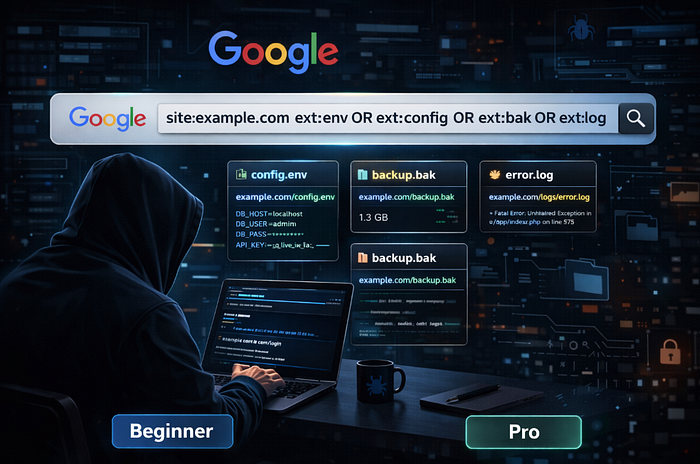
Google indexes billions of pages. Sometimes sensitive files accidentally become public, and Google caches them.
Bug bounty hunters use this to find:
- Information disclosure
- exposed credentials
- hidden endpoints
- misconfigurations
This makes Google Dorking a fast recon technique.
Final Thoughts
Google Dorks are simple but extremely powerful. Many bug bounty reports start with basic Google searches.
Start with these Top 10 Google Dorks, then build your own queries based on targets.
The more you practice, the better you get at finding real vulnerabilities.