
A simple guide to understanding a new "denial-of-wallet" attack that turns your cloud budget against you, and the practical steps you can take to protect yourself.
TL;DR: Attackers are using compromised, low-privilege Azure accounts to exploit a flaw in cost management APIs. They rapidly create thousands of expensive resources across many regions, draining your budget and causing a "denial-of-wallet" before you can react.
🤔 What is a "Denial-of-Wallet" Attack?
Most of us have heard of a "Denial of Service" (DoS) attack, where attackers flood a website with traffic to knock it offline. A Denial-of-Wallet attack is similar, but instead of targeting your website's availability, it targets your bank account.
The goal isn't to steal your data, but to cause you massive financial damage by abusing the pay-as-you-go nature of the cloud. Think of it like someone getting access to your smart home's electricity meter and cranking everything to maximum, just to leave you with an impossible bill.

🎯 How This New Azure Attack Works
To understand this attack, we first need to know what an API (Application Programming Interface) is. An API is like a waiter in a restaurant; you give it your order (like "create a virtual machine"), and it communicates with the kitchen (Azure's infrastructure) to get it done for you.
This specific attack exploits a weakness in how some third-party or custom-built cost management tools use Azure's billing APIs. The scary part is that the attacker doesn't need to be an administrator to do it.
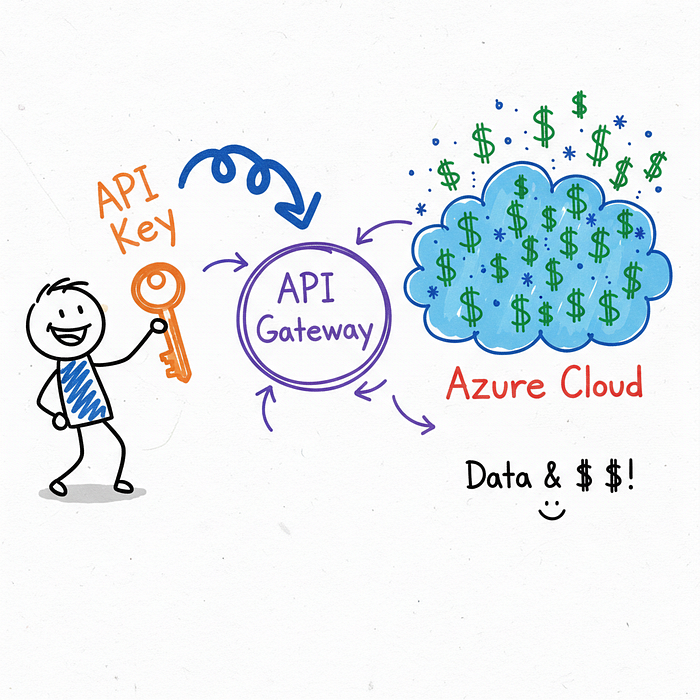
They can use low-privilege credentials, which are much easier to steal. It's like having a library card instead of the master key to the city, but you discover the library card somehow lets you order millions of dollars worth of books on the city's account.
🚶♂️ A Step-by-Step Attack Scenario
So, what does this look like in the real world? It usually happens in three shockingly fast steps.
First, an attacker gets their hands on a low-privilege access key, maybe from a public code repository on GitHub or a simple phishing email. Next, they use an automated script that calls the vulnerable API over and over again with one simple command: create expensive stuff.
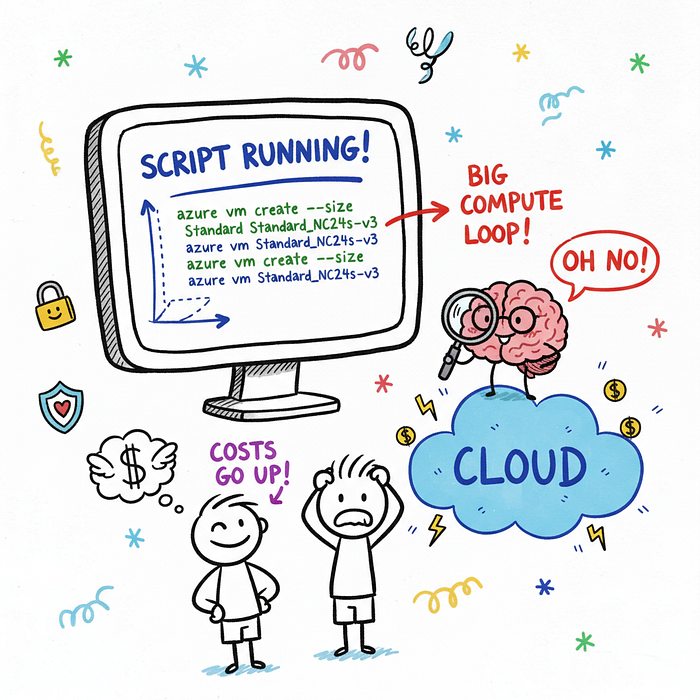
The script then triggers a resource explosion, rapidly creating hundreds of the most expensive Virtual Machines (VMs) available, often those with powerful GPUs for machine learning. To make it harder to track, the attacker spreads these resources across multiple Azure regions — data centers located all over the world.
Imagine someone opening dozens of expensive tabs at bars all over a city simultaneously using your credit card. By the time you get the first bank alert, the damage is already done.
👻 Why Is This So Sneaky?
This attack is clever because it avoids many traditional security alarms. Most security systems are configured to watch for suspicious actions from high-privilege administrator accounts.
Since this attack uses a "nobody" account with very limited permissions, it often flies under the radar. The speed is the real weapon here.
Within minutes, an organization can hit its monthly or quarterly spending limits, causing Azure to shut down legitimate, business-critical applications. Your services go down not because they were hacked, but because the money simply ran out.
🛡️ Your Azure Shield: Practical Defense Steps
Okay, enough of the scary stuff! The good news is that you can absolutely defend against this. Here are four practical steps you can take right now.
1. Enforce the Principle of Least Privilege (PoLP)
This is the golden rule of cybersecurity. Every user, application, or service should only have the absolute minimum permissions necessary to perform its function.
Regularly audit your Azure Active Directory roles and permissions. If a service account only needs to read data, make sure it doesn't have permission to write or create anything.
2. Set Up Billing Alerts and Budgets
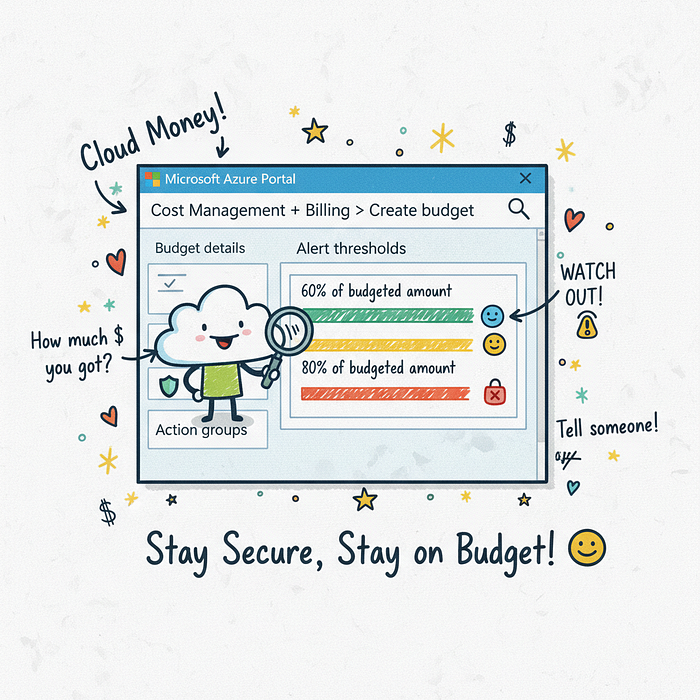
This is your financial smoke detector and it is non-negotiable. Azure allows you to create budgets and set alerts when your spending exceeds a certain threshold.
You can set up an alert to notify your entire security and finance team via email or SMS when spending hits, say, 75% of the monthly budget. In Azure, you navigate to Cost Management + Billing, create a new Budget, and configure an Action Group to send the notifications.
3. Use Azure Policy to Restrict Resources
Azure Policy is your cloud rulebook. You can use it to enforce rules on what can and cannot be created in your environment.
For example, you can create a policy that denies the creation of specific, high-cost VM families that your company never uses. You can also restrict deployments to only your approved Azure regions.
Here is a real example of a policy that would block three types of very expensive VMs. You can apply this directly in your Azure environment.
{
  "if": {
    "allOf": [
      {
        "field": "type",
        "equals": "Microsoft.Compute/virtualMachines"
      },
      {
        "field": "Microsoft.Compute/virtualMachines/sku.name",
        "in": [ "Standard_NC24s_v3", "Standard_ND40s_v2", "Standard_M128ms" ]
      }
    ]
  },
  "then": {
    "effect": "deny"
  }
}
4. Monitor API Activity with Azure Monitor
Think of Azure Monitor as your cloud's security camera system. It logs every single action that happens in your environment, including API calls.
You can set up alerts to look for suspicious patterns, such as an unusually high number of resource creation calls originating from a single user account in a short period. A sudden spike in Microsoft.Compute/virtualMachines/write operations from a non-administrator account is a massive red flag.
🎓 What You Learned
Whew, we covered a lot, but you made it! Taking control of your cloud security is a huge step, and now you're better prepared.
- You learned what a Denial-of-Wallet attack is and how it uses your own budget against you.
- You now understand how attackers can use low-privilege credentials to launch automated, high-speed resource creation attacks.
- You have four concrete, actionable defense strategies: least privilege, billing alerts, Azure Policy, and API monitoring.
Cloud security isn't about being perfect; it's about being prepared. Keep learning, stay curious, and you'll be in great shape to protect your cloud environment.