Google Dorking (also known as Google Hacking) refers to the use of advanced search operators and specialized query techniques in Google to uncover information that is not easily found through regular keyword searches. Instead of simply typing general terms, users apply specific operators to narrow, filter, or target results more precisely.
While Google Dorking can be used legitimately for research, cybersecurity testing, and digital forensics investigations, it can also reveal sensitive information if systems are not properly secured. For this reason, organizations use it as part of security audits to identify and fix unintended data exposure before it can be misused.
It involves using advanced search operators to find specific information on the internet.
These searches can reveal things like: Unsecured login portals Passwords or usernames stored in plain text Sensitive company documents Misconfigured servers or databases
Common Google Dork Operators
Here are the most useful search operators:
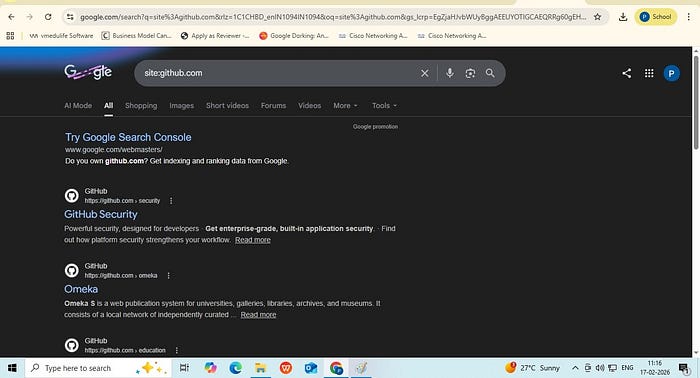
- Site This operator is used to restrict search results to a specific website or domain. It helps you find information only within a particular site instead of searching the entire web. Example: site:github.com
It tells Google to display results only from GitHub's domain. It limits the search to content indexed from github.com.
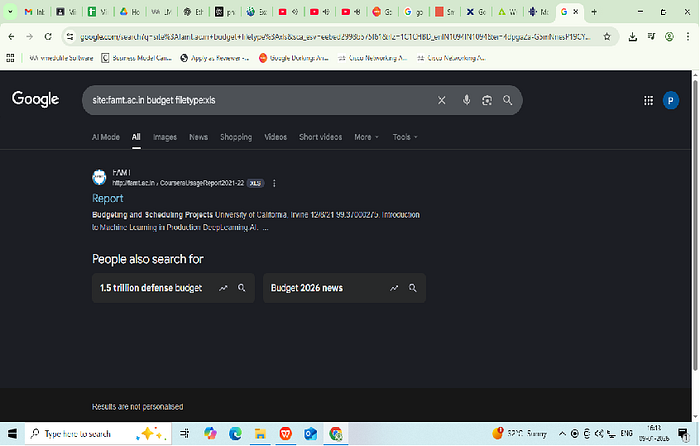
2. Filetype: This operator Searches for specific file types like PDFs, DOCX, or XLSX. Example: site:github.com filetype:pdf

3. Intitle: This operator restricts search results to pages where the specified word appears in the web page or HTML title tag Example: site:github.com intitle:login

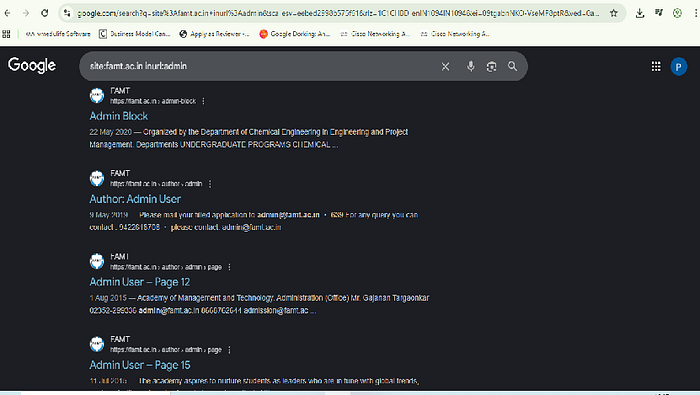
4. Inurl: This operator searches for specific words in the URL. Example: site:famt.ac.in inurl:admin
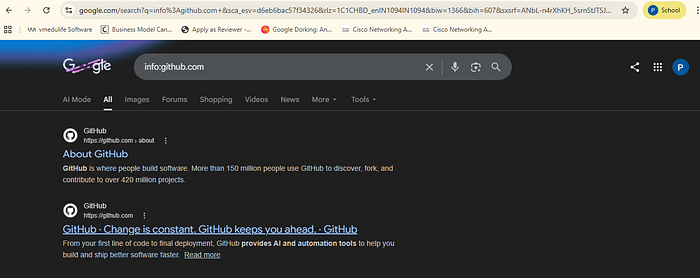
5. Info:
This operator displays information that Google has about a specific webpage or domain. It typically shows the indexed version of the page, similar pages, pages that link to the site.
Important Ethical & Legal Warning
While Google only displays publicly indexed pages, attempting to access, test, or exploit administrative pages without explicit authorization is illegal and unethical.
If you are performing security testing, ensure you have written permission from the organization. These techniques should only be used for:
- Educational purposes
- Cybersecurity research
- Authorized penetration testing
- Digital forensic investigations
Unauthorized access to admin panels can lead to serious legal consequences.