
Practical Dev Tools That Stop UI Bugs Before Users Find Them…
Frontend bugs are sneaky. They don't crash the app loudly. They silently break layouts, validations, edge cases and user trust.
I have seen frontend bugs reach production not because developers were careless-but because the right tools were missing. Not shiny tools. Practical ones.
This vlog is about frontend tools that genuinely reduce bugs, not tools that just make demos look fancy.
No hype. No fake claims. Only tools that actually save you from future embarrassment.
1. ESLint — Your First Line of Defense
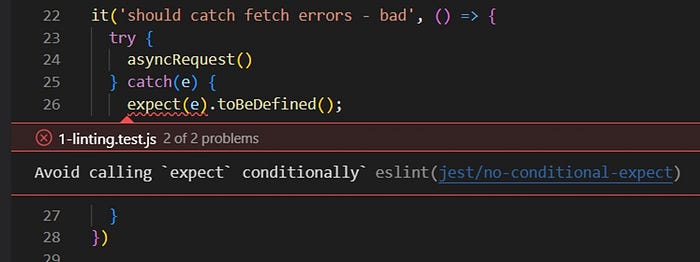
ESLint catches mistakes before your code even runs. It's like having a senior dev quietly watching your code and tapping your shoulder when you mess up.
What bugs it prevents
- Undefined variables
- Unused imports (future confusion)
- Incorrect hooks usage
- Dangerous equality checks (
==vs===) - Missing dependencies in
useEffect
Real-world example
You forgot to add a dependency in useEffect.
App works fine locally.
Production? Infinite re-renders.
ESLint would've screamed early.
Why it truly reduces bugs
- Errors are caught during typing, not after deployment
- Enforces consistent patterns across teams
- Prevents "it works on my machine" disasters
This tool alone can reduce 30–40% of silly frontend bugs.
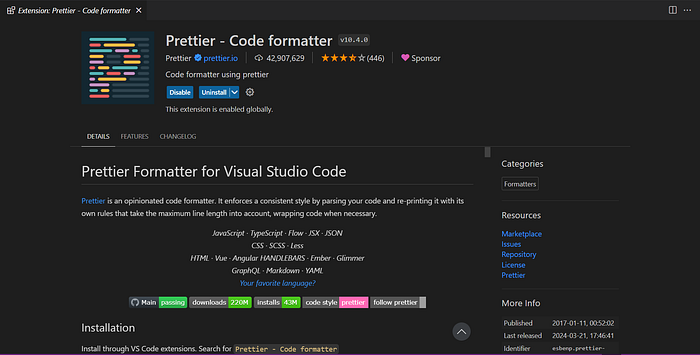
2. Prettier — Less Style Fighting, More Logic Thinking
Prettier doesn't just format code — it removes mental noise
Bugs it indirectly prevents
- Misread condition blocks
- Confusing nested JSX
- Inconsistent indentation hiding logic errors
Real-world pain
Ever missed a closing bracket in JSX because formatting was chaotic? That's not a skill issue. That's a tooling issue.
Why Prettier helps
- Makes code visually predictable
- Reduces human reading errors
- Keeps reviews focused on logic, not tabs vs spaces
Clean code = fewer misinterpretations = fewer bugs.
3. TypeScript — The Bug Killer People Avoid (But Shouldn't)
TypeScript stops bugs before runtime, where debugging is most expensive.
Bugs it prevents
undefined is not a function- Wrong API response handling
- Incorrect props passed to components
- Broken refactors
Real-world scenario
Backend changes a field from number to string.
JavaScript says nothing.
TypeScript throws errors everywhere—exactly where fixes are needed.
Why it truly reduces bugs
- Forces clarity in data contracts
- Makes refactoring safer
- Catches errors QA never finds
If you ship large frontend apps without TypeScript, you're gambling.
4. React Developer Tools — Debug Reality, Not Assumptions
Console logs lie. React DevTools shows the truth.

Bugs it helps catch
- Incorrect props flow
- State not updating as expected
- Excessive re-renders
- Wrong component hierarchy assumptions
Real-world example
Why isn't this component updating? Turns out-t's not even receiving the prop you think it is.
React DevTools makes this obvious in seconds.
Why it matters
- Visual debugging > guesswork
- Saves hours of console logging
- Helps understand complex component trees
If you use React and don't use this, you're debugging blindfolded.
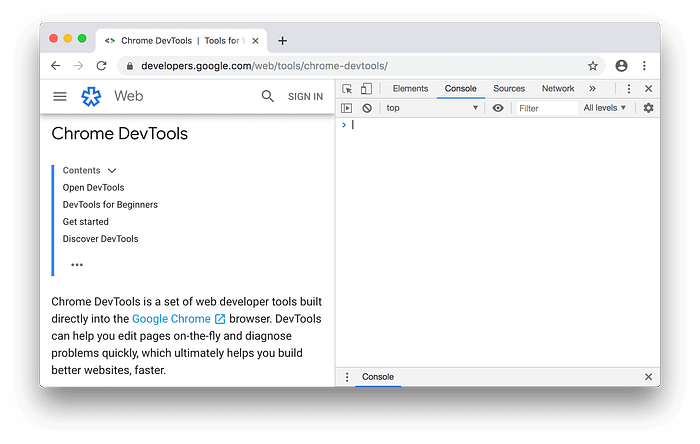
5. Browser DevTools (Used Properly)
Most developers underuse DevTools. That's why bugs escape.
Bugs it catches
- API failures hidden by UI fallbacks
- Performance bottlenecks
- CSS overriding issues
- CORS and network errors
Advanced but practical usage
- Network tab → check real API responses
- Application tab → inspect localStorage/sessionStorage
- Performance tab → catch janky renders
Frontend bugs often live in the browser, not the code editor.
6. Testing Tools (Even Minimal Ones)
Tests don't slow you down. Untested bugs do.
Bugs tests prevent
- Broken UI after refactors
- Regression issues
- Edge cases users always find
Reality check
You don't need 100% coverage. Even basic component tests can stop embarrassing production bugs.
Why this matters
- Confidence during changes
- Safer deployments
- Less fear while refactoring
One failed test can save you a bad release.
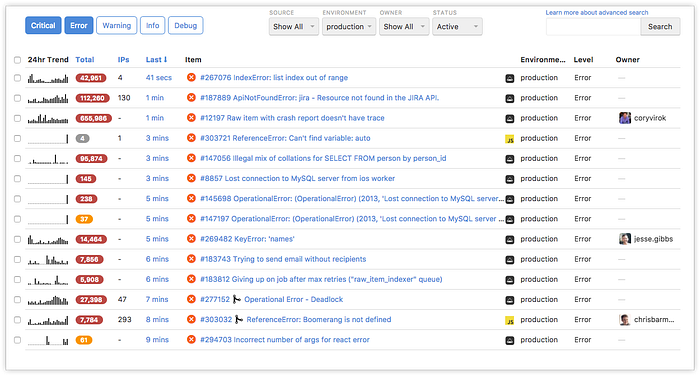
7. Error Tracking Tools (The Silent Saviors)
Users won't report bugs. These tools will.
Bugs they expose
- Production-only issues
- Device-specific crashes
- Rare edge-case failures
Why they reduce bugs
- Shows real user errors
- Stack traces from production
- Faster root cause analysis
You can't fix what you don't know exists.
Editor's Note-I am not affiliated with any of the tools, repositories, or links mentioned in this article. They are shared purely for educational purposes and to help readers easily explore and verify
Final Thought
Frontend bugs don't come from lack of skill. They come from lack of guardrails.
Good frontend developers don't write perfect code. They set up systems that catch mistakes early.
If you use:
- ESLint
- Prettier
- TypeScript
- DevTools properly
- Minimal testing
You're already ahead of most teams.
Happy Reading ❤️🙏