


When Office Printers Become Hidden Network Entry Points
✍️ By Ghostyjoe
🎯 Why Printers Matter in Security
When most bug bounty hunters think about targets, they usually focus on:
- Web applications
- APIs
- Mobile apps
- Cloud infrastructure
But sometimes the most overlooked attack surface is sitting quietly in the corner of an office:
the network printer.
Modern printers are essentially small networked computers running embedded operating systems with web dashboards, print services, and management interfaces.
If exposed to the internet or misconfigured, they can become unexpected entry points.
🧠 Why Printers Can Be Risky
Printers frequently expose several services:
- Web admin panels
- SNMP monitoring
- IPP printing services
- JetDirect raw printing
Many organizations also forget to:
- update firmware
- disable unused services
- change default credentials
From a security research perspective, this can sometimes create interesting findings — if the asset is in scope.
🔎 Step 1 — Finding Printer-Related Assets During Recon
Bug bounty recon may reveal hosts like:
printer.company.com
print.company.com
scan.company.com
mfp.company.com
These don't automatically mean vulnerabilities — but they may indicate IoT infrastructure worth examining.
🖥️ Screenshot — Recon Results Showing Printer Hosts

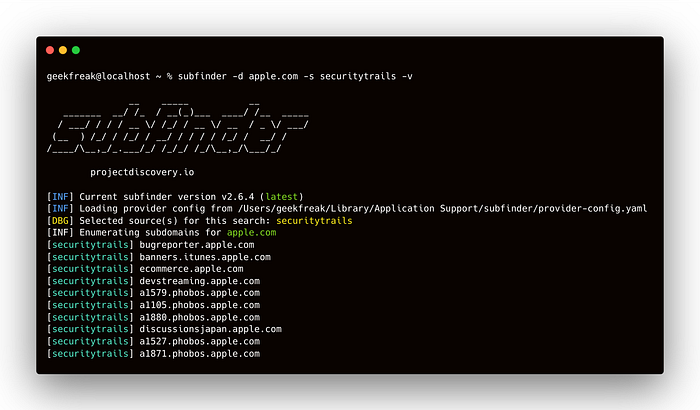
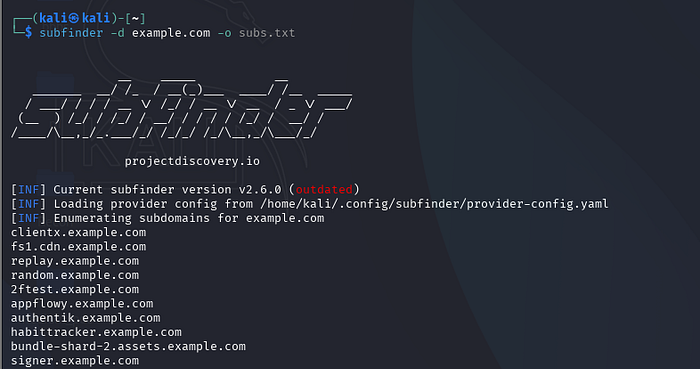
This type of recon output may come from tools such as:
- subfinder
- amass
- assetfinder
The key idea is recognizing infrastructure-related hostnames.
🌐 Step 2 — Searching for Exposed Devices
Security researchers often look at internet-wide device search engines to understand how many printers are exposed.
Example search queries include:
port:9100 printer
port:631 ipp
http.title:"printer"
These queries reveal thousands of devices exposed online.
🖥️ Screenshot — Internet Device Search Results
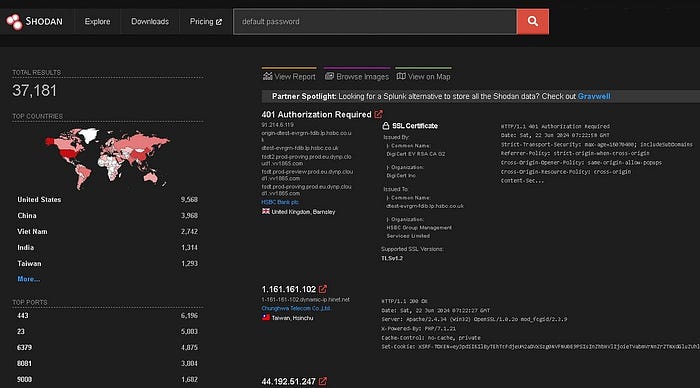

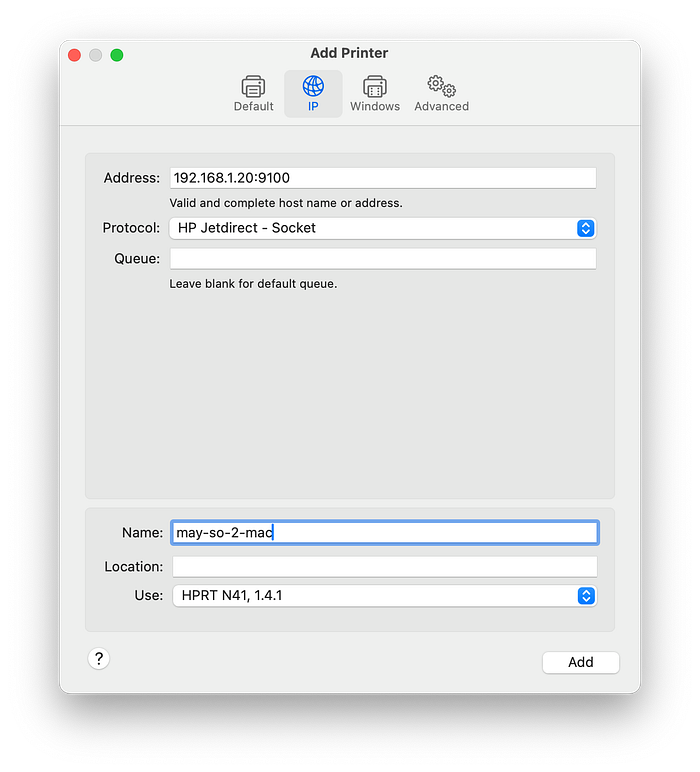
This type of screenshot helps demonstrate how common exposed printers really are.
🔌 Step 3 — Understanding Common Printer Ports
Most network printers expose several standard services.
Typical ports include:
80 / 443  → Web interface
161       → SNMP
515       → LPD printing
631       → IPP printing
9100      → JetDirect RAW printing
Each service potentially exposes device information or configuration options.
🖥️ Screenshot — Printer Port Reference
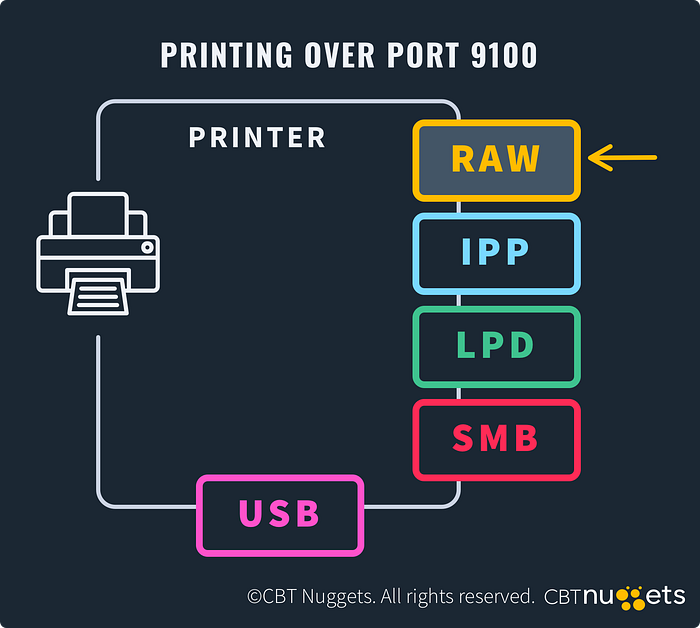

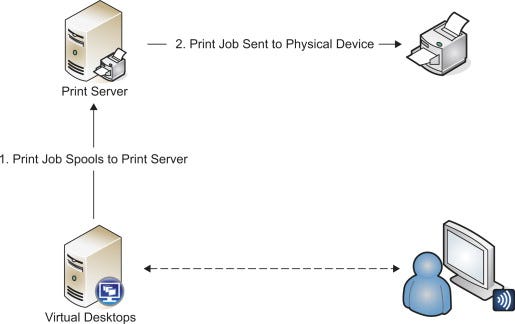
Understanding these ports helps researchers recognize printer infrastructure quickly.
🧪 Step 4 — Service Detection With Nmap
In an authorized environment, researchers may identify running services.
Example command:
nmap -sV -p 80,443,161,515,631,9100 target-ipThis reveals what services are exposed.
🖥️ Screenshot — Nmap Scan Results
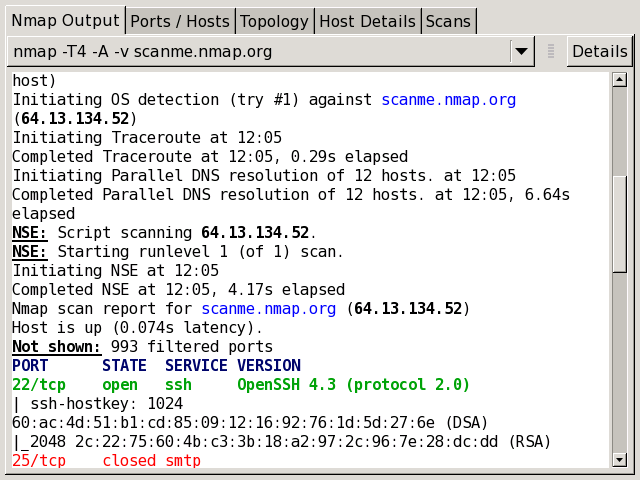
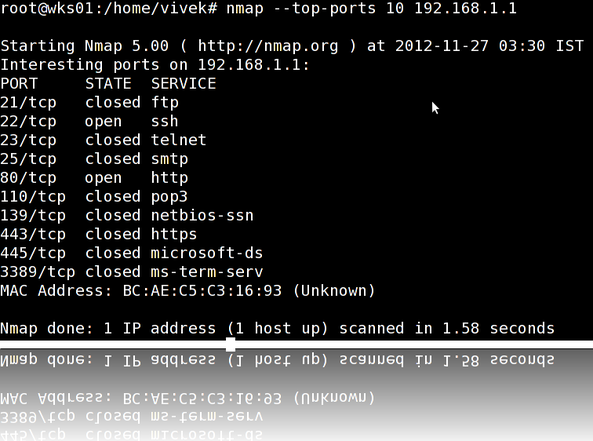

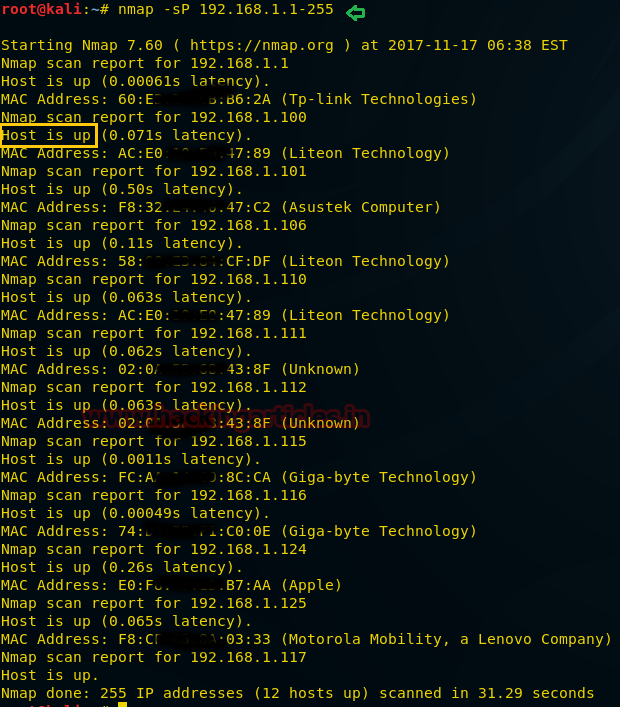
Typical output might show:
PORT     STATE SERVICE
80/tcp   open  http
161/udp  open  snmp
631/tcp  open  ipp
9100/tcp open  jetdirect
🔐 Step 5 — Checking the Printer Admin Panel
Many printers include a web-based management interface.
These dashboards often provide:
- device status
- network configuration
- firmware updates
- print logs
- admin settings
If exposed publicly, this interface could leak useful information.
🖥️ Screenshot — Printer Web Admin Interface
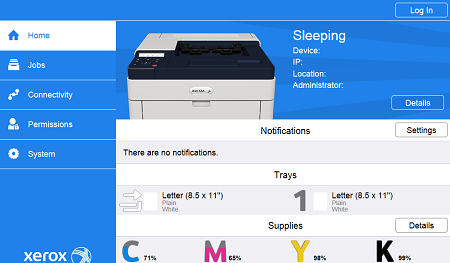


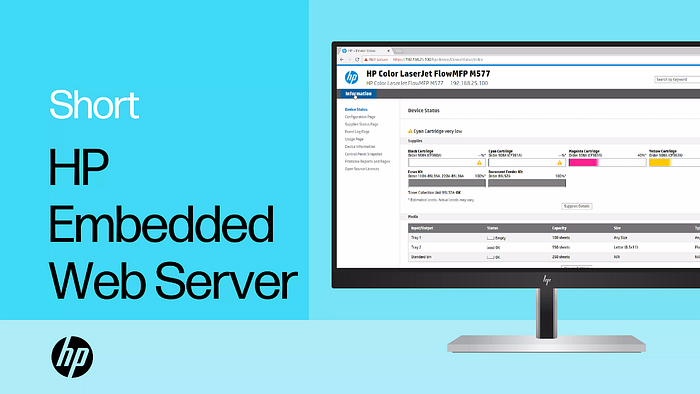
This kind of interface is common across many printer brands.
🔑 Step 6 — Default Credential Risks
Some embedded devices ship with default credentials such as:
admin / admin
admin / password
root / 0000
While modern systems are improving, forgotten credentials remain a frequent security issue.
🖥️ Screenshot — Printer Login Page
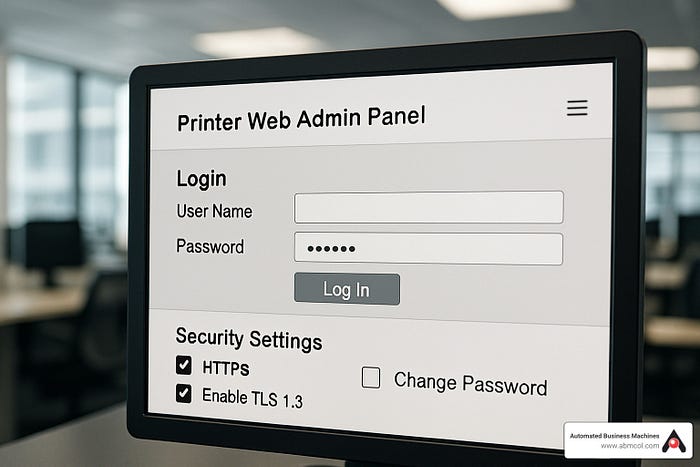
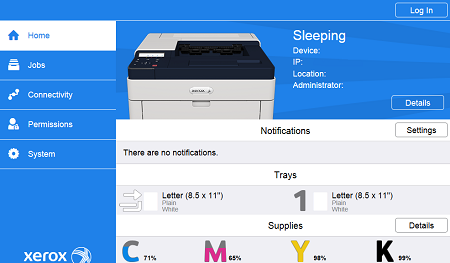
Login panels like this appear across many embedded systems.
📡 Step 7 — SNMP Information Exposure
SNMP is frequently enabled for monitoring.
Example command in a lab environment:
snmpwalk -v2c -c public target-ipIf misconfigured, SNMP can reveal device information.
🖥️ Screenshot — SNMP Data
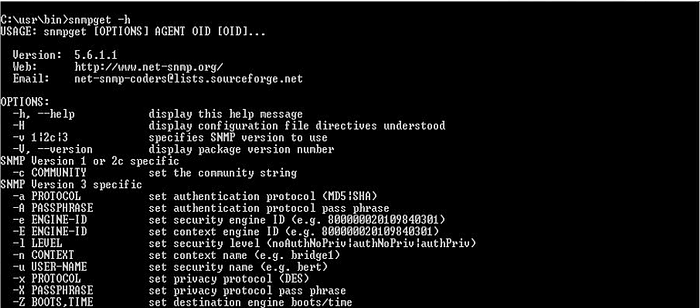
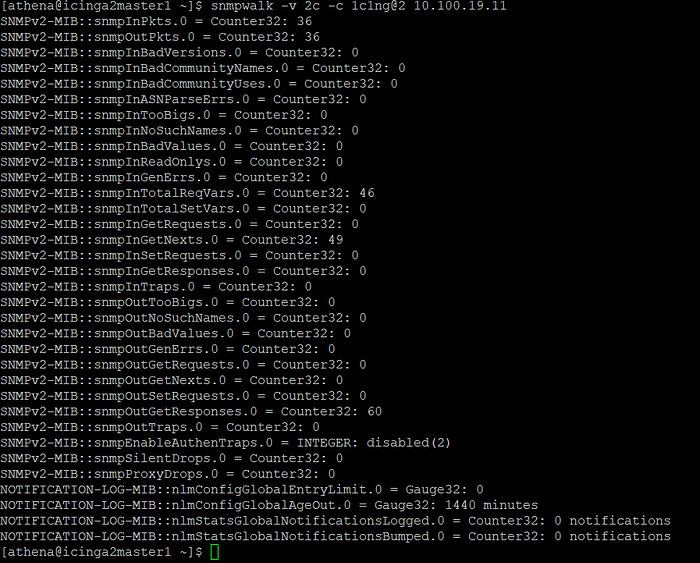
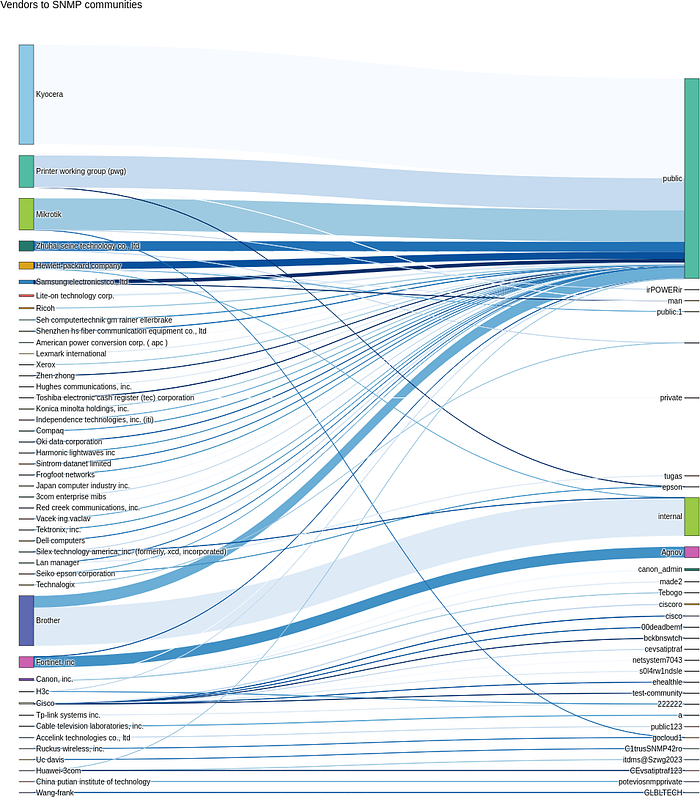
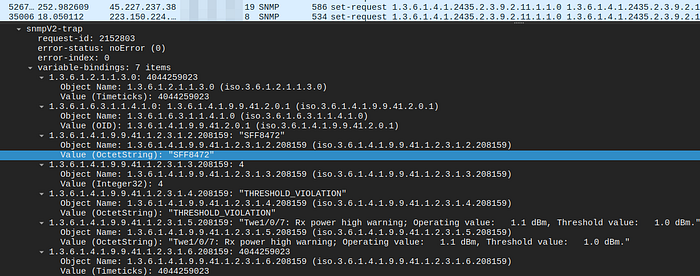
Example information revealed:
sysName: Office-Printer-01
sysLocation: Floor 3
sysDescr: HP LaserJet Firmware 2.3.1
💥 Why This Matters
If compromised or misconfigured, printers may expose:
- device configuration data
- network information
- internal infrastructure details
Even when not directly exploitable, they may help strengthen reconnaissance.
🎯 Does This Apply to Bug Bounty Hunting?
Sometimes — but only if the asset is:
✔ publicly accessible ✔ owned by the target ✔ explicitly in scope
Examples might include:
printer.company.com
scan.company.com
iot.company.com
But internal office printers are usually out of scope.
🖥️ Screenshot — Example Bug Bounty Scope

Reading scope carefully is one of the most important skills in bug bounty hunting.
🛡️ Defensive Takeaways
Organizations should:
- update printer firmware regularly
- disable unused services
- restrict SNMP access
- remove internet exposure
- segment printer networks
Printers may look harmless — but from a security perspective they are network devices with attack surfaces.
⚖️ Ethical Use & Disclaimer
This article is intended strictly for educational and defensive cybersecurity purposes.
Only test systems:
- you own
- you have permission to test
- or that are clearly within bug bounty scope.
Unauthorized access is illegal.
👏 If you enjoyed this post, a few claps and a follow always help support my work.
☕ Support my work here: https://buymeacoffee.com/ghostyjoe