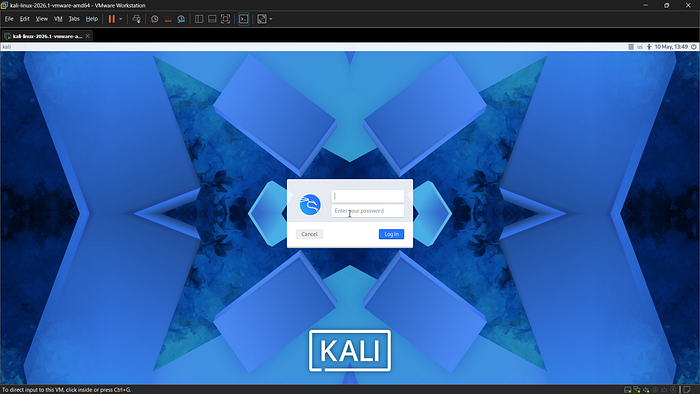
Kali linux is an operating system mainly designed for ethical hacking and cybersecurity learning. It consists of many built-in security tools that helps us to practice networking and security testing. VMware Workstation Pro is a virtualization software. By using VMware we can install and use Kali Linux safely without changing their main operating system. Step by step procedure to setup Kali Linux using VMware.
1.Download VMware Workstation Pro.
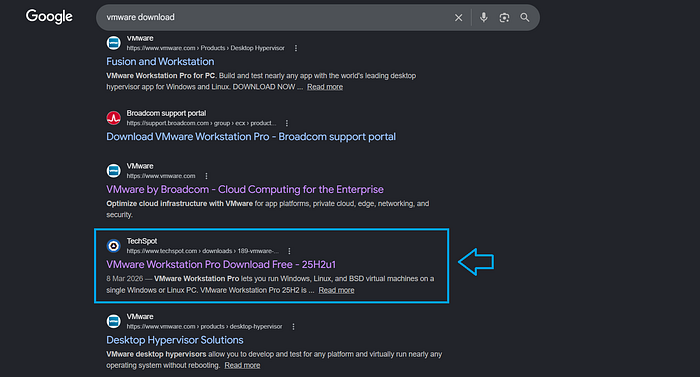
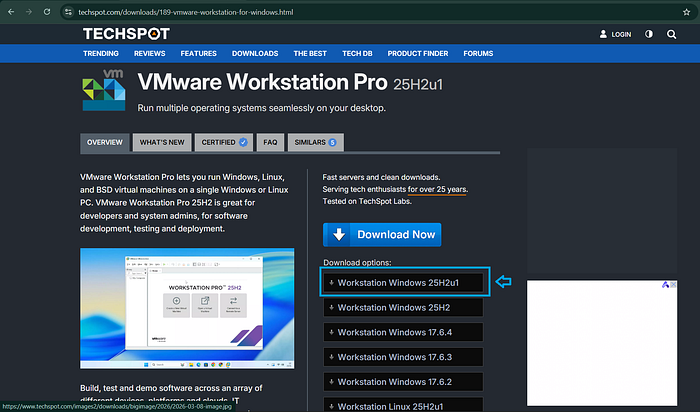
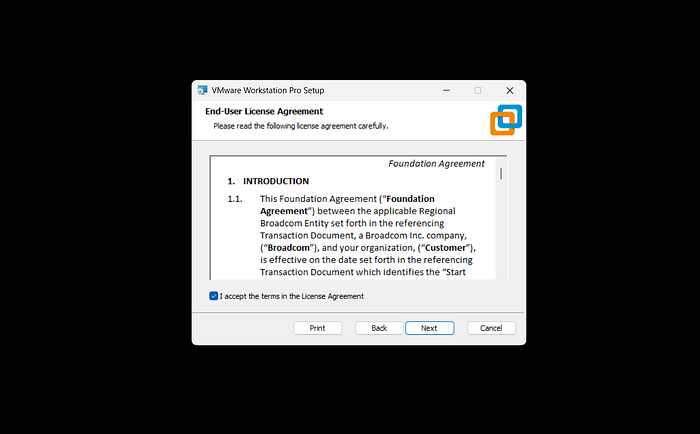
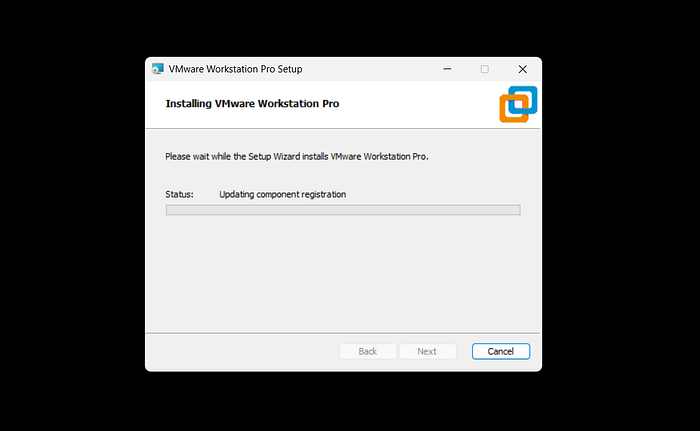
Go to google and search for VMware download and open the website as shown in the above figure or open using this VMware Download Link.Download the latest version as marked in the above figure.click all the 'Next' buttons until 'Finish' button appears.After that accept all the terms and click 'Next' and finally the 'Install' button.Wait for the completion of VMware installation.2.Download Kali Linux From the official website.
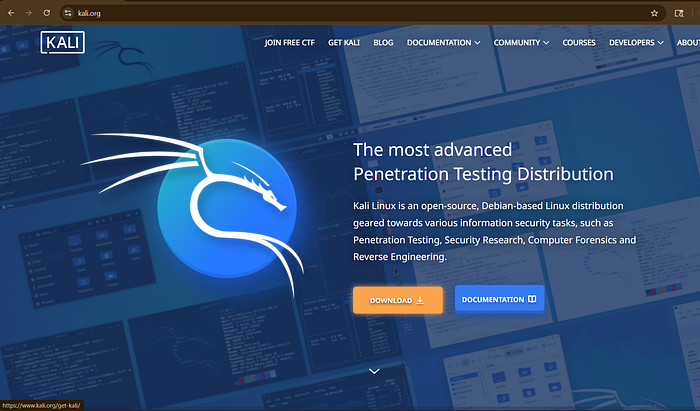
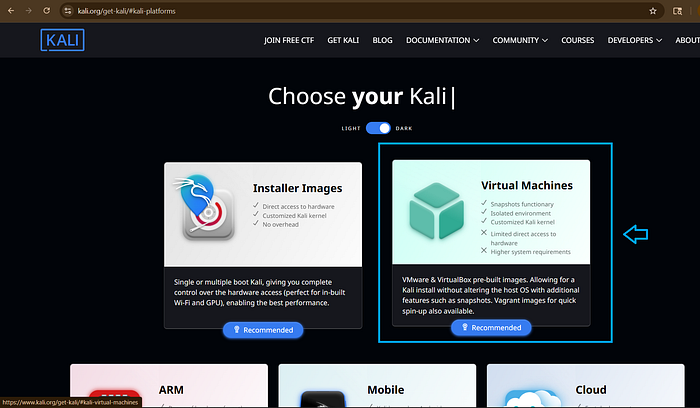
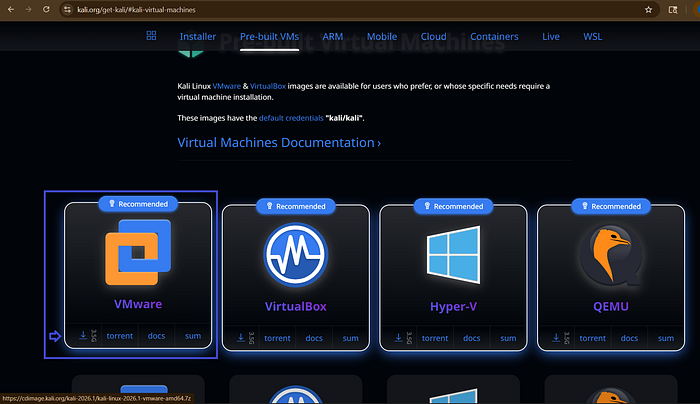
Go to google and search for Kali.org or open the website using Download Link. Then click on the 'Download' button.After thare will be various platforms that Kali can run,select the suitable one.Here we need 'Virtual Machine' to use kali inside the VMware.From this select the VMware option and download it.3.After Downloading…
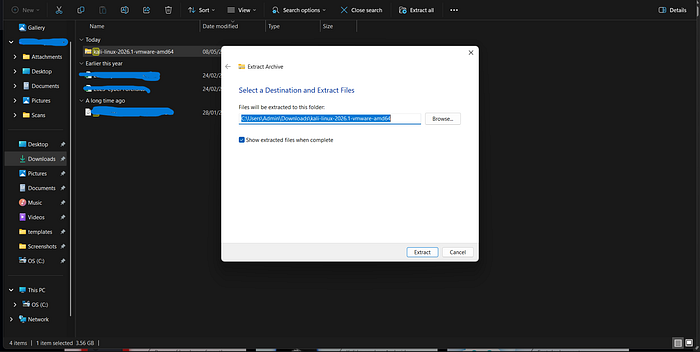
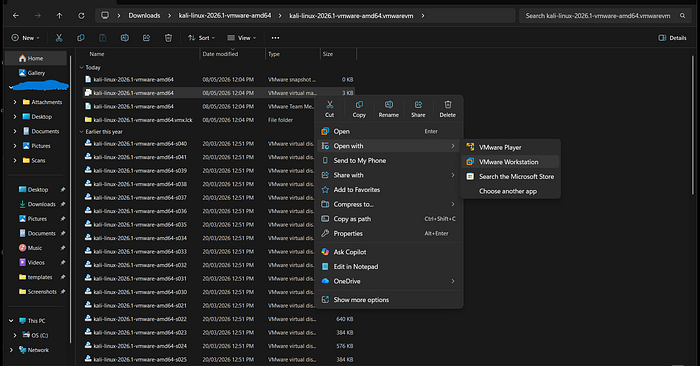
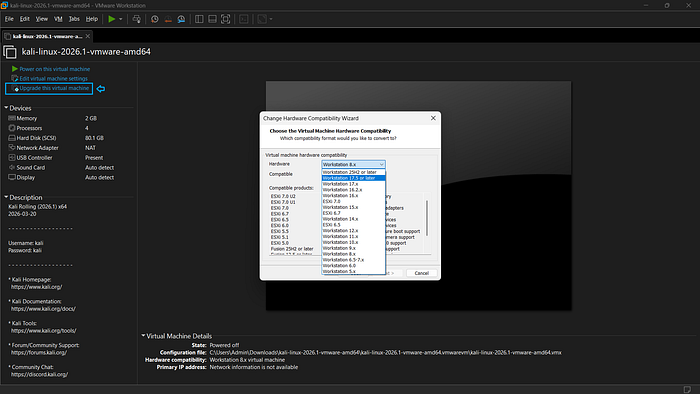
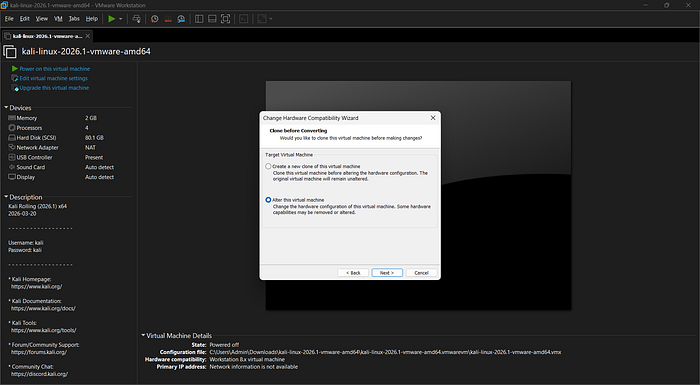
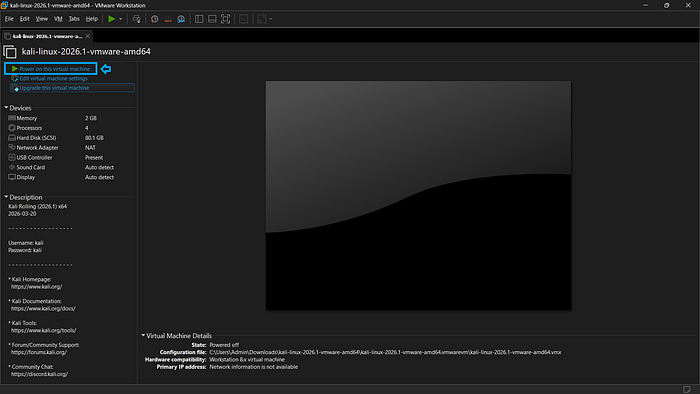
Open the Downloads in your system and find the downloaded file of Kali.then right-click on it and select the option 'Extract All' ,after that gave the destination were the file is to be extracted and wait for completing the extraction process.After extraction open the extracted file and find the file as shown in the above figure and rightclick on that particular file and select the option open with >VMware Workshop.When the kali is open in the VMware select the 'Upgrade this virtual machine' option at the left side,then select 'workstation 17.5 or later'.After that select 'Alter this virtual machine' and click 'Next' and 'Finish' button.Then click on 'Power on this virtual machine' this will power on the Kali Linux.After the interface of Kali Linux is open then create account by giving the username and password as 'kali' and login.Now successfully we setup the Kali Linux in VMware and you are able to explore the cybersecurity world through Kali Linux!!