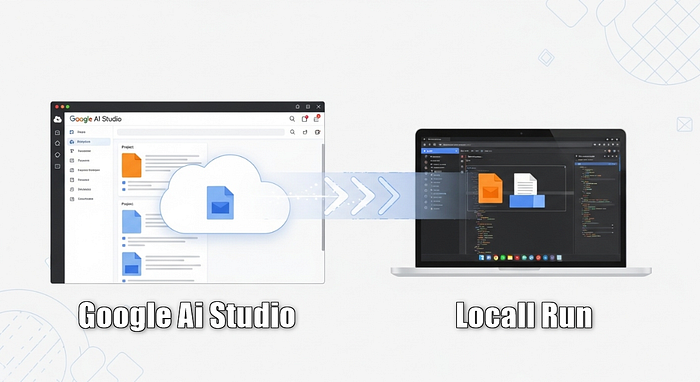


I have seen many people struggling to move the projects created in Google's AI Studio to their local machine.
Seriously, it's not that hard — just follow these steps and you'll be done in seconds!
In this quick tutorial, we'll create a classic calculator app to show how it works.
Visit https://aistudio.google.com and hit the Build button. Type what you want to create (in our case, "a calculator app") and hit Run.
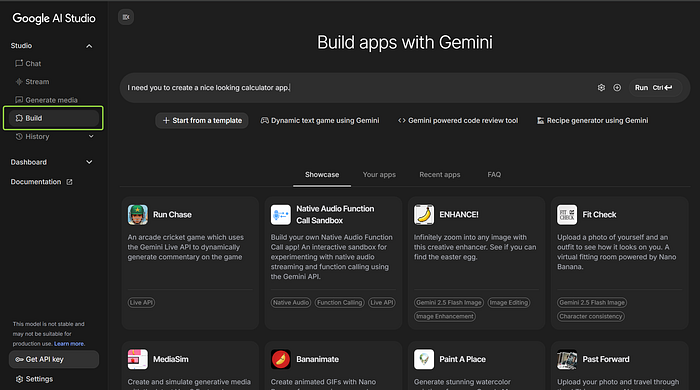
Depending on the complexity of your application, it may take some time to generate. In this example, it only took 10 seconds 😋
Preparing your local environment
1. First of all, download Node.js from this link: https://nodejs.org/en/download It's a super easy process — nothing complicated here. Just click Next → Next → Accept, and you're done!
Starting the process
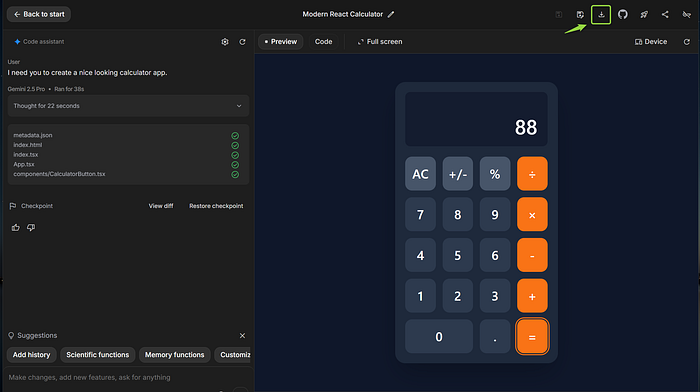
2. At the top right corner, there is a button for downloading the project you created. Click it.
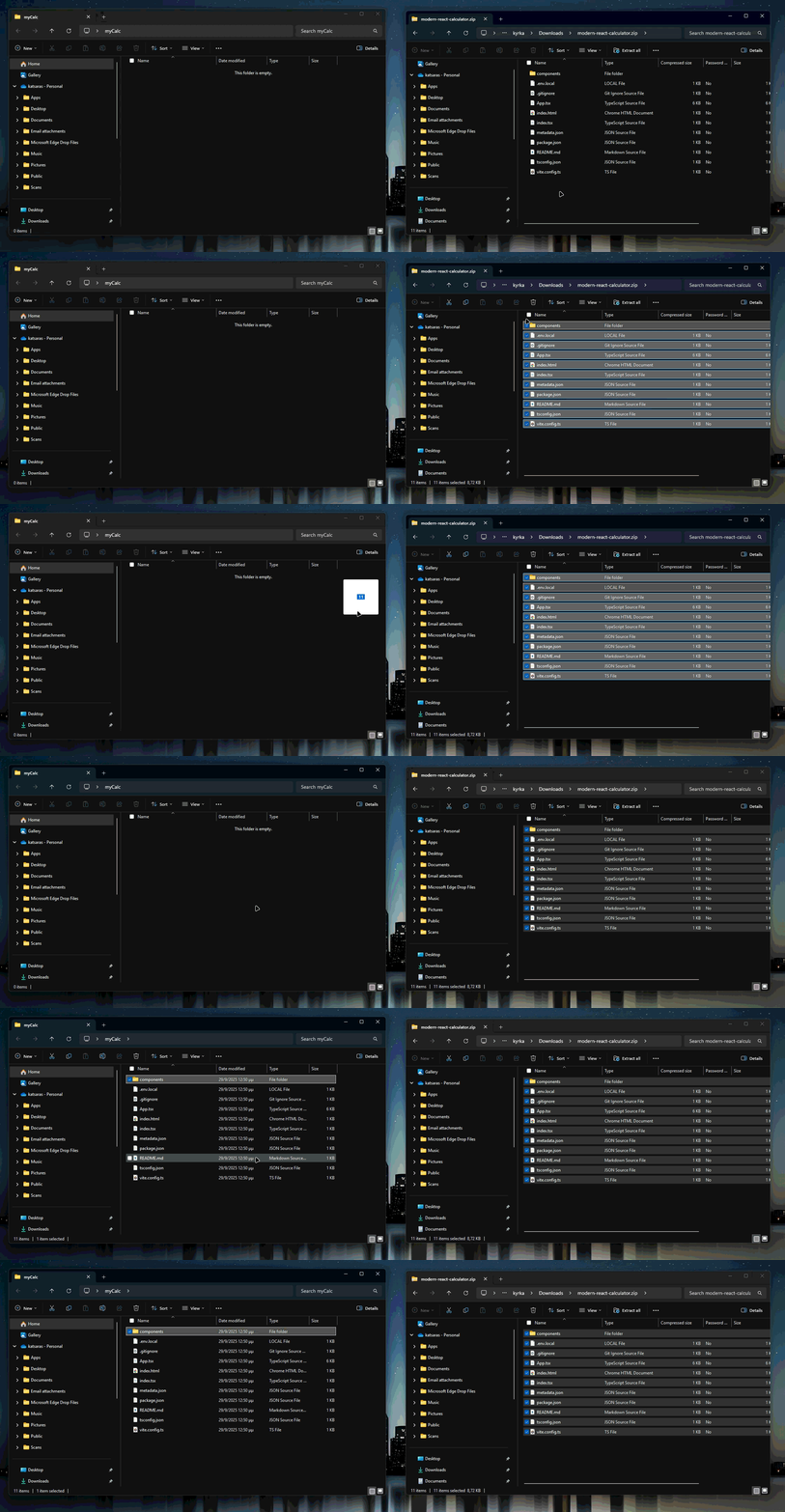
3. Create a folder where you want to save your project. Name it whatever you like — I named mine myCalc.
4. Extract all the files from the zip file to the folder that you just created
5. Open a Command Prompt (for Windows users) inside the folder you created."
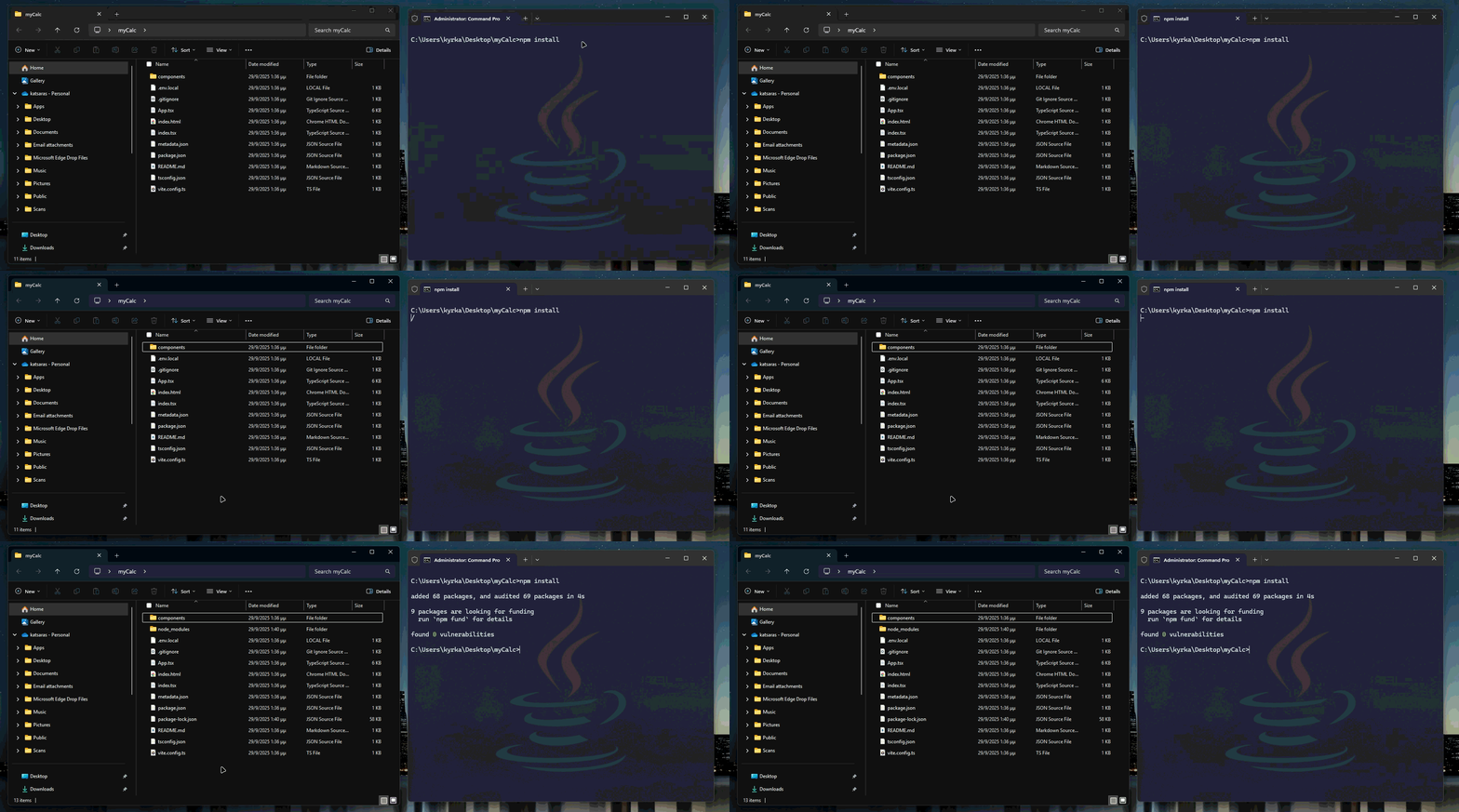
6. Type npm install. This will create all the necessary files required to run your app.
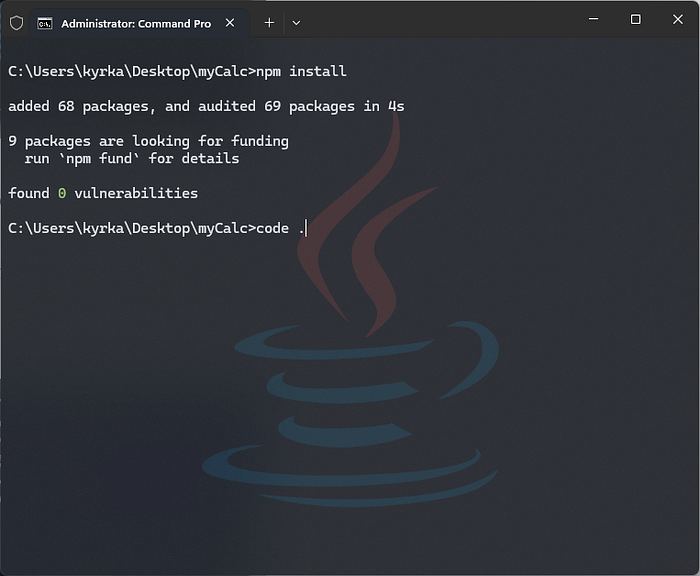
7. Open VS Code by typing code . inside your project folder.
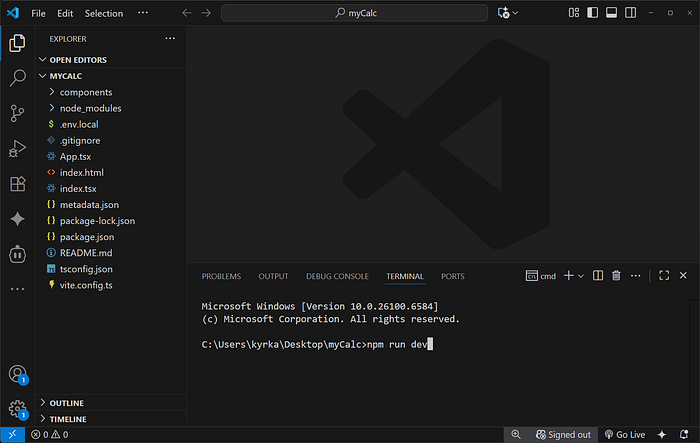
8. Open a terminal in VS Code and type npm run dev.
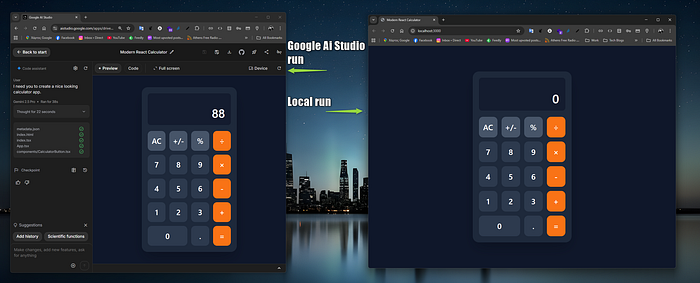
9. BOOM!! Your app is now running locally.
Special Note ⚡
Keep in mind that Google automatically handles all the configuration files for your project — things like package.json, tsconfig.json, and more. You don't need to worry about setting those up manually!
Let's Connect — Always Happy to Support Creative Ideas
🤖 Assisted by Cleo, my personal AI Persona!!! ⚡ She's fast, smart… And a 24/7 friend 👉 Curious? Read about Cleo here.
For more creative ideas or if you need help setting up something like this, feel free to reach out — I'm always happy to connect:
🌐 Website | 💼 LinkedIn | 📘 Facebook | 📸 Instagram | ▶️ YouTube | ☕ Ko-fi Shop
Please if like my work support it with clap👏 and drop a comment below! Thanks for reading 😉