
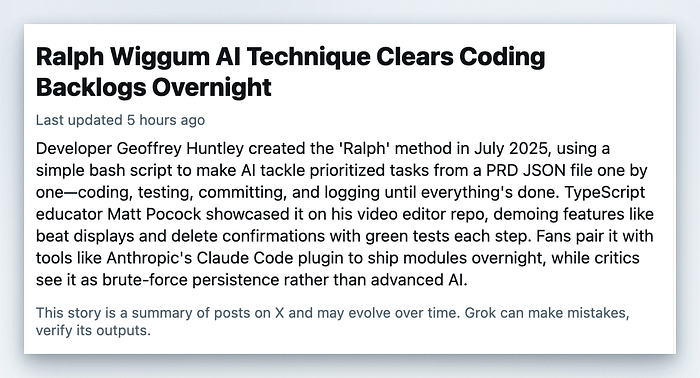
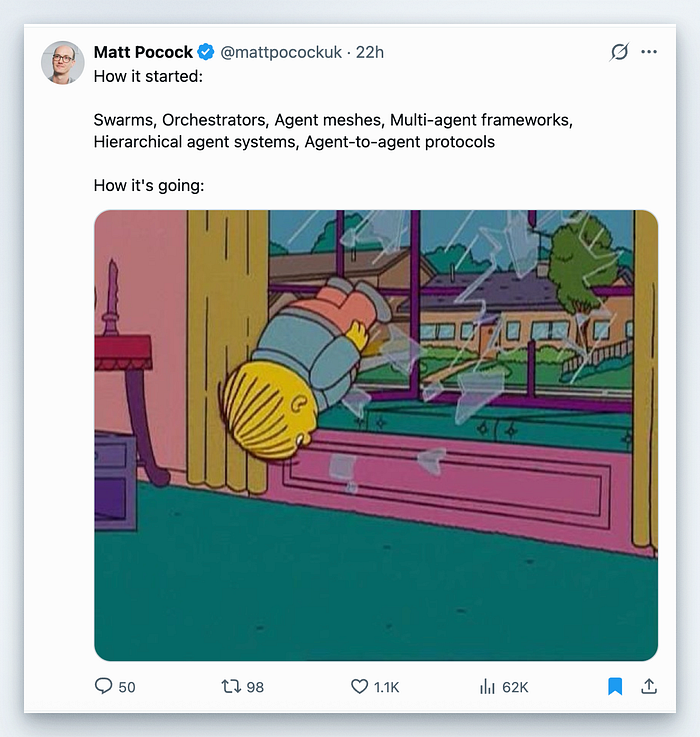
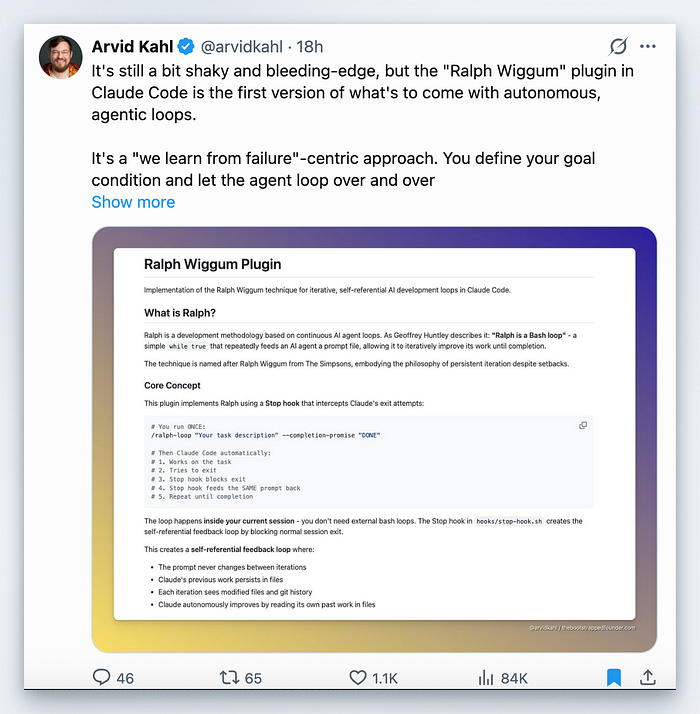
If you've been anywhere near tech Twitter lately, you've probably seen people talking about "Ralph Wiggum" like it's a cheat code. The meme-y name doesn't help, but the idea is real: it's an official Claude Code plugin that turns a single prompt into a persistent loop. The agent keeps going, fixing its own mistakes, until it actually meets the finish line you set.
This piece explains what the plugin is, how it works in plain English, why it's getting so much attention, and how to use it safely for real work — from legacy refactors to test coverage and greenfield apps.
The one-minute explanation
Ralph Wiggum is a loop. You give Claude Code a task, it works on it, and when it tries to exit, a Stop hook blocks the exit and feeds the same prompt back in. The files it just changed are still there, so each iteration can build on the last one. You can cap the loop with a max iteration count and/or a "completion promise" that Claude must output only when the task is truly done.
If the prompt is precise and the result can be verified (tests pass, lint is clean, build succeeds), Ralph tends to converge. If the prompt is fuzzy, it tends to wander.
Geoffrey Huntley, who popularised the technique, describes it plainly: "Ralph is a Bash loop." The plugin packages that idea into Claude Code so you can run it safely in a session.
An example of Ralph Wiggum replaced for me
No longer do I have to put this bit on my CLAUDE.md file:
4. **Insights are mandatory.**
   Always run:

   ```bash
   sail artisan insights --no-interaction --format=json --flush-cache
   ```

   Fix **all** issues before proceeding onto the next task and write a brief summary.
How the loop actually works (without the jargon)
Think of it like a washer on repeat:
- You load a task (the prompt).
- The agent runs a cycle (edits files, runs tests).
- It tries to stop.
- The plugin says "not yet" and puts the same task back in.
- Repeat until the task is complete or you hit a hard limit.
The key detail is that the prompt doesn't change between iterations, but the codebase does. So the agent learns from its own output by reading the updated files and test results.
That's why people are excited: a decent prompt plus a loop can outperform a single "one-shot" prompt, especially on boring, mechanical work.
Why people are obsessed (and why it's not just hype)
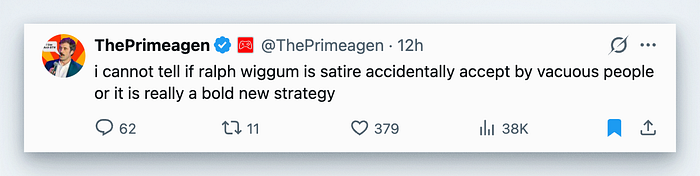
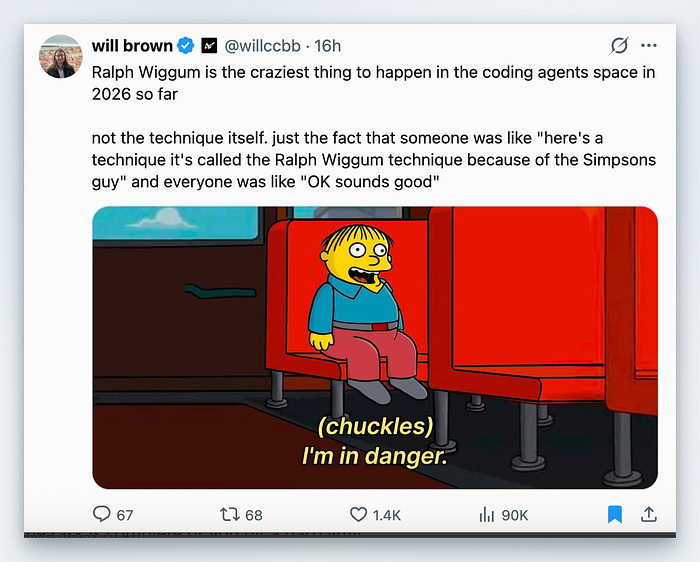
From the outside, the buzz looks like people celebrating "one-shot" wins or a bot that "just keeps going". One recent thread on X (4 January 2026) summed it up as "he just keeps going" — and it resonated because that's the core appeal: persistence without babysitting.
Under the hood, the obsession is practical:
- Persistence beats perfection. One-shot prompts fail a lot. A loop turns failure into feedback.
- It shifts the skill to prompt design. You define "done" clearly, and the agent iterates to meet that.
- It's a fit for work that has objective checks. Tests, linters, build steps, and docs are great signals.
If you've ever watched an agent get 80% there and then stall, Ralph's loop is the missing 20%.
Where Ralph shines (with realistic examples)
Below are practical scenarios that tend to work well because they're measurable and mechanical. Use these as templates and adapt the specifics to your stack.
1) Legacy refactor or framework migration
Goal: replace a dependency or framework without changing behaviour.
/ralph-loop "Migrate tests from Jest to Vitest.
Success criteria:
- All tests pass
- Snapshots unchanged
- Updated config files
- README updated
Output <promise>DONE</promise> when complete." \
--max-iterations 25 \
--completion-promise "DONE"
Why it works: "done" is measurable, and the agent can iterate safely with tests.
2) Test coverage sprint
Goal: add tests for uncovered code paths.
/ralph-loop "Add tests for all uncovered functions in src/utils.
Success criteria:
- Coverage >= 85%
- All tests green
- No lint errors
Output <promise>COMPLETE</promise> when done." \
--max-iterations 20 \
--completion-promise "COMPLETE"
Why it works: the agent can verify success with coverage and tests.
3) Bootstrapping a new app (greenfield)
Goal: scaffold a simple, working app you can refine later.
/ralph-loop "Build a minimal TODO API.
Requirements:
- CRUD endpoints
- Input validation
- Tests for each endpoint
- README with API docs
Output <promise>READY</promise> when done." \
--max-iterations 30 \
--completion-promise "READY"
Why it works: greenfield is where you can let the loop run while you're away.
4) Codebase standardisation
Goal: apply consistent patterns across a repo.
/ralph-loop "Standardise error handling in src/:
- Replace inline string errors with Error subclasses
- Add error tests where missing
- Keep public API unchanged
Output <promise>STANDARDISED</promise> when done." \
--max-iterations 15 \
--completion-promise "STANDARDISED"
Why it works: it's repetitive work with clear constraints.
The prompt that makes Ralph behave
Ralph doesn't make you productive by default. It makes repeatable prompts productive. Here's a prompt template that tends to converge:
TASK:
<one sentence describing the change>
SUCCESS CRITERIA:
- <measurable requirement 1>
- <measurable requirement 2>
- <test/build/linters must pass>
PROCESS:
1) Make the smallest change that moves toward success
2) Run tests or validation
3) Fix failures and repeat
4) If stuck after N iterations, summarise blockers and suggest next steps
OUTPUT:
<promise>YOUR_PROMISE</promise> only when ALL criteria are metCommon sense rule: if you can't write success criteria without words like "nice", "clean", or "good", Ralph probably won't converge.
Common-sense guardrails (use these every time)
- Always set
--max-iterations. This is your real safety net. - Treat "completion promises" as fragile. They're exact-match strings; not a smart stop condition.
- Keep the scope small. Smaller batches converge faster and are easier to review.
- Review the diff. Don't merge blind; treat the output like a junior teammate's PR.
- Avoid judgment-heavy work. Security-sensitive code, architecture decisions, and product trade-offs still need humans.
If you ignore these, you can burn time, tokens, and confidence in the output.
Is it a "must-have"?
If your work includes any of these, it's hard to justify not trying it:
- repeatable refactors
- test maintenance
- documentation generation
- lint-fixing or standardisation
If your work is mostly exploratory, design-heavy, or ambiguous, Ralph is still useful — but in short bursts with tight guardrails.
Getting started (quick and safe)
- Install the plugin via Claude Code's plugin system.
- Start with a small, verifiable task.
- Set
--max-iterations 10-20to limit cost. - Use a completion promise only when "done" can be verified.
- Review the diff before you trust the output.
If the loop goes sideways, you can cancel it with /cancel-ralph and try again with a tighter prompt.
References
- Ralph Wiggum Plugin README (official overview, commands, prompt guidance) — https://github.com/anthropics/claude-code/blob/main/plugins/ralph-wiggum/README.md
- Claude Code Plugins README (plugin system context + install flow) — https://github.com/anthropics/claude-code/blob/main/plugins/README.md
- Geoffrey Huntley: Ralph Wiggum as a "software engineer" (origin + philosophy) — https://ghuntley.com/ralph/
- Paddo.dev: Ralph Wiggum: Autonomous Loops for Claude Code (clear mechanics + use cases) — https://paddo.dev/blog/ralph-wiggum-autonomous-loops/
- HumanLayer: a brief history of ralph (community context + timeline) — https://www.humanlayer.dev/blog/brief-history-of-ralph
- Wes Winder on X (social buzz example, via nitter) — https://nitter.net/weswinder/status/2007694764452557307