


My hunch is it's probably a photo of a group of friends awkwardly laughing, business people staring at charts on a wall, or something along those lines.
Probably not the best connotations, right?
Used correctly, though, free stock photos can really bring your ads, blog posts, and content to life.
And at Buffer, we use stock photos daily.
Here's why:
- Stock photos are cost effective (mostly free 💰)
- If you know where to look, you can find some incredibly high-quality images
- We've found that stock photography can outperform custom-designed images in terms of reach and engagement
In this post, we love to share some tips and tricks for finding the perfect stock image and editing them for your use.

How to find the perfect stock image
Most stock images were taken to fit with a wide range of topics and concepts, which can sometimes be both a blessing and a curse. The images can be used for a bunch of different occasions, but can also look rather generic.
As a marketer, the images you choose for your campaigns or to company content can help you to stand out from the noise. But it takes careful consideration and planning to do successfully pick the right images.
Here are 4 tips to help you find the right one:
1. Use images that complement your content
Images shouldn't feel like they've been randomly dropped into a piece of content. Where possible, try to ensure that the images you choose complement your content in some way.
For example, in a recent Buffer Open blog post about using playlists to help boost productivity, we chose a feature image showing music being played on a mobile phone.
By choosing this image, people can see right away that the post is about music without having to glance at the headline. Check out how it looks when shared to Facebook:

By using an image related to the content of the post, we can give the reader a glimpse into the content before they check out the title or description. The music playing on the phone, coupled with the coffee, makes me think about music and productivity (as many people rely on their morning coffee to kick start the day).
2. Think about your audience
You know your audience better than anyone and when it comes to finding the perfect image, you should always put your audience first.
You want them to make a strong visual connection to your brand and using images that relate to the message you're aiming to communicate. Choose photos to reinforce your branding. Make sure that the images are not an afterthought and simply used as a way to fill a gap. Use images that include subtle meaning and offer ways to connect with your audience.
For example, if you're trying to connect with millennials who are likely to value the freedom to work from home and travel, the below stock photo from Rob Bye could help to reinforce that message:

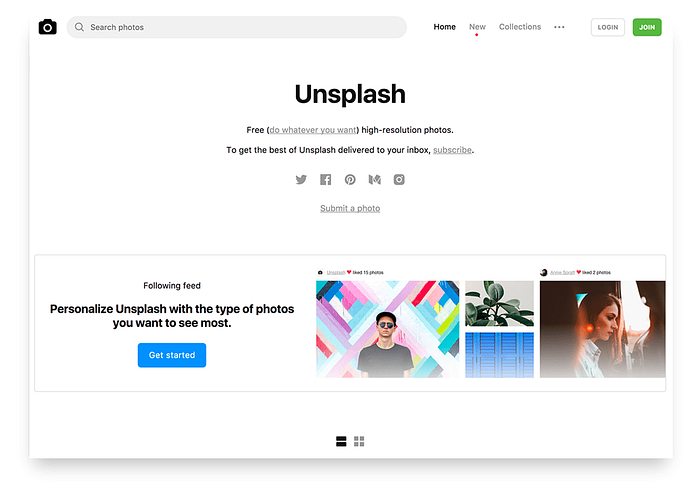
3. Check Unsplash
Unsplash features over 200,000 free (do whatever you want) high-resolution photos brought to you by the world's most generous community of photographers.
It's our go-to place for stock photos here at Buffer, too.
4. Use fresh images
We've all seen the generic stock photos a million times. But even some of the most unique and beautiful stock images crop up all over the web from time-to-time.
Using the most popular images isn't always the best tactic. Try to find the freshest, latest, and lesser-used photos for your content.
For example, instead of just heading to the Unsplash homepage and picking one of the popular images, try a few keyword searches or check out a few collections to uncover some awesome images.
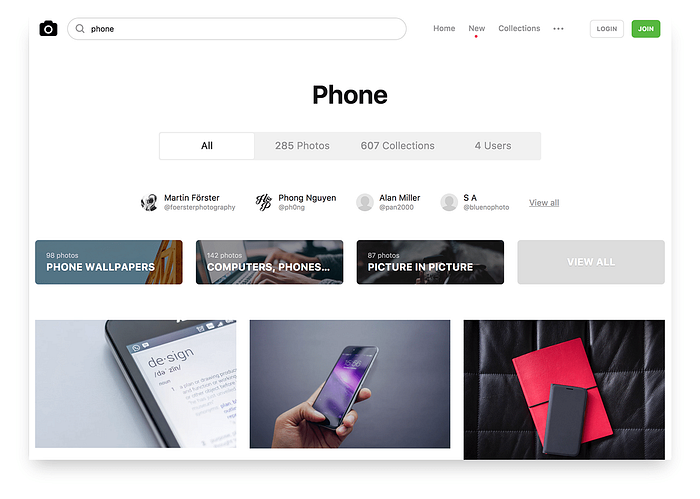
My best advice is to find four to five options rather than settling for the first suitable image you find.
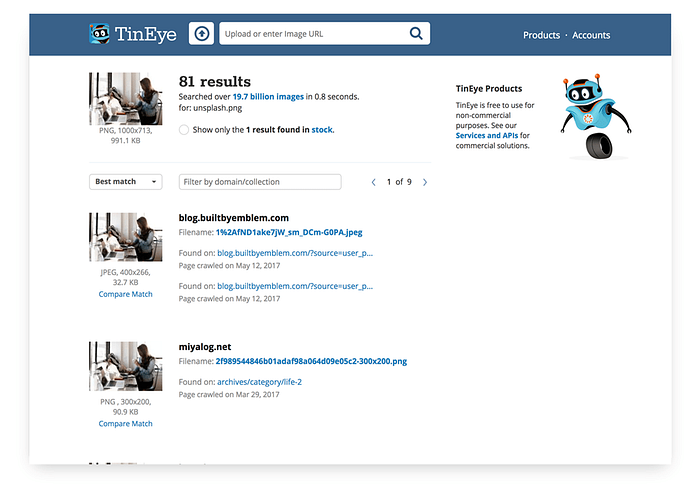
Pro tip: There's a really neat tool called TinEye that helps you to find out how many times an image has been used before and where.
TinEye enables you to search an image and discover where and how it's been used on other websites. By checking images before you use them you can try to paint a picture of any pre-conceived thoughts people may have from seeing that image elsewhere online.
5. Check the copyrights and model release
Most importantly, once you've found a photo you want to use, check the copyrights and license of the photo and if the people captured in the photo have agreed to the use of the photo of them (i.e. model release).
While several stock photo sites provide "free" photos, there might be certain terms around the use of the photos. Some licenses allow only the personal use of photos, require attribution to the photographer, or don't allow modification of the photos. Be sure to read the license information carefully to understand if the photo is suitable for your use.
For most commercial use of photos of people, such as in advertising, you are required to get the consent of the people in the photos. This is known as model release. So before you use a photo, also check on the site if the site owners have gotten a signed model release by the people in the photos. Otherwise, you could contact the photographer who uploaded the photo.
If you would like to learn more about copyrights, Creative Commons, and model release, you might find these two articles useful.
How to remix stock photos and make them your own
Even once you've found the perfect image, it might not be a perfect fit for your content right away.
Luckily, it's super simple to edit stock photos and there are even some free tools to help you do it.
In this section will share some quick tips on remixing and editing photos and our favorite tools to help you do so.
5 ways you can 'un-stock' your stock photos
1. Add text
Often, images are used for a very specific purpose.
For example, we regularly use stock images as the feature images on our blog posts or to create neat sharer images for when someone posts our content to Facebook or Twitter.
Here's an example below:

To customize this image, we've simply added some text to provide context into the post it links to. This helps the viewer to connect the dots between the image and the post it links to.
2. Use a color overlay
90% of snap judgments made about products are based on color alone.
Color is one of the most important and complex aspects of any social media design. It helps to set the mood, create an atmosphere, convey emotions, and even evoke strong individual experiences from someone's past.
Try to use colors familiar to your brand to make a stock photo feel cloesly aligned with your business.
3. Crop the image
If you want to hone in on a specific part of a stock photo you can crop it to discard the unnecessary portions of the image. Cropping allows you to change the emphasis or direction of an image.

4. Add contrast
Contrast occurs when two elements on a page are different. For example, it could be different colors between the text and the background color or dark vs. light colors.
One of the main reasons to use contrast in your designs is to grab attention. For example, the infamous iPod silhouette adverts were so memorable because there is a huge contrast between the white iPod and earphones and the bright background and silhouette.
5. Try blurring the background
Using a blur can be a great way to make text or branding stand out when overlaid onto an image.
When you put text over an image, the two elements can form a somewhat competitive relationship (example on the left below), a little blur can make the text stand out more and appear much more readable (on the right below).
Further reading
For more design tips, check out these posts:
4 tools to help you edit stock photos
1. Canva

Canva is a free graphic design tool. It has an easy to use drag-and-drop interface and provides access to over a million photographs, graphics, and fonts. It is used by non-designers as well as professionals.
2. GIMP
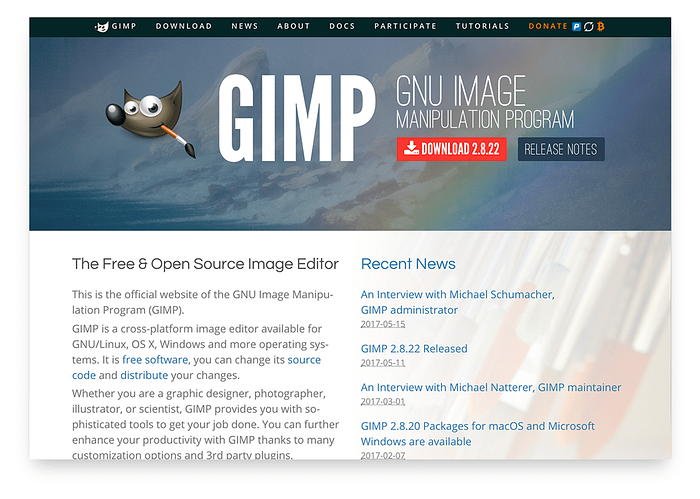
GIMP is a free and open-source graphics editor used for image retouching and editing, free-form drawing, and converting between different image formats.
3. Photoshop

Photoshop is Adobe's photo editing, image creation, and graphic design software. With Photoshop you can create stunning photos and illustrations, designs for web and print, 3D imagery, video, and more.
4. Sketch
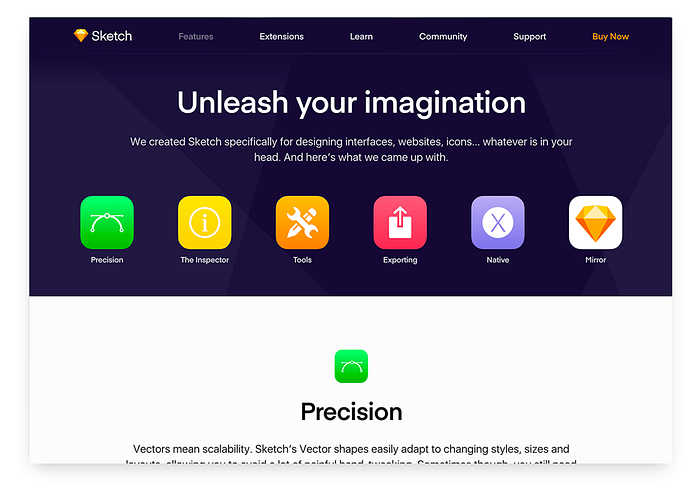
Sketch is an amazing design tool and mainly used by professionals to create and design graphics and interfaces from scratch. It can also be used to edit and embellish photos.
Over to you
Stock photos, if used correctly, can be incredibly useful for marketers. I hope you found this guide helpful and would love to know your thoughts on stock images:
- Do you use stock images in your marketing content?
- Where do you source your stock images from?
- Any tips on editing stock photos?
Feel free to share your thoughts on this topic. I'm excited to join the conversation 💬
The full version of this blog post was first published on the Buffer Social blog on June 29, 2017 by Ashley Read.