
The 4-month journey of getting the first games to boot
4 months ago, I decided to make a Nintendo Switch emulator. I figured out it would be a fun and challenging project to try when I still have the time for it. I had barely any previous experience with making emulators: I had just 2 attempts on making an NES emulator with little to no success. I jumped into this project without having the slightest idea of what it would entail.
I started writing the emulator in Zig, a relatively new low-level language. But I quickly realized that Zig is not my cup of tea and decided to start over in the good ol' C++.
CPU emulation
The first step to emulating a platform is to emulate its CPU. Since my computer (M1 Apple Silicon) has the same CPU architecture as the Switch, ARM64, I could run the code in a virtual machine. I decided to use the Apple's Hypervisor framework, which lets you run code at near native speeds. Setting up a Hypervisor is nowhere near simple though. You need to create a virtual CPU, configure its registers and map some memory to it so that the app can store its data somewhere.
Switch's operating system
The operating system found on the Nintendo Switch has a codename "Horizon", so I will refer to it as Horizon OS from now on
I decided to take a HLE (High Level Emulation) approach in my emulator. While an LLE (Low Level Emulation) emulator would execute the whole Horizon OS on the host, a HLE emulator recreates the OS to act as a bridge to the host's OS. The main advantage of this is that it's a lot faster as well as easier to debug. The main disadvantage is that it takes a lot more time, as you have to recreate the whole operating system.
I started with implementing the kernel, the core of the every operating system. The kernel is responsible for handling all incoming SVCs (SuperVisor Calls) from the game and responding to them. But the biggest and most important part of the Horizon OS are the services.
Services are processes running in the background waiting for requests from apps. For instance, there is a service called nvdrv which is responsible for communicating with the GPU. Or nvnflinger, which handles presenting frames to the display. Or fssrv, which handles everything related to filesystem. Applications must first establish a connection to a service and then send requests to it, all done through SVCs. The service processes the requests and responds to them. The communication is surprisingly complicated: both the app and the service can send each other data, buffers and even other services, which took me a long time to figure out (and its still not perfect).
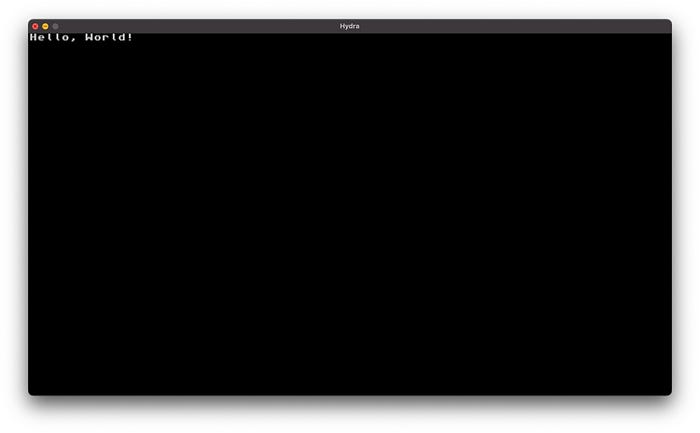
After implementing the most essential services (like the display service), I finally got to display the first graphics:
GPU emulation
The most simple homebrew apps (Homebrew refers to unofficial apps made by the community) write to the screen framebuffer directly from the CPU. However, everything even slightly more complex will use the GPU for this job. GPU emulation is perhaps the most complex part of any emulator, and there are many reasons for this:
- Unlike the OS, the GPU is a piece of hardware. This means that emulating it as HLE will require to translate low-level commands into a high-level representation to be usable with a graphics API
- Graphics APIs are a mess. There is no universal cross-platform solution (thanks, Apple!) and the feature sets of GPUs vary from vendor to vendor and from model to model
Since I have an Apple Silicon Mac, I decided to use Apple's proprietary API called Metal. The only alternatives I had was OpenGL, which Apple translates to Metal anyway (and the translation layer is buggy and doesn't support even the most basic OpenGL functionality), or Vulkan, which also translates to Metal through MoltenVK (which also still doesn't support some basic functionality). Metal itself is pretty lacking when it comes to features like geometry shaders, transform feedback and triangle fans (I am not a huge fan of these though :)), but I can implement workarounds for these in the future (as I did with the Cemu Metal backend).
Another rather difficult to tackle problem is the fact that there is no concept of resources on GPUs. The app just allocates some memory and can use it however it wants. So the same memory can be used as RGBA texture, depth texture and a buffer at the same time. Needless to say, the games don't usually do anything like that, as it wouldn't be really useful.
In order to avoid creating new textures and buffers every time they are accessed, a cache is used to only create them once and reuse afterwards. The cache I use is very primitive: it doesn't account for the fact that the memory for the resources can change after they have been created (tackling this would require tracking memory changes) or that different resources can share the same memory.
One neat aspect of the unified memory architecture of the Apple Silicon is that GPU buffers can be created 1:1 over the app's GPU memory, meaning that there is no extra caching or memory tracking required. This isn't the case for dedicated GPUs, but I will leave this problem for my future self :). There are other challenges with GPU emulation like shader decompilation, but I will cover this some other time.
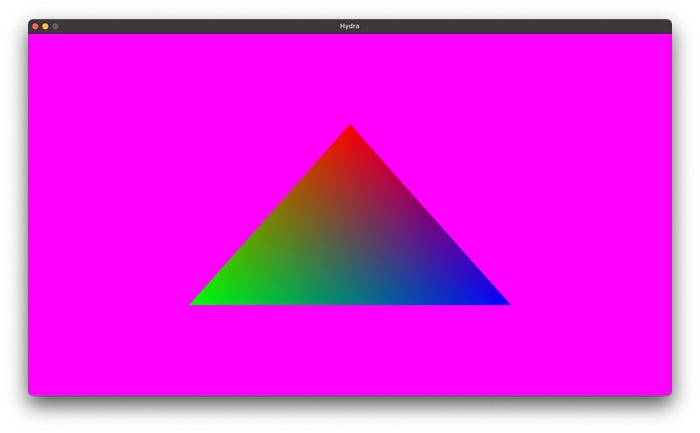
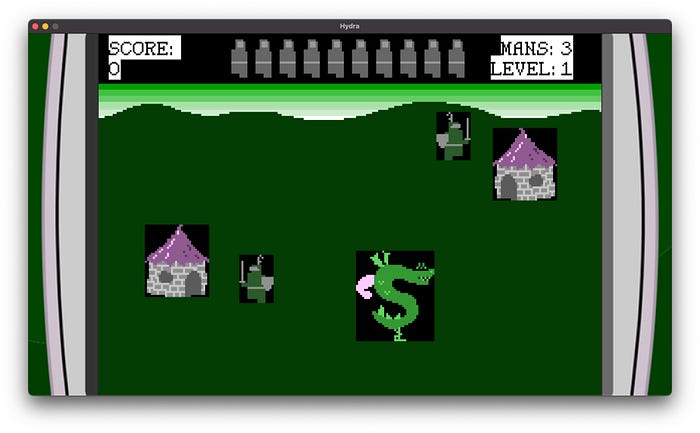
I made a few basic GPU test applications so that I can gradually emulate more GPU features as I learn how they work. Here are some of my test apps as well as other homebrew applications (usually made with OpenGL) rendering in the emulator:
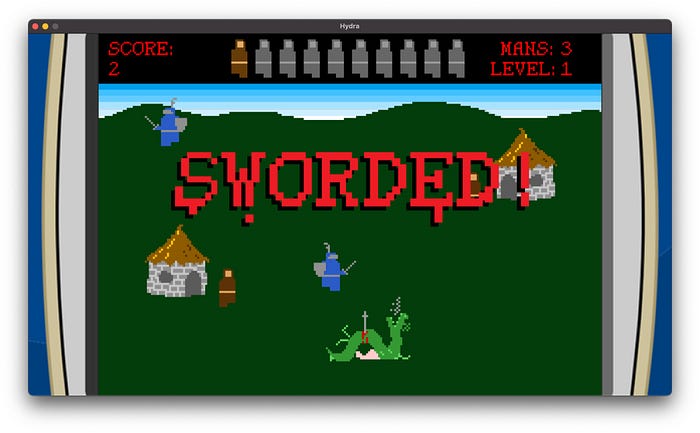
But why another Switch emulator?
I was considering to call this emulator yase — Yet Another Switch Emulator. But ultimately, I decided for the name Hydra. The interpretation of the name is left on the reader :). There are multiple reasons why I started working on Hydra:
- Switch 2 is arriving soon — and I would like to explore the possibility of a Switch 2 emulator
- It looks good on your resume :)
- It's fun
In the end, the more alternatives the users have, the better. I also view this as a challenge for myself and I am curious to see how far I will be able to get.
The results
The road to getting official games running was bumpy to say the least. But I always knew that I was progressing, and finally, around 3 weeks ago, Puyo Puyo Tetris became the first game to show graphics on Hydra!
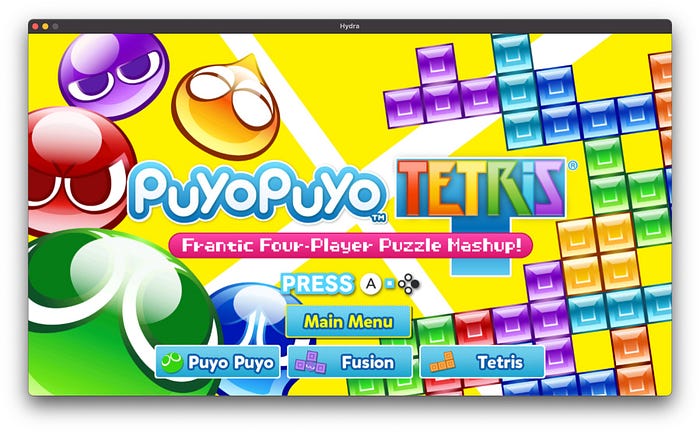
In the next days, I fixed missing textures, but the game always aborted when starting a match.
This is when I decided to patch the games source code by replacing the code where it aborts with a NOP instruction (which literally "does nothing"). I made a custom format for the patches called HATCH (Hydra pATCH). On startup, Hydra looks through a folder containing these patches and applies the ones that match the title ID of the game. Since there are more games that require patching in order to run, I decided to make a collection of patches for various games available here.
With these changes, Puyo Puyo Tetris could finally get ingame:
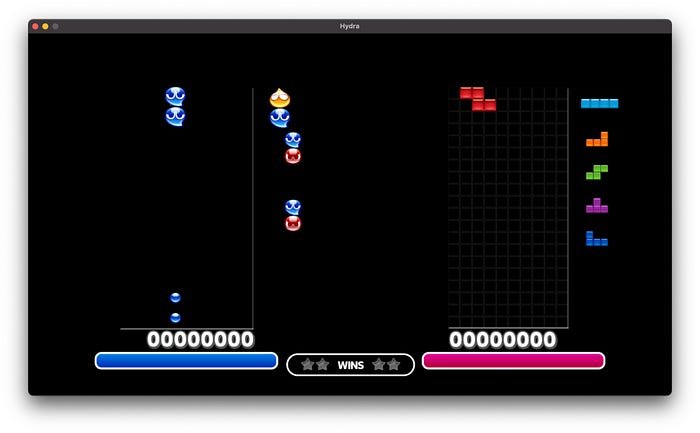
The problem was that the game would freeze after finishing a match. The reason for this turned out to be of the worst kind: a CPU emulation bug. More precisely, a broken logic in the kernel caused the code to share its memory with the heap. Therefore, storing any data in the heap (which games do all the time) corrupted the game's code! Fixing this issue brought amazing results: The Binding of Isaac and Cave Story+ were now running and going ingame!
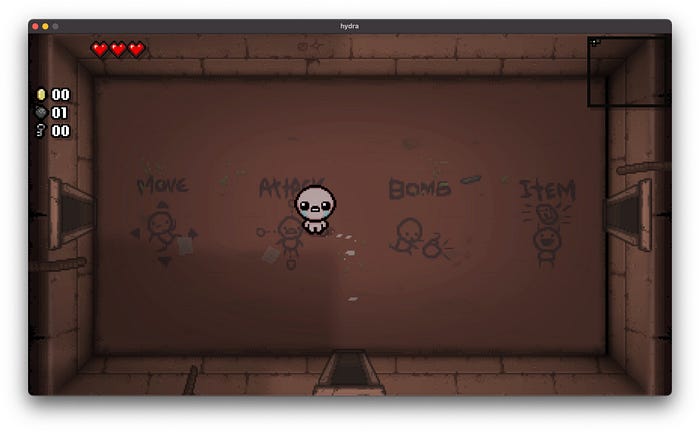
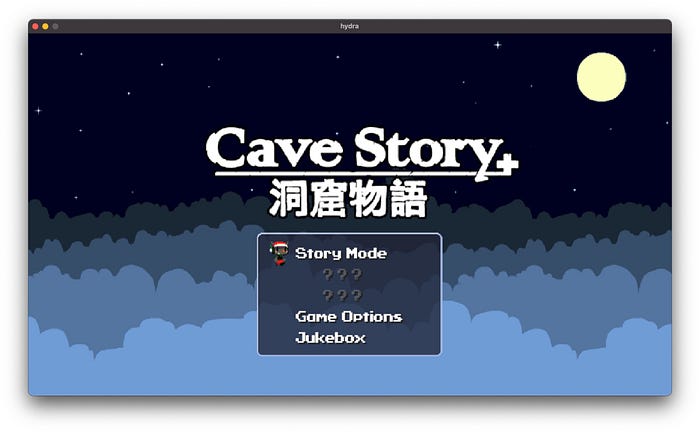
A few more fixes later 1 2 Switch and Sonic Mania began booting, but there is still a lot of work to be done to get them in game.
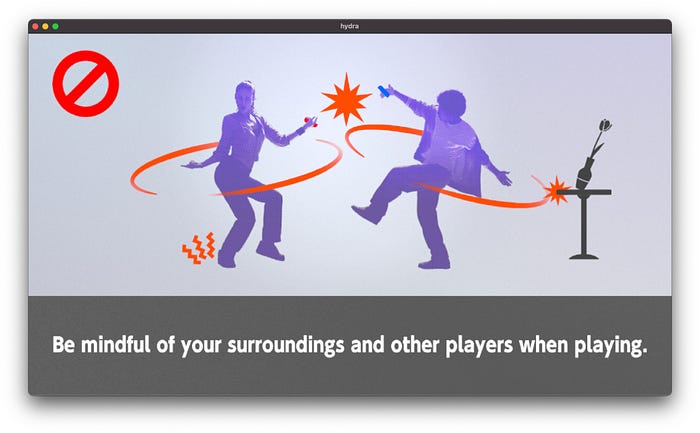
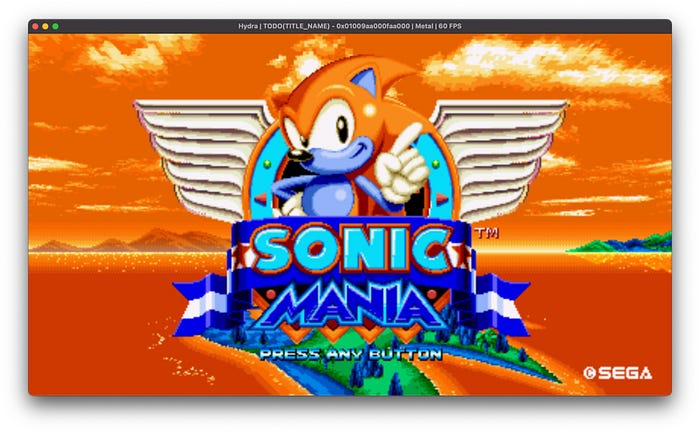
And that's pretty much the state of the emulator in which it is now. I would have never I thought I could get this far, but obviously, there is still a lot of work to be done in order to get Hydra to a usable state. I am going to work on audio support now, cause without any music, the games feel empty and depressing.
Conclusion
Thanks for reading up this far! If you would like to check Hydra out, don't hesitate to! The link to the GitHub repository is here. But put your expectations really low, otherwise you would get disappointed. Using the GUI-less SDL3 frontend is recommended. There is also a native SwiftUI one (made with the help of Hakase), but it's pretty rough at the moment and doesn't support all the features of SDL3 (like touch screen). If you would like to contribute to the project, feel free to open a pull request. Any contributions are welcome! And if you would like to support me financially through GitHub Sponsors, I would greatly appreciate it too. Anyway, see you in the next progress report!