There are bunch of different types of events that JavaScript recognizes, let's go ahead and jump right into it.
Mouse Click
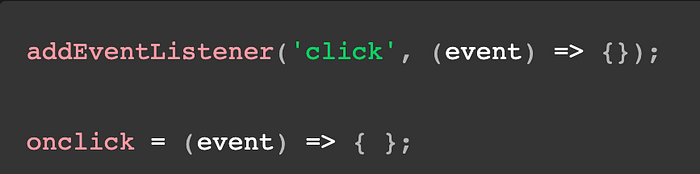
Whats happening with mouse click is that we are adding an add event listener to the click of a mouse and setting event to be our perimeter for this example, then setting on click to that event and then does what you want for instance you could have click be changing the color of something or be like a easter egg when clicking the correct object.
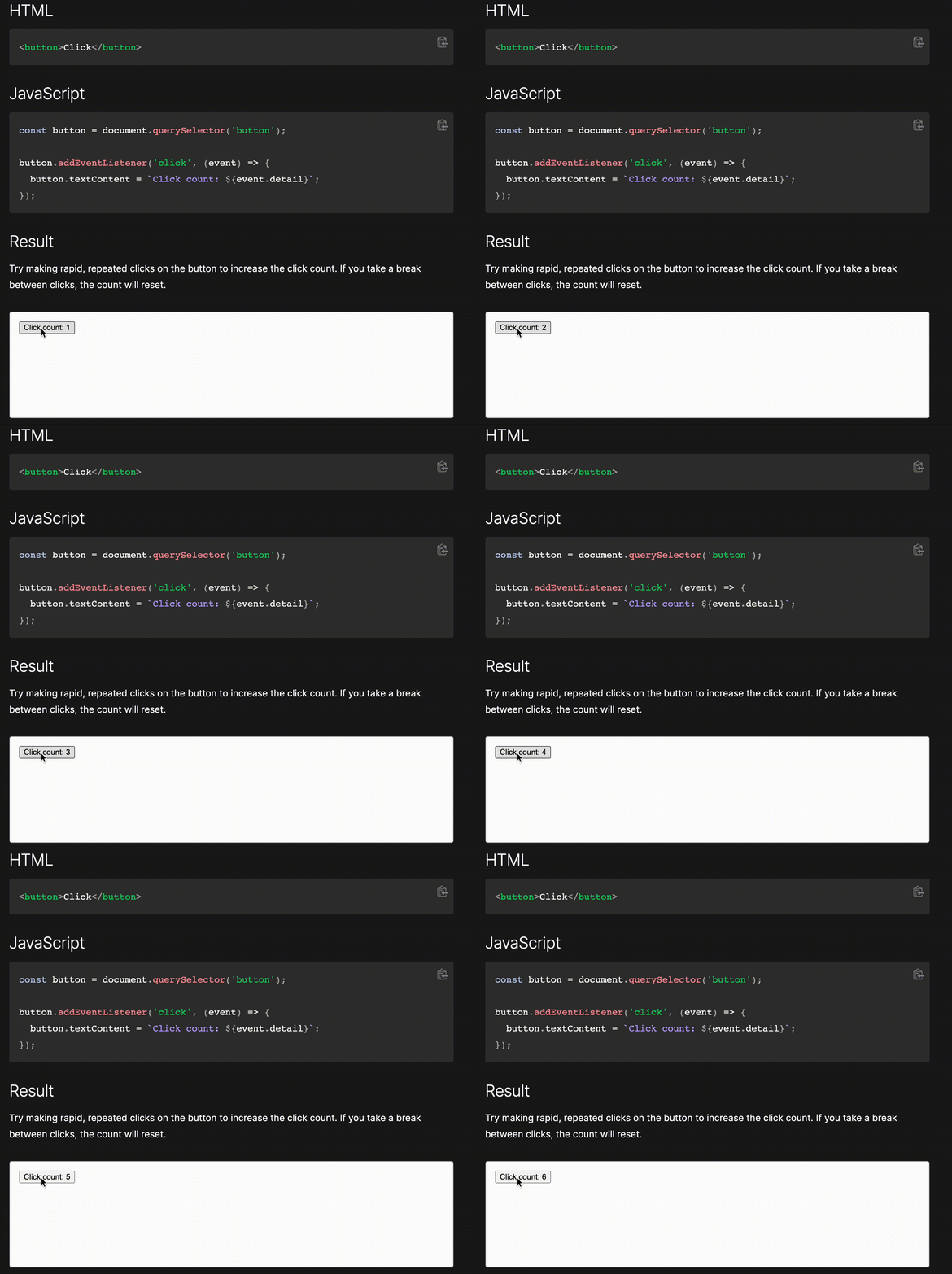
If you look above at the example of mouse click , whats happening here is that whenever we click on the button "Click count"
Keypress
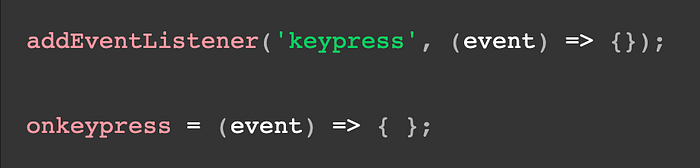
When we look at key press it looks almost identical to our mouse click above, thats because it basically is the only differences are the 'keypress' and on keypress. The reason it has to be keypress instead of click is because we are pressing keys not clicking the mouse and JavaScript essentially made it into a reserved word when using the event listeners.

If you look above at the example of keypress, whats happening here is that whenever any key on the keyboard is pressed it logs that key and returns what key was pressed!
With keypress it has two other events keydown and keyup one reason someone might use keydown is for a video game like pong when moving the arrow keys it moves the paddle sprite in the direction that you pressed. keyup is more of a use as needed but for instance if you had a game to hold down a key for a certain amount of time or counts how long the key has been down without coming back up.
Change
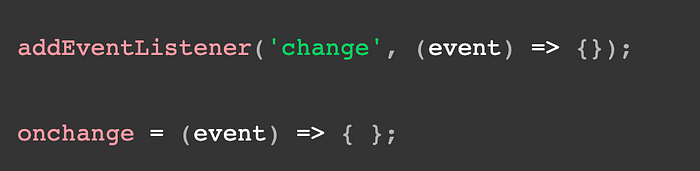
When we look at the code above we will notice that 'change' is the event that the code is listening for a change in the selector/ filter bar.
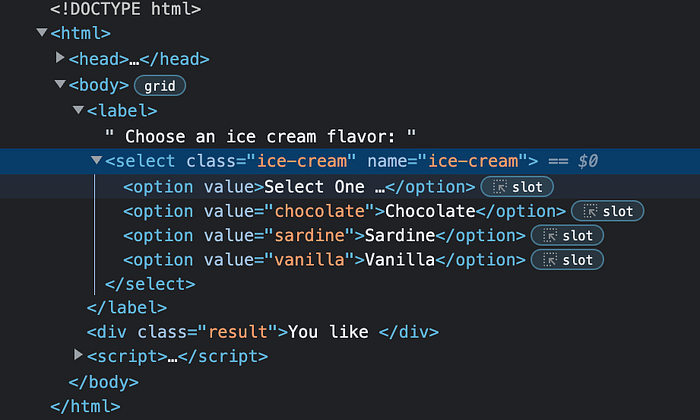
Up above we can see the html for our example and how we are using a select html tag. The select tag gives us options to filter from like a sort button on a website or app that filters by price, name, size.
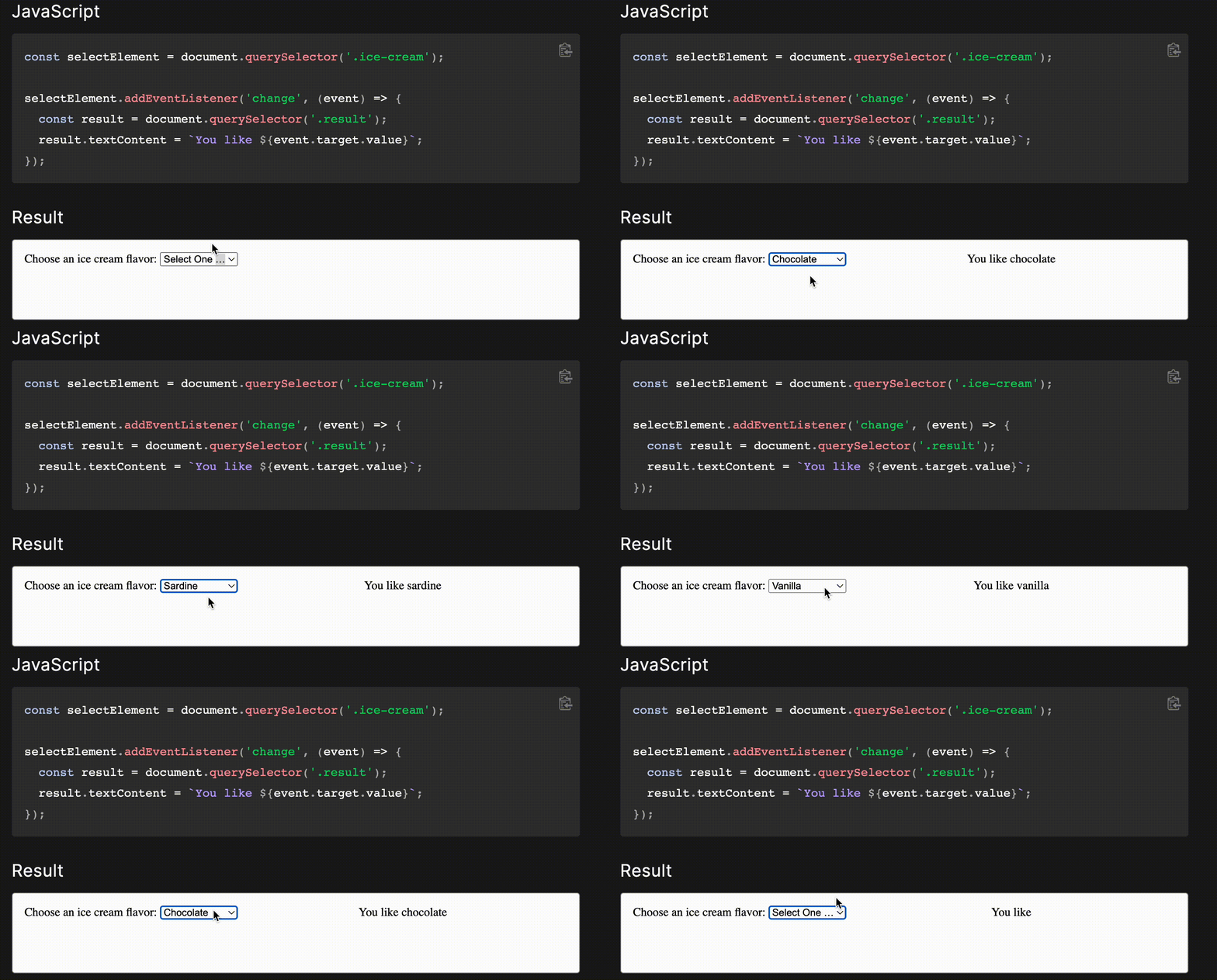
Above you'll see how the select html tag works with the change event listener, and how when we click on the select it gives us four options select one being the default, chocolate, sardine, and vanilla as the desired options. We can see once we picked one on the right it returns the result of "you like ____" and the blank being whatever option we had picked.
Resources:
Element: click event, https://developer.mozilla.org/en-US/docs/Web/API/Element/click_event
Element: keypress event, https://developer.mozilla.org/en-US/docs/Web/API/Element/keypress_event
HTMLElement: change event, https://developer.mozilla.org/en-US/docs/Web/API/HTMLElement/change_event#examples