
If you've worked on a medium or large project, you've probably seen something like this in build.gradle:
implementation "androidx.core:core-ktx:1.9.0"
implementation "androidx.appcompat:appcompat:1.6.1"
implementation "com.google.dagger:hilt-android:2.44"
Now imagine:
- Same version used in multiple modules
- Need to upgrade a library
- Some modules updated, some not
- Version conflicts start happening
This is where Version Catalog (libs.versions.toml) comes in.
What is libs.versions.toml?
libs.versions.toml is a centralized dependency management system introduced by Gradle.
It allows you to:
- Define all library versions in one place
- Reference them across modules
- Keep Gradle files clean and maintainable
Think of it as a control center for all dependencies.
The Problem It Solves
Before Version Catalog:
- Versions scattered across files
- Hard to maintain in multi-module projects
- Risk of version mismatch
- Poor readability
In large Android apps, dependency management becomes a real challenge.
How Version Catalog Works
Step 1: Define versions in libs.versions.toml
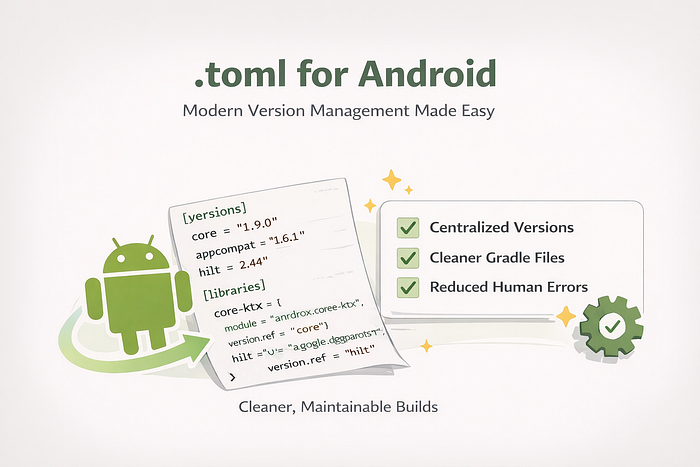
[versions]
core = "1.9.0"
appcompat = "1.6.1"
hilt = "2.44"

[libraries]
core-ktx = { module = "androidx.core:core-ktx", version.ref = "core" }
appcompat = { module = "androidx.appcompat:appcompat", version.ref = "appcompat" }
hilt = { module = "com.google.dagger:hilt-android", version.ref = "hilt" }
Step 2: Use in build.gradle
implementation(libs.core.ktx)
implementation(libs.appcompat)
implementation(libs.hilt
Why We Need It (Real Benefits)
1. Centralized Version Management
Update version in one place → Entire project updated.
2. Cleaner Gradle Files
No more long dependency strings everywhere.
3. Better for Multi-Module Projects
All modules use consistent versions.
4. Reduced Human Error
Less chance of version mismatch.
5. Improved Readability
libs.hilt is more readable than a full dependency string.
Real-Life Analogy
Imagine managing dependencies without Version Catalog is like:
Writing the same phone number in 20 notebooks. If it changes, you update all 20 manually.
With libs.versions.toml:
You save the number in contacts. Everyone refers to it from there.
Simple. Clean. Controlled.
When Should You Use It?
- Multi-module apps
- Enterprise-level projects
- Teams working on same codebase
- Projects where dependency upgrades happen frequently
Honestly? You should use it in almost every modern Android project.
Final Thoughts
libs.versions.toml is not just a "new Gradle feature".
It's a step toward better architecture, maintainability, and scalability.
If you're still managing dependencies the old way, this is the right time to migrate.
This is where Version Catalog (libs.versions.toml) comes in.