
In this activity, a complete containerization environment was set up and tested on a Kali Linux system using Docker CLI with Podman as the backend. The goal was to understand how container images are pulled, containers are executed, and how Docker-compatible commands work in a daemon-less, rootless environment.
System Preparation and Package Update
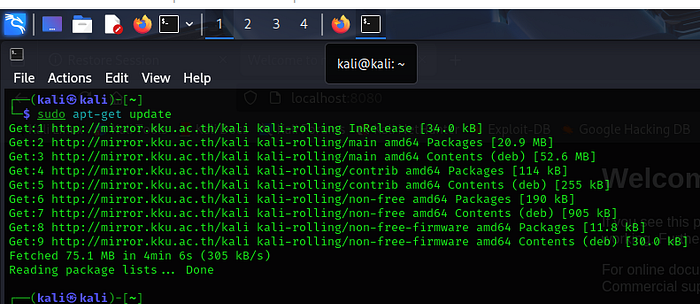
The process began by updating the system package lists using apt-get update to ensure the latest repository information was available. This step confirmed successful connectivity to Kali Linux repositories and prepared the system for installing container-related packages.
Installation of Docker CLI
Initially, the Docker Command Line Interface (CLI) was installed using sudo apt install docker-cli. This provided access to standard Docker commands such as docker pull, docker run, and docker ps. However, Docker CLI alone does not include the Docker daemon (dockerd), which is normally responsible for running containers. As a result, attempts to pull images initially failed with an error indicating that the Docker daemon was not running.


Transition to Podman (Docker-Compatible Mode)
To resolve this, Podman with Docker compatibility was installed using sudo apt install podman-docker. During this step, Docker CLI was replaced, and Podman was configured to emulate Docker commands. Podman operates without a central daemon and supports rootless containers, which improves system security, especially important on penetration-testing platforms like Kali Linux.
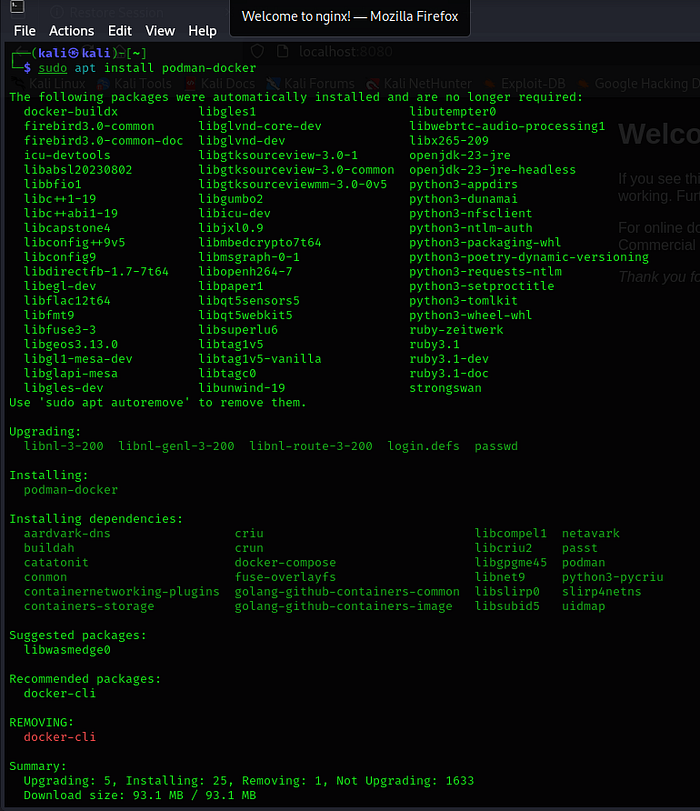
After installation, running docker info confirmed that Docker commands were being emulated by Podman and that the system was operating in rootless mode.

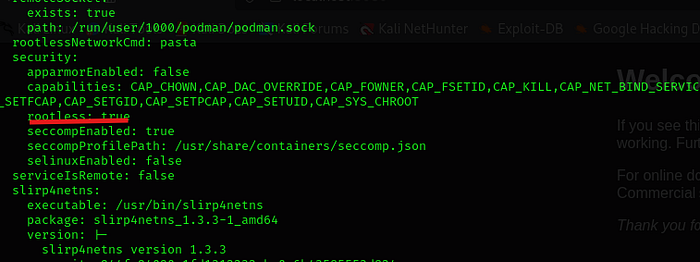
Image Pulling and Registry Behavior
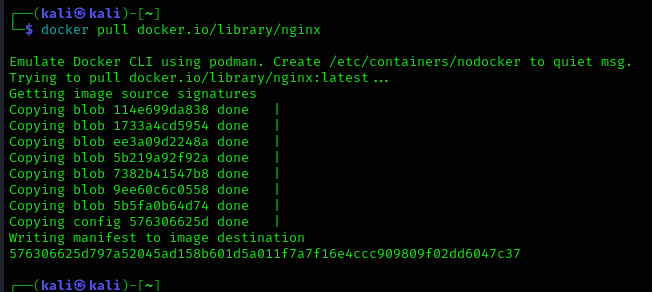
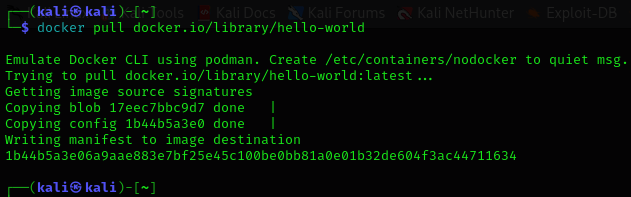
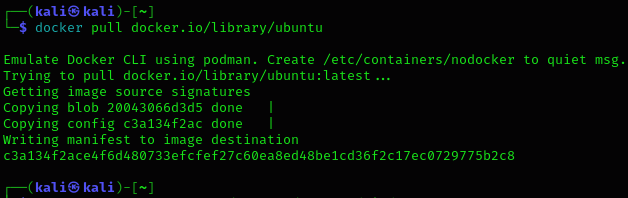
When attempting to pull images using short names such as nginx or helloworld, errors were encountered. This behavior is specific to Podman and occurs because it does not assume a default container registry for security reasons. To resolve this, images were pulled using fully qualified image names, for example:
docker.io/library/nginxdocker.io/library/hello-worlddocker.io/library/ubuntu
Using fully qualified names successfully downloaded the images from Docker Hub.
Running Containers
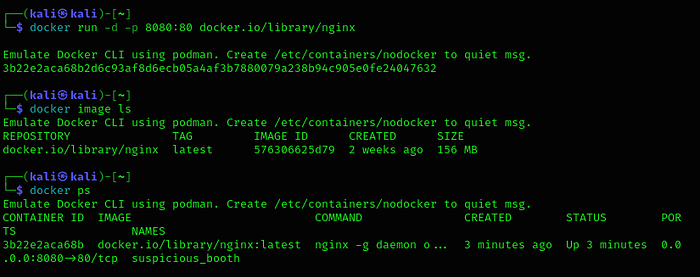
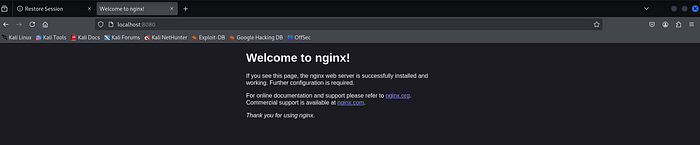
The Nginx image was run in detached mode with port mapping using:
- Port 8080 on the host mapped to port 80 inside the container
The container started successfully, and docker ps confirmed that the Nginx container was running and listening on the configured port.
The Hello World image was then executed to validate the container runtime. The container printed a confirmation message, indicating that image pulling, container creation, execution, and output streaming were all functioning correctly.

Interactive Container Execution
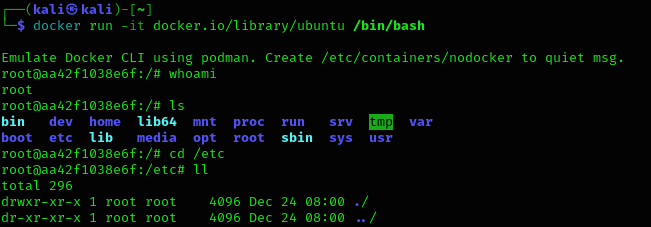
An Ubuntu container was launched in interactive mode using the following command:
docker run -it docker.io/library/ubuntu /bin/bashThe -i option keeps standard input open, allowing the user to send commands to the container, while the -t option allocates a terminal, providing a usable command-line interface. Together, -it enables interactive access to the container.
The /bin/bash argument specifies that a Bash shell should be started inside the container. When the command was executed, the terminal prompt changed to a new hostname corresponding to the container ID, confirming that the user was operating inside the container environment. Commands such as whoami, directory listing, and navigation within the filesystem demonstrated that the container was running an isolated Linux environment. Exiting the shell stopped the container.
Outcome
By completing this activity, the following concepts were successfully demonstrated:
- Difference between Docker CLI and Docker daemon
- Use of Podman as a Docker-compatible, daemon-less runtime
- Secure handling of container image registries
- Pulling, listing, and removing container images
- Running containers in detached and interactive modes
- Understanding terminal interaction and container isolation
- Port mapping and container lifecycle management
Recommended Resources: https://tryhackme.com/room/introtodockerk8pdqk