
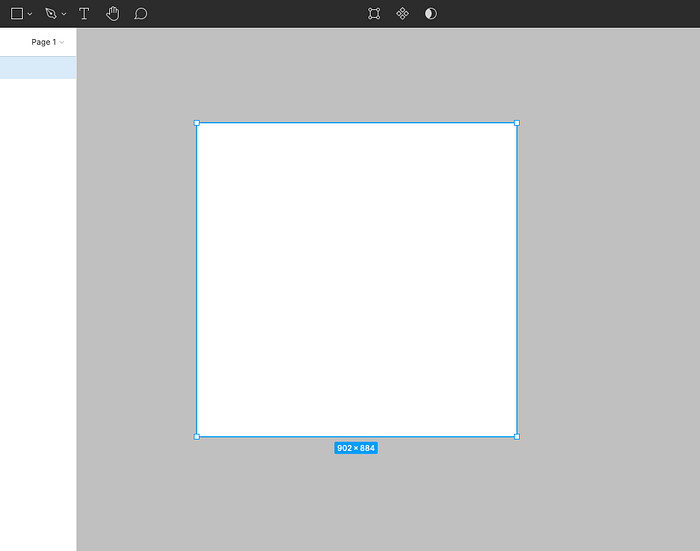
Step 1: Pick a shape
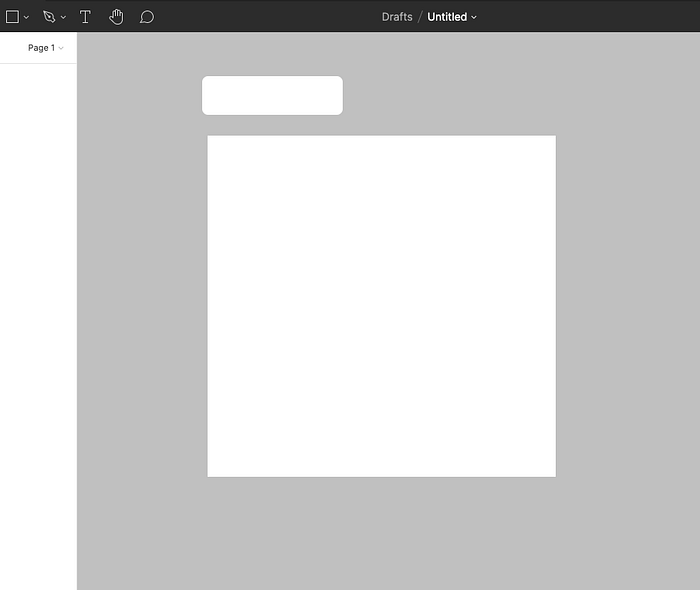
Step 2: Pick another shape
Step 3: Line up the two shapes to your preference ( ex. I want mine to look like a file)
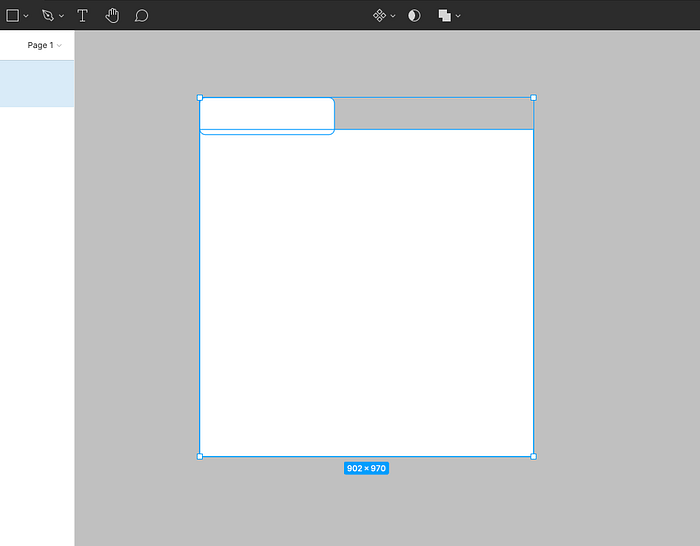
Step 4: Go to the top bar in Figma, and select "union selection"

Done!
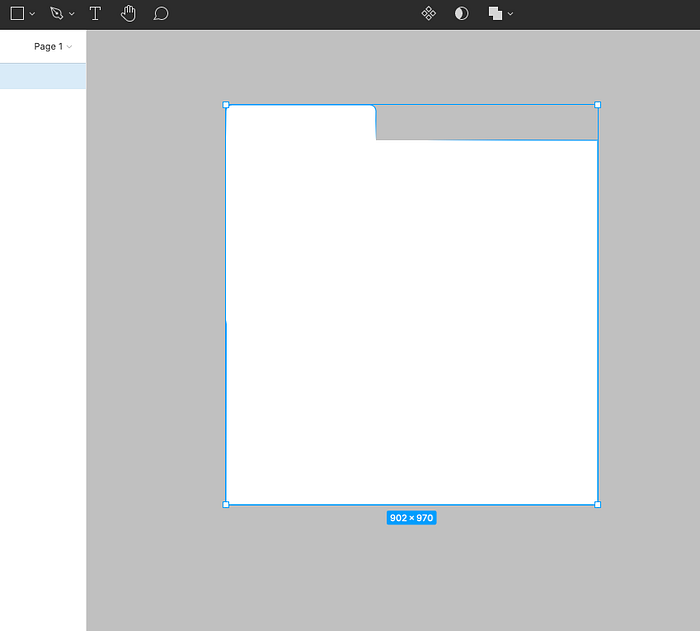
Obviously, there is more than one way to create your own shapes (such as grouping). This trick is known as a Boolean Operation. This shape is treated as a single shape layer. When adding a fill or any other treatment, your newly created shape will share all properties.
There are also a few other types of Boolean Operations such as exclude, intersect, and subtract. These operations can be found within the same dropdown as Union Selection.