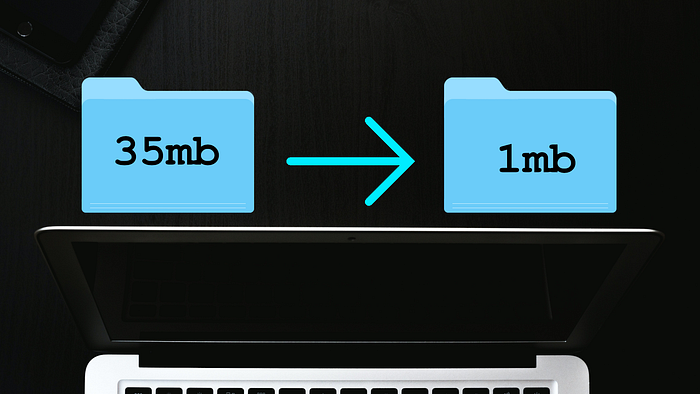

If you've worked with Node then you are most likely quite familiar with a massive packages folder, like node modules. I can tell you from personal experience that uploading this folder to your web server is a PAIN, especially if you need to make frequent updates.
Why Bundle Your Project?
A bundler takes all existing project files and packages you're using, and attempts to bundle them into single files. For instance, I was recently working on an API in Node for a blog project. The node modules folder alone was 35mb and literally thousands of files. After bundling, I had a single .js file that totaled 1.3mb. The difference is massive.
How to bundle your project?
While you could technically configure something like WebPack to bundler your Node app, WebPack can be quite tedious to use and take a lot of time to configure properly. This is where Vercel's NCC (Node Compiler Collection) comes in. It's really simple to install through NPM. I found it best to install the package globally with the commandnpm i -g @vercel/ncc . Once you're ready to bundle your application, simply run the command ncc build input.js -o dist . Where input.js is your application's entry point and where dist is the target folder.
Conclusion
I personally use NCC to bundle my projects before production now. it's really easy to use and if you need additional settings, the documentation is really helpful and easy to use.
Follow me on YouTube or Instagram for more web development tricks.