

Welcome to this week's Obsidian Plugins Review! As always, the Obsidian community has been hard at work, and we're excited to share the latest additions to the plugin ecosystem. This week, we're featuring 10 new plugins that will take your note-taking experience to the next level. From streamlining your workflow to supercharging your creativity, these plugins have got you covered.
This week in Obsidian Plugin Review:
- Pinned Notes
- Templify
- Ayanite
- The Queue
- Folder By Tags Distributor
- Power Mode
- Rapid AI
- Tabs
- Substitutions
- Infostacker Note Publish
Pinned Notes
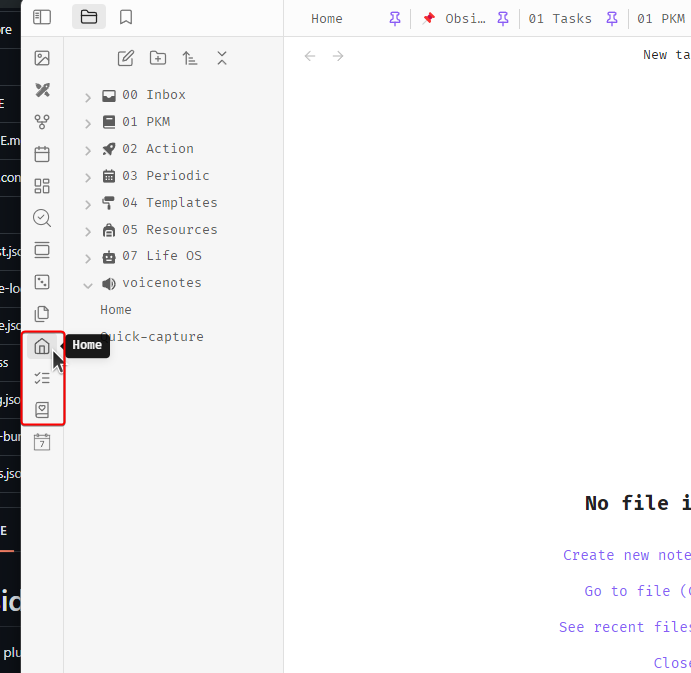
This plugin allows users to pin frequently used notes on the Ribbon for easy access. Notes can be pinned via the Settings screen, where you can set up the display name, the file path, and the icon from lucide.dev (optional).

Templify
Templify is a plugin that allows users to create notes with different layouts based on the selected template. It is not open-source, but the Obsidian team can review its source code. There are currently pre-made templates available, but creating custom templates is not yet available.

Ayanite
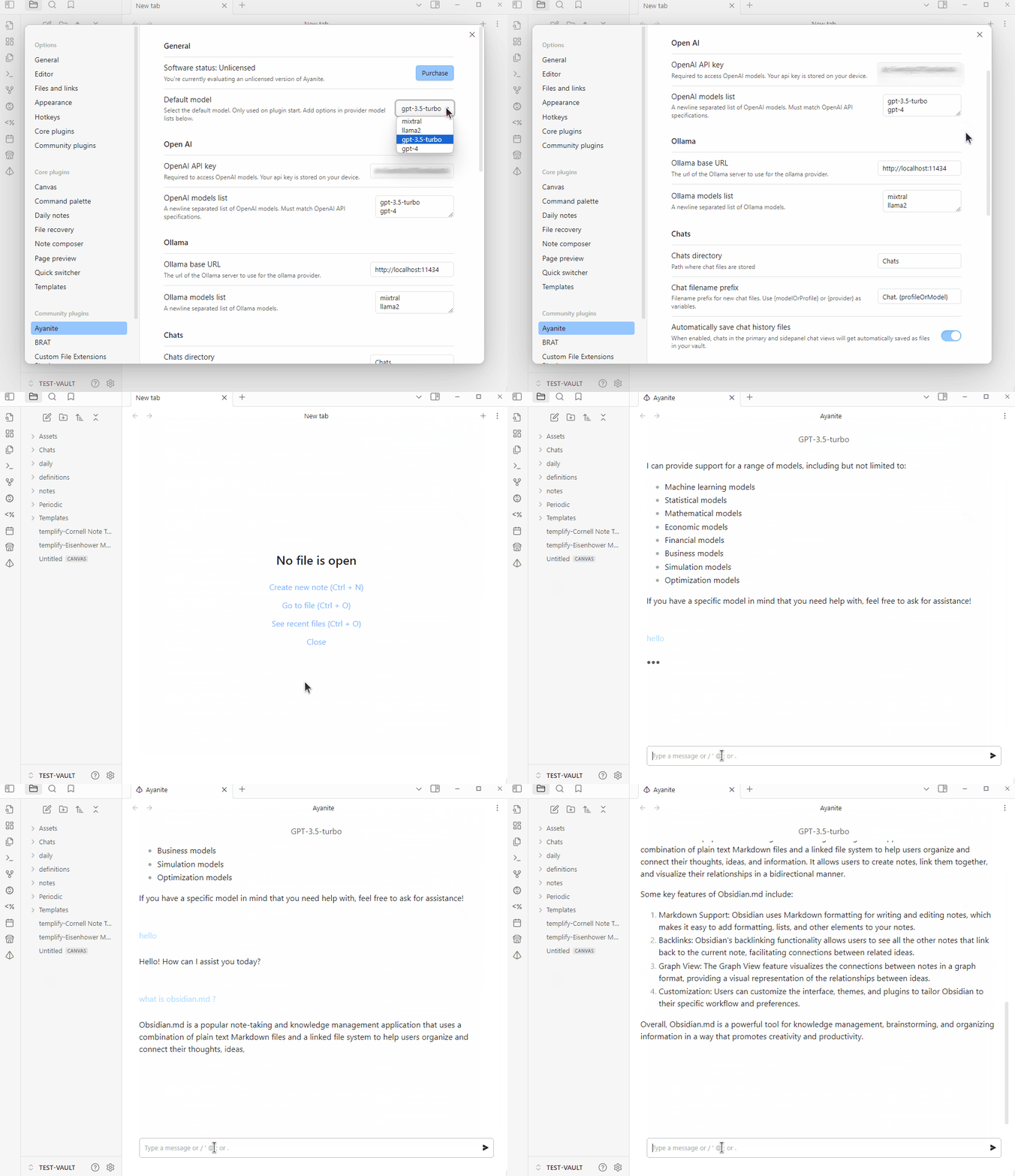
Ayanite is yet another AI tool for Obsidian. It offers a native chat interface and an AI copilot for enhancing writing and discovery workflows. It is a commercial, closed-source plugin, with the core features free to try.
Feature highlights:
Multi-tab AI chat application
Save and reuse prompt snippets
Clip text selections to summarize or explain with AI
Save chat history as searchable and taggable files
Leverage multiple AI providers, including OpenAI and local Ollama
AI copilot chat in sidepanel
Native and customizable style and feel
Generate diagrams from concepts
Create custom chat profiles or GPT's
The Queue
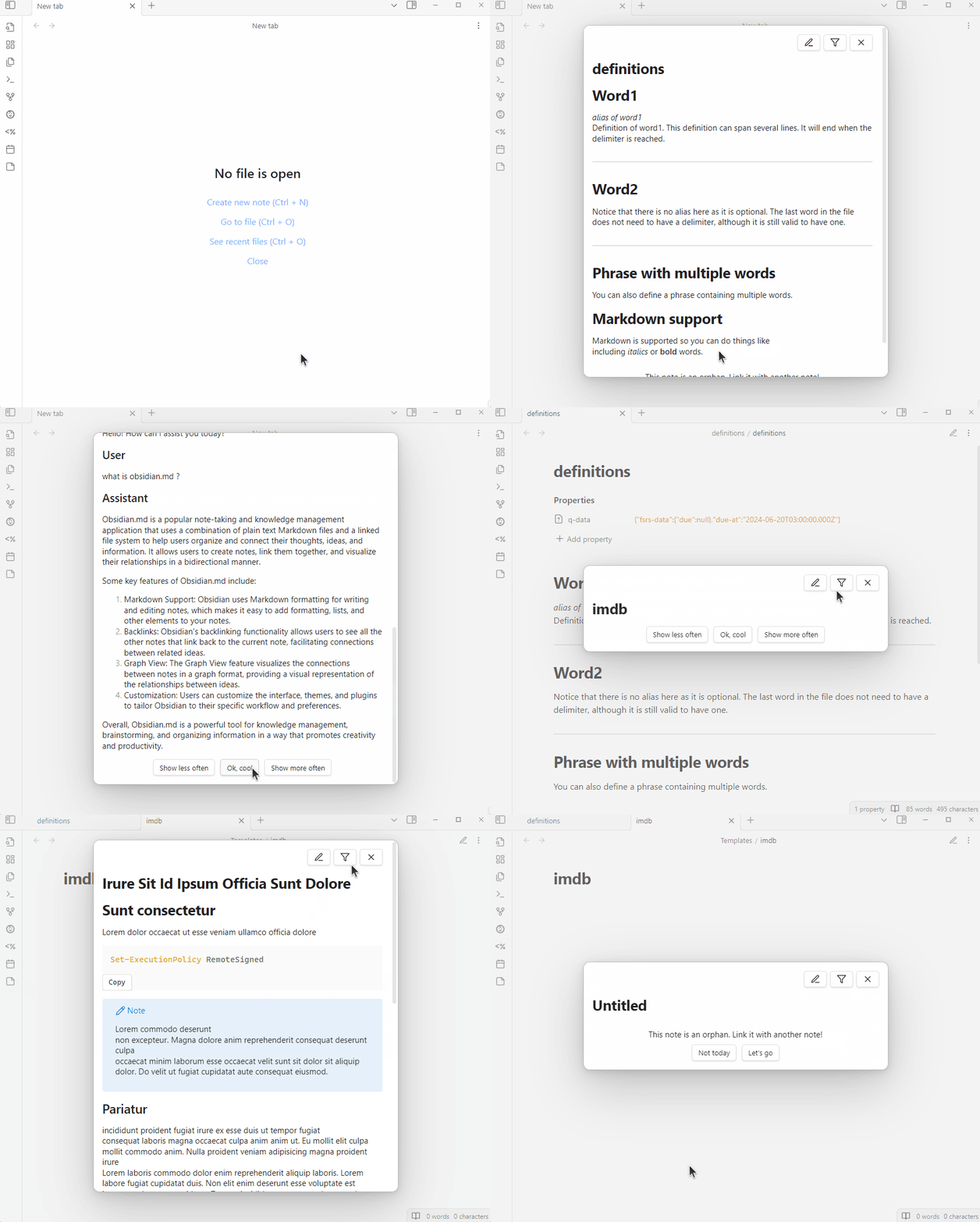
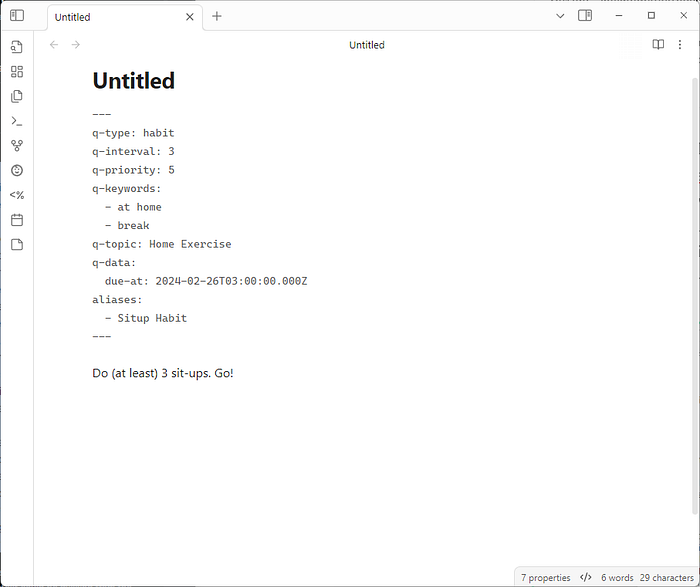
The Queue is a plugin that displays random notes from your vault one at a time. It uses frontmatter properties, all optional and starting with 'q-', to interpret and function with various note types. Note types include Standard notes, Learning flashcards, To-Dos, Habits, and Check-Ins. Each type has specific uses and functionalities; for example, Habits are recurring and To-Dos appear based on 'q-interval'.
Folder By Tags Distributor
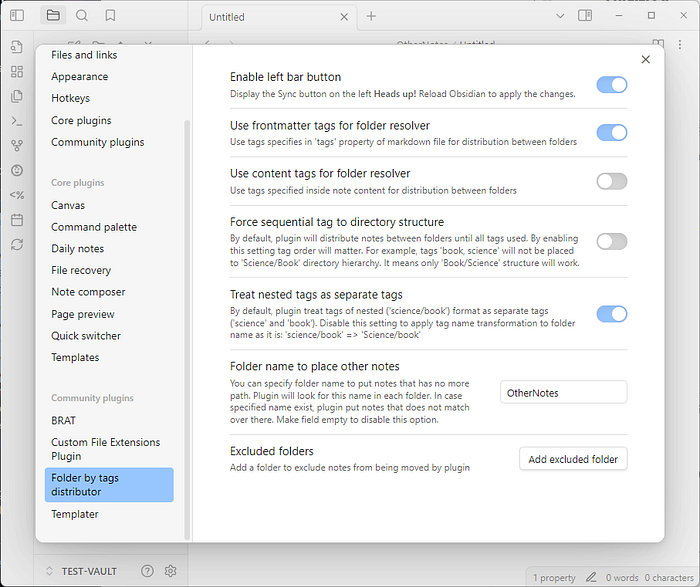
This plugin automates note organization based on tags. It redistributes notes between existing folders, but does not create new ones. It looks for tag matches in folder names, starting from the configured folder, to move notes. If no match is found, notes without matched directories are placed in the configured folder.
Power Mode
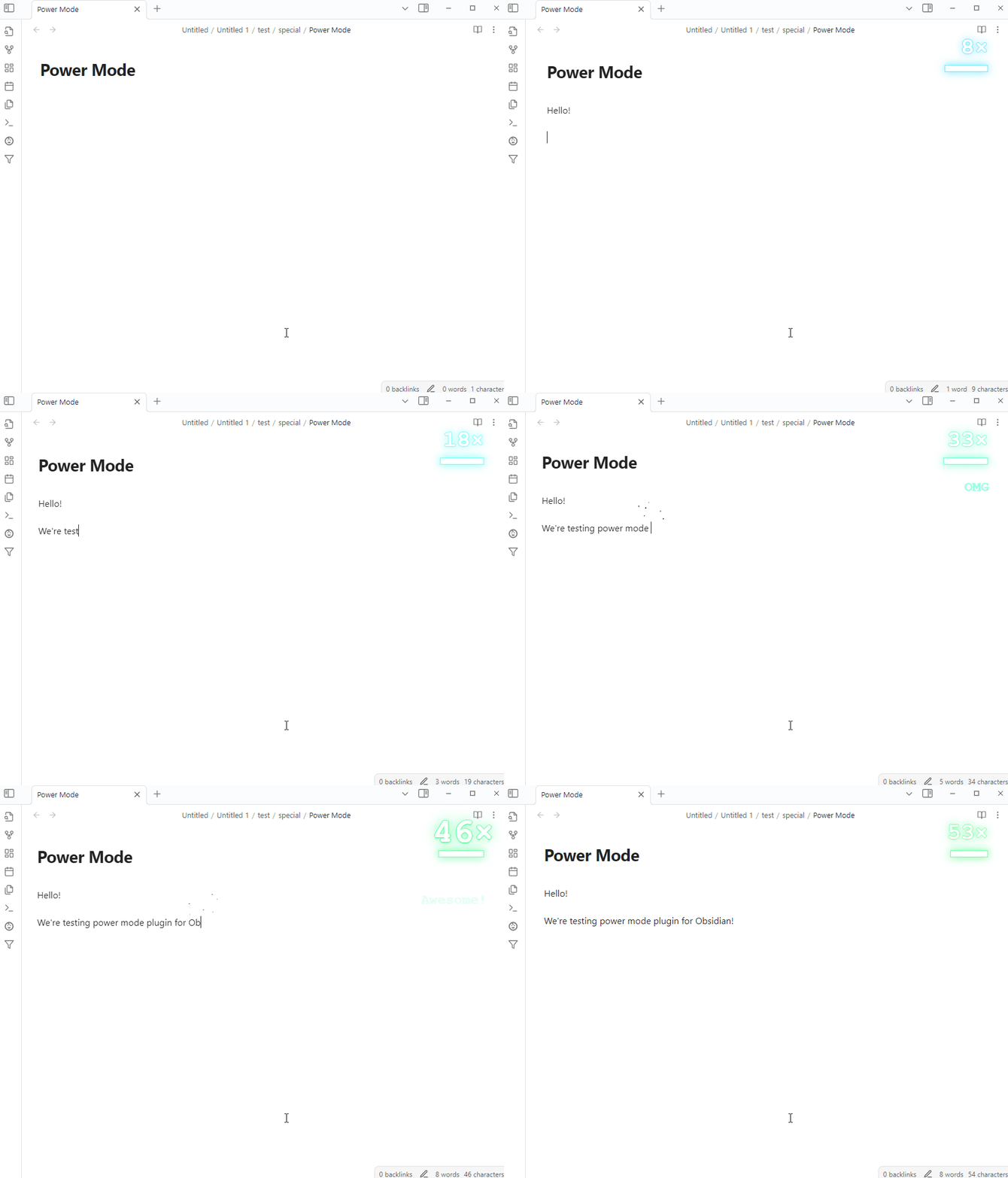
This plugin aims to add excitement and energy to the writing process. The project is significantly influenced by "vscode-power-mode" and other similar tools.
Features:
- Screen shaking
- Combo meter
- Many preset cursor explosion effects
Presets:











Rapid AI
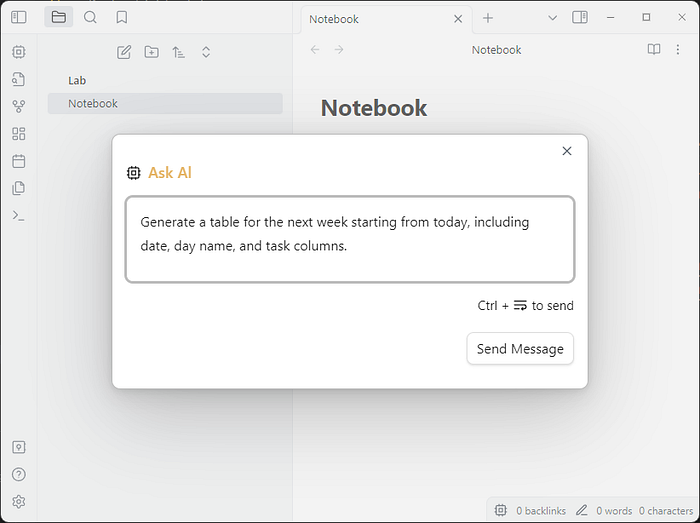
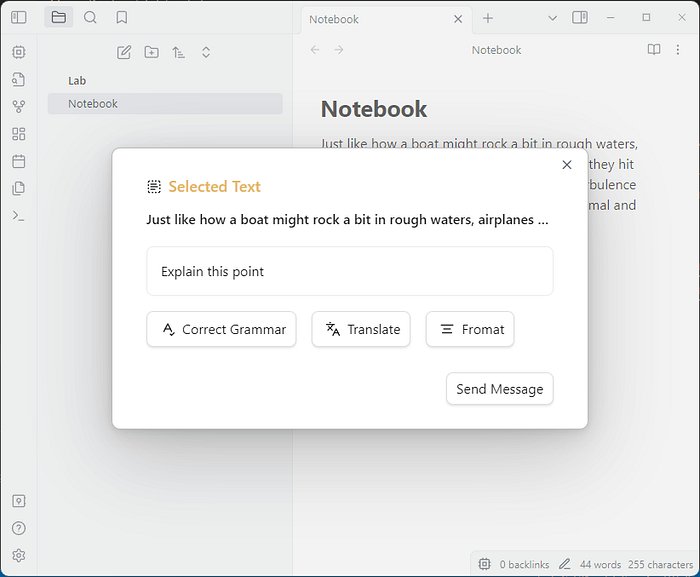
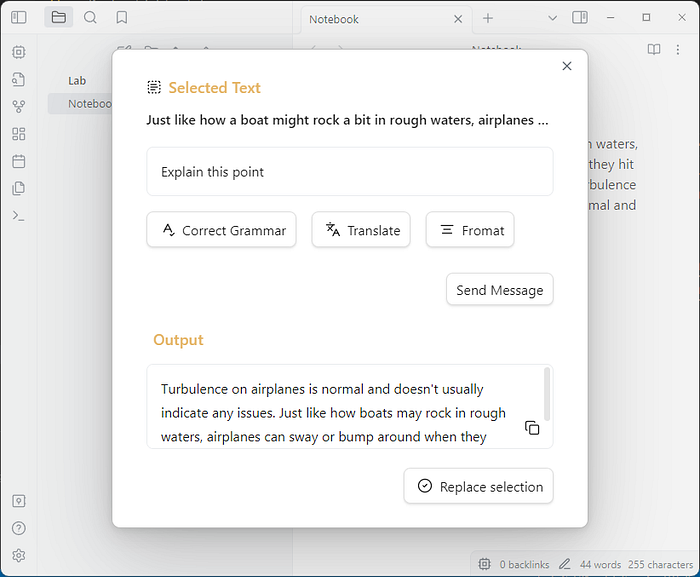
Yet another AI assistant for content generation and text actions.
Features:
- Effortlessly integrate AI-powered actions into your workflow with selected text integration, allowing you to perform any AI task on the highlighted text in seconds.
- Streamline your process with intuitive keyboard shortcuts and convenient quick-action buttons.
- Access the AI assistant from anywhere in your workspace, whether it's through the vault, sidebar, status bar, context menu, or command line.
- Plus, enjoy unlimited request rates with an high-availability API, ensuring a seamless and efficient workflow.
Tabs
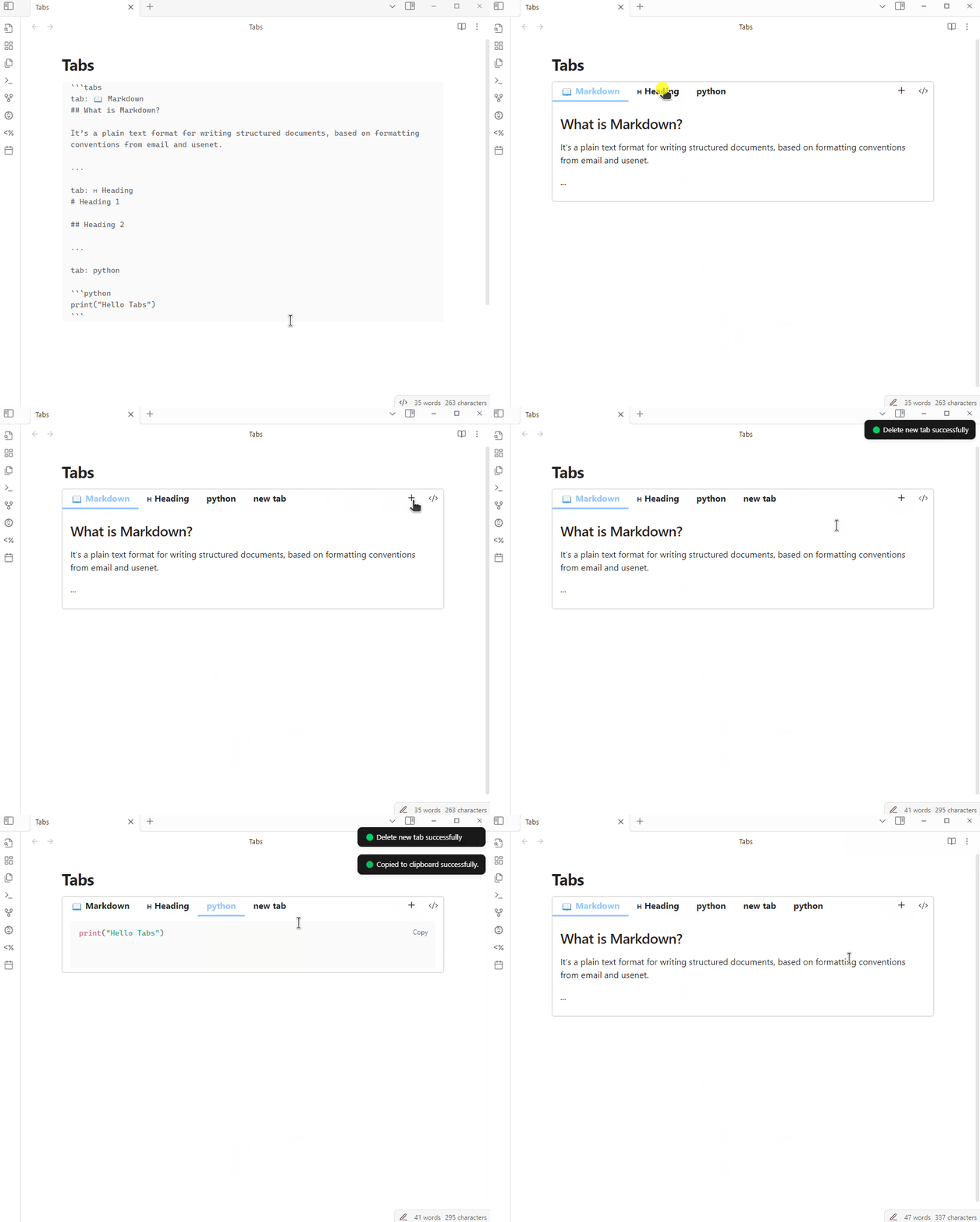
This plugin allows users to insert a tab component into their notes and edit tab content directly. To create a new tab container, you can use a ```tabs code block. Then, to create new tabs you can use the + button, or right-click a tab and click + Add New Tab. To delete a tab, right-click and select Delete Tab. You can also copy+paste tabs.
Substitutions
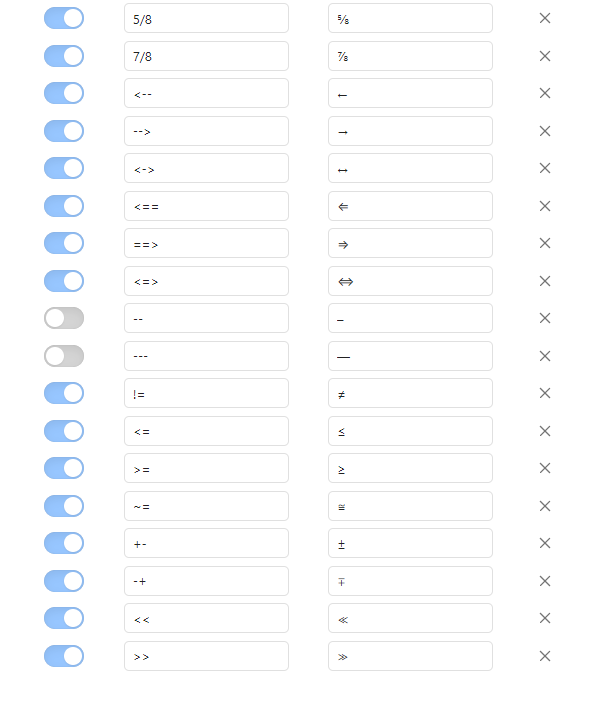
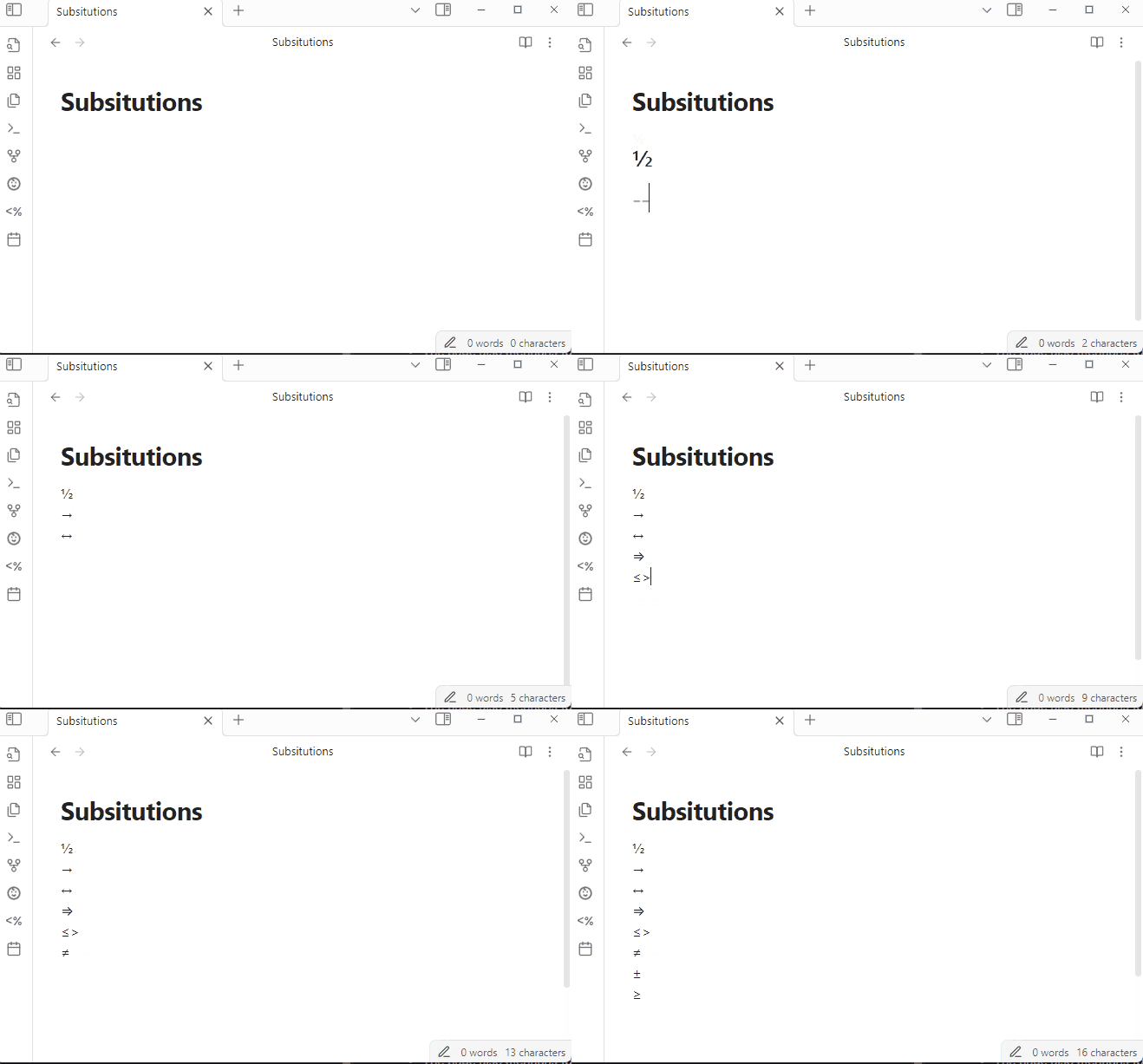
Substitutions allows automatic substitution of text fragments with symbols or different text. Configuration of substitutions can be done via the settings pane. Users have the ability to enable, disable, or remove substitutions.
Infostacker Note Publish
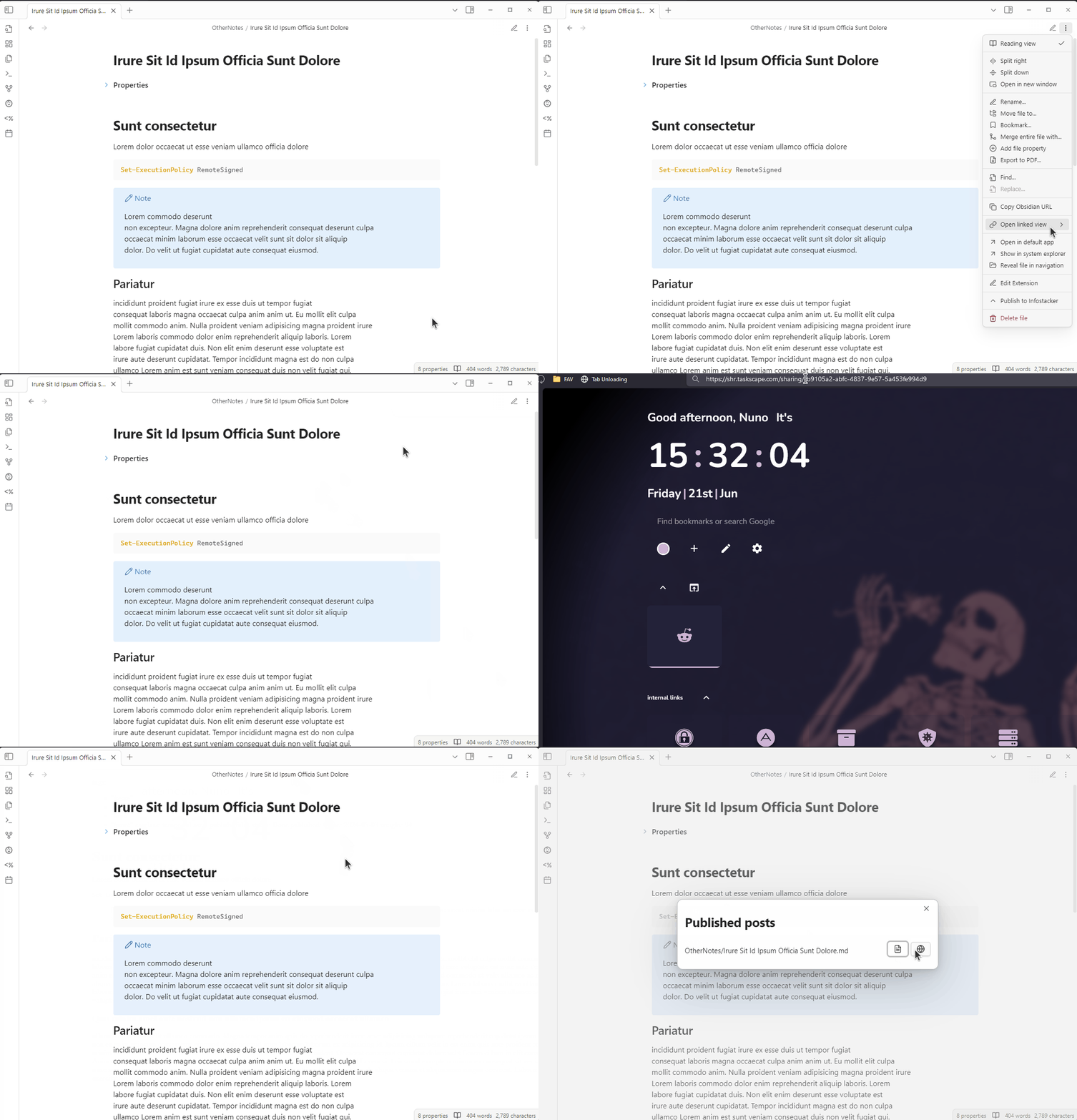
The Infostacker Note Publish plugin allows users to send notes to a server in order to share them with others via a generated link. Data security is ensured through encryption and access controls, with content retained as long as necessary.
You can read the previous Obsidian articles here:
Click here to be notified every time I publish a new story 😉.