

"Why did this work yesterday… and now I'm getting AccessDenied?"
Welcome to IAM — powerful, essential, and confusing until it finally clicks.
This post explains Users, Roles, and Policies the right way: no buzzwords, no over-complication, just mental models you can actually use.
Why IAM Exists in the First Place
In AWS, everything is an API call.
Starting an EC2 instance, reading an S3 object, pushing to ECR — all of it requires permission.
Amazon Web Services IAM exists to answer one question:
Who is allowed to do what, on which resources, and under what conditions?
IAM Users: Real People or Permanent Identities
An IAM User represents a person or long-lived system.
Users have:
- Credentials (passwords, access keys)
- Direct permissions (via policies)
- Long-term identity
When IAM Users Make Sense
- Human admins (with MFA enabled)
- Legacy systems that can't assume roles
When They Don't
- Applications running on AWS services
- Temporary workloads
- Anything that scales dynamically
Real example: A developer logging into the AWS console to manage resources → IAM User.
Rule of thumb: If it needs long-term credentials, it might be a User (but minimize these).
IAM Policies: The Rulebook
Policies define permissions.
They answer:
- What actions are allowed or denied?
- On which AWS resources?
- Under what conditions?
A policy is just JSON, but conceptually it's a contract.
Example idea (simplified):
"Allow reading objects from this S3 bucket, but nothing else."
Key Policy Truths
- Policies are never identities
- They are attached to Users, Roles, or Groups
- Everything is denied by default
IAM is explicit, not forgiving.
IAM Roles: The Secret Sauce
Roles are where IAM starts making sense.
An IAM Role is:
- An identity without permanent credentials
- Assumed temporarily
- Designed for AWS services and automation
Why Roles Exist
Hard-coded access keys are dangerous. Roles remove that risk entirely.
Real example: An EC2 instance needs to read from S3:
- No access keys stored
- Instance assumes a role
- Temporary credentials are rotated automatically
This is the AWS-recommended pattern. Always.
Users vs Roles (Mental Model)
Think of it like this:
- User → Who you are
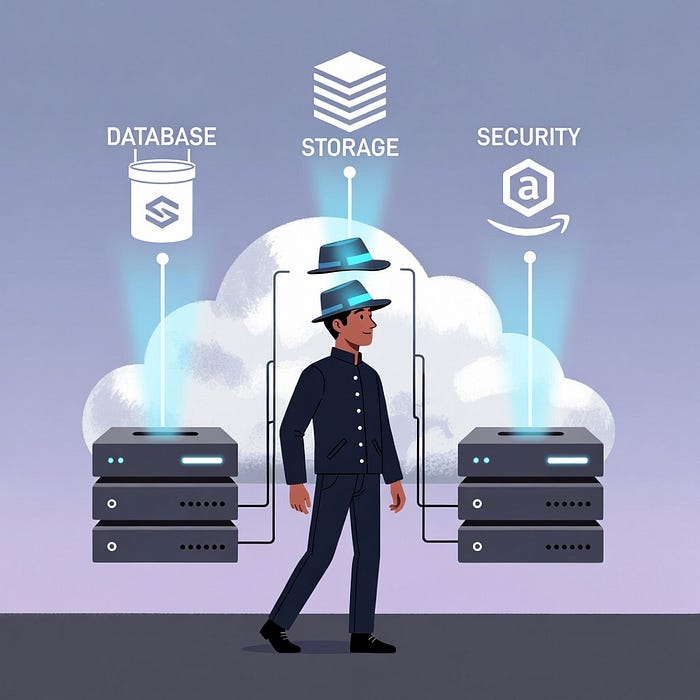
- Role → A hat you wear temporarily
- Policy → What that hat lets you do
You can:
- Be a User
- Assume multiple Roles
- Drop them when you're done
That's it. That's IAM.
Common IAM Mistakes (And How to Avoid Them)
Using IAM Users for Applications
Leads to:
- Leaked credentials
- Rotation pain
- Security incidents
Use Roles instead
Attaching AdministratorAccess Everywhere
Easy now, painful later.
Start least privilege, expand only when needed
Debugging IAM by Guessing
IAM errors are precise — read them.
Use:
- IAM policy simulator
- CloudTrail logs
- Error messages carefully
How AWS Evaluates Permissions (Simplified)
When a request is made:
- Explicit DENY → always wins
- Explicit ALLOW → permitted
- No match → denied by default
No magic. No shortcuts.
Final Thought
IAM isn't hard because it's complex. It's hard because it's strict.
Once you understand:
- Users are long-lived
- Roles are temporary
- Policies are rules
…IAM becomes predictable, secure, and even elegant.
What part of IAM confused you the longest — policies, roles, or trust relationships? Drop your war stories below